
GitMind AI
AI-enhanced mind mapping for dynamic collaboration and creativity.
Key Takeaways
- What it is
- AI-enhanced mind mapping for dynamic collaboration and creativity.
- Pricing
- Freemium · $5.75 per month
- Best for
- AI-Powered Mind Mapping
- Collaborative Whiteboards
- File to Mind Map Conversion
- Rating
- 4.6/5
What is GitMind AI?
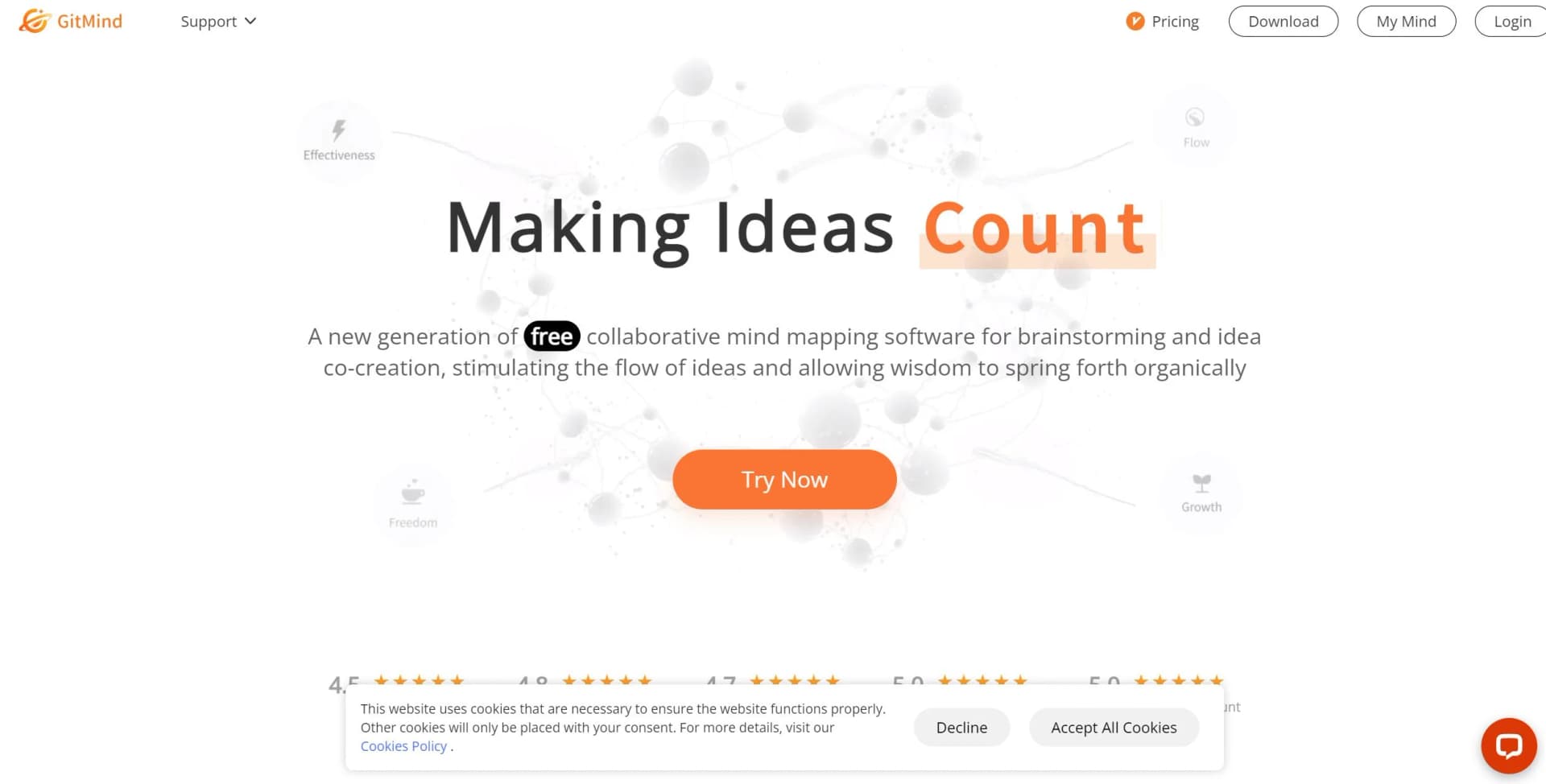
GitMind revolutionizes mind mapping, offering a comprehensive suite of tools for creating dynamic flowcharts, whiteboards, and organizational diagrams. Designed for individuals and teams, it simplifies brainstorming and knowledge management, fostering an environment where ideas can flourish and evolve seamlessly. With its AI-powered features, GitMind not only enhances the creative process but also supports effective collaboration across various platforms.
GitMind stands out with its AI-driven mind mapping capabilities, a game-changer for brainstorming and idea management. Its ability to transform complex information into visually coherent maps sets it apart, making it an invaluable tool for enhancing creativity and productivity.
GitMind offers a robust platform for mind mapping and creative collaboration, making it an essential tool for individuals and teams aiming to enhance their productivity and idea generation. Its AI-driven features, coupled with a user-friendly interface, make it a standout choice for anyone looking to streamline their workflow and bring their ideas to life. Whether you're an educator, project manager, or creative professional, GitMind empowers you to visualize and organize thoughts in a way that is both intuitive and impactful.
Who is Using GitMind AI?
Educators
Utilizing GitMind for organizing lesson plans and creating engaging classroom materials.
Project Managers
Employing it to visualize project timelines and task dependencies.
Creative Professionals
Leveraging the tool to brainstorm and capture creative ideas effectively.
Corporate Teams
Using GitMind for strategic planning and collaborative decision-making processes.
Uncommon Use Cases
Legal Professionals: Mapping out case strategies.; Healthcare Providers: Using GitMind for patient care planning.
Key Features
Rating Breakdown
Pricing Plans
Free Tier
Free
- Experience GitMind with a no-cost option that offers basic features
Pro Tier
$5.75 per month
- Providing enhanced functionalities and support
Which GitMind AI plan should you pick?
Start with Basic if you need light mind mapping; upgrade to Monthly or Annual when you need unlimited maps, more storage, higher limits, and priority support.
Basic
Good for occasional users who need a free workspace with limited mind maps, whiteboards, images, storage, and standard exports.
Monthly
Good for frequent users who need unlimited maps, higher image limits, HD exports, cross-platform access, and priority support.
Annual
Good for regular users who want the Monthly plan’s features at a lower effective monthly price.
3 Years
Good for long-term users who want the listed subscription benefits through a non-subscription purchase.
GitMind AI Use Cases
Study and research
Upload textbooks, papers, notes, or reports and turn them into structured summaries and mind maps.
Outcome: Faster comprehension and organized study materials.
Meeting recap
Upload meeting audio or video and generate transcripts, summaries, notes, or infographics.
Outcome: Key points and action items are easier to review.
Project and business planning
Use mind maps, timelines, flowcharts, and other layouts to break projects into actionable steps.
Outcome: Projects become easier to visualize and manage.
Content summarization
Summarize webpages, YouTube videos, PDFs, presentations, spreadsheets, and long text.
Outcome: Long content is condensed into accessible visual structures.
Brainstorming and idea organization
Enter a prompt or capture ideas, then expand them into editable mind maps and diagrams.
Outcome: Unstructured ideas become organized frameworks.
Workflow Ideas with GitMind AI
Turn a document into a mind map
- 1Open AI Mind Mapping or File to Mind Map
- 2Upload a PDF, Word, presentation, spreadsheet, EPUB, or text file
- 3Generate, edit, share, or export the resulting mind map
Convert an image into structured notes
- 1Open Image to Text or Image to Mind Map
- 2Upload or paste a supported image
- 3Review the OCR output and generate a summary or mind map
Build a shared knowledge planet
- 1Create a GitMind Planet
- 2Invite members and configure their permissions
- 3Add mind maps, flowcharts, whiteboards, videos, or imported files
How GitMind AI fits into your stack
Browser
GitMind works as a browser-based visual workspace for creating mind maps, diagrams, summaries, and AI-generated structured content. Its Chrome extension adds summarization, file-to-mind-map conversion, and web-page analysis directly to browsing.
Knowledge and files
Users can upload files, PDFs, images, audio, videos, and spreadsheets for summarization, OCR, transcription, or conversion into mind maps and diagrams. GitMind Planet provides shared repositories where members can view and edit stored materials.
Desktop / IDE
Dedicated Windows and macOS applications provide synchronized access to GitMind's mind maps, diagrams, whiteboards, AI tools, and collaborative workspaces.
Mobile
Native iOS and Android apps let users create, edit, summarize, organize, and collaborate on mind maps and related AI content across devices.
Pros
- +User-Friendly Interface: GitMind offers an intuitive design that requires minimal learning curve, making it accessible for users of all skill levels.
- +Versatile Applications: Suitable for various tasks such as note-taking, presentation creation, and brainstorming sessions.
- +Cost-Effective Solution: With a free tier available, GitMind provides substantial value without the need for significant investment.
- +Cross-Platform Availability: Accessible on web and mobile devices, ensuring flexibility and convenience for users on the go.
Cons
- −Limited Third-Party Integrations: While functional, GitMind's integration capabilities with other software are somewhat restricted, which might limit its use in more complex workflows.
- −Initial Setup Requirements: Some users may find the initial setup and customization process time-consuming.
Limitations & when to consider alternatives
Known limitations
- Free plan has file limits. The current pricing page limits the free Basic plan to up to 10 mind maps or whiteboards.
- Free plan has storage limits. The Basic plan includes 100 MB of cloud storage.
- Free plan has image limits. The Basic plan allows up to 30 images per mind map and 10 images in a whiteboard.
- AI usage consumes credits. Different GitMind AI features consume different amounts of credits.
- Offline use is unavailable. GitMind requires an internet connection for real-time saving and collaboration.
Look elsewhere when
- You need a documented developer API.
- You need SSO or SAML.
- You need named third-party integrations.
- You need offline editing.
How to Use GitMind AI
- 1
Create an account
Register or sign in on GitMind, then open My Mind to manage maps and AI tools.
- 2
Choose an AI input method
Select prompt, long text, file, website, image, audio, video, or YouTube input based on the content you want to organize.
- 3
Generate the visual output
Run the selected AI tool to create a mind map, flowchart, infographic, transcript, or summary.
- 4
Edit and enrich the result
Adjust layouts, themes, nodes, images, summaries, notes, links, attachments, and comments.
- 5
Collaborate or publish
Share a view or edit link, invite members to a planet, or collaborate directly on the same map.
- 6
Export and sync
Export supported formats and continue working across web, desktop, mobile, and the browser extension.
Who is GitMind AI For?
Students
Students can summarize textbooks, lecture notes, PDFs, videos, and images into visual study materials.
Researchers
Researchers can organize papers, reports, webpages, and other dense source material into structured maps.
Educators
Educators can create lesson frameworks, study guides, diagrams, infographics, and presentations.
Project managers
Project managers can visualize plans, tasks, workflows, meeting information, and project documents.
Professionals and teams
Professionals and teams can organize project materials, collaborate on maps, and maintain shared knowledge planets.
Frequently Asked Questions
Is GitMind free?
GitMind offers free access with limits that vary by feature. Paid plans provide additional storage, files, images, credits, and exports.
What content can GitMind process?
GitMind can process text, PDFs, documents, spreadsheets, presentations, webpages, audio, video, YouTube links, and images.
Can GitMind create mind maps from files?
Yes. Upload supported files and GitMind analyzes them to generate structured mind maps.
Can people collaborate in GitMind?
Yes. Users can share maps for viewing or editing, invite members to planets, and assign permissions.
Can GitMind be used offline?
No. GitMind requires an internet connection for real-time saving and collaboration.
Which devices support GitMind?
GitMind is available on Windows, macOS, web, iOS, Android, and browser extensions.
Community reviews
2 reviews from people who use GitMind AI.
Sign in to leave a review for GitMind AI.
Ant Sun
Christian Rudelle
GitMind AI Alternatives
Looking for alternatives to GitMind AI? Here are similar tools in the same category:
Learn to Master GitMind AI
With Skill Leap courses
Get in-depth training on GitMind AI and 50+ other AI tools with our expert-led video courses.
Start 7-Day Free Trial