
Gling
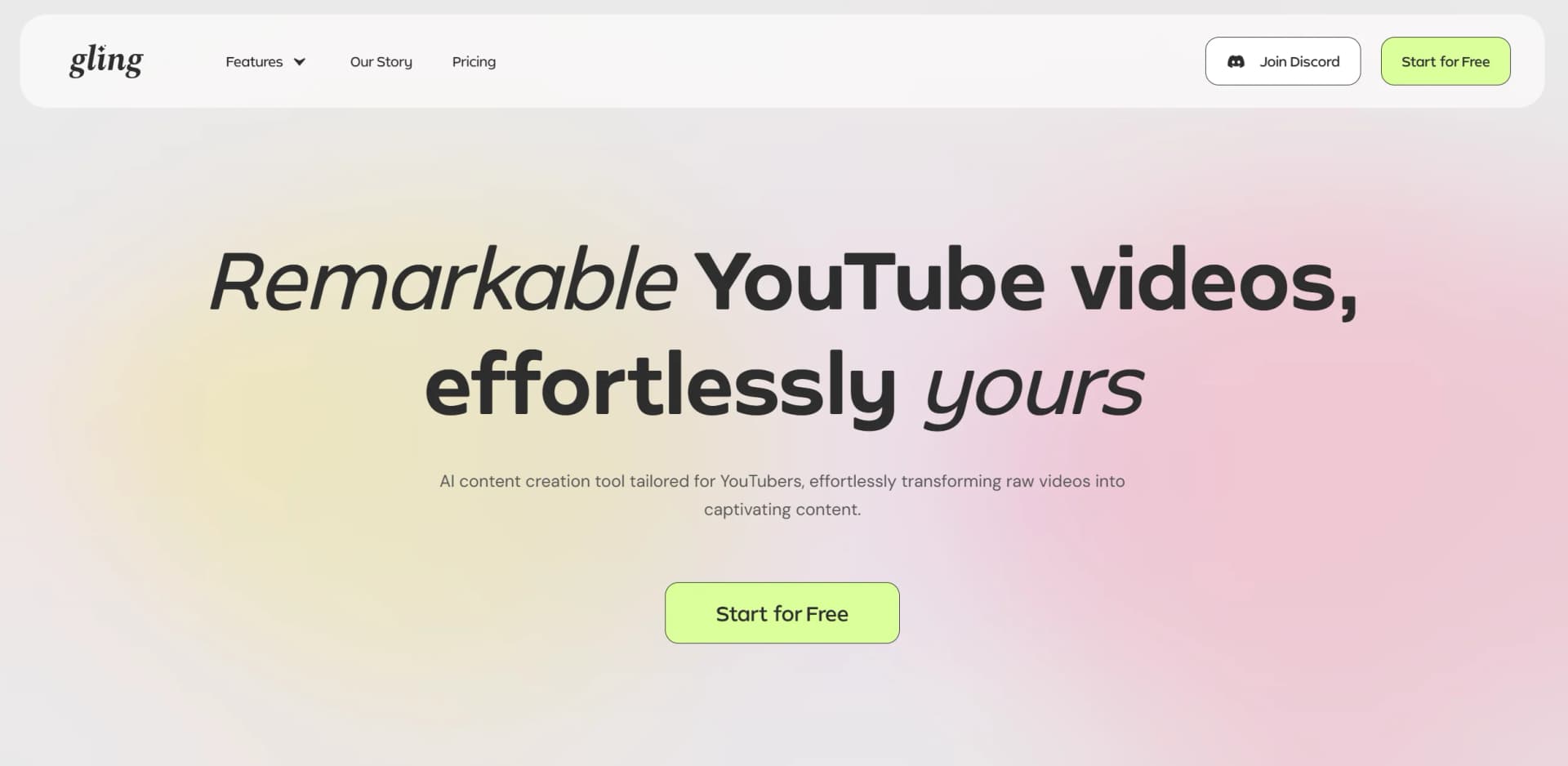
Cut silences & bad takes, freeing up time to create videos.
Watch Gling in Action
Key Takeaways
- What it is
- Cut silences & bad takes, freeing up time to create videos.
- Pricing
- $20 per month
- Best for
- AI-Powered Editing
- Automated Captions & Effects
- Smart YouTube Optimization
- Rating
- 4.6/5
What is Gling?
Gling is an AI-powered content creation tool designed specifically for YouTubers. It streamlines the video editing process by automatically removing bad takes, silences, and filler words, saving creators hours of tedious editing. With features like AI-generated captions, noise removal, and automated zoom effects, Gling helps you produce professional, engaging videos with ease.
Gling stands out by offering AI-driven editing that dramatically reduces the time and effort needed for video creation. Its ability to intelligently cut, enhance, and optimize videos makes it an invaluable tool for YouTube creators looking to improve efficiency without sacrificing quality.
Gling is the go-to AI-powered video editor for YouTube creators looking to streamline their editing process and maximize content quality. With its time-saving features and professional enhancements, it’s an essential tool for creators who want to focus more on storytelling and audience engagement rather than the technical aspects of editing.
Who is Using Gling?
YouTubers & Content Creators
Enhancing video production with fast, AI-powered editing.
Podcasters & Streamers
Editing long-form content into engaging highlights.
Educators & Coaches
Creating polished video lessons with minimal effort.
Marketing & Social Media Teams
Producing professional video content for digital campaigns.
Uncommon Use Cases
Used by documentary filmmakers for rough cut edits; adopted by gaming streamers to quickly compile highlights.
Key Features
Rating Breakdown
Pricing Plans
Free Trial
- Explore Gling with limited features
Premium Plans
$20 per month
Which Gling plan should you pick?
Start with Free to test Gling on occasional videos; upgrade to Plus for regular light usage, Pro for heavier production, or Elite for the highest monthly allowance.
Free
Good for beginners who need one hour of AI-edited media monthly and can accept watermarked exports.
Plus
Good for light users who need up to 10 hours of AI-edited media monthly and watermark-free exports.
Pro
Good for creators producing more content who need up to 30 hours monthly and premium support.
Elite
Good for high-volume creators who need up to 100 hours of AI-edited media monthly and premium support.
Gling Use Cases
Clean up raw recordings
Upload a recording and automatically remove bad takes, silences, filler words, and background noise.
Outcome: A cleaner edit with less manual cutting.
Create captions and subtitles
Transcribe spoken content and generate captions or export a separate SRT subtitle file.
Outcome: Captioned videos ready for publication or further editing.
Prepare YouTube metadata
Use the YouTube Title Generator, Chapters Generator, and Next Video suggestions.
Outcome: Additional ideas and metadata for YouTube publishing.
Create short clips
Use Gling's AI short-clips and YouTube Clip Maker capabilities to extract shorter content.
Outcome: Short-form versions of longer recordings.
Generate an edit from a link
Provide a video link and use Gling's generated-video capability within the applicable plan allowance.
Outcome: AI-generated video content from linked material.
Workflow Ideas with Gling
Raw recording to finished edit
- 1Upload the raw audio or video recording
- 2Review Gling's transcription and automatic cuts
- 3Export MP4, MP3, SRT, or XML for another editor
YouTube publishing workflow
- 1Upload and clean the recording
- 2Generate captions, a title, and chapters
- 3Export the finished video and subtitle file
Multicam post-production
- 1Upload synchronized multicamera footage
- 2Review automatic cuts and edit the transcript or timeline
- 3Export XML to Final Cut Pro or DaVinci Resolve
How Gling fits into your stack
Browser
Gling provides a web editor where creators upload recordings, review AI edits, refine transcripts, and export finished media.
Desktop / IDE
Gling also ships dedicated Windows and macOS desktop applications for AI-assisted video editing.
Docs and writing
The transcript-based editor lets users modify video by editing the transcribed text; captions and subtitles can be exported as SRT.
Knowledge and files
Users upload audio or video recordings, including multiple files per project, for transcription, cleanup, and editing.
Pros
- +Saves Time: Eliminates hours of manual cutting and editing.
- +Professional Quality: Ensures high-quality, polished videos with minimal effort.
- +User-Friendly: Intuitive interface makes editing simple, even for beginners.
- +Optimized for YouTube: Helps with content ideas, video structuring, and audience engagement.
Cons
- −Limited Advanced Editing: While great for streamlining edits, professional editors may still need additional fine-tuning.
- −Not a Full Editing Suite: Best for quick edits but may not replace high-end video production software.
Limitations & when to consider alternatives
Known limitations
- Free exports include a watermark. The Free plan allows exports, but exported videos contain a watermark.
- Free plan has limited processing. The Free plan includes one hour of AI-edited media per month.
- Paid hours do not roll over. Unused monthly processing hours expire rather than carrying into the next month.
- Speech is central to the workflow. Gling relies on speech-to-text technology, so videos without speech may not benefit fully.
- Multicam workflows have export restrictions. Multicam editing is supported for DaVinci Resolve and Final Cut Pro workflows; other export paths require synchronized footage.
Look elsewhere when
- You need a mobile-native editor.
- You need an API for programmatic video processing.
- Your videos contain little or no speech.
How to Use Gling
- 1
Upload your recording
Add an audio or video file, or multiple files, to a Gling project so the AI can process the content.
- 2
Review the automatic edit
Let Gling transcribe the recording and remove unwanted takes, silences, filler words, and noise.
- 3
Refine the timeline
Edit transcript text or remove clips manually to adjust the automated result.
- 4
Improve presentation
Apply captions, auto framing, speech enhancement, and AI B-rolls where appropriate.
- 5
Prepare YouTube metadata
Generate a title, chapters, or next-video suggestions before publishing.
- 6
Export the result
Export MP4, MP3, SRT, or XML for Premiere, Final Cut Pro, or DaVinci Resolve.
Who is Gling For?
YouTube creators
Gling is designed for YouTube creators who want to automate repetitive editing and improve publishing workflows.
Content creators
Creators can remove bad takes, silences, filler words, and background noise while refining videos manually.
Video professionals
Users working in Premiere, Final Cut Pro, or DaVinci Resolve can export XML for further post-production.
Businesses and professionals
Gling's transcription and audio-to-text tools support professional transcription needs across multiple languages.
Frequently Asked Questions
Is Gling free to use?
Yes. The Free plan costs $0, provides one hour of AI-edited media monthly, and exports include a watermark.
What are the paid-plan limits?
Plus includes 10 hours of footage monthly, Pro includes 30 hours, and unused hours do not roll over.
What file types does Gling support?
Gling supports audio and video uploads, multiple files per project, horizontal or vertical video, and specified codecs including AAC, H.264, MP3, and VP9.
Can Gling export subtitle files?
Yes. Users can export subtitles separately in SRT format.
What languages does Gling support?
Gling supports speech in numerous languages, including English, Spanish, Portuguese, French, German, Hindi, Arabic, Chinese, Korean, and Japanese.
Does Gling support multicamera editing?
Yes, but multicamera workflows require export to DaVinci Resolve or Final Cut Pro; Premiere and MP4/MP3 workflows require synchronized footage first.
Community reviews
Be the first to share your experience.
Sign in to leave a review for Gling.
Gling Alternatives
Looking for alternatives to Gling? Here are similar tools in the same category:
Learn to Master Gling
With Skill Leap courses
Get in-depth training on Gling and 50+ other AI tools with our expert-led video courses.
Start 7-Day Free Trial