
Goodmeetings
Elevate sales meetings with AI insights, automation, and CRM integration.
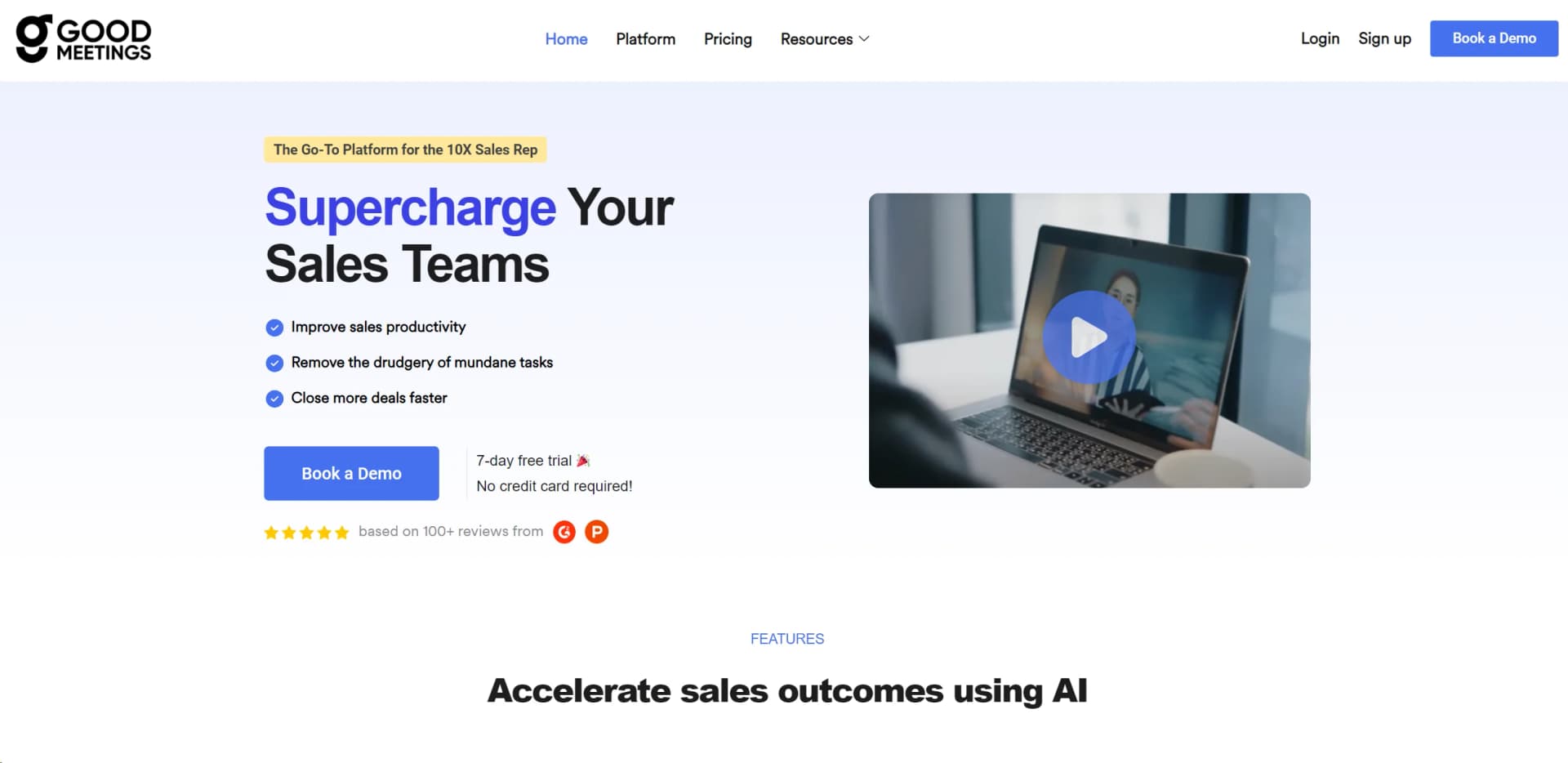
Watch Goodmeetings in Action
Key Takeaways
- What it is
- Elevate sales meetings with AI insights, automation, and CRM integration.
- Best for
- Capture Meeting Intel
- Automate Processes
- Close Deals Coaching
- Rating
- 4.5/5
What is Goodmeetings?
Goodmeetings is an AI-powered platform designed to revolutionize sales meetings by enabling real-time capture, analysis, and optimization. Tailored for sales teams, it aims to streamline workflows, enhance customer engagement, and boost sales productivity.
Goodmeetings offers a comprehensive approach to sales meeting management with real-time assistance, deep CRM integration, and automated action items, setting it apart in the realm of sales acceleration tools.
Goodmeetings excels at enhancing the sales process, offering invaluable insights and automation that empower sales teams to perform at their best. Its standout features, such as real-time assistance and deep CRM integration, provide a strategic edge that can significantly impact sales productivity and results. For sales professionals looking to harness the power of AI in their meetings, Goodmeetings is an essential tool promising to streamline workflows and accelerate success.
Who is Using Goodmeetings?
Sales Teams
Refining sales strategies and automating CRM updates.
Sales Managers
Using insights to coach and improve their team's performance.
Business Development Professionals
Tracking and analyzing customer interactions.
Marketing Teams
Aligning sales and marketing efforts based on meeting insights.
Uncommon Use Cases
Non-profit organizations for fundraising strategies, educational institutions for role-play exercises in business courses.
Key Features
Rating Breakdown
Pricing Plans
Free Trial
- Access Goodmeetings with a 7-day free trial
- No credit card required
Custom Pricing
- Contact Goodmeetings for tailored pricing plans based on your team's needs
Which Goodmeetings plan should you pick?
Start with Professional for core meeting recording and intelligence; upgrade to Business for advanced access controls, multiple workspaces, custom dashboards, and expanded storage.
Professional
Good for sales teams who need automated recording, transcription, summaries, action items, standard analytics, and basic collaboration.
Business
Good for larger or more advanced revenue teams who need multiple workspaces, advanced access controls, custom dashboards, multilingual support, and dedicated success support.
Goodmeetings Use Cases
Pre-call preparation
Users revisit previous meetings, key moments, and client histories before new conversations.
Outcome: Better meeting readiness.
In-call assistance
Sales representatives use natural-language queries, AI alerts, screenshare analytics, and sentiment analytics during meetings.
Outcome: More informed customer interactions.
Post-call review
Teams review transcripts, summaries, key moments, analytics, and automatically generated action items.
Outcome: Faster and more structured follow-up.
Sales call auditing
Organizations audit calls using client-provided keywords and multilingual transcriptions.
Outcome: Improved compliance visibility.
Sales coaching
Managers compare pitches, review performance insights, and use meeting recordings for coaching.
Outcome: Improved representative performance.
Workflow Ideas with Goodmeetings
Automatically capture meeting intelligence
- 1Create a Goodmeetings workspace
- 2Integrate a calendar so the notetaker joins meetings automatically
- 3Review recordings, transcripts, summaries, and key moments
Turn meetings into follow-up actions
- 1Record and transcribe the meeting
- 2Generate summaries and action items
- 3Sync customer records with CRM and actionables with task tools
Coach sales representatives
- 1Review meeting performance insights and call analytics
- 2Compare current pitches with ideal pitches
- 3Share moments and comments with teammates for coaching
How Goodmeetings fits into your stack
Schedulers Integration
Smoothly integrates with various scheduling tools.
Video Conferencing Compatibility
Works seamlessly with popular video conferencing platforms.
CRM Integration
Supports leading CRM systems to sync customer records and actions.
Workflow Optimization
Integrates with task tools to streamline sales processes.
Pros
- +Increased Productivity: Saves time for sales reps, allowing them to focus more on closing deals.
- +Enhanced Performance: Improves sales reps' skills leading to better sales outcomes and happier teams.
- +Cost Savings: Reduces costs involved in scaling and onboarding sales teams.
- +Accurate Predictions: Raises the accuracy of sales win/loss predictions through detailed analytics.
Cons
- −Complexity for Beginners: New users might find the array of features overwhelming at first.
- −Dependency on Tech Infrastructure: Requires reliable internet and compatible devices for optimal performance.
- −Limited Third-Party Integrations: While it offers CRM integrations, there might be limitations with other third-party tools.
Limitations & when to consider alternatives
Known limitations
- Meeting minutes are usage-capped. The pricing page states that automated recording and transcription minutes are capped monthly based on usage.
- Recording retention varies by plan. Professional includes two years of meeting storage, while Business includes three years.
- CRM integrations may cost extra. CRM integration is a paid add-on for Professional and custom-priced for Business.
- Pricing requires a quote. The current pricing page does not publish fixed plan prices and directs customers to request a quote.
- Cancelled accounts may lose historical records. Goodmeetings reserves the right to delete past records after a cancelled subscription remains inactive for a specified period.
How to Use Goodmeetings
- 1
Goodmeetings provides learning resources, including a blog with articles on sales strategies and tutorials for maximizing the tool's features.
Who is Goodmeetings For?
Sales teams
Goodmeetings helps sales teams improve productivity, capture meeting intelligence, and close deals faster.
Revenue teams
Revenue teams can use automated meeting insights, CRM synchronization, and performance analytics.
Sales representatives
Sales representatives receive summaries, action items, real-time assistance, and coaching insights.
Sales leaders and managers
Leaders and managers can review calls, create dashboards, audit conversations, and coach representatives.
Customer-facing revenue organizations
Customer-facing teams can analyze interactions and reduce operational burdens across sales workflows.
Frequently Asked Questions
Is there a free trial available?
Goodmeetings offers a standard 14-day trial of the Professional Plan for every company.
How does Goodmeetings pricing work?
Pricing is based on recorded users and includes a platform fee determined by the number of supported users.
Do integrations cost extra?
Yes. Goodmeetings charges extra for integration services.
Are there setup fees?
No setup fees are charged, and the Goodmeetings team assists with getting started.
Can pricing be customized?
Yes. Goodmeetings offers custom pricing plans tailored to specific business requirements.
Can the subscription plan be changed later?
Yes. Customers can upgrade or downgrade their subscription plan with support assistance.
Community reviews
Be the first to share your experience.
Sign in to leave a review for Goodmeetings.
Goodmeetings Alternatives
Looking for alternatives to Goodmeetings? Here are similar tools in the same category:
Learn to Master Goodmeetings
With Skill Leap courses
Get in-depth training on Goodmeetings and 50+ other AI tools with our expert-led video courses.
Start 7-Day Free Trial