
Google Translate
Instant translations across 100+ languages, voice, text, and image.
Key Takeaways
- What it is
- Instant translations across 100+ languages, voice, text, and image.
- Best for
- Wide Language Selection
- Text Translation
- Voice Translation
- Rating
- 4.6/5
What is Google Translate?
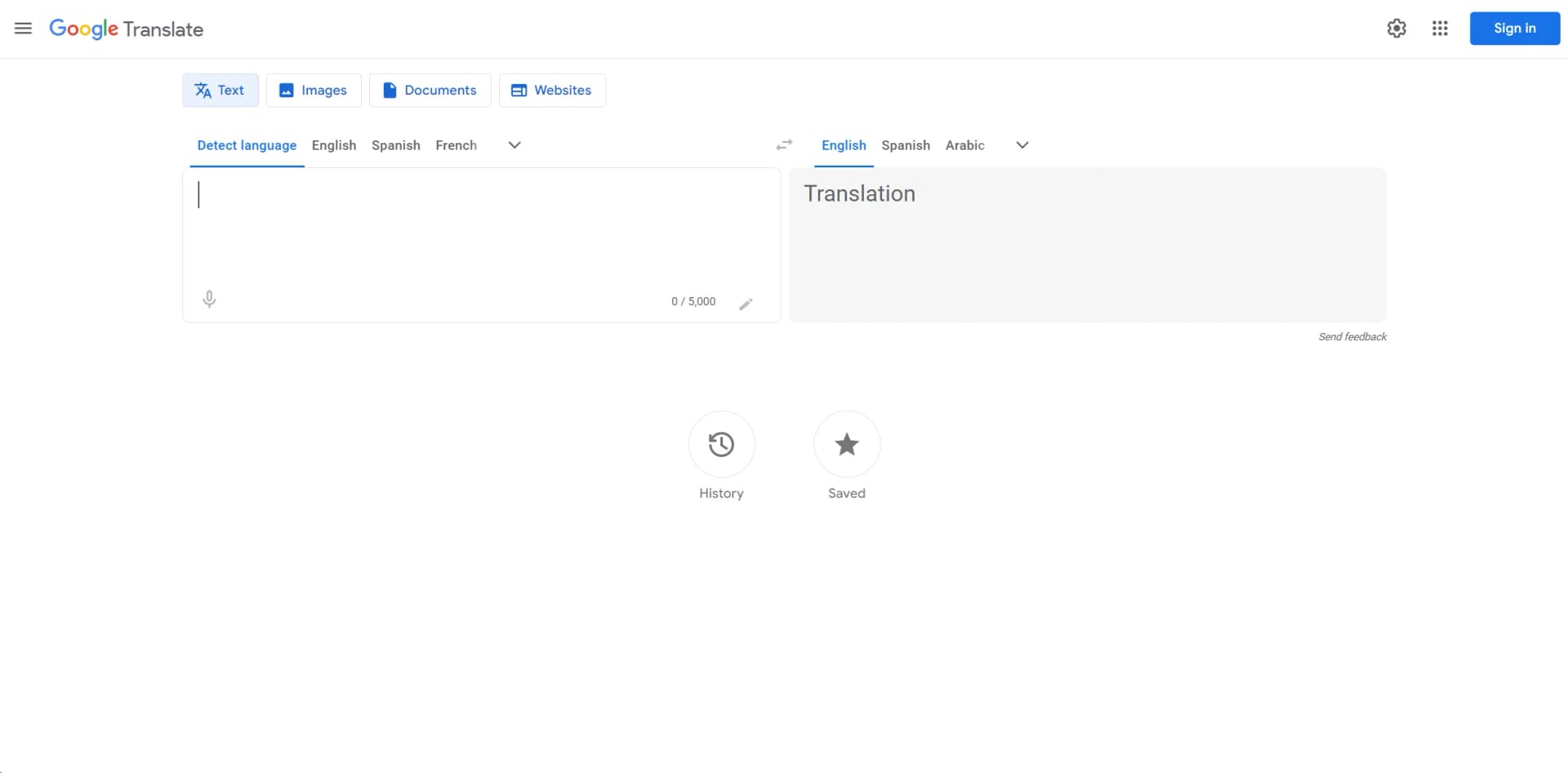
Google Translate is an essential tool in today's globalized world, enabling users to break language barriers with ease. As a web-based service provided at https://translate.google.com, it offers instantaneous translation across a vast array of languages, making it invaluable for both personal and professional use. From quick text translations to more complex document and website interpretations, Google Translate simplifies communication across different language speakers.
Google Translate stands out due to its extensive language support and integration capabilities, making it one of the most versatile and accessible translation tools available today. Its ability to translate through voice, text, images, and even real-time conversations sets it apart from many other options in the market.
Google Translate excels in providing essential translation capabilities across a multitude of languages, making it an indispensable tool for anyone dealing with multiple languages. Its integration with various platforms and its extensive features, including real-time conversation and image translation, offer significant advantages to users worldwide.
Who is Using Google Translate?
Travelers
Assisting with basic communication and understanding local signs or menus.
Educators and Students
Utilized as a learning aid in language classes or for understanding study materials in foreign languages.
Business Professionals
Used to foster clearer communication with international partners and clients.
Content Creators
Helps in translating content for diverse audiences.
Uncommon Use Cases
Often used by emergency services to communicate with non-native speakers; also a handy tool for researchers analyzing documents in multiple languages.
Key Features
Rating Breakdown
Pricing Plans
Free Access
- Google Translate is available at no cost
- Providing all basic translation features
Subscription Services
- While the basic services are free
- Integration features for businesses may involve costs associated with Google Cloud
Which Google Translate plan should you pick?
Start with the free Google Translate website or app for personal translation; use Cloud Translation Basic for simple API workloads and Advanced when you need documents, glossaries, custom models, or enterprise controls.
Cloud Translation - Basic
Good for API users who need standard text translation and language detection with the first 500,000 characters per month free.
Cloud Translation - Advanced
Good for organizations that need document translation, batch processing, glossaries, custom models, IAM, or Translation LLM features.
Google Translate Use Cases
Translate camera text
Point the mobile camera at signs, menus, or handwritten notes.
Outcome: Understand visible text in another language.
Translate a bilingual conversation
Use conversation mode while two people speak different languages.
Outcome: Communicate through near-real-time spoken translations.
Translate speech or lectures
Use Transcribe to follow live speech in another language.
Outcome: Read a simultaneous translated transcript.
Translate documents
Upload supported DOCX, PDF, PPTX, or XLSX files on the web.
Outcome: Receive a translated version of the document.
Translate text inside other apps
Copy text from another app and use Tap to Translate.
Outcome: Translate without switching back and forth between applications.
Workflow Ideas with Google Translate
Translate a photographed sign
- 1Open Google Translate on a phone
- 2Point the camera at the sign or select an image
- 3Read the translated text
Conduct a bilingual conversation
- 1Open Conversation mode
- 2Have each speaker talk in their own language
- 3Listen to or read the translated exchange
Translate a business document
- 1Open Google Translate on the web
- 2Upload a supported DOCX, PDF, PPTX, or XLSX file
- 3Select the target language and download or view the translation
How Google Translate fits into your stack
Google Products Integration
Seamlessly works with other Google services like Gmail and Google Docs.
API for Developers
Provides an API that developers can integrate into their apps or services to provide direct translation features.
Third-Party App Integration
Can be integrated into various third-party applications for enhanced functionality.
Pros
- +Accessibility: Available for free to users worldwide.
- +User-Friendly Interface: Simple and intuitive design ensures ease of use for all age groups.
- +Speed: Delivers quick translations, making it ideal for time-sensitive situations.
- +Versatility: Suitable for casual use, travel, business, and educational purposes.
Cons
- −Accuracy Issues: While generally reliable, translations can sometimes lack nuance, especially with complex sentences or less common languages.
- −Internet Dependency: Most features require an internet connection, although offline options are available for some languages.
- −Ad-Supported: The free version includes advertisements, which can be a distraction to some users.
Limitations & when to consider alternatives
Known limitations
- Document translation is unavailable on smaller screens. Google’s help center states that document translation is not currently supported on smaller screens or mobile.
- Uploaded documents have a 10 MB limit. The web document translator supports files up to 10 MB.
- Offline translation depends on language availability. A language must be available for download; otherwise offline translation is unavailable for that language.
- Chrome page translation is no longer provided by the extension. The Chrome extension listing says page translation is supported natively in Chrome and is no longer supported in the extension.
Look elsewhere when
- You need a dedicated desktop installer or offline desktop translation.
- Your workflow requires document translation on a mobile screen.
- You need a browser extension that translates complete pages inside the extension.
How to Use Google Translate
- 1
For those looking to get the most out of Google Translate, Google offers a range of tutorials and help guides on their website which cover everything from basic usage to more advanced features.
Who is Google Translate For?
Developers
Cloud Translation provides APIs, REST endpoints, client libraries, authentication, and programmatic translation for applications.
Enterprise organizations
Organizations can add translated text to internal workflows, such as multilingual customer-support operations.
Website and app owners
Cloud Translation supports programmatically translating websites and apps at scale.
Academic institutions
Eligible academic institutions can use the Google Translate Website Translator shortcut for website translation.
Government and nonprofit organizations
Eligible government, nonprofit, and non-commercial websites can apply for the Website Translator shortcut.
Frequently Asked Questions
Can Google Translate work offline?
Yes. Users can download supported languages and translate without an internet connection.
Can Google Translate translate images?
Yes. The mobile app can translate text captured with the camera, including signs, menus, and handwriting.
Can Google Translate translate conversations?
Yes. The app supports near-real-time bilingual conversations and live speech translation.
Can Google Translate translate documents?
Yes. The web version supports DOCX, PDF, PPTX, and XLSX files up to 10 MB.
Does Google Translate have an API?
Yes. Cloud Translation provides documented REST APIs, client libraries, authentication, and API keys for Basic API methods.
Does Google Translate offer custom models?
Yes. Cloud Translation Advanced supports custom NMT and Translation LLM models trained or tuned with user-provided translation data.
Community reviews
Be the first to share your experience.
Sign in to leave a review for Google Translate.
Google Translate Alternatives
Looking for alternatives to Google Translate? Here are similar tools in the same category:
Learn to Master Google Translate
With Skill Leap courses
Get in-depth training on Google Translate and 50+ other AI tools with our expert-led video courses.
Start 7-Day Free Trial