GoSearch
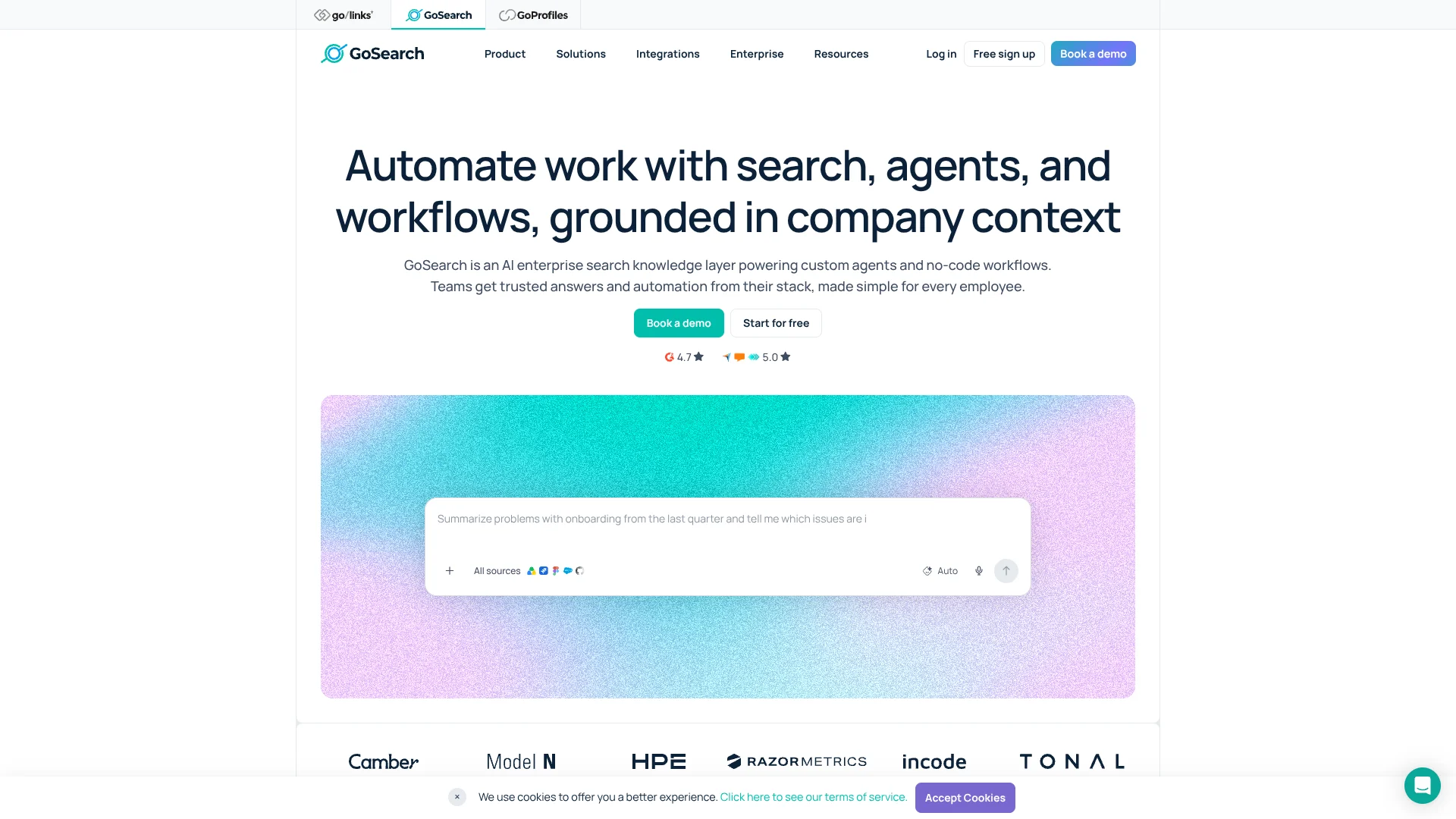
Find company answers across Slack, Drive, and Jira without switching apps.
Watch GoSearch in Action
Key Takeaways
- What it is
- Find company answers across Slack, Drive, and Jira without switching apps.
- Pricing
- Freemium · $20 per user per month
- Best for
- Search across connected apps
- GoAI chat
- Custom Agents
- Rating
- 4.3/5
What is GoSearch?
GoSearch finds answers across workplace apps such as Slack, Google Drive, and Jira, then uses company information to summarize documents and help with recurring tasks. Knowledge workers can search connected sources, chat with GoAI, or create agents with instructions and chosen data sources. It addresses a familiar workplace problem: useful information is scattered across tools, so finding it takes too long.
Its browser extension can read the page open in your tab and answer questions using that context alongside your company knowledge. That means a support specialist viewing a customer ticket can ask for relevant internal troubleshooting guidance without copying the ticket into a separate search.
GoSearch is best suited to organizations that want employees to search approved company sources and automate repeatable work. Its free plan has daily search and AI-query limits, and more advanced controls are reserved for paid plans. Reach for it when the answer should draw on your team's connected knowledge, not only general AI knowledge.
Who is Using GoSearch?
Customer support specialists
Relevant internal guidance can surface beside a customer ticket in the browser.
IT administrators
Workspace connector settings and access controls help manage which company sources employees can search.
HR professionals
Purpose-built agents can answer recurring questions using selected workplace sources.
Sales representatives
Search connected company information for materials and context while working across business tools.
Uncommon Use Cases
Summarize a webpage alongside internal company knowledge; build an agent that follows a team's response style and selected sources.
Key Features
Rating Breakdown
Pricing Plans
Free
Free
- No credit card required
- 10 searches per day
- 3 GoAI queries per day
- 1 file upload with a 5 MB limit
- Basic Agents and 1 AI task
- Slack and Teams integrations
- GoSearch extension and Google SSO
Pro
$20 per user per month
- Includes everything in Free
- Unlimited searches and GoAI conversations
- Unlimited private Agents
- Workflows and tasks
- Unlimited file uploads with an 80 MB limit per file
- Role-based access control
Enterprise
- Includes everything in Pro
- Shared and private connectors
- GoSearch API
- SSO / SAML / SCIM
- Audit log and advanced permissions
- Bring your own LLM and cloud options
Which GoSearch plan should you pick?
Start with Free to try personal connectors and basic AI features, then consider Pro for unlimited searches, conversations, and Agents; organizations needing shared connectors or API access should review Enterprise.
Free
Good for individuals exploring GoSearch with personal connectors and limited daily searches and AI queries.
Pro
Good for regular use that needs unlimited searches, GoAI conversations, private Agents, and file uploads.
Enterprise
Good for organizations that need shared connectors, API access, SSO/SAML/SCIM, or advanced permissions.
GoSearch Use Cases
Find workplace information
A single search can surface relevant information from connected company apps.
Outcome: Less time spent searching separate tools.
Get answers about a current webpage
The browser extension uses the open page as context for a question, alongside connected company knowledge.
Outcome: An answer that relates the page you're viewing to internal information.
Review an unconnected document
A supported file can be uploaded for search, summarization, or analysis.
Outcome: Useful information from a one-off file can be reviewed in GoSearch.
Standardize recurring team requests
An Agent can follow specific instructions and draw from selected data sources for common tasks.
Outcome: More consistent responses to repeat requests.
Automate a repeatable process
A Workflow can gather information from connected sources and arrange tasks in sequence.
Outcome: A reusable multi-step process.
Workflow Ideas with GoSearch
Answer a recurring team question
- 1Choose the connected sources the answer should use.
- 2Create an Agent with instructions for the team's recurring question.
- 3Share the Agent with the people who need it.
Review a one-off document
- 1Upload a supported file within your plan's size limit.
- 2Ask GoAI to search, summarize, or analyze the document.
- 3Use the findings in your next task or discussion.
Build a repeatable information workflow
- 1Describe the task and connect the relevant sources or tools.
- 2Arrange the steps in the order they should run.
- 3Test the Workflow, then save it for reuse.
How GoSearch fits into your stack
Workplace search
GoSearch searches across connected workplace sources, including apps such as Slack and Google Drive. Results follow the permissions configured in those sources.
Chat and document work
GoAI answers questions and summarizes connected information. File uploads can cover supported documents that are not already connected.
Browser
The browser extension opens GoSearch in a new tab or side panel and can use the current page as context.
Team messaging
Slack and Microsoft Teams integrations let employees access GoSearch while working in those communication tools.
Automation and API
Workflows coordinate multi-step tasks across connected tools. The documented GoSearch API is available on the Enterprise plan.
Pros
- +Page-aware answers: The browser extension can use the open page alongside company knowledge.
- +Permission-aware search: Connected information follows existing source permissions.
- +Reusable agents: Teams can tailor agents to specific instructions and data sources.
- +Workflow building: Multi-step processes can gather and process information from connected sources.
Cons
- −Free-plan caps: Daily search and GoAI limits may feel restrictive for regular work.
- −Enterprise focus: Its strongest shared knowledge and governance features are aimed at organizations, not casual personal use.
Limitations & when to consider alternatives
Known limitations
- Free-plan usage limits. The Free plan includes 10 searches per day, 3 GoAI queries per day, and one file upload with a 5 MB limit.
- File size limits. The Pro plan allows unlimited uploads, but each file must be no larger than 80 MB.
- API data access. The GoSearch API does not access private data from personal connectors.
- Enterprise API access. API tokens are available only to companies on the Enterprise plan.
Look elsewhere when
- You need a native mobile app or downloadable desktop application.
- You need AI training or fine-tuning on your own data.
How to Use GoSearch
- 1
Start with a search
Search connected sources for a real workplace question to see whether the information you need is available.
- 2
Connect relevant sources
Choose the workplace integrations your organization has enabled; an administrator may need to approve some connections.
- 3
Try GoAI with company context
Ask for an answer or summary grounded in your connected information.
- 4
Add a file if needed
Upload a supported document that is not already in a connected source, keeping the plan's file-size limit in mind.
- 5
Make repeated work reusable
Create an Agent for a recurring request or a Workflow for a process with multiple steps.
- 6
Work from the browser
Install the GoSearch extension to search in a new tab or use the side panel with the page you are viewing.
Who is GoSearch For?
Knowledge workers
Search across workplace apps instead of checking each source separately.
Enterprise teams
Give employees a shared way to find company information and run repeatable workflows.
IT and security teams
Manage connected sources, access controls, and audit activity for workplace AI.
Customer support teams
Find internal guidance and relevant information while handling customer questions.
Frequently Asked Questions
Does GoSearch have a free plan?
Yes. The Free plan costs $0 per user per month and includes daily search and GoAI limits, one file upload, and basic Agents.
How much does GoSearch Pro cost?
The official pricing page lists Pro at $20 per user per month.
Does GoSearch connect to Slack and Microsoft Teams?
Yes. The pricing page lists Slack and Teams integrations on Free, and GoSearch can also be used from those apps.
Can I upload files to GoSearch?
Yes. The Free plan includes one upload with a 5 MB limit. Pro includes unlimited uploads with an 80 MB limit per file.
Does GoSearch have an API?
Yes. GoSearch documents an API for Enterprise customers. Its API does not access private data from personal connectors.
Does GoSearch offer a browser extension?
Yes. The extension provides a new-tab search and a side panel, and can use the current page as context.
Community reviews
Be the first to share your experience.
Sign in to leave a review for GoSearch.
GoSearch Alternatives
Looking for alternatives to GoSearch? Here are similar tools in the same category: