GPT Mate
Draft interface copy directly inside Figma designs.
Key Takeaways
- What it is
- Draft interface copy directly inside Figma designs.
- Pricing
- Freemium
- Best for
- Create mode
- Rewrite mode
- Custom mode
- Rating
- 3.7/5
What is GPT Mate?
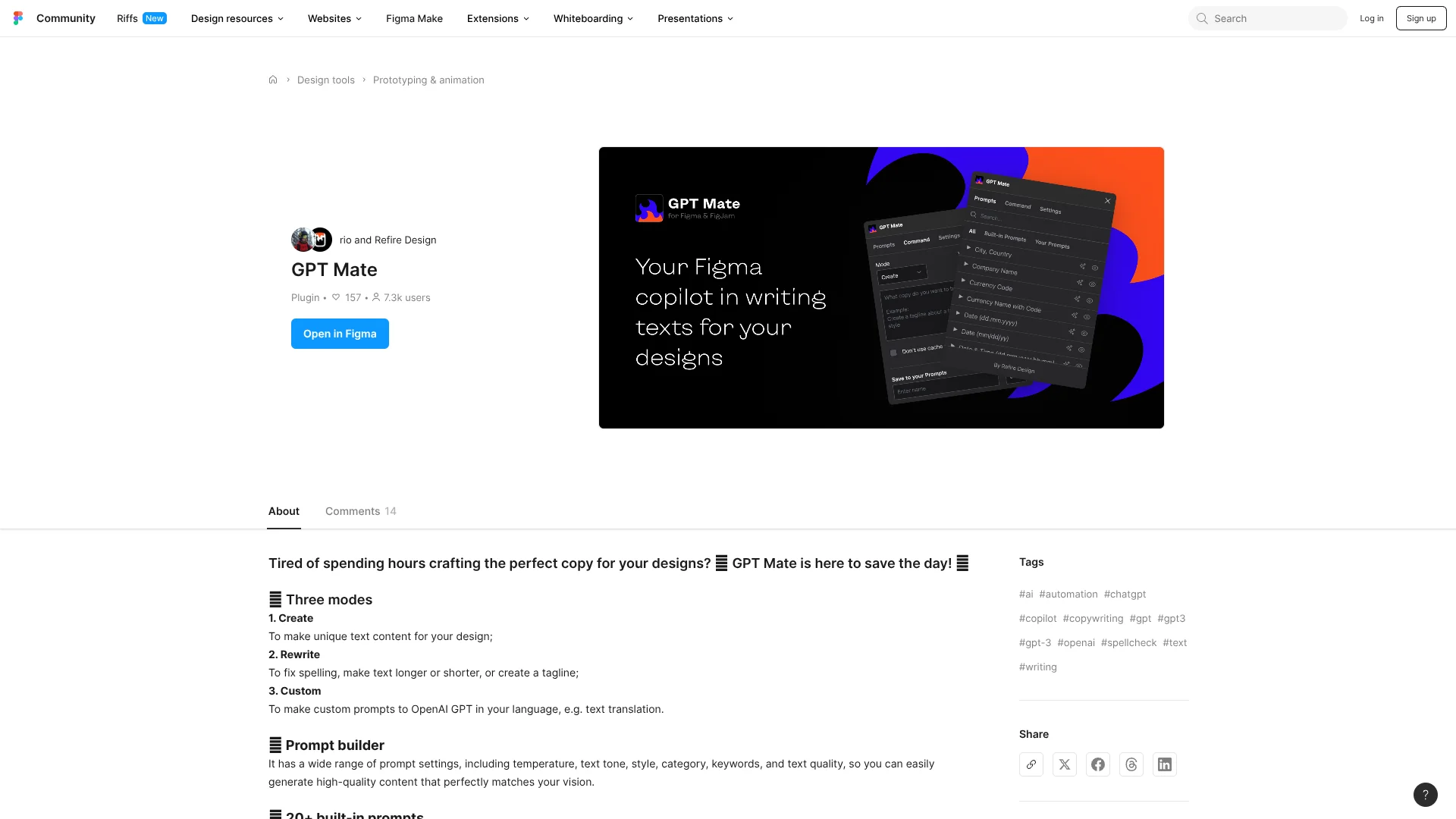
GPT Mate generates and revises text inside Figma design files, so designers can draft interface copy where it will appear. Its Create mode produces new text, Rewrite can correct spelling or adjust wording, and Custom lets you save prompts for repeated tasks. The focus is small, practical writing jobs during design, rather than generating a complete screen or product.
The defining feature is that its Create, Rewrite, and Custom modes work from within a Figma plugin, applying AI text generation directly to design work instead of requiring a separate writing tool.
GPT Mate best fits people who regularly draft interface copy or placeholder text in Figma. It is focused on text, so it is not a fit when you need AI to create or redesign the visual layout itself.
Who is Using GPT Mate?
Product designers
Shape draft interface copy while laying out product screens.
UX writers
Review and refine short interface text in its design context.
Content designers
Generate alternatives for headings, labels, and other design copy.
Marketing designers
Try tagline and promotional copy options inside Figma layouts.
Uncommon Use Cases
Generate sample datasets for mockups; save recurring prompts for localization drafts.
Key Features
Rating Breakdown
Pricing Plans
Free Tier
Free
- GPT Mate is a free Figma Community plugin.
- OpenAI API usage may be billed separately.
Which GPT Mate plan should you pick?
Start with the free plugin if you want AI text generation inside Figma; look elsewhere if you need broader design or writing features.
Free Tier
Good for Figma users who want to try AI-generated and revised design copy.
GPT Mate Use Cases
Draft interface copy
Early screen designs need text that feels more specific than generic placeholders.
Outcome: New copy generated for the design.
Revise existing text
A selected text layer needs a spelling fix or a different length.
Outcome: Rewritten text ready to review in the file.
Explore tagline options
A layout needs a short headline or tagline before final copy is ready.
Outcome: Tagline ideas generated for consideration.
Reuse a writing prompt
Recurring copy requests can be handled with a saved custom prompt.
Outcome: A repeatable prompt available in Custom mode.
Workflow Ideas with GPT Mate
Draft and refine screen copy
- 1Select the text layer or design content to work on.
- 2Generate a draft with Create mode.
- 3Revise the draft with Rewrite mode and review it in the layout.
Save a repeatable copy task
- 1Write a prompt for a recurring design copy task.
- 2Save it in Custom mode.
- 3Run the saved prompt when similar copy is needed.
How GPT Mate fits into your stack
Figma design files
GPT Mate runs as a Figma plugin, placing text generation and revision in the design workflow.
Interface copy
The tool focuses on creating or changing text for design content, rather than editing layouts.
Saved prompts
Custom mode supports repeat requests by letting you save prompts in the plugin.
Pros
- +Copy in context: Draft and revise text from within a Figma file.
- +Three writing modes: Switch between new copy, revisions, and saved custom prompts.
- +Free plugin: No GPT Mate subscription is listed.
Cons
- −Narrow scope: The tool is for writing and editing text, not visual design.
- −Figma-specific: Its workflow depends on using Figma.
Limitations & when to consider alternatives
Known limitations
- Text-focused output. GPT Mate is for generating and editing text, not producing visual layouts.
- Figma plugin workflow. You need to work in Figma to use the plugin.
Look elsewhere when
- You need AI to create or edit visual layouts, not only text.
- You need a writing tool that works outside Figma.
How to Use GPT Mate
- 1
Open GPT Mate in Figma
Find the plugin in the Figma Community and run it from a design file.
- 2
Choose a writing mode
Select Create for new text, Rewrite for existing copy, or Custom for a saved prompt.
- 3
Review the result in context
Check the generated wording against the screen and adjust it before treating it as final.
Who is GPT Mate For?
Figma designers
Draft interface text while working on screens and prototypes.
UX writers
Try copy options and revise wording in the design file.
Product teams
Prepare placeholder text and early copy for product designs.
Frequently Asked Questions
Is GPT Mate free?
GPT Mate is listed as a free Figma Community plugin. OpenAI API usage may involve separate costs.
What can GPT Mate do with design copy?
Its Create, Rewrite, and Custom modes generate new text, revise existing text, and run saved prompts.
Does GPT Mate work outside Figma?
GPT Mate is a Figma plugin, so its writing workflow runs inside Figma.
Community reviews
Be the first to share your experience.
Sign in to leave a review for GPT Mate.
GPT Mate Alternatives
Looking for alternatives to GPT Mate? Here are similar tools in the same category: