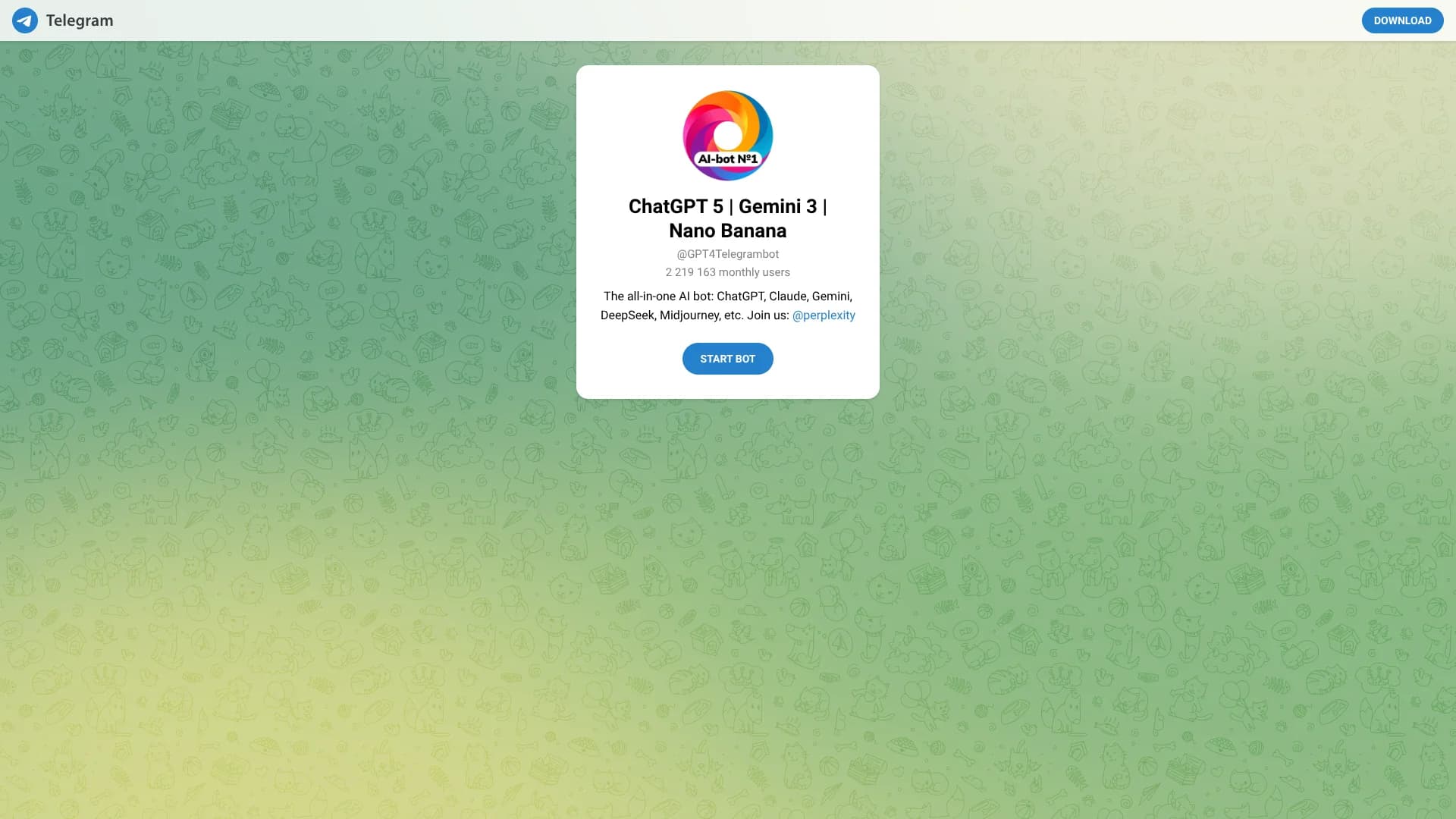
GPT4Telegrambot
Run every top AI model, all in Telegram.
Key Takeaways
- What it is
- Run every top AI model, all in Telegram.
- Best for
- Multi-model AI access
- Text generation
- Image generation and editing
Who is Using GPT4Telegrambot?
General users
The company positions the bot for everyone, from children to seniors, who want accessible AI tools.
Students and teachers
The company runs talks and workshops for students and teachers and promotes AI-literacy education.
Creative users
Image, video, and music generation tools support users creating visual and audio content.
Professionals and knowledge workers
Writing, coding, reasoning, long-document assistance, and web answers support everyday work.
Key Features
GPT4Telegrambot Use Cases
Text creation
Use the Telegram bot and connected language models for writing and conversational assistance.
Image creation and editing
Create or edit images using tools including Gemini, GPT Images, DALL-E 3, and Flux AI.
Video creation
Turn text or images into video using Pika AI, Veo 3, or Kling AI.
Music creation
Generate complete musical compositions with vocals and instruments through Suno AI.
Web search
Use the associated GPT4AgentsBot for AI-assisted web search with GPT-4o and Perplexity.
Workflow Ideas with GPT4Telegrambot
Create an image
- 1Open GPT4Telegrambot in Telegram
- 2Choose an image-capable AI tool
- 3Send a text prompt or image-editing request
Create a video
- 1Open the bot in Telegram
- 2Choose Pika AI, Veo 3, or Kling AI
- 3Submit a text or image-based video prompt
Generate music
- 1Open GPT4Telegrambot in Telegram
- 2Select the Suno AI capability
- 3Describe the desired song or composition
How GPT4Telegrambot fits into your stack
Team chat and tickets
The product lives inside Telegram as a conversational bot for requesting text, image, video, music, coding, and research assistance.
Creative production
Users can access image, video, and music generation models from the same Telegram conversation.
Knowledge and research
Claude is positioned for long documents, while Perplexity provides live answers with citations.
Pros
- +Multiple AI models in one Telegram bot
- +Supports text, image, video, and music generation
- +No separate setup required
- +Includes coding and reasoning assistance
- +Accessible through Telegram
How to Use GPT4Telegrambot
- 1
Open the bot
Use the official site’s Open in Telegram link to launch GPT4Telegrambot without separate setup.
- 2
Choose an AI capability
Select the model or tool suited to the task, such as ChatGPT for coding, Gemini for image work, or Suno AI for music.
- 3
Send a prompt
Describe the text, image, video, or music result you want the selected AI tool to create.
- 4
Use the free allowance
Start with the officially announced five free requests per month before deciding whether additional access is needed.
Who is GPT4Telegrambot For?
Everyone
The company says its mission is to make AI simple, accessible, and valuable for everyone.
Children and seniors
The official site specifically describes the product as intended for people ranging from children to seniors.
Students and teachers
The company highlights talks and workshops for students and teachers and supports AI education.
AI beginners
The service emphasizes fast, easy access to powerful AI tools with no setup.
Frequently Asked Questions
What is GPT4Telegrambot?
It is an all-in-one AI bot on Telegram that provides access to text, image, video, music, and multiple AI models.
Where do I use GPT4Telegrambot?
The official site directs users to open the service in Telegram; no separate setup is described.
Which AI tools are available?
The site names Pika AI, Gemini, Claude, Veo 3, GPT Images, DALL-E 3, Flux AI, Perplexity, ChatGPT, Suno AI, and Kling AI.
Can GPT4Telegrambot generate images?
Yes. The service presents image generation and editing through tools such as Gemini, GPT Images, DALL-E 3, and Flux AI.
Can GPT4Telegrambot generate video and music?
Yes. The site describes video creation through Pika AI, Veo 3, and Kling AI, and music creation through Suno AI.
Is there a free way to try it?
An official channel announcement says all users receive five free requests per month.
Community reviews
Be the first to share your experience.
Sign in to leave a review for GPT4Telegrambot.
GPT4Telegrambot Alternatives
Looking for alternatives to GPT4Telegrambot? Here are similar tools in the same category: