
GPTConsole
Revolutionize app development with AI agents for seamless automation.
Watch GPTConsole in Action
Key Takeaways
- What it is
- Revolutionize app development with AI agents for seamless automation.
- Pricing
- $1. for every 10 credits
- Best for
- AI Agents for Practical Tasks
- Developer-Focused Platform
- Comprehensive SDK and API Tools
- Rating
- 4.6/5
What is GPTConsole?
GPTConsole is a cutting-edge AI tool designed to revolutionize the way developers interact with artificial intelligence. This platform is dedicated to creating, sharing, and monetizing AI agents, offering specialized AI workers that not only provide information but also perform tasks for extended periods. With its focus on simplifying complex AI agent development processes—such as event chaining, lifecycle management, and memory handling—GPTConsole empowers developers to concentrate on setting agent objectives. This tool is particularly tailored for developers seeking to generate production-ready applications, build features for existing apps, and even create animated doodles.
GPTConsole stands out with its ability to offer AI agents that don't just provide information but actively perform tasks over extended periods. Its unique focus on handling AI agent development complexities allows developers to focus purely on setting objectives, making it a game-changer for efficient application development and automation.
GPTConsole offers a robust platform for developers looking to harness the power of AI in practical, task-oriented ways. With its comprehensive set of tools, AI agents, and flexible pricing, it stands as a valuable asset for tech professionals aiming to enhance productivity and efficiency in their projects. Whether you're a startup, an educational institution, or a freelance developer, GPTConsole provides the features and support needed to succeed in the fast-paced world of AI-driven development.
Who is Using GPTConsole?
Developers
GPTConsole is designed for developers and provides a CLI, codebase assistant, code reviews, and application generation.
Small businesses
Pixie is positioned for small businesses that need to launch web applications and landing pages quickly.
Solo entrepreneurs
The product describes Pixie as a low-cost way for solo entrepreneurs to turn ideas into applications.
Large companies
GPTConsole explicitly mentions big companies as users that can use its agents to accelerate application development.
Key Features
Rating Breakdown
Pricing Plans
Free Credits on Sign-Up
- Receive 100 credits free upon registration
Flexi-Plan
$1. for every 10 credits
- The flexibility to top-up at any time and no lock-in contracts
Which GPTConsole plan should you pick?
Start with the free sign-up credits to test the agents, then use Flexi-Plan credits when you need additional usage without a recurring lock-in.
Free 100 Credits on Sign-Up
Good for developers, businesses, and solo users who want to test GPTConsole’s agents before paying.
Flexi-Plan
Good for users who need additional usage and prefer to top up credits as needed; the site lists $1 for 10 credits with no lock-in.
GPTConsole Use Cases
Build landing pages
Describe a business or product and use Pixie to generate a landing page with sections such as features, pricing, testimonials, and contact information.
Outcome: A generated, editable landing page.
Generate web applications
Provide a natural-language application concept and have Pixie generate dashboards or AI applications such as text-generation and image-generation apps.
Outcome: A production-oriented web application.
Analyze a codebase
Connect a GitHub repository to Code Companion and ask questions about code, errors, optimization, or best practices.
Outcome: Context-aware answers about the repository.
Automate Twitter activity
Use Bird prompts to publish tweets, generate replies, or run autonomous Twitter engagement.
Outcome: Automated tweets and replies.
Create animated doodles
Use GPTConsole’s Doodle agent to generate animated doodles rather than static images.
Outcome: Animated visual content.
Workflow Ideas with GPTConsole
Generate and refine a landing page
- 1Install GPTConsole and start Pixie with a business description.
- 2Ask Pixie to generate a landing page or documentation page.
- 3Use pixie update prompts to change sections, messaging, or imagery.
Automate social-media engagement
- 1Start Bird with a topic, article URL, or engagement instruction.
- 2Let Bird generate tweets or replies autonomously.
- 3Run bird stop when the automated activity should end.
Review and improve a GitHub codebase
- 1Connect Code Companion to a GitHub repository through OAuth.
- 2Ask questions about errors, architecture, or optimization.
- 3Use its automated reviews and suggested fixes as input for human review.
How GPTConsole fits into your stack
Browser
GPTConsole provides web access for launching and using its AI agents, including Pixie and Chip.
Desktop / IDE
The product also runs as a command-line tool installed through npm or Yarn, supporting prompts and code-oriented agents from a terminal.
Team chat and tickets
Chip connects to GitHub repositories and provides code for Jira tickets, including pull-request questions and reviews.
Automation and APIs
GPTConsole describes event chaining, lifecycle management, memory handling, SDK, and API infrastructure for building agents.
Pros
- +Customizable AI Solutions: Developers can tailor AI agents to specific business needs, enhancing productivity and innovation.
- +Seamless Integration: Easily integrates with existing codebases and developer workflows, particularly through tools like Chip that interact with GitHub repositories.
- +Cost-Effective Pricing: Offers a flexible pricing model, including free credits on sign-up and pay-as-you-go options, making it accessible for various budgets.
- +Community and Support: Backed by a community of over 5000 developers, GPTConsole provides robust support and resources for users.
Cons
- −Initial Learning Curve: New users may need time to familiarize themselves with the tool's full capabilities and integration options.
- −Limited to Developer Use: Primarily designed for developers, which may not suit users from non-technical backgrounds.
- −Requires Command Line Use: Some features necessitate command-line knowledge, which might be challenging for those unfamiliar with CLI tools.
- −Software Developers: Utilizing GPTConsole to build and deploy web applications efficiently.
- −Tech Startups: Leveraging the tool to prototype and develop new applications quickly.
- −Freelance Programmers: Employing AI agents to streamline project workflows and enhance coding productivity.
- −Educational Institutions: Integrating GPTConsole into curricula for teaching AI development and coding practices.
- −Uncommon Use Cases: Adopted by digital artists for creating animated doodles; Employed by research labs for automating data analysis tasks.
Limitations & when to consider alternatives
Known limitations
- Pixie’s currently documented scope is limited. The official Pixie page says it currently works especially well for landing pages, while dashboards, mobile apps, and special AI apps are described as forthcoming or expanding.
- Human oversight is still required. Code Companion explicitly says human oversight is crucial for nuanced decisions and creative problem solving.
- The CLI is described as unfinished. The official repository characterizes GPTConsole as raw, unfinished, and still in the lab.
- Native mobile access is not documented. The official site documents web access and a CLI, but does not provide a native mobile download.
Look elsewhere when
- You need a native iOS or Android app
- You need a dedicated desktop installer
- You need enterprise SSO or SAML
- You need documented encryption controls
How to Use GPTConsole
- 1
Create an account
Sign up through GPTConsole’s web application so you can access the agents and credit balance.
- 2
Install the CLI
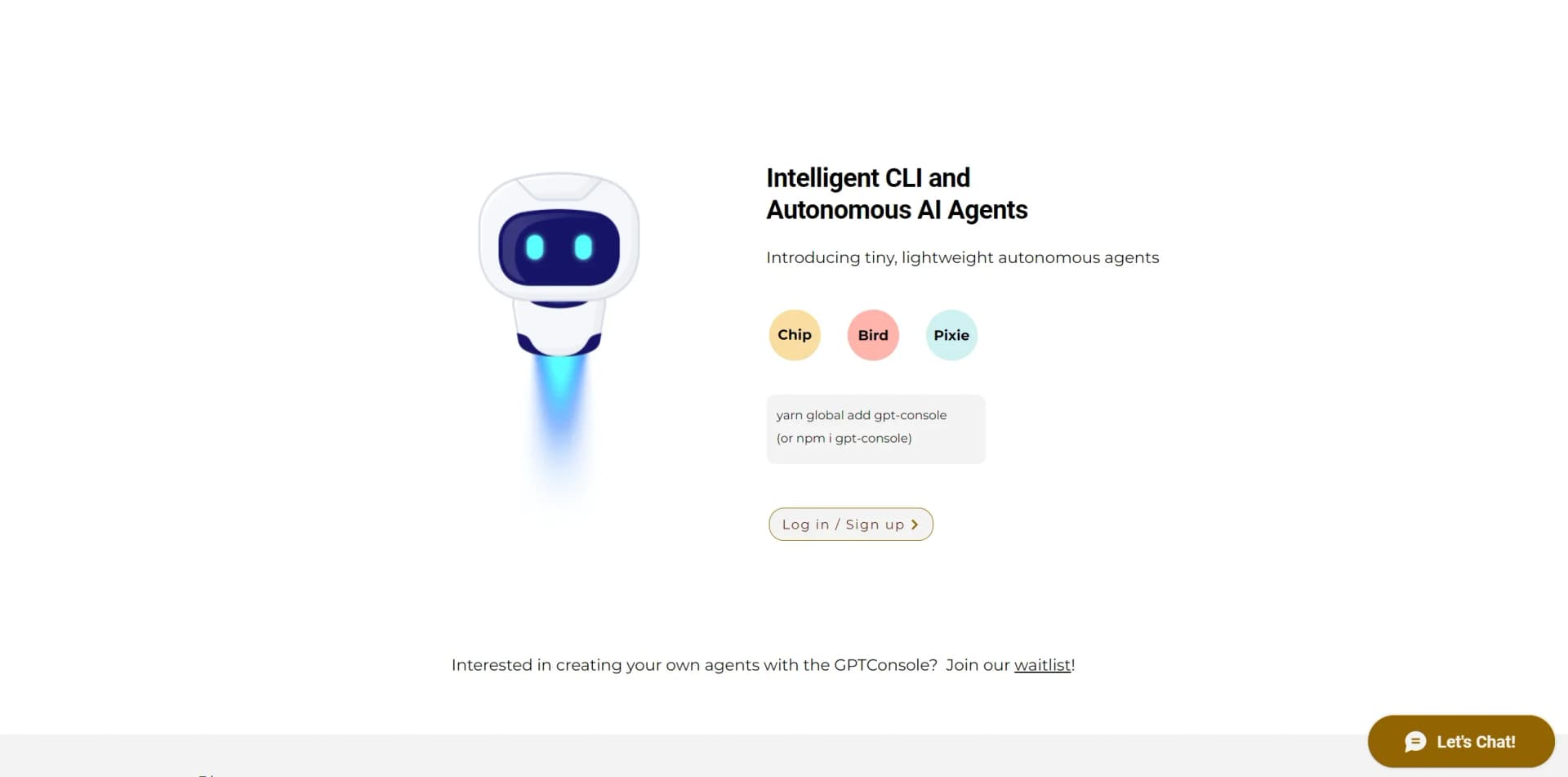
Run “npm i gpt-console -g” or “yarn global add gpt-console” to access GPTConsole from a terminal.
- 3
Start the console
Run “gpt-console,” then enter “login” and use natural-language prompts or select an agent.
- 4
Build with Pixie
Use “pixie start” with a business or feature description, then use “pixie update” to revise the generated application.
- 5
Use Bird for social automation
Run Bird with a tweet or reply instruction, or start it autonomously for automated Twitter activity.
- 6
Connect Code Companion to GitHub
Authorize the GitHub integration, select a repository, and ask questions about code, bugs, reviews, and optimization.
Who is GPTConsole For?
Developers
GPTConsole is designed for developers and provides a CLI, coding agents, application generation, and codebase assistance.
Small businesses
Pixie helps small businesses create landing pages and applications without the traditional cost and time burden of development.
Solo entrepreneurs
Pixie is positioned as an on-demand web developer for solo entrepreneurs testing ideas and launching projects.
Big companies
The Pixie product page names big companies as a target audience for accelerating application development.
Businesses
GPTConsole describes its agents as tools for businesses that need production-ready applications, features, and digital experiences.
Frequently Asked Questions
What is GPTConsole?
GPTConsole is a platform of specialized AI agents that perform practical tasks over longer durations, including application development, codebase assistance, and social-media automation.
How do I install GPTConsole?
Install the CLI with “yarn global add gpt-console” or “npm i gpt-console -g,” then run “gpt-console” in a terminal.
What can Pixie do?
Pixie generates and updates landing pages, dashboards, and AI-powered web applications from natural-language prompts.
What can Bird do?
Bird can compose tweets, publish tweets, and automatically create replies according to a prompt.
How does Code Companion connect to repositories?
Code Companion connects to GitHub repositories through GPTConsole’s GitHub OAuth application and uses RAG and LLMs for codebase analysis.
Can Code Companion replace a code-review team?
No. The product says human oversight remains important for nuanced decisions and creative problem solving.
Community reviews
2 reviews from people who use GPTConsole.
Sign in to leave a review for GPTConsole.
Mehedi imun
shivam bhartiya
GPTConsole Alternatives
Looking for alternatives to GPTConsole? Here are similar tools in the same category:
Learn to Master GPTConsole
With Skill Leap courses
Get in-depth training on GPTConsole and 50+ other AI tools with our expert-led video courses.
Start 7-Day Free Trial