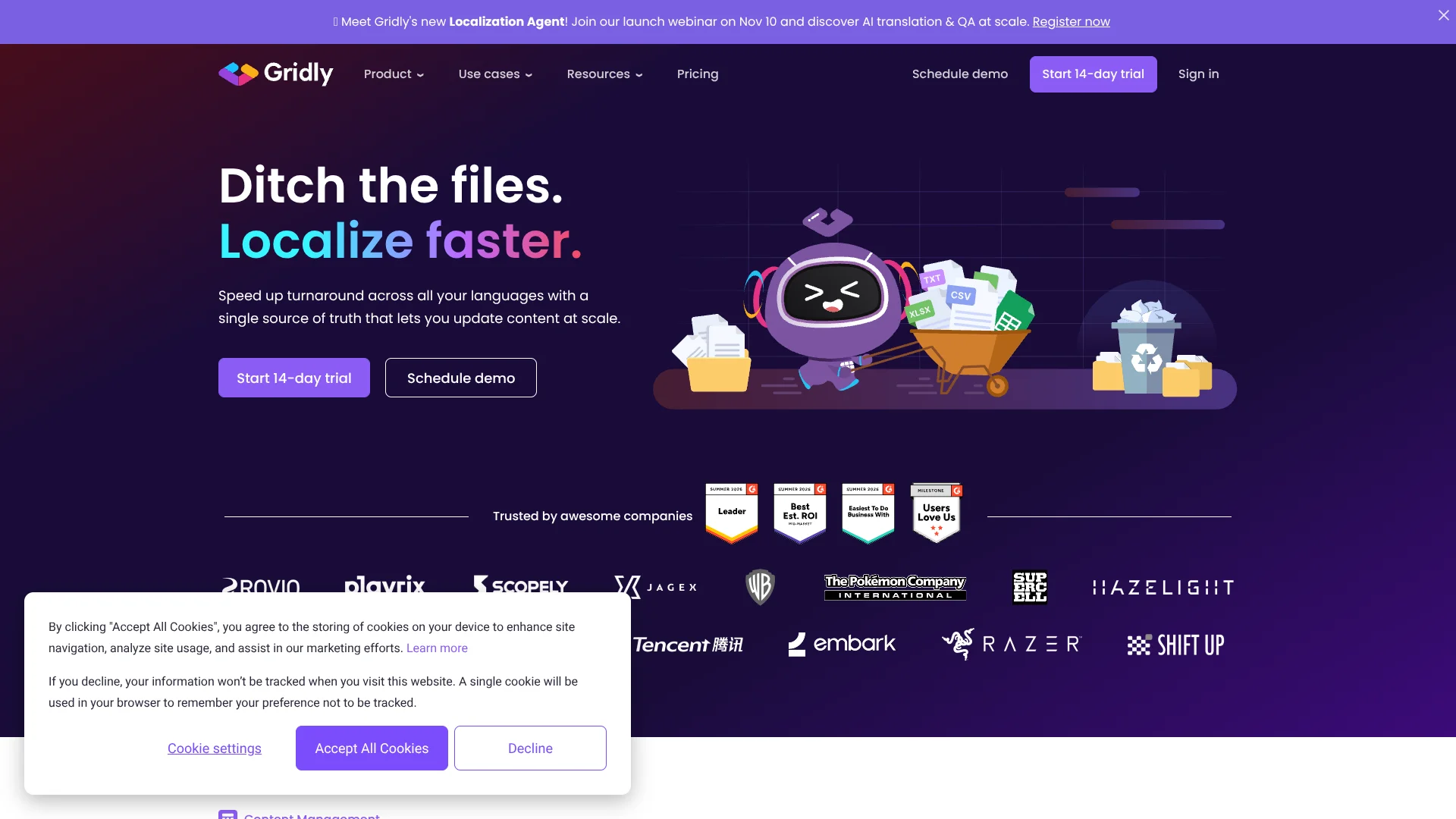
Gridly
Game studios keep evolving game content and translations in sync.
Key Takeaways
- What it is
- Game studios keep evolving game content and translations in sync.
- Pricing
- $55.82 per month · $110.53 per month · $156.31 per month · $139.56 per month · $278 per month · $312.61 per month
- Best for
- Content Management System (CMS)
- Translation Management System (TMS)
- Computer-Assisted Translation (CAT)
- Rating
- 4.2/5
What is Gridly?
Gridly keeps game and digital product content in structured, spreadsheet-like Grids, then connects that content to translation tasks and review. Localization teams can track language versions, context, and progress in one workspace instead of passing files back and forth. Its CMS, Translation Management System, and Computer-Assisted Translation tools cover different parts of that work, and AI can help draft, translate, and check content.
A specific strength is the handoff between content and translation: teams can send Grid content into translation jobs and return completed translations to the source Grids, while tracking statuses and dependencies. That makes updates to multilingual content easier to follow when source text changes during development.
Gridly is best suited to game studios and other teams that regularly ship content in multiple languages and need translators, editors, and developers to stay in sync. It is less suited to someone who only wants a general-purpose AI writing tool, since its AI features sit inside a broader localization workflow.
Who is Using Gridly?
Localization managers
A shared view of tasks, statuses, and dependencies helps them coordinate source changes with translation delivery.
Game writers
Structured Grids keep dialogue and narrative text organized with context for translators.
Localization engineers
The API, connectors, and integrations can link Gridly content to development and publishing systems.
Translators
The CAT editor surfaces translation memory, glossary suggestions, and context while they translate.
Localization QA specialists
QA reports and automated checks help find spelling, grammar, and tag problems in localized text.
Uncommon Use Cases
Extracting text from screenshots with OCR; generating draft voice-over audio from text
Key Features
Rating Breakdown
Pricing Plans
Basic TMS
$55.82 per month
- Starting price converted from €50 per month; Gridly does not list a USD price.
- 1 seat included; additional seats €29 per month.
Basic CMS
$110.53 per month
- Starting price converted from €99 per month; Gridly does not list a USD price.
- 3 seats included; additional seats €29 per month.
Basic CAT
$156.31 per month
- Starting price converted from €140 per month; Gridly does not list a USD price.
- 10 seats included; additional seats €14 per month.
Team TMS
$139.56 per month
- Starting price converted from €125 per month; Gridly does not list a USD price.
- 2 seats included; additional seats €29 per month.
Team CMS
$278 per month
- Starting price converted from €249 per month; Gridly does not list a USD price.
- 5 seats included; additional seats €29 per month.
Team CAT
$312.61 per month
- Starting price converted from €280 per month; Gridly does not list a USD price.
- 20 seats included; additional seats €14 per month.
Enterprise
- CMS starts from 10 seats, TMS from 5 seats, and CAT from 50 seats.
- Usage limits are custom.
14-day trial
- The trial provides access to the full feature set of the Team tier.
Which Gridly plan should you pick?
Start with the module that matches your main job, then add CMS, TMS, or CAT when you need those parts of the localization workflow.
Basic
For smaller teams with lower content volumes that need a CMS, TMS, or CAT module.
Team
For mid-sized teams with frequent updates and higher monthly content and API limits.
Enterprise
For multiple teams localizing at scale with custom usage limits.
Gridly Use Cases
Localize game updates
When source text changes, dependencies and status tracking help teams identify which translations need attention.
Outcome: A clearer handoff between development updates and translation work.
Manage translation jobs
Translation projects, tasks, workflows, and progress reports keep assignments visible from start to delivery.
Outcome: A shared view of translation progress and remaining work.
Draft translations with AI
AI and machine-translation actions can pre-translate content, with prompts and glossary support available for some actions.
Outcome: A first-pass translation for human review.
Review localized content
Automated QA checks and reports help teams catch spelling, grammar, and tag issues.
Outcome: Potential language and formatting problems flagged before delivery.
Extract text from screenshots
OCR automation can detect and extract text from screenshots for localization work.
Outcome: Screenshot text captured for review or translation.
Workflow Ideas with Gridly
Game update to localized release
- 1Store source text and context in a Grid.
- 2Send content that is ready for translation to a TMS job.
- 3Return completed translations to the Grid and check status and QA results.
AI-assisted first translation
- 1Add source content and the relevant language columns to a Grid.
- 2Set an automation trigger and choose an AI or machine-translation action.
- 3Review the resulting text and move approved content to the next workflow step.
Screenshot text review
- 1Add a screenshot to a file-type column in a Grid.
- 2Run an OCR or image-capable AI automation with a clear prompt.
- 3Review the extracted text before sending it for translation.
How Gridly fits into your stack
Content source
The CMS stores multilingual text and related information in Grids, with views for different contributors and tasks.
Translation workflow
The TMS manages projects, jobs, tasks, and progress. Grid content can be pushed into jobs and returned when translations are complete.
Translator workspace
The CAT editor provides translation memory, glossary suggestions, and contextual information while translators work.
Connected tools and AI
Connectors and automations link Gridly with services such as Google Sheets, Slack, Jira, DeepL, and OpenAI.
Pros
- +Connected translation handoff: Completed translation jobs can return to the Grid they came from.
- +Context for translators: Record details, notes, glossaries, and translation memory are available during translation.
- +Flexible AI actions: Automations can apply AI to text and images, as well as trigger translation and review steps.
- +Localization integrations: Connections include Google Sheets, MySQL, PostgreSQL, Slack, Jira, Asana, memoQ, and Phrase.
Cons
- −Module-based pricing: CMS, TMS, and CAT have separate starting prices, so costs depend on which parts your workflow needs.
- −Add-on charges: Some automation actions require separate subscriptions or pay-as-you-go fees.
Limitations & when to consider alternatives
Known limitations
- Basic tier usage caps. The pricing page lists 2,500 automated updates and 3,000 API requests per month, plus limits on records per Grid or Job and total records.
- Some automation actions cost extra. Gridly’s help center says some automation actions require an additional subscription or pay-as-you-go payment.
- Separate module pricing. CMS, TMS, and CAT are priced as separate modules, so a team using more than one should check each module’s price.
Look elsewhere when
- You need a general-purpose AI writing tool rather than a localization workflow.
- You need a native mobile app or downloadable desktop app.
How to Use Gridly
- 1
Choose the module
Start with CMS for structured content, TMS for translation tasks, or CAT for a translator’s editing workspace; the pricing page lists them separately.
- 2
Organize source content
Create a Grid for the content and add the language, context, and status information your team needs.
- 3
Set up translation work
In TMS, create a project and workflow, then organize translation work into jobs and tasks.
- 4
Add an automation when useful
Choose a trigger and action, such as translating text or sending a Slack message when a record changes.
- 5
Review and return translations
Check translation context and QA results, then deliver completed work back to its Grid when using the TMS handoff.
Who is Gridly For?
Game studios
Game teams can coordinate dialogue, descriptions, metadata, and translations as content changes during development.
Localization teams
Localization managers can track source updates, translation tasks, language progress, and quality checks together.
Digital content teams
Teams publishing multilingual product or web content can keep language versions and source updates organized.
Translation providers
Translation teams can receive structured jobs with context and return completed work to the client’s content.
Frequently Asked Questions
Does Gridly have a free plan?
Gridly offers a 14-day trial of its modules, but the pricing page does not list a free ongoing plan.
How is Gridly priced?
The pricing page lists CMS, TMS, and CAT separately, with Basic, Team, and Enterprise tiers. Prices shown there are in euros.
Which tools can Gridly connect to?
Documented connections include Google Sheets, MySQL, PostgreSQL, Slack, Jira, Asana, memoQ, and Phrase. Gridly also documents integrations with AI and translation services.
Can Gridly use AI to translate content?
Yes. Automations include AI and machine-translation actions, and some allow custom prompts or glossary support. Some actions may cost extra.
Does Gridly provide an API?
Yes. Gridly documents an API for accessing content and working with automations; API access and request limits depend on the subscription tier.
Community reviews
Be the first to share your experience.
Sign in to leave a review for Gridly.
Gridly Alternatives
Looking for alternatives to Gridly? Here are similar tools in the same category: