
Guardrail Technologies
Control who AI can see, store, reveal.
Key Takeaways
- What it is
- Control who AI can see, store, reveal.
- Best for
- AI Control Panel and Trust Layer
- Context-preserving data masking
- Prompt Protect and policy rules
- Rating
- 4.2/5
What is Guardrail Technologies?
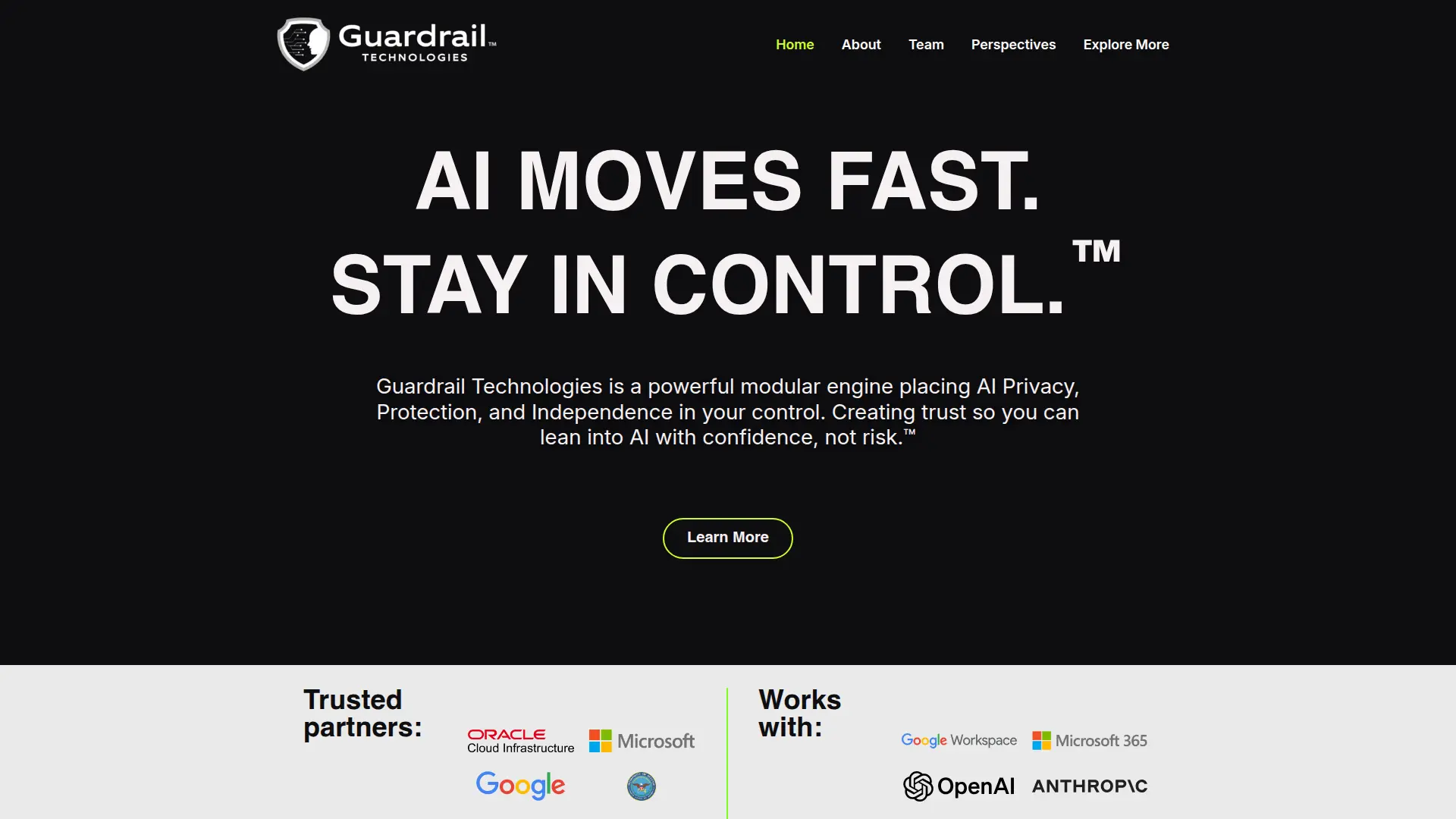
Guardrail Technologies delivers an enterprise-grade control and security layer around generative and agentic AI. Rather than replacing models, it wraps AI-powered workflows in privacy, policy, and governance, deciding what data models can see, store, and reveal. Its modular engine and Trust Layer concept are built for organizations that want to lean into AI while keeping sensitive information protected, usage compliant, and technology choices fully under their own control.
Guardrail Technologies stands out for focusing on privacy and control as a first-class layer around AI rather than as an afterthought inside each application. Its context-preserving aliasing aims to keep model quality high while stripping away raw secrets, which is a smarter compromise than heavy redaction that often breaks prompts. The independent Trust Layer approach also matters: organizations can mix and match AI models, adopt new providers, or constrain certain tools to low-risk scenarios without rebuilding their entire security stack every time. Add in visual trust indicators, detailed audit trails, and a strong emphasis on “your data stays where it is,” and the result is a security product that feels built for cautious enterprises that still want to move quickly.
Guardrail Technologies gives enterprises something many are missing: a practical way to say “yes” to AI without losing control of sensitive data, compliance, or model choice. For organizations that already have multiple AI projects bubbling up across teams, the idea of wrapping all of them in one consistent trust layer is especially appealing. It is not a casual tool for hobbyists, and it does demand thoughtful rollout, but for security-conscious companies that want to scale AI use with confidence rather than fear, Guardrail Technologies presents a compelling, security-first path forward.
Who is Using Guardrail Technologies?
Security, Risk, and Compliance Teams
Using the platform to govern how employees and internal tools interact with LLMs, enforce acceptable use policies, and retain a defensible audit trail.
Highly Regulated Industries
Banks, insurers, healthcare providers, and public-sector organizations that want to experiment with AI on sensitive workloads without exposing personal or confidential data.
Enterprise IT and Data Platform Groups
Standardizing AI access, routing, and model choice across business units, so each new AI use case does not require its own one-off guardrail solution.
Product and Innovation Teams
Embedding generative or agentic capabilities into customer-facing products while offloading privacy, safety, and logging responsibilities to a centralized trust layer.
Uncommon Use Cases
Pilots inside universities exploring AI governance and safety testing; nonprofit or mission-driven groups experimenting with AI on highly sensitive health or crisis-support data while insisting on strong privacy controls.
Key Features
Rating Breakdown
Pricing Plans
Custom Enterprise Plans
- Guardrail Technologies appears to operate on a direct sales model with tailored deployments
- Demos
- Contracts based on each organization’s size
- Usage patterns
- Risk requirements
Pilot and Proof-of-Concept Engagements
- Prospective customers should expect to scope a pilot or phased rollout rather than switch it on with a simple self-service subscription
Which Guardrail Technologies plan should you pick?
Start with Free for limited individual scanning, move to Personal or Pro for higher usage, and choose Teams or Enterprise for organizational governance.
Free
Good for individuals or developers who need basic AI-risk scans with a limited monthly allowance.
Personal
Good for power users who need up to 2,000 scans per month and expanded export formats.
Pro
Good for power users who need unlimited scans, higher rate limits, and PDF exports.
Teams
Good for growing teams that need unlimited scans, collaboration-oriented access, and five team seats.
Enterprise
Good for organizations needing unlimited team members, custom security policies, SSO, audit logs, account management, and SLA support.
Guardrail Technologies Use Cases
Scan AI-generated code
Review AI-generated code for vulnerabilities, license compliance, author verification, and dependency freshness.
Outcome: Teams receive a clear traffic-light verdict and remediation guidance.
Assess AI applications
Evaluate AI-built applications for security vulnerabilities, license compliance, author reliability, and dependency integrity.
Outcome: Organizations can make more informed deployment decisions.
Monitor AI agents
Inspect agent behavior, tool origins, permission scope, data flows, credential safety, and decision reliability.
Outcome: Teams gain visibility into agent risks before or during operation.
Protect sensitive information
Use Data Masker to protect PII and sensitive information before it reaches AI systems.
Outcome: Sensitive data is redacted or masked before disclosure to AI systems.
Govern enterprise AI usage
Use Command Center dashboards, workflow automation, compliance controls, and ROI measurement across the enterprise.
Outcome: Organizations gain centralized control and evidence of AI activity.
Workflow Ideas with Guardrail Technologies
Review AI-generated code before deployment
- 1Submit AI-generated code to AI Traffic Light
- 2Review the green, yellow, or red risk verdict
- 3Fix identified vulnerabilities, license, author, or dependency issues
Evaluate an AI agent
- 1Scan the agent and its connected tools
- 2Inspect permissions, credentials, data flows, and behavior
- 3Approve, remediate, or block the agent before deployment
Automate protected AI workflows
- 1Connect apps, APIs, or MCPs through Command Center
- 2Add protection modules and governance controls
- 3Monitor workflow activity, compliance, and business KPIs
How Guardrail Technologies fits into your stack
Browser
Guardrail is accessed through its web application and applies AI security controls across browser-based AI workflows.
Automation and APIs
AI Command Center provides a no-code workflow engine connecting apps, APIs, and MCP servers, with API-based integration into existing stacks.
Knowledge and files
I-Know is described as a RAG-powered closed LLM that applies built-in guardrails to an organization’s institutional knowledge.
Pros
- +Strong privacy posture: The alias-based masking approach protects personal and confidential data while keeping AI performance usable, which is attractive for regulated and data-sensitive environments.
- +Enterprise-friendly governance: Built-in audit logs, policies, and access controls give security, legal, and compliance teams the oversight they expect from other core enterprise systems.
- +Vendor independence: By operating as an independent trust layer, it lets customers change or mix AI providers without rewriting their safety and privacy controls every time.
- +Improved AI adoption with less friction: Security teams can approve more AI initiatives because Guardrail Technologies gives them tools to constrain risk instead of defaulting to “no.”
- +Designed for scale: Modular architecture and alignment with major cloud platforms make it suitable for organizations rolling out AI to many departments and applications.
Cons
- −Enterprise focus over SMB: Positioning and deployment are clearly aimed at midmarket and large enterprises, so smaller teams looking for a quick self-serve option may find it out of reach.
- −Initial rollout effort: Capturing policies, roles, and workflows inside the platform requires planning across security, IT, and business units, which can slow first deployments.
- −No transparent public pricing: Lack of published plan tiers or unit pricing makes early budgeting harder and forces interested teams into a sales process before they can estimate total cost.
Limitations & when to consider alternatives
Known limitations
- Free-plan scan limits. The Free plan lists 25 scans per month and notes a limit of 10 scans per month after the trial period.
- Trial-based paid pricing. Personal, Pro, and Teams plans display $0 initially and begin charging after the 60-day trial.
- Team-seat limit. The Teams plan lists five team seats; larger enterprise deployments require contacting Guardrail.
- Unified mobile and desktop app not yet available. The site describes access through a unified mobile and desktop app as coming soon.
- Early-adopter availability window. Command Center is described as free for early adopters through May 2026.
Look elsewhere when
- You need a native mobile app today
- You need a dedicated desktop installer
- You need built-in code generation
- You need document or image analysis
How to Use Guardrail Technologies
- 1
Create an account
Use the Start Free option to access AI Traffic Light or Command Center and begin scanning.
- 2
Choose a scanning target
Submit AI-generated code, an application, agent, plugin, or related AI asset for assessment.
- 3
Review the traffic-light verdict
Use the green, yellow, or red result to understand whether the asset is ready, risky, or blocked.
- 4
Apply remediation guidance
Follow the documented fix guidance to address vulnerabilities, dependency, license, provenance, or permission issues.
- 5
Connect enterprise workflows
Use Command Center workflows, APIs, or MCP servers to connect existing applications and protection modules.
- 6
Monitor outcomes
Review dashboards for AI activity, compliance status, audit evidence, and ROI metrics.
Who is Guardrail Technologies For?
Enterprises
Guardrail provides centralized AI governance, monitoring, compliance, auditability, and ROI measurement.
Government organizations
The platform is positioned for government AI security, governance, and compliance requirements.
Teams building AI
AI Traffic Light scans AI-generated code, applications, agents, plugins, dependencies, and licenses.
Engineering and security teams
The product helps identify vulnerabilities, dependency risks, credential risks, and agent behavior risks.
Legal, compliance, and audit teams
Guardrail provides compliance checking, audit trails, policy controls, and evidence for regulators and clients.
Frequently Asked Questions
What is Guardrail Technologies?
Guardrail provides enterprise AI security and governance through AI Traffic Light and AI Command Center, with continuous monitoring and actionable risk intelligence.
What problems does Guardrail solve?
It addresses AI risk, shadow AI, visibility into AI usage and ROI, data protection, compliance gaps, and proving AI decisions for audits.
What is AI Traffic Light?
AI Traffic Light gives visual risk detection for AI interactions using green, yellow, and red outcomes.
What is Command Center?
Command Center provides enterprise AI dashboards, no-code workflow automation, and real-time ROI measurement.
Do I need to replace my existing AI tools?
No. Guardrail works alongside existing AI systems and technology stacks through MCP servers and APIs.
Can I use only one Guardrail component?
Yes. The company says selected components, such as an API or MCP, can be used independently.
Community reviews
Be the first to share your experience.
Sign in to leave a review for Guardrail Technologies.
Guardrail Technologies Alternatives
Looking for alternatives to Guardrail Technologies? Here are similar tools in the same category:
Learn to Master Guardrail Technologies
With Skill Leap courses
Get in-depth training on Guardrail Technologies and 50+ other AI tools with our expert-led video courses.
Start 7-Day Free Trial