
Heidi
Streamline healthcare admin tasks, and enhance patient focus.
Watch Heidi in Action
Key Takeaways
- What it is
- Streamline healthcare admin tasks, and enhance patient focus.
- Pricing
- Freemium · $90 per user per month (billed annually) · $120 per user per month (billed annually)
- Best for
- AI Scribe Functionality
- Integration with EHR Systems
- Customizable Templates
- Rating
- 4.6/5
What is Heidi?
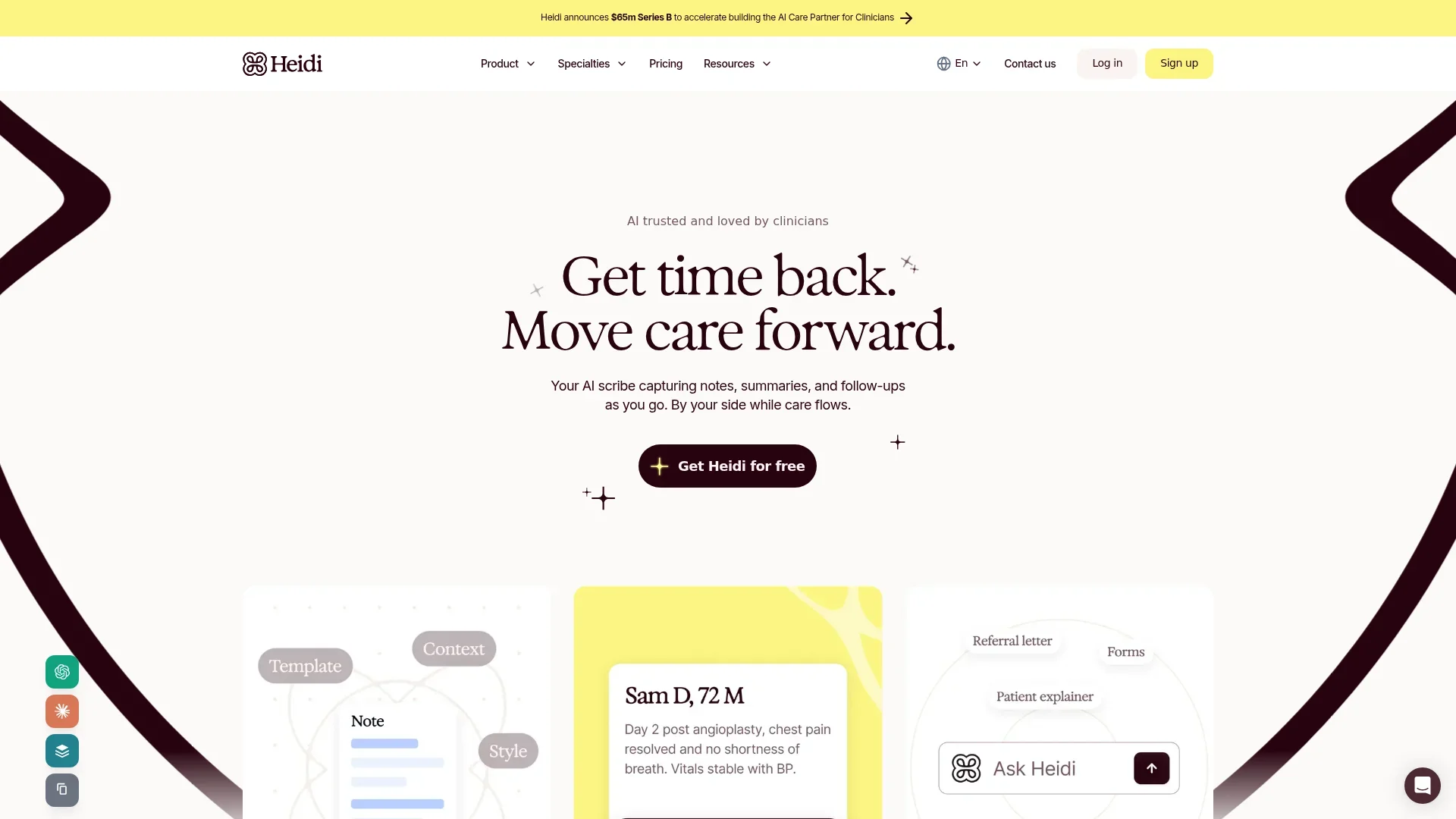
Heidi is your AI-powered partner in healthcare, designed specifically to alleviate the burdens of administrative tasks for clinicians. This tool captures notes, summaries, and follow-ups in real-time, allowing healthcare professionals to focus more on patient care rather than paperwork. With Heidi, clinicians can enjoy a more streamlined workflow, adapting to their unique practice styles and ensuring a more efficient and satisfying workday.
Heidi stands out with its AI-driven ability to adapt to each clinician's style, offering a tailored experience that enhances efficiency and patient care. Its integration capabilities with EHR systems and multilingual transcription support make it a valuable asset in diverse healthcare settings.
Heidi offers a transformative approach to healthcare administration, reducing the burden of paperwork and allowing clinicians to reclaim their time. With its advanced AI features and customization options, it supports a wide array of medical specialties, enhancing both clinician efficiency and patient care. Whether you're a general practitioner or a veterinarian, Heidi provides the tools necessary for a more effective and satisfying practice.
Who is Using Heidi?
General Practitioners
Utilizing Heidi for efficient management of patient records and notes.
Surgeons
Employing the tool to streamline pre- and post-operative documentation.
Mental Health Professionals
Leveraging the scribe feature to enhance patient interactions without distraction.
Veterinarians
Using Heidi to manage and document animal care efficiently.
Uncommon Use Cases
Adopted by dental clinics for patient record management; used in residential care settings to streamline caregiver documentation.
Key Features
Rating Breakdown
Pricing Plans
Free
Free
- Includes unlimited transcription, standard templates, and healthcare-grade security
Pro
$90 per user per month (billed annually)
- Includes advanced templates, Ask Heidi assistant, and unlimited personalization
Practice
$120 per user per month (billed annually)
- Includes session sharing, free assistant users, and priority support
Enterprise
- Includes single sign-on, custom terms, and a dedicated customer success manager
Which Heidi plan should you pick?
Start with Free for standard transcription and notes; upgrade to Clinician for unlimited advanced individual features or Teams for shared practice workflows and integrations.
Free
Good for clinicians who need unlimited transcription, standard templates, and basic note generation.
Clinician
Good for individual clinicians who need unlimited advanced templates, documents, Ask Heidi, and personal evidence features.
Teams
Good for practices that need team management, shared templates, shared documents and sessions, and broader EHR integration access.
Heidi Use Cases
Clinical consultation transcription
Record or dictate a consultation and generate a structured clinical note using a selected template.
Outcome: Less manual documentation during and after visits.
Patient-context documentation
Upload historical documents, lab results, imaging reports, intake forms, or handwritten notes into Context.
Outcome: Notes and letters incorporate relevant background information.
Clinical document creation
Ask Heidi to create referral letters, discharge summaries, handover notes, care plans, or patient explainers.
Outcome: Formatted documents are generated from session context.
Evidence-backed clinical questions
Ask clinical questions and review cited guidelines, research, and medical sources.
Outcome: Answers include sources that clinicians can verify.
PDF form completion
Upload a PDF form and let Heidi detect fields and populate them from session information.
Outcome: Completed forms can be reviewed and downloaded.
Workflow Ideas with Heidi
Consultation to finalized note
- 1Start a transcription or dictation session
- 2Select a standard or custom template
- 3Review and edit the generated note
- 4Export or push the note to the connected EHR
Historical context to referral letter
- 1Upload PDFs, Word files, or images into Context
- 2Run the consultation or generate from uploaded files
- 3Ask Heidi to create a referral letter
- 4Review and export the document
Consultation to completed PDF form
- 1Upload a fillable PDF form as a template
- 2Complete the patient consultation
- 3Generate the form from the session
- 4Review fields and download the completed PDF
How Heidi fits into your stack
Browser
Heidi runs as a web application in Chrome, Safari, and Edge for transcription, note generation, telehealth, and clinical evidence workflows.
Desktop / IDE
The Windows and macOS desktop apps capture telehealth audio and support dictation into Heidi, EHRs, Word, Outlook, browsers, and other desktop applications.
Automation and APIs
Heidi provides documented APIs and widgets for embedding clinical documentation into EHRs, telehealth platforms, and healthcare applications.
Knowledge and files
Users can upload audio and documents as context, generate notes from files, and create reusable clinical templates from DOC, DOCX, and PDF examples.
Pros
- +Time Efficiency: Allows clinicians to finish their day on time by reducing administrative backlog.
- +User-Centric Customization: Adapts to individual practice styles, ensuring a personalized experience.
- +Broad Specialty Support: Supports over 200 medical specialties, making it versatile for a wide range of healthcare environments.
- +Enhanced Patient Interaction: Frees up time for clinicians to focus on patient care, improving overall patient satisfaction.
Cons
- −Initial Learning Curve: Users may need time to become familiar with the full range of features.
- −Dependence on Technology: Requires reliable internet connectivity for optimal performance.
Limitations & when to consider alternatives
Known limitations
- Desktop and web require internet access. The desktop application does not currently support offline use, and the web application also requires a stable internet connection.
- Mobile does not transcribe phone or telehealth calls. The mobile app supports in-person capture and dictation but cannot transcribe phone calls or other telehealth calls.
- One EHR integration per profile. A Heidi profile can be linked to only one integration at a time.
- PDF form restrictions. Heidi Forms supports PDF files up to 10MB; static PDFs are limited to 30 pages, and images or graphs are not supported in generated forms.
- Regional Ask Heidi restrictions. Ask Heidi is unavailable to Free and Clinician accounts in the EU, and in-session Evidence has regional limitations.
How to Use Heidi
- 1
Create an account
Use Heidi’s free signup flow to create an account and complete the introductory setup.
- 2
Choose your device
Use the web app, install the Windows or macOS desktop app, or download the iOS or Android mobile app.
- 3
Start a session
Create a transcription or dictation session, enter patient details if needed, and select a template.
- 4
Add context
Upload relevant PDFs, Word documents, images, or historical clinical information before, during, or after the session.
- 5
Generate and refine documentation
Generate a note, use Ask Heidi for edits or additional documents, and review the output for accuracy.
- 6
Export or integrate
Copy, download, email, or export the documentation, or push it into a connected EHR when your plan supports the integration.
Who is Heidi For?
Medical doctors
Heidi captures consultations, generates structured clinical notes, and creates documents such as referrals and discharge summaries.
Nurses
Heidi supports clinical documentation, dictation, templates, patient context, and evidence-backed workflows.
Psychologists
Heidi provides specialty-oriented templates and documentation support for psychology consultations.
Dietitians
Heidi can transcribe consultations and generate structured notes, referrals, and other clinical documents.
Vets
Heidi supports veterinary clinicians with consultation transcription, templates, and documentation generation.
Frequently Asked Questions
Is Heidi free?
Heidi offers a Free plan forever with unlimited transcription, standard templates, and note generation. Advanced features on the Free plan use a shared monthly action allowance.
Which devices support Heidi?
Heidi provides native iOS and Android apps plus downloadable Windows and macOS desktop applications. It also works in a web browser.
Can Heidi work offline?
The mobile app supports offline sessions, note editing, and synchronization after reconnecting. The desktop and web applications require an internet connection.
What files can Heidi process?
Context supports PDF, Word documents, and JPG or PNG images, including scanned files, handwritten notes, tables, and mixed-content documents.
Does Heidi support multiple languages?
Heidi supports multiple human languages, including up to three input languages and a separate output language for generated notes.
Can Heidi integrate with an EHR?
Heidi supports named EHR and clinical-platform integrations including Best Practice, Cliniko, Athena, Veradigm, Zedmed, Genie, Accuro, and eClinicalWorks.
Community reviews
Be the first to share your experience.
Sign in to leave a review for Heidi.
Heidi Alternatives
Looking for alternatives to Heidi? Here are similar tools in the same category:
Learn to Master Heidi
With Skill Leap courses
Get in-depth training on Heidi and 50+ other AI tools with our expert-led video courses.
Start 7-Day Free Trial