HitPaw VikPea
Restore old, blurry videos with AI-powered enhancement.
Watch HitPaw VikPea in Action
Key Takeaways
- What it is
- Restore old, blurry videos with AI-powered enhancement.
- Pricing
- $43.19 per month · $99.99 per year · $350.39 one-time · $459.95 per year
- Best for
- AI Enhancement Agent
- Specialized AI Models
- 8K Upscaling
- Rating
- 4.0/5
What is HitPaw VikPea?
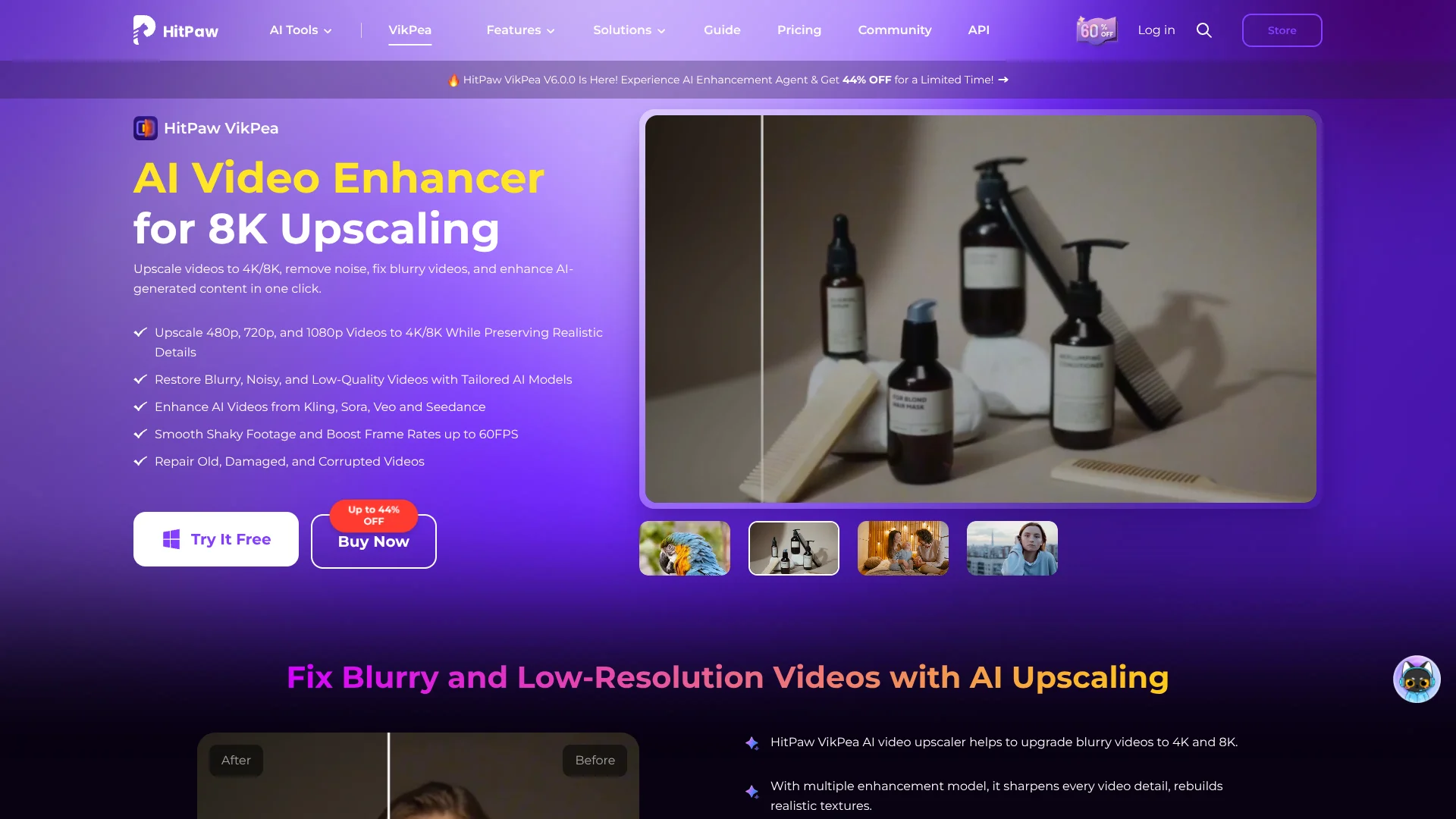
HitPaw VikPea helps video editors, creators, and people restoring old footage improve clips that look blurry, noisy, dark, or compressed. Its AI models can sharpen details, upscale video to 4K or 8K, and smooth shaky or choppy footage. A short preview lets you compare the enhanced result with the original before exporting.
The AI Enhancement Agent assesses a video and suggests three enhancement plans with previews, so you can compare model choices instead of guessing which one fits the footage.
VikPea suits people who want to improve video quality without learning a full editing workflow, especially when restoring old recordings or polishing AI-generated clips. The free license allows previews but not full exports, so you need a paid license to save finished video.
Who is Using HitPaw VikPea?
Video Editors
Cleaner, sharper source clips can be prepared for a larger editing project.
Content Creators
Improved sharpness and stabilization can make phone, travel, or social video easier to publish.
Archivists
Restoration and colorization models can improve the viewing quality of historical footage.
AI Video Creators
Upscaling and detail restoration can polish generated video without rerendering the original.
Uncommon Use Cases
Colorizing black-and-white family recordings; smoothing low-frame-rate gameplay or sports clips.
Key Features
Rating Breakdown
Pricing Plans
1-Month Plan
$43.19 per month
- Automatically renews; cancel any time.
- Includes a full-featured license for one PC.
- Free upgrades for major versions during the subscription.
1-Year Plan
$99.99 per year
- Automatically renews; cancel any time.
- Includes a full-featured license for one PC.
- Free upgrades for major versions during the subscription.
Perpetual Plan
$350.39 one-time
- Includes a perpetual full-featured license for one PC.
- Free updates within the current major version.
Annual Team Plan
$459.95 per year
- Covers five PCs.
- Includes free updates, multi-user control, and tech support.
- Automatically renews; cancel at any time.
Business Plan
- Designed for teams larger than five users.
- Contact HitPaw for a business license.
Which HitPaw VikPea plan should you pick?
Start with the 1-Month Plan when you need a full export to test your workflow; choose a longer license for regular use.
1-Month Plan
Good for users who need a paid license for a short project or want to test full exports.
1-Year Plan
Good for regular users who want a full-featured license for a year.
Perpetual Plan
Good for users who prefer a one-time license and do not need ongoing major-version upgrades.
Annual Team Plan
Good for teams that need licenses for five PCs and multi-user control.
Business Plan
Good for organizations with more than five users that need a business license.
HitPaw VikPea Use Cases
Restore Old Recordings
Noisy or faded home movies can be clarified with restoration, denoising, and color tools.
Outcome: A cleaner-looking version of the original footage.
Upscale Low-Resolution Video
Clips that look soft on larger screens can be enlarged and sharpened with AI models.
Outcome: Higher-resolution output, with options up to 8K.
Polish AI-Generated Clips
Generated video with soft details or compression artifacts can be refined after creation.
Outcome: Sharper footage without generating the clip again.
Smooth Shaky or Choppy Footage
Stabilization and frame interpolation address camera shake and uneven motion.
Outcome: Steadier playback with smoother motion.
Colorize Black-and-White Video
The AI Colorist adds color to monochrome footage, with an option to enhance the result.
Outcome: A colorized video that can also receive detail and resolution enhancement.
Workflow Ideas with HitPaw VikPea
Restore a Home Movie
- 1Import the recording and choose a restoration or low-light model.
- 2Preview the result and compare it with the original.
- 3Adjust output settings and export the finished clip.
Improve a Generated Video
- 1Import the generated clip into VikPea.
- 2Review the Enhancement Agent's suggested plans or choose a model.
- 3Preview the changes, then export at the desired resolution.
Prepare Shaky Footage for Sharing
- 1Import the clip and select Stabilize or Frame Interpolation.
- 2Preview the motion and trim the section you need.
- 3Export locally or use cloud processing if the model supports it.
How HitPaw VikPea fits into your stack
Windows and Mac Desktop
VikPea is downloadable software for enhancing and exporting video on a computer. Local processing uses your device's hardware.
Video Editing Workflow
It fits before or alongside a video editor when footage needs restoration, sharpening, stabilization, or upscaling.
HitPaw Developer API
A separate HitPaw video enhancement API lets developers submit video-processing jobs with an API key and credit-based billing.
Android App
HitPaw also offers a VikPea mobile app on Google Play for video enhancement and video generation.
Pros
- +Model choice: Specialized options address common problems such as blur, noise, compression, and low light.
- +Preview before export: Compare a short enhanced sample with the original before processing the full video.
- +Older footage support: Restoration and colorization tools can help improve archival clips and home recordings.
- +Flexible processing: Local export uses your own hardware, with cloud processing available for supported models.
Cons
- −Paid export required: The free license previews results but cannot export the finished video.
- −Hardware demands: Local video processing depends on your computer, and higher recommended specs can be substantial.
- −Cloud costs: Cloud acceleration and some cloud-based processing use credits.
Limitations & when to consider alternatives
Known limitations
- Free License Does Not Export. The free license supports video previews, but exporting enhanced video requires a paid license.
- Cloud Processing Uses Credits. Cloud export and some cloud-based models consume credits, with usage depending on the processing task.
- Cloud Export Model Support Varies. Cloud export is available only for models that support cloud acceleration.
- System Requirements Apply. The desktop app requires a supported Windows or Mac computer, and HitPaw lists higher recommended specifications for faster processing.
Look elsewhere when
- You need to export finished video without buying a license.
- You need cloud processing that does not consume credits.
- Your computer does not meet VikPea's supported system requirements.
How to Use HitPaw VikPea
- 1
Install VikPea
Download the Windows or Mac desktop app and check the system requirements for your computer.
- 2
Import a Video
Browse for a clip or drag it into the app; multiple videos can be added for batch processing.
- 3
Choose an Enhancement
Select a model for the footage, or review the Enhancement Agent's suggested plans.
- 4
Preview and Compare
Check the short before-and-after sample to see whether the selected model improves the clip.
- 5
Set Output Options
Choose the resolution and other export settings for the finished video.
- 6
Export the Video
Export locally using your computer, or choose cloud export for supported models and pay with credits.
Who is HitPaw VikPea For?
Video Editors
Editors can sharpen, upscale, or stabilize footage before sharing or bringing it into a larger editing workflow.
Creators
Video creators can improve low-resolution clips, portraits, and shaky recordings for publishing.
AI Video Creators
People working with generated clips can refine details and upscale footage without generating it again.
Film Restorers and Archivists
Restoration and colorization models can help improve faded, noisy, or black-and-white recordings.
Families with Old Videos
People digitizing home movies can reduce noise and improve clarity in older footage.
Frequently Asked Questions
Can I use HitPaw VikPea for free?
The free license lets you preview enhancement results, but it does not export the finished video.
Can VikPea upscale a video to 4K or 8K?
Yes. VikPea offers output options up to 4K or 8K, depending on the model and export settings.
Does VikPea work on Windows and Mac?
Yes. HitPaw offers desktop versions for Windows and Mac. Check its system requirements before installing.
Does cloud export cost extra?
Cloud export uses credits, and the credit cost depends on the selected model and processing task.
Is there an API for video enhancement?
HitPaw provides a separate video enhancement API with developer documentation, API keys, and credit-based billing.
Community reviews
Be the first to share your experience.
Sign in to leave a review for HitPaw VikPea.
HitPaw VikPea Alternatives
Looking for alternatives to HitPaw VikPea? Here are similar tools in the same category: