
Hootsuite
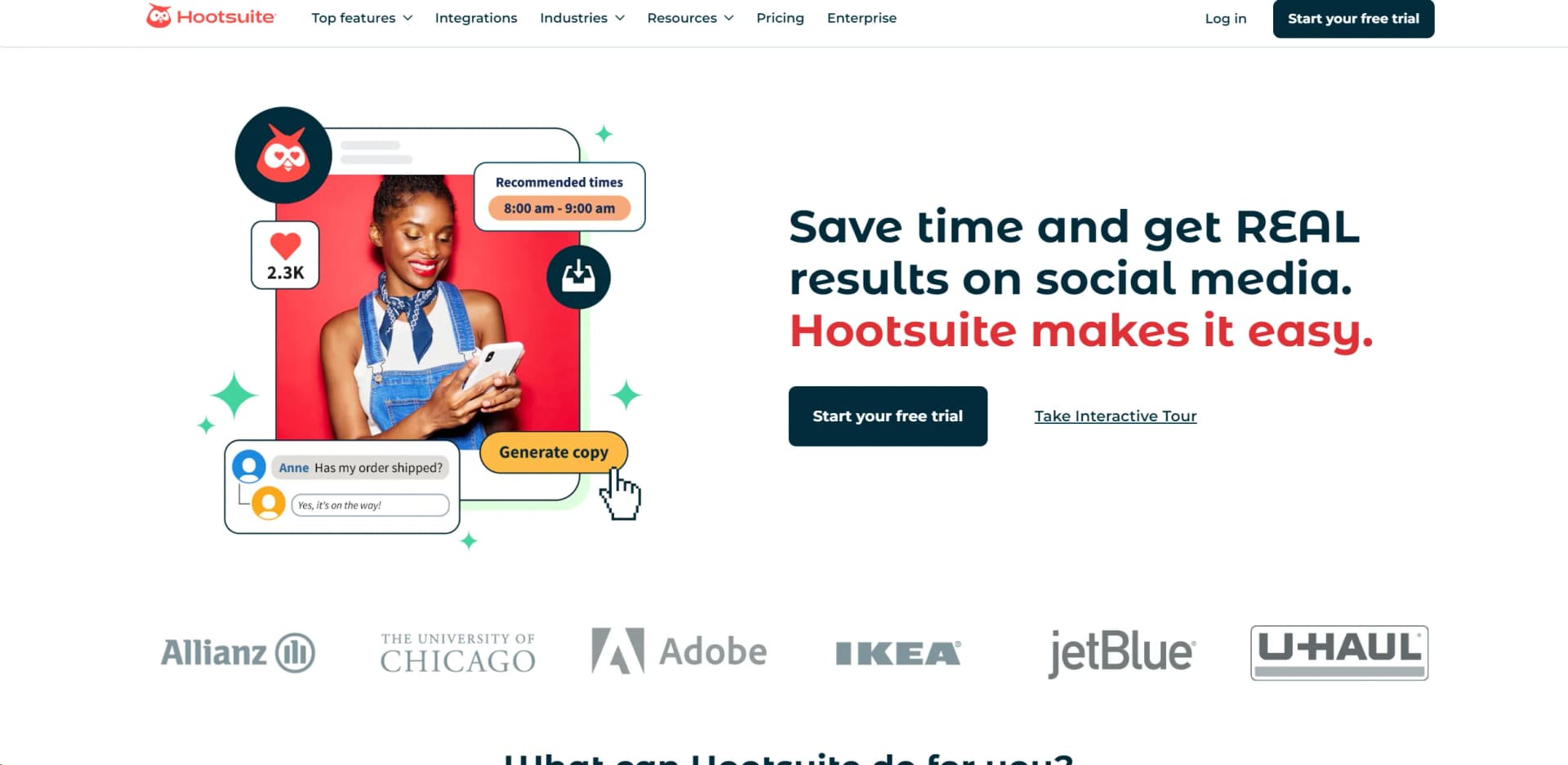
Streamline, schedule, analyze, and engage on social media.
Watch Hootsuite in Action
Key Takeaways
- What it is
- Streamline, schedule, analyze, and engage on social media.
- Pricing
- $49 per month
- Best for
- Publish and Schedule
- Social Media Analytics
- AI Content Creation
- Rating
- 4.5/5
What is Hootsuite?
In today's fast-paced digital world, managing multiple social media accounts can be a daunting task for businesses and individuals alike. Enter Hootsuite, a comprehensive tool designed to streamline social media management. Hootsuite empowers users to publish and schedule posts across various platforms, analyze social media traffic, and engage with followers—all from a single dashboard. Whether you're a small business owner, a marketing professional, or a social media manager, Hootsuite simplifies your social media strategy, helping you save time and enhance your online presence.
Hootsuite sets itself apart with its comprehensive suite of tools that not only help in managing social media but also in measuring its impact. The integration of AI for content creation and the ability to manage all social media interactions from a single platform are particularly beneficial for users looking to streamline operations and increase efficiency.
Hootsuite excels in providing a robust, all-in-one platform for social media management, making it an indispensable tool for a wide range of users from small businesses to large corporations. Its advanced analytics and comprehensive toolset, particularly its AI-driven content creation and social listening tools, offer unmatched advantages in managing and scaling digital marketing efforts.
Who is Using Hootsuite?
Small Businesses
Leveraging the tool to manage their growing online presence efficiently.
Large Corporations
Utilizing advanced analytics and employee advocacy to enhance brand visibility.
Social Media Influencers
Using scheduling and engagement tools to maintain active and consistent online interactions.
Nonprofits
Employing cost-effective strategies to maximize outreach and donor engagement.
Uncommon Use Cases
Academic institutions incorporate Hootsuite into curriculum to teach students digital marketing skills; local governments use it to manage public communications and engagement.
Key Features
Rating Breakdown
Pricing Plans
Free Trial
- Start with a robust free trial to explore Hootsuite’s capabilities
Professional Plan
$49 per month
- Offering additional features and support
Which Hootsuite plan should you pick?
Start with Standard for essential social publishing and analytics; upgrade to Professional for unlimited accounts and automation, Advanced for approvals and team workflows, or Enterprise for governance and SSO.
Standard
Good for individuals, small businesses, and growing brands who need scheduling, engagement, monitoring, analytics, and AI content creation.
Professional
Good for users who need unlimited social accounts, automated inbox replies and workflows, trend forecasting, and custom reports.
Advanced
Good for social teams who need approvals, message routing, internal collaboration, and advanced workflows.
Enterprise
Good for organizations that need advanced analytics, listening, governance, custom compliance solutions, and SSO.
Hootsuite Use Cases
Social content scheduling
Create, schedule, publish, and manage content across multiple social networks from one calendar.
Outcome: More consistent publishing with less manual work.
Social inbox management
Monitor and respond to messages and comments across supported networks in a unified inbox.
Outcome: Faster, centralized audience engagement.
Social analytics and reporting
Track post, profile, and network metrics, compare performance, and build customized reports.
Outcome: Clearer measurement of social performance and impact.
Social listening
Monitor mentions, hashtags, trends, sentiment, competitors, and conversations across social and online sources.
Outcome: Better visibility into audiences, trends, and emerging risks.
Team approvals and customer care
Route conversations, assign work, review content, approve posts, and coordinate responses across teams.
Outcome: More controlled publishing and coordinated customer service.
Workflow Ideas with Hootsuite
Plan, approve, and publish a campaign
- 1Create campaign content and add it to the content calendar
- 2Send drafts through team approval workflows
- 3Schedule and publish approved posts across social networks
Route and resolve customer conversations
- 1Collect messages in the unified social inbox
- 2Automatically classify, prioritize, and assign conversations
- 3Resolve conversations or escalate them to the appropriate team member
Turn social insights into action
- 1Monitor trends, mentions, sentiment, and competitor activity
- 2Use Wisdom to summarize findings and recommend next steps
- 3Draft content or initiate actions based on the insights
How Hootsuite fits into your stack
Canva Integration
Directly integrate with Canva to create visually appealing content.
Google Analytics
Track website traffic from social media campaigns.
CRM Systems
Synchronize with CRM platforms to enhance customer relationship management.
API Access
Developers can customize and extend functionality through Hootsuite’s API.
Pros
- +Increased Reach: Users report significant increases in social media reach and engagement year over year.
- +Efficiency in Content Management: Streamlines the process of content creation, scheduling, and monitoring, saving valuable time.
- +Advanced Analytics: Provides robust tools to track ROI, making it easier to measure and report on social media success.
- +Comprehensive Integration: Seamlessly works with a variety of platforms and tools, enhancing workflow and productivity.
Cons
- −Learning Curve: New users may require time to fully navigate and utilize all the features effectively.
- −Cost Concerns: While there is a free trial, the full range of features comes at a premium, which might be a barrier for smaller entities or solopreneurs.
- −Overwhelming Features: Some users might find the extensive functionalities more complex than needed for simpler social media tasks.
Limitations & when to consider alternatives
Known limitations
- Trial posting limits. Trial accounts have daily posting limits of 10–20 posts per organization, depending on plan.
- Bulk scheduling unavailable during trial. Hootsuite states that bulk scheduling is not available during the free trial.
- Standard account limit. The Standard plan manages up to 10 social media accounts.
- SSO availability. Hootsuite’s security documentation identifies SSO support for Enterprise customers.
- Chatbot language coverage. The Generative AI Chatbot currently speaks English, French, and Spanish.
Look elsewhere when
- You need a permanently free plan.
- Your organization needs more than 10 accounts on Standard.
- You need a dedicated Windows, Mac, or Linux desktop installer.
- You need AI chatbot support in languages beyond English, French, and Spanish.
How to Use Hootsuite
- 1
Explore an extensive range of tutorials and demos on the Hootsuite website, covering everything from basic navigation to advanced features.
Who is Hootsuite For?
Individuals
Standard is positioned for individuals who need scheduling, engagement, monitoring, analytics, and AI content tools.
Small businesses
Small businesses can manage social accounts, schedule posts, monitor conversations, and measure performance from one dashboard.
Growing brands
Growing brands can coordinate publishing, engagement, social listening, analytics, and content creation.
Social media teams
Advanced provides approvals, assignments, internal collaboration, routing, and team performance measurement.
Enterprise organizations
Enterprise provides advanced analytics, social listening, governance, custom compliance solutions, and SSO.
Frequently Asked Questions
Does Hootsuite offer a free plan?
The pricing page lists paid Standard, Professional, and Advanced plans plus Enterprise, each with a free 14-day trial.
Is a credit card required to start a trial?
No. Hootsuite says users can start a 14-day trial without a credit card.
How many social accounts can Hootsuite manage?
Standard supports up to 10 social accounts, while Professional, Advanced, and Enterprise support unlimited accounts or custom limits.
Does Hootsuite support team collaboration?
Advanced adds approval workflows, message routing, internal comments, team chats, and shared content coordination.
Which social networks does Hootsuite support?
Hootsuite supports Facebook, Instagram, X, LinkedIn, TikTok, YouTube, Threads, WhatsApp, Pinterest, and Bluesky.
Does Hootsuite integrate with Canva and Google Drive?
Yes. Canva is built into Composer, and Google Drive lets users browse and attach images and videos.
Community reviews
Be the first to share your experience.
Sign in to leave a review for Hootsuite.
Hootsuite Alternatives
Looking for alternatives to Hootsuite? Here are similar tools in the same category:
Learn to Master Hootsuite
With Skill Leap courses
Get in-depth training on Hootsuite and 50+ other AI tools with our expert-led video courses.
Start 7-Day Free Trial