
Horizon AI Template
Revolutionize chatbot website creation with AI-powered, customizable templates.
Watch Horizon AI Template in Action
Key Takeaways
- What it is
- Revolutionize chatbot website creation with AI-powered, customizable templates.
- Pricing
- $49 per month
- Best for
- Pre-Built Components
- Responsive Design
- AI Integration
- Rating
- 4.3/5
What is Horizon AI Template?
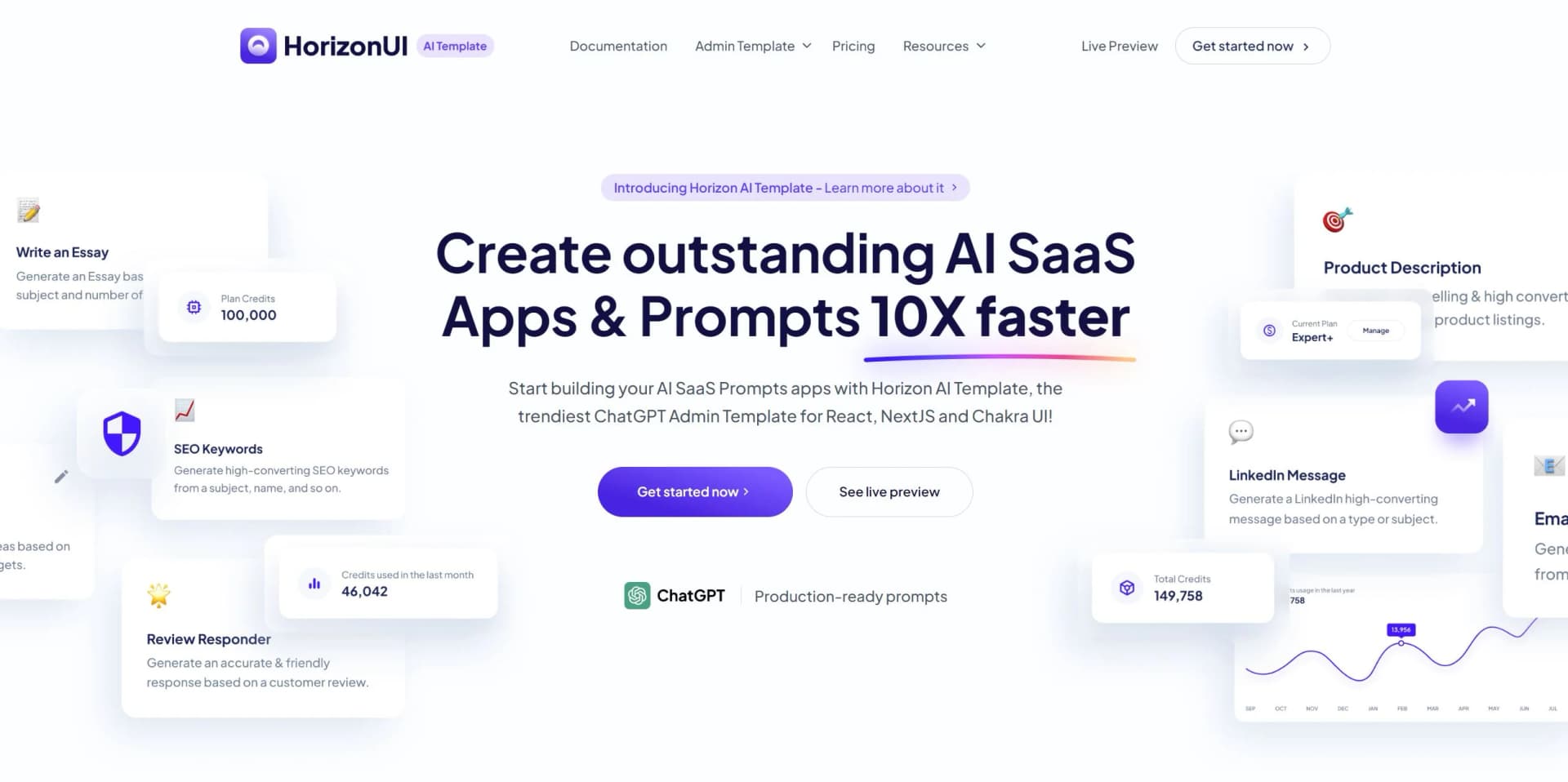
Horizon AI Template is a cutting-edge solution designed to revolutionize the creation of AI-powered chatbot websites. Tailored for businesses and developers looking to streamline their digital presence, Horizon AI Template offers a comprehensive suite of features that simplify the process of building and deploying chatbots. This tool is ideal for those aiming to enhance user interaction and engagement through intelligent, automated conversations.
Horizon AI Template distinguishes itself with its focus on AI-powered chatbot applications. Its ability to integrate seamlessly with AI technology, coupled with a user-friendly design, makes it a standout choice for businesses looking to enhance digital interactions. The template's scalability and customization options further set it apart, catering to a wide range of user needs.
Who is Using Horizon AI Template?
Small Businesses
Utilizing the template to quickly establish an AI-powered online presence.
Tech Startups
Employing the tool to develop innovative chatbot solutions.
Web Developers
Leveraging the template to streamline the development process for clients.
Customer Service Teams
Using chatbots to automate and enhance customer interactions.
Uncommon Use Cases
Educational Institutions: Adopting the template for teaching AI development.; Non-Profits: Using chatbots to engage with volunteers and donors efficiently.
Key Features
Rating Breakdown
Pricing Plans
One time payment
$49 per month
Which Horizon AI Template plan should you pick?
Start with Demo version for evaluation; choose Personal for one developer, Teams for up to 10 developers and unlimited projects, or Enterprise for unlimited developers.
Demo version
Good for evaluating the open-source Chat UI demo and starting an entry-level ChatGPT-based application.
Personal
Good for one developer who needs the premium template for one project.
Teams
Good for teams of up to 10 developers who need unlimited projects and extended premium support.
Enterprise
Good for large companies that need unlimited developers, unlimited projects, and extended redistribution rights.
Horizon AI Template Use Cases
AI chatbot website
Use the chat UI, assistant, prompt, and result pages as the foundation for a chatbot application.
Outcome: A ready-made interface for an AI chat product.
AI image generator website
Customize the template to create an AI image-generation website.
Outcome: A branded frontend for an image-generation application.
Content generator
Use the included content-oriented templates such as email enhancement, article generation, and product descriptions.
Outcome: A structured frontend for AI content-generation workflows.
AI research application
Use the ready-to-use pages for AI research projects.
Outcome: A faster starting point for an AI research interface.
Prompt library
Use prompt, template, history, usage, and project pages to build a prompt-focused AI application.
Outcome: A configurable prompt-management experience.
Workflow Ideas with Horizon AI Template
Build an AI chatbot MVP
- 1Start from the free Chat UI demo or paid template package
- 2Combine the chat, assistant, prompt, history, and settings pages
- 3Connect the frontend to your chosen AI backend
Create a content-generation product
- 1Choose a content page such as Article Generator or Email Enhancer
- 2Customize the theme, prompts, user pages, and plan pages
- 3Deploy the resulting AI SaaS frontend
Launch a team AI project
- 1Select the Teams license for up to 10 developers
- 2Use the included components and pages across unlimited projects
- 3Download future updates and distribute them into the projects
How Horizon AI Template fits into your stack
Horizon AI Template offers a robust platform for creating AI-powered chatbot websites, making it an excellent choice for businesses aiming to enhance customer interaction and engagement. Its user-friendly interface, coupled with powerful AI integration, ensures that users can develop sophisticated chatbot solutions with relative ease. Whether you're a small business, a tech startup, or a web developer, Horizon AI Template provides the tools necessary to build responsive and engaging digital experiences.
Pros
- +User-Friendly: The intuitive interface makes it accessible for users with varying levels of technical expertise.
- +Time-Saving: Pre-built components significantly reduce the time required to develop and deploy a chatbot website.
- +Enhanced Engagement: AI-driven chatbots improve user interaction, leading to higher engagement rates.
- +Scalable Solution: Suitable for businesses of all sizes, from startups to large enterprises.
Cons
- −Initial Learning Curve: Some users may find it challenging to fully utilize all features initially.
- −Limited Third-Party Integrations: Currently, the platform supports a limited number of third-party applications.
Limitations & when to consider alternatives
Known limitations
- The free version is limited. The free Demo version is an open-source entry-level version containing the Chat UI page.
- It is a frontend template. The product provides React, NextJS, Chakra UI, components, pages, prompts, users, and settings rather than a hosted AI service.
- The Personal license is restricted. The Personal license permits one developer to use the product for one project.
- Figma lacks a component library. The Figma version includes the designed pages, but the site says pages are currently designed separately without a components library.
- Tutorials are not yet available. The FAQ states that more descriptive videos and article tutorials are still being developed.
Look elsewhere when
- You need a hosted AI application rather than source code and frontend templates.
- You need native mobile applications.
- You need built-in enterprise identity or security controls.
How to Use Horizon AI Template
- 1
Choose the implementation stack
Select the React plus NextJS plus Chakra UI TypeScript or JavaScript version before purchasing.
- 2
Start from the demo or purchased files
Use the free Chat UI demo or download the purchased ZIP package and add it to your project.
- 3
Select pages and components
Combine the provided chat, prompt, history, usage, settings, project, template, and admin pages.
- 4
Customize the visual system
Adapt the responsive pages, components, prompts, themes, and dark/light modes to your AI application.
- 5
Connect your AI backend
Add the application logic and AI service integration required by your project; the template supplies the frontend starting point.
- 6
Download updates
Use the purchaser download link to obtain updated ZIP files as new versions are released.
Who is Horizon AI Template For?
Solo designers and developers
The Personal license is intended for one developer building a high-end AI project or application.
Development teams
The Teams license supports up to 10 developers and unlimited projects based on the template.
Agencies
The site describes the Team / Company license as suitable for agencies and larger teams.
Large companies
The Enterprise license is intended for large companies needing unlimited developers, projects, and extended redistribution rights.
AI SaaS project builders
The template is designed for developers creating AI SaaS websites, chatbots, content generators, and related applications.
Frequently Asked Questions
What is Horizon AI Template?
It is a React, NextJS, and Chakra UI template for building AI SaaS websites, chatbot applications, and prompt-based projects.
What pricing plans are available?
The site lists a free Demo version, Personal at $79, Teams at $189, and Enterprise at $249. Paid plans are one-time purchases.
How many developers can access the product?
Personal supports one developer and one project; Teams supports up to 10 developers and unlimited projects; Enterprise supports unlimited developers and projects.
Can Horizon AI Template be used in an open-source project?
Yes. The site says users may use it in an open-source project if they credit Horizon AI Template and link to the product page.
How are updates delivered?
Purchasers receive a download link for the files and download a new ZIP file when updates become available.
Is there a Figma version?
Yes. The Figma file includes the designed pages, but the site says it currently does not include a components library.
Community reviews
3 reviews from people who use Horizon AI Template.
Sign in to leave a review for Horizon AI Template.
Toma Rares
Ana Radovici
Alexandru Paduraru
Horizon AI Template Alternatives
Looking for alternatives to Horizon AI Template? Here are similar tools in the same category:
Learn to Master Horizon AI Template
With Skill Leap courses
Get in-depth training on Horizon AI Template and 50+ other AI tools with our expert-led video courses.
Start 7-Day Free Trial