
Hostinger Horizons
Build, deploy, and manage websites in no time.
Key Takeaways
- What it is
- Build, deploy, and manage websites in no time.
- Pricing
- $13.99 per month · $39.99 per month · $79.99 per month
- Best for
- AI Website Builder
- Performance Monitoring
- Security Enhancements
- Rating
- 4.5/5
What is Hostinger Horizons?
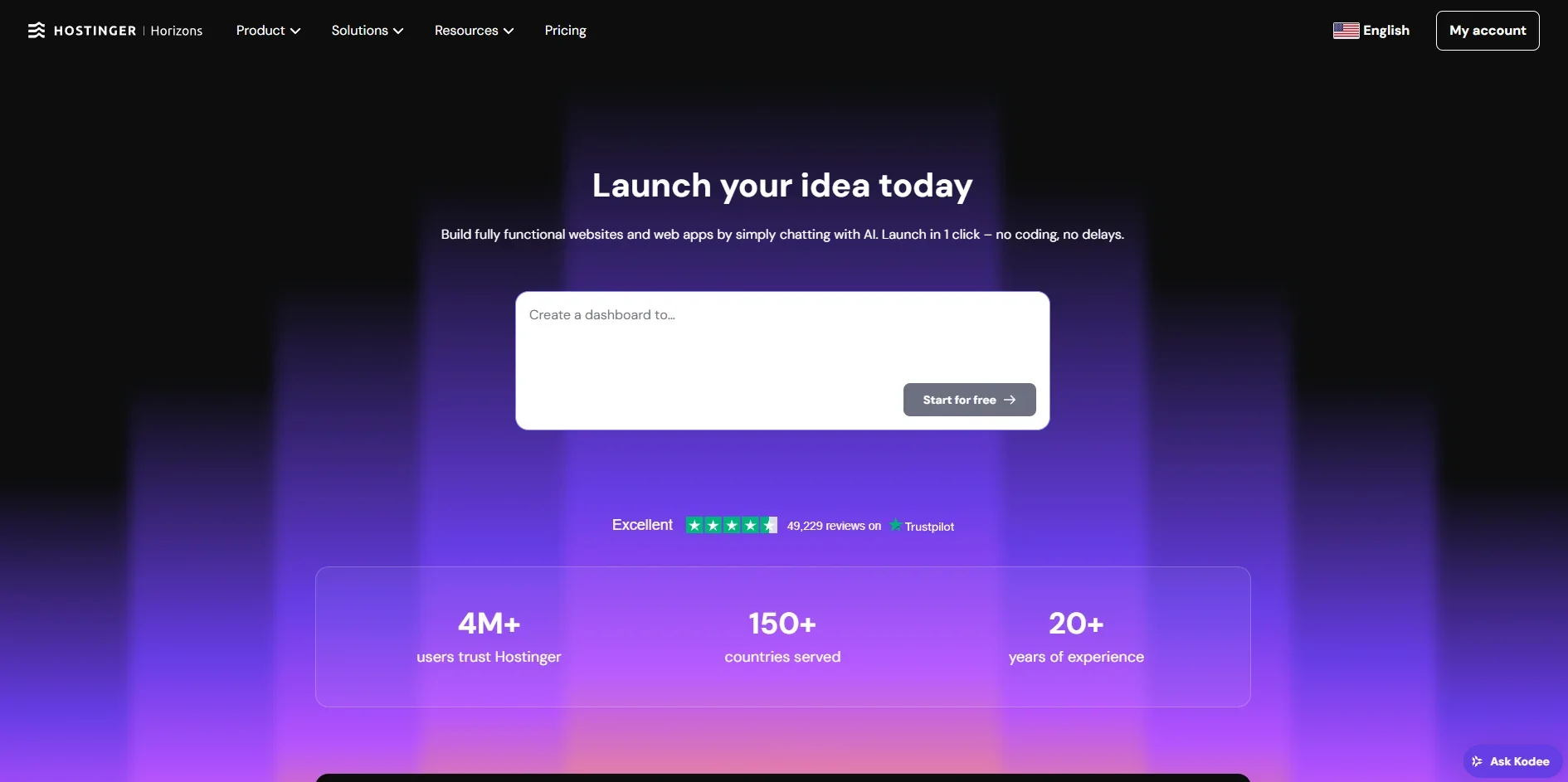
Hostinger Horizons is a cutting-edge AI platform that reimagines website creation and management, offering innovative features designed to streamline the web hosting experience. Tailored for both beginners and seasoned professionals, it simplifies the process of building, deploying, and maintaining websites with ease and efficiency.
Hostinger Horizons stands out with its AI-driven website builder, making it accessible for users with no technical background. Its unique combination of affordability and advanced security features provides a valuable edge in the web hosting sector.
Hostinger Horizons delivers a powerful yet accessible platform for anyone looking to establish a strong online presence. With its AI-driven capabilities, robust security, and user-centric design, it is a compelling choice for a wide range of users seeking efficient and effective web hosting solutions.
Who is Using Hostinger Horizons?
Small Business Owners
Utilizing the platform for easy and quick website creation.
Freelancers
Benefiting from affordable hosting and easy management.
Bloggers
Using the platform to manage and optimize personal blogs.
E-commerce Entrepreneurs
Leveraging the tools for building and maintaining online stores.
Uncommon Use Cases
Non-profits using it for awareness campaigns; Educational institutions setting up informational portals.
Key Features
Rating Breakdown
Pricing Plans
Starter
$13.99 per month
- Includes 70 messages, online store integration, SEO-optimized projects, text editing mode, online visibility via AI tools, payments, free domain, 1 year of hosting, and 24/7 customer support
Hobbyist
$39.99 per month
- Includes 200 messages and everything in Starter, plus 5 mailboxes, daily backups, up to 50 projects, and enhanced flexibility for freelancers and creators
Hustler
$79.99 per month
- Includes 400 messages and everything in Hobbyist, plus Superbase integration, auto error fixer, and access to the upcoming code editor
Which Hostinger Horizons plan should you pick?
Start with Premium for a small project, upgrade to Unlimited for multiple sites and more AI credits, or choose Cloud Startup for higher performance and scale.
Premium
Good for first websites, small projects, and users who need three websites with five AI credits.
Unlimited
Good for growing businesses that need unlimited websites, ecommerce, integrations, and fifteen AI credits.
Cloud Startup
Good for businesses needing maximum performance, scalability, unlimited websites, and fifteen AI credits.
Hostinger Horizons Use Cases
Build a productivity tool
Create task managers, time trackers, or project dashboards from prompts.
Outcome: A browser-based tool for organizing work and monitoring progress.
Create a fitness or wellness app
Generate workout planners, fitness trackers, sleep schedulers, or journaling tools.
Outcome: A customized wellness application with interactive tracking.
Launch an AI-powered tool
Build chatbots, writing assistants, recommendation engines, image tools, or personalized generators.
Outcome: A shareable AI application without separate model setup.
Create a data-backed web app
Add forms, authentication, file uploads, and integrated backend storage.
Outcome: A functional application that stores and manages user data.
Add payments or monetization
Connect Stripe, subscriptions, ads, online-store features, or other payment services.
Outcome: A web application capable of collecting payments or generating revenue.
Workflow Ideas with Hostinger Horizons
Create and publish a web application
- 1Describe the application idea and required features in the prompt box
- 2Review the generated preview and refine it with focused follow-up prompts
- 3Publish the finished application and connect a custom domain
Add a third-party integration
- 1Tell the AI which service to connect and provide required credentials or identifiers
- 2Review the generated code, configuration, or setup instructions
- 3Test the integration in stages before publishing
Build a data-backed project
- 1Describe the required login, form, file-storage, or database behavior
- 2Use the integrated backend or connect Supabase or Firebase
- 3Test with separate preview and live data environments
How Hostinger Horizons fits into your stack
Browser
Horizons is a browser-based AI development environment accessed through Hostinger hPanel. Users prompt the AI, preview changes, edit content, inspect code, manage data, and publish web applications.
Automation and APIs
Horizons can add third-party services through prompts, including Stripe, Supabase, Mailchimp, Zapier, and Google AdSense. Hostinger also documents API endpoints for creating and managing Horizons websites.
Knowledge and files
Users can upload reference images, screenshots, PDFs, and other files for processing or storage. The integrated backend supports user-uploaded files and application data.
Pros
- +User-Friendly: Intuitive interface makes it accessible for users of all skill levels.
- +Cost-Effective Solutions: Offers affordable pricing plans for different needs.
- +Comprehensive Support: Provides 24/7 customer support and a rich knowledge base.
- +Scalability: Easily accommodates growing businesses with scalable hosting solutions.
Cons
- −Limited Advanced Features: Some advanced users might find the customization options lacking.
- −Initial Setup Time: May require some time to fully set up and understand all features.
Limitations & when to consider alternatives
Known limitations
- Active hosting is required. An active compatible Hostinger hosting plan is required to create, publish, or export projects and keep them accessible.
- AI usage consumes credits. Requests consume dynamic AI credits based on complexity; top-up credits expire three months after purchase.
- Native apps are unsupported. The tool creates browser-based web applications, not native iOS or Android applications.
- Chrome extensions and desktop apps are unsupported. Hostinger AI Builder does not currently support Chrome extensions or downloadable desktop applications.
- Some advanced features require setup. Payments, authentication, external APIs, and integrations may require credentials, prompting, configuration, or manual testing.
Look elsewhere when
- You need a native iOS or Android app
- You need a Chrome extension or desktop application
- You need model fine-tuning or custom model training
How to Use Hostinger Horizons
- 1
Start a project
Open Hostinger AI Builder from hPanel, choose agentic mode, and describe the web application you want to create.
- 2
Refine with prompts
Review the live preview and send focused instructions for features, styling, behavior, integrations, or debugging.
- 3
Use visual or code editing
Make direct static-content changes with visual editing or open the built-in code editor for supported manual changes.
- 4
Connect data and services
Add the integrated backend, Supabase, Firebase, payments, email, analytics, or other services through prompts and configuration.
- 5
Test and publish
Use preview mode and test data to verify the application, then publish it and connect a custom domain.
- 6
Monitor credits and update
Check AI Credit Usage, top up when necessary, and continue editing the published project as your needs change.
Who is Hostinger Horizons For?
Solopreneurs
They can create functional web applications and business tools without hiring a developer.
Beginners
Natural-language prompting and visual previews make it suitable for people with limited technical experience.
Web developers
Developers can use AI generation, the code editor, integrations, and manual debugging to accelerate software work.
Businesses building internal tools
The platform supports dashboards, trackers, admin panels, forms, authentication, and database-backed applications.
Frequently Asked Questions
What is Hostinger Horizons?
Hostinger Horizons, now presented as Hostinger AI Builder agentic mode, creates websites and web applications through natural-language prompts.
Do I need coding knowledge?
No. The tool is designed to generate and customize web applications without requiring users to write code.
Can I try Hostinger Horizons for free?
Yes. A seven-day free trial provides five complimentary agentic-mode credits, but trial projects cannot be published.
What can I build?
Examples include fitness trackers, budget tools, dashboards, task managers, language-learning platforms, and AI-powered utilities.
Can I connect databases and services?
Yes. Supported options include the integrated backend, Supabase, Firebase, Stripe, Google AdSense, Mailchimp, Zapier, and custom APIs.
Can I publish my project?
Yes. After refining the project, use Publish or Deploy to make the web application live on Hostinger hosting.
Community reviews
Be the first to share your experience.
Sign in to leave a review for Hostinger Horizons.
Hostinger Horizons Alternatives
Looking for alternatives to Hostinger Horizons? Here are similar tools in the same category:
Learn to Master Hostinger Horizons
With Skill Leap courses
Get in-depth training on Hostinger Horizons and 50+ other AI tools with our expert-led video courses.
Start 7-Day Free Trial