
HubSpot
Unify marketing, sales, CRM; AI-driven insights—boost efficiency.
Watch HubSpot in Action
Key Takeaways
- What it is
- Unify marketing, sales, CRM; AI-driven insights—boost efficiency.
- Pricing
- Freemium · $90 per month · $800 per month
- Best for
- AI-Driven Insights
- Comprehensive CRM
- AI-Powered Content Creation
- Rating
- 4.6/5
What is HubSpot?
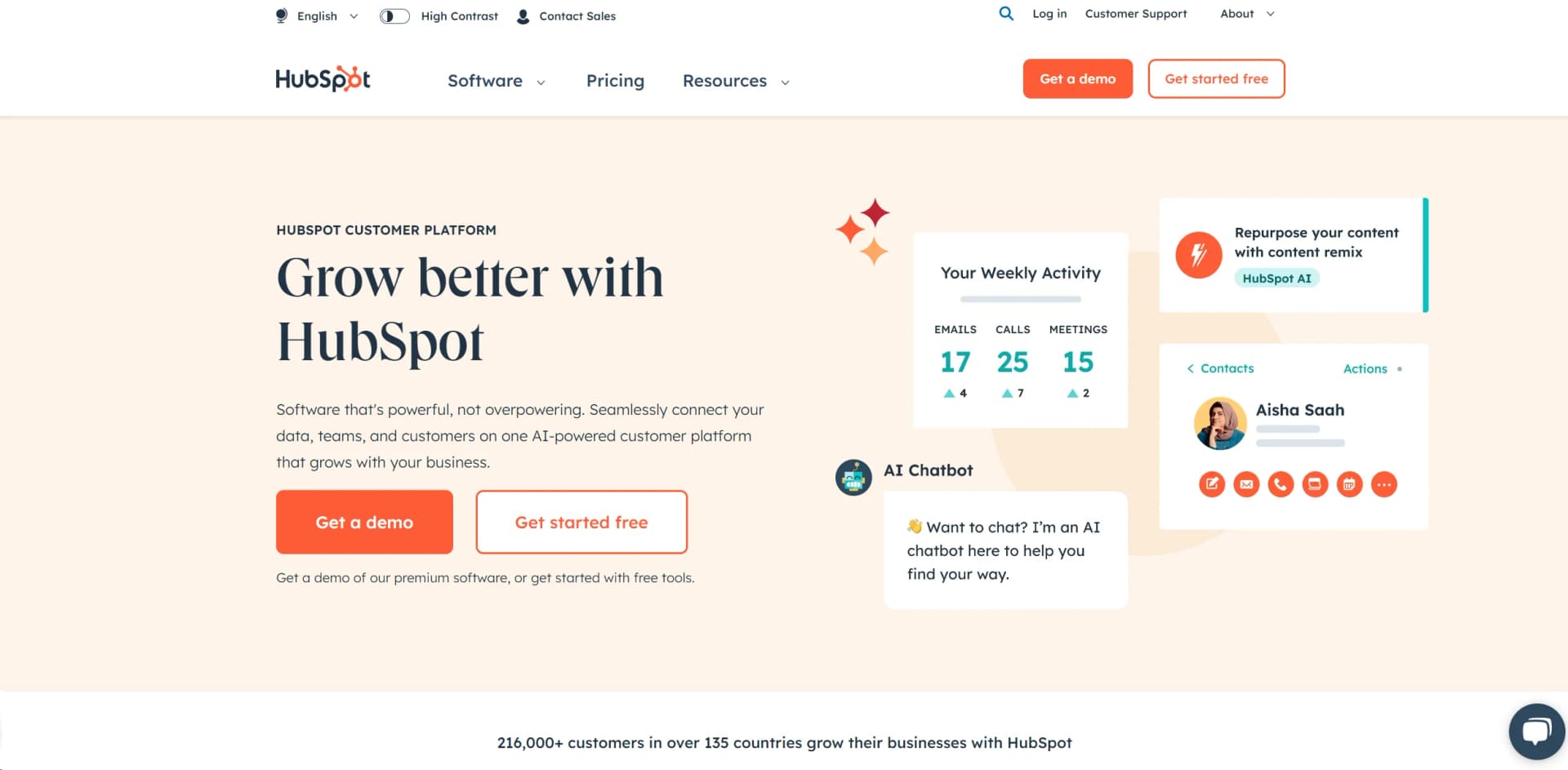
HubSpot is a comprehensive AI-powered customer platform designed for businesses to streamline their marketing, sales, and customer service processes. Offering a suite of integrated software solutions, including a free CRM, HubSpot simplifies managing customer interactions across all stages of the customer journey. With robust AI-driven tools, HubSpot is not just a platform—it's a growth engine for businesses aiming for efficiency and effectiveness.
HubSpot’s all-in-one platform integrates marketing, sales, and customer service with advanced AI features. This deep integration provides a holistic view of the customer journey, helping businesses attract, retain, and delight customers at every interaction.
HubSpot is a powerhouse for integrating AI into business operations. Its tools foster creativity, efficiency, and provide deep analysis and insights, making it essential for companies of all sizes. Whether crafting targeted campaigns or enhancing customer satisfaction, HubSpot’s intelligent support helps businesses stay ahead in a competitive landscape. Its all-in-one platform with advanced AI capabilities makes HubSpot a top choice for enhancing operational efficiency and customer engagement.
Who is Using HubSpot?
E-commerce Businesses
Streamline customer interactions from lead generation to loyalty.
Digital Marketing Agencies
Manage multiple client portfolios and automate tasks with AI insights.
Educational Institutions
Manage communications and student services with AI-enhanced tools.
Non-Profits
Enhance donor engagement and fundraising efforts using AI tools.
Real Estate Agencies and Event Organizers
Manage client interactions, property listings, and event participant engagement efficiently.
Key Features
Rating Breakdown
Pricing Plans
Free Tier
Free
- Basic CRM and features at no cost
Starter Plan
$90 per month
- Including additional marketing tools and some AI capabilities
Professional Plan
$800 per month
- Designed for growing teams needing advanced AI tools
Which HubSpot plan should you pick?
Start with Free for basic CRM and foundational tools; upgrade to Starter for expanded features, Professional for automation, or Enterprise for governance and scale.
Free
Good for individuals and small teams who need foundational CRM, marketing, sales, service, content, and AI tools.
Starter
Good for growing teams who need expanded marketing, sales, service, content, and data-management capabilities.
Professional
Good for teams who need advanced automation, workflows, reporting, AI agents, and scalable operations.
Enterprise
Good for organizations that need governance, SSO, advanced permissions, custom objects, and large-scale orchestration.
HubSpot Use Cases
Manage customer relationships
Store contacts, companies, deals, activities, and customer timelines in the Smart CRM.
Outcome: Centralized customer data and visibility.
Automate marketing processes
Create campaigns, capture leads, send emails, manage ads, and automate follow-up workflows.
Outcome: More scalable lead generation and nurturing.
Support customers
Manage tickets, conversations, live chat, inboxes, and customer-agent interactions.
Outcome: Organized customer support operations.
Create and localize content
Build websites, landing pages, blogs, emails, and translated content with HubSpot content tools and Breeze.
Outcome: Faster production of multi-language marketing content.
Build custom CRM automations
Use workflows, webhooks, connected apps, and AI-generated JavaScript custom-code actions.
Outcome: Automated processes across HubSpot and connected systems.
Workflow Ideas with HubSpot
Form submission follow-up
- 1Trigger enrollment when a contact submits a specific form
- 2Send a marketing email
- 3Assign the contact to a user
Deal-stage notification
- 1Trigger when a deal moves to a pipeline stage
- 2Create a follow-up task
- 3Send an internal notification or Slack alert
AI-generated custom code action
- 1Describe the desired automation in Breeze Assistant
- 2Review and edit the generated JavaScript
- 3Test and save the custom workflow action
How HubSpot fits into your stack
Google Workspace
Seamless integration with Gmail and Calendar.
Salesforce
Enhanced data insights through synchronization.
Slack
Improved team communications.
WordPress
Streamlined content management and marketing.
ChatSpot Integration
Conversational AI experiences integrated with HubSpot CRM.
Suggested Prompts and Insights
Actionable insights without complex commands.
Personalized Real-Time Responses
Latest data used for insights and responses.
Pros
- +Unified Platform: Integrates marketing, sales, and service tools for a cohesive user experience.
- +Scalability: Suitable for businesses of all sizes, with scalable AI tools that grow with your business.
- +User-Friendly Interface: Intuitive design makes it easy for teams to adopt and utilize features.
- +Extensive Integration Ecosystem: Connects with numerous third-party applications to enhance functionality.
Cons
- −Cost Structure: Advanced features, particularly AI, can be expensive as you scale.
- −Complexity in Advanced Features: Range of AI-driven features can be overwhelming for new users.
- −Learning Curve: Requires time to fully understand and utilize AI tools effectively.
Limitations & when to consider alternatives
Known limitations
- Free accounts have usage limits. Free tools are limited to up to two users and 1,000 contacts, with additional object and feature limits.
- Advanced workflows require paid plans. The full workflow builder is available primarily on Professional and Enterprise subscriptions.
- Breeze Assistant has generation limits. Breeze Assistant content generation is limited to 30 uses per minute and 1,000 uses per day.
- Uploaded files may be publicly hosted. Files uploaded to the Files tool are hosted on a public CDN URL by default.
- Mobile functionality requires connectivity. Records cannot be created, edited, or viewed in the mobile app without an internet or data connection.
Look elsewhere when
- You need a traditional downloadable desktop application.
How to Use HubSpot
- 1
HubSpot Academy offers a wealth of tutorials and resources, including video guides and strategy courses, to help users maximize the potential of their AI tools.
Who is HubSpot For?
Marketing teams
HubSpot provides lead generation, content, email marketing, campaign automation, and reporting tools.
Sales teams
Sales teams can manage contacts, deals, pipelines, meetings, outreach, and CRM activities.
Customer service teams
Service teams can manage tickets, conversations, inboxes, customer agents, and support workflows.
Startups and small businesses
Free tools and the Small Business Bundle provide CRM, marketing, sales, service, content, and revenue features.
Developers and integration builders
HubSpot provides APIs, developer tools, custom code actions, CLI tools, and an app marketplace.
Frequently Asked Questions
Does HubSpot offer a free plan?
Yes. HubSpot offers free tools at $0 per month, with no time limit and no credit card required.
Can HubSpot connect to other business tools?
Yes. The HubSpot Marketplace lists integrations including Slack, Salesforce, Zoom, Gmail, Google Calendar, and Zapier.
Can HubSpot automate workflows?
Yes. Workflows can enroll records using filters, events, schedules, or webhooks, then execute multiple actions.
Does HubSpot support mobile access?
Yes. Native HubSpot apps are available for iOS and Android.
Does HubSpot support single sign-on?
Yes. HubSpot supports SAML-based SSO on eligible Professional and Enterprise subscriptions.
Can HubSpot use uploaded business files as AI context?
Yes. Breeze knowledge vaults can use uploaded PDFs, documents, spreadsheets, images, and other supported files.
Community reviews
Be the first to share your experience.
Sign in to leave a review for HubSpot.
HubSpot Alternatives
Looking for alternatives to HubSpot? Here are similar tools in the same category:
Learn to Master HubSpot
With Skill Leap courses
Get in-depth training on HubSpot and 50+ other AI tools with our expert-led video courses.
Start 7-Day Free Trial