
HubSpot AI Website Generator
Create websites with intuitive AI prompts.
Key Takeaways
- What it is
- Create websites with intuitive AI prompts.
- Pricing
- Freemium
- Best for
- AI-Powered Design
- No-Code Editing Tools
- Integration with HubSpot Platform
- Rating
- 4.6/5
What is HubSpot AI Website Generator?
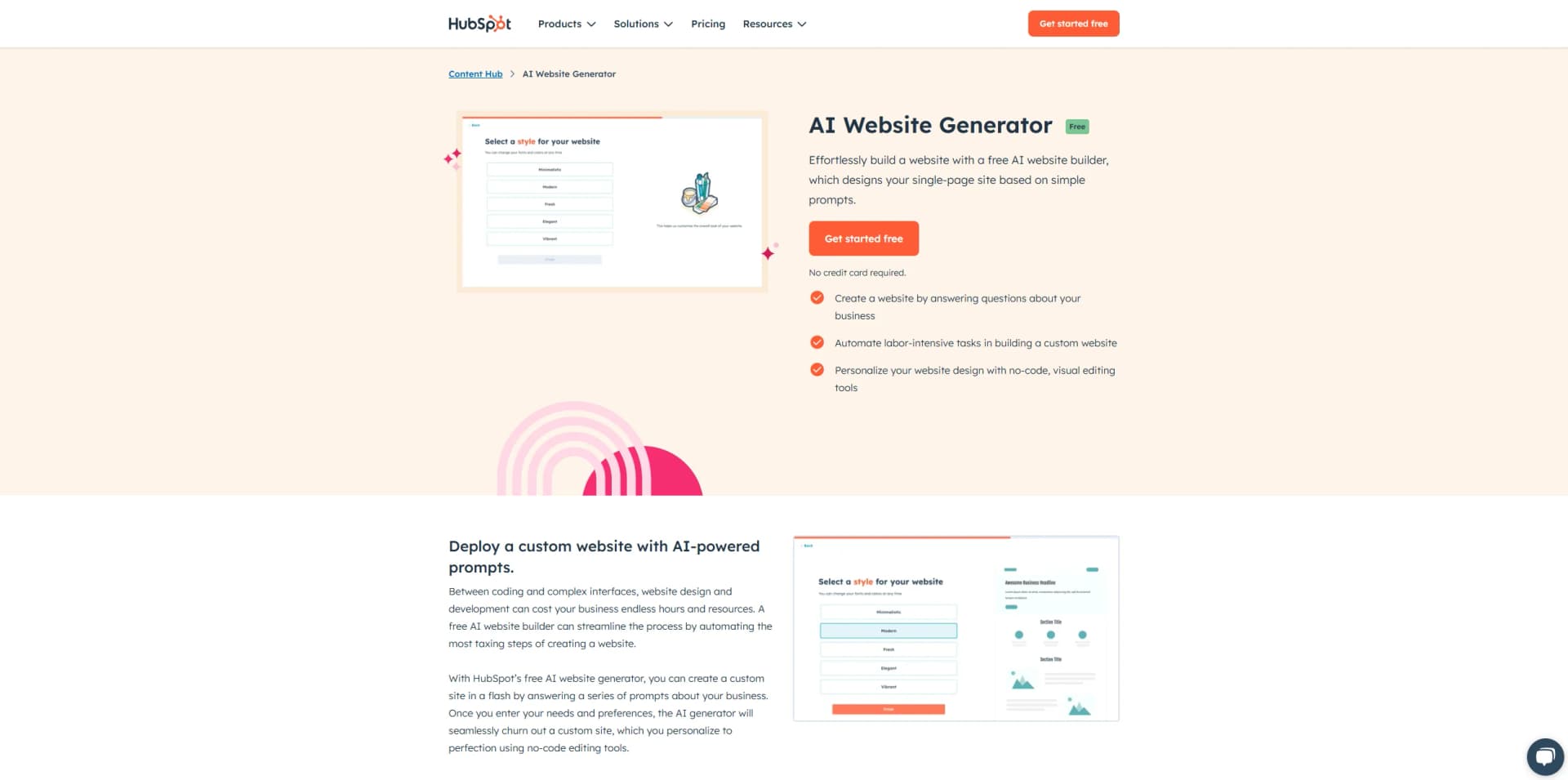
HubSpot AI Website Generator is a cutting-edge tool designed to transform the way businesses build their online presence. It leverages artificial intelligence to simplify the process of creating a single-page website by using intuitive prompts. This tool is particularly beneficial for startups and small businesses looking to establish their digital footprint without the need for extensive coding knowledge. By automating the labor-intensive aspects of web design, HubSpot AI Website Generator allows users to focus on what truly matters—growing their business.
HubSpot AI Website Generator stands out with its ability to create a fully functional website through a simple question-and-answer interface. Its integration with HubSpot’s robust customer platform ensures that businesses can not only establish an online presence but also streamline their marketing and sales efforts from a single hub.
HubSpot AI Website Generator provides a streamlined solution for businesses to establish their online presence without the complexities of traditional web development. Its AI-driven approach, combined with user-friendly editing tools, makes it an ideal choice for those looking to quickly launch a professional-looking website. Whether you’re a startup or a small business owner, this tool offers an efficient and cost-effective way to bring your digital vision to life.
Who is Using HubSpot AI Website Generator?
Small Business Owners
Building their first online presence with ease.
Startups
Quickly establishing a digital footprint to reach new customers.
Freelancers
Creating professional websites without the need for coding.
Non-Technical Users
Individuals who prefer a simple, guided website creation process.
Uncommon Use Cases
Used by educational institutions for student projects; Employed by local community groups for event promotion.
Key Features
Rating Breakdown
Pricing Plans
Free
Free
- Experience HubSpot AI Website Generator with no cost involved
Which HubSpot AI Website Generator plan should you pick?
Start with Free for the one-time AI-generated starter website; upgrade to Starter for branding removal and additional Content Hub features, or Professional and Enterprise for advanced AI page generation and governance.
Free
Good for businesses that need a free starter website, basic CMS tools, and the initial AI website-generation experience.
Starter
Good for businesses that need more Content Hub functionality and removal of HubSpot branding.
Professional
Good for teams that need AI-generated pages, advanced content management, automation, and expanded marketing capabilities.
Enterprise
Good for organizations that need advanced governance, approvals, permissions, and enterprise-scale content operations.
HubSpot AI Website Generator Use Cases
Launch a business website
Answer prompts about a business, industry, and goals to generate a custom website.
Outcome: A professional website draft is produced quickly.
Customize a generated site
Use no-code drag-and-drop editing to refine the AI-generated website.
Outcome: The site can be tailored to business needs without manual coding.
Generate lead-generation pages
Use integrated forms, calls to action, and CRM tools on the generated site.
Outcome: Visitors can be converted into leads.
Create multilingual page content
Set a page language and generate text in the selected language.
Outcome: Content can reach audiences who speak different languages.
Add supporting business materials
Provide supporting files such as images, video, or transcripts as context for generated pages.
Outcome: Generated content can be informed by additional business materials.
Workflow Ideas with HubSpot AI Website Generator
Generate, customize, and publish a starter site
- 1Describe the business, industry, goals, and audience in the AI Website Generator
- 2Review and refine the generated layout, copy, images, and calls to action
- 3Publish the completed website on a connected domain
Create a contextual landing page
- 1Open the page-generation workflow in Content Hub
- 2Add supporting files and select the desired content language
- 3Generate with Breeze and continue editing in the content editor
Automate follow-up after website conversion
- 1Capture a visitor through a HubSpot form or CRM-connected page
- 2Enroll the contact in a HubSpot workflow
- 3Send an email, notification, or other automated follow-up action
How HubSpot AI Website Generator fits into your stack
Browser
The tool sits inside HubSpot's web-based Content Hub, where users generate, edit, optimize, and publish website pages.
Automation and APIs
HubSpot CMS APIs expose website pages, files, HubDB, domains, and other CMS assets for programmatic workflows and integrations.
Pros
- +Quick Setup: Users can create a website in minutes by answering a few simple prompts.
- +Cost-Effective: The tool is available for free, making it accessible for businesses with limited budgets.
- +User-Friendly: The no-code interface is ideal for users with little to no technical expertise.
- +Scalability: Easily scale and enhance your website as your business grows.
Cons
- −Limited Language Support: Available only in English, which might restrict non-English speaking users.
Limitations & when to consider alternatives
Known limitations
- Single-page, one-time generator. The AI Website Generator is intended for a single-page site and is available for one-time creation of the initial site.
- Premium AI page generation requirements. The general AI page-generation workflow requires Content Hub Professional or Enterprise.
- HubSpot branding on free tools. Removing HubSpot branding from published pages requires Content Hub Starter, Professional, or Enterprise.
- Connected domain required for publishing. A connected domain is required for publishing; free tools include a HubSpot-branded domain ready for publishing.
- Non-English output may be inconsistent. HubSpot cautions that AI-generated content can be inconsistent in non-English languages and should be reviewed for accuracy and clarity.
Look elsewhere when
- You need a reusable multi-page AI generation workflow.
- You need a downloadable desktop application.
- You need an exact native mobile app for the generator.
How to Use HubSpot AI Website Generator
- 1
Describe your business
Answer the generator’s prompts about your business, industry, goals, and preferences so HubSpot can create a tailored website draft.
- 2
Review the generated website
Inspect the generated layout, initial copy, images, and calls to action before making the site public.
- 3
Customize with drag-and-drop tools
Use HubSpot’s no-code editor to adjust the page content, structure, and styling without manually coding.
- 4
Connect a domain
Choose a connected custom domain, or use the HubSpot-branded domain included with free tools.
- 5
Publish and capture leads
Publish the website and use integrated forms, calls to action, and CRM tools to turn visitors into leads.
- 6
Scale in Content Hub
Upgrade to a paid Content Hub plan when you need advanced page generation, automation, approvals, multilingual content, or branding controls.
Who is HubSpot AI Website Generator For?
Small businesses and startups
HubSpot positions Content Hub and its AI website generator for businesses that need to launch and grow a website quickly.
Marketing teams
Marketing teams can generate website layouts, copy, calls to action, and supporting content without coding.
Enterprises
Enterprise organizations can use advanced Content Hub governance, approvals, multiple sites, and customized CMS capabilities.
Frequently Asked Questions
What are the benefits of using an AI website builder?
HubSpot highlights quick website creation, personalized design, no-code editing, free custom-domain connection, CRM integration, and additional content creation features.
What do I need to build a website with AI?
Answer questions about your business and goals, then customize or launch the automatically generated draft website.
How is HubSpot’s AI website generator different from template-based builders like Wix?
It generates a complete website package with a custom layout, initial copy sections, and calls to action rather than providing only a template to fill in.
How does HubSpot’s AI website generator work?
Describe your business through prompts, and HubSpot AI creates the design, initial copy, and relevant calls to action for later customization and publishing.
How much does HubSpot’s AI website builder cost?
The AI website builder is available for free. More advanced content-management and website-creation tools are available in premium Content Hub editions.
Can I use this feature to build multiple site pages in HubSpot?
The feature is intended to create a single-page website, is available for one-time initial-site creation, and cannot be reused afterward.
Community reviews
Be the first to share your experience.
Sign in to leave a review for HubSpot AI Website Generator.
HubSpot AI Website Generator Alternatives
Looking for alternatives to HubSpot AI Website Generator? Here are similar tools in the same category:
Learn to Master HubSpot AI Website Generator
With Skill Leap courses
Get in-depth training on HubSpot AI Website Generator and 50+ other AI tools with our expert-led video courses.
Start 7-Day Free Trial