
Idesigns
Unleash creativity with AI-driven design automation, customization, and seamless editing.
Key Takeaways
- What it is
- Unleash creativity with AI-driven design automation, customization, and seamless editing.
- Best for
- Intelligent Design Automation
- Customization Tools
- Template Library
- Rating
- 4.4/5
What is Idesigns?
Idesigns is a cutting-edge AI-powered platform that is transforming the world of digital design. It provides a suite of Witty-Art products that enable users to create and customize designs with ease. Catering to a wide range of professionals and enthusiasts, Idesigns is a go-to solution for those seeking to streamline their design process, from e-commerce entrepreneurs to graphic designers.
Idesigns distinguishes itself with its sophisticated AI that simplifies the design process, making it accessible to users of all skill levels. Its ability to automate and customize designs with minimal input is a standout feature that sets it apart in the digital design landscape.
Idesigns excels at delivering a user-friendly, efficient design experience that democratizes professional-grade visuals. With its robust AI capabilities and customization tools, it serves as an essential asset for a diverse range of users. Its standout feature, intelligent design automation, offers an unmatched advantage in creating quality designs swiftly and effectively.
Who is Using Idesigns?
E-commerce Businesses
Enhancing product visuals and creating marketing materials with speed and efficiency.
Digital Marketing Agencies
Crafting unique and engaging content for digital campaigns.
Social Media Managers
Quickly generating visually compelling posts to engage audiences.
Graphic Designers
Streamlining their workflow with AI-assisted design tools.
Uncommon Use Cases
Assisting non-profits in developing impactful visual storytelling; Enabling bloggers to design attractive graphics for their posts.
Key Features
Rating Breakdown
Pricing Plans
Free Version
- Test Idesigns capabilities with a basic free version
Subscription Plans
- Offers tiered subscription plans catering to different user needs and scales
Idesigns Use Cases
Create witty-art designs
Generate customized designs based on ideas, topics, phrases, or inside jokes.
Customize products
Personalize designs for products intended to become distinctive gifts or merchandise.
Workflow Ideas with Idesigns
Create a witty-art product
- 1Create an AI Witty-Art design
- 2Customize the design for the desired product
How Idesigns fits into your stack
Browser
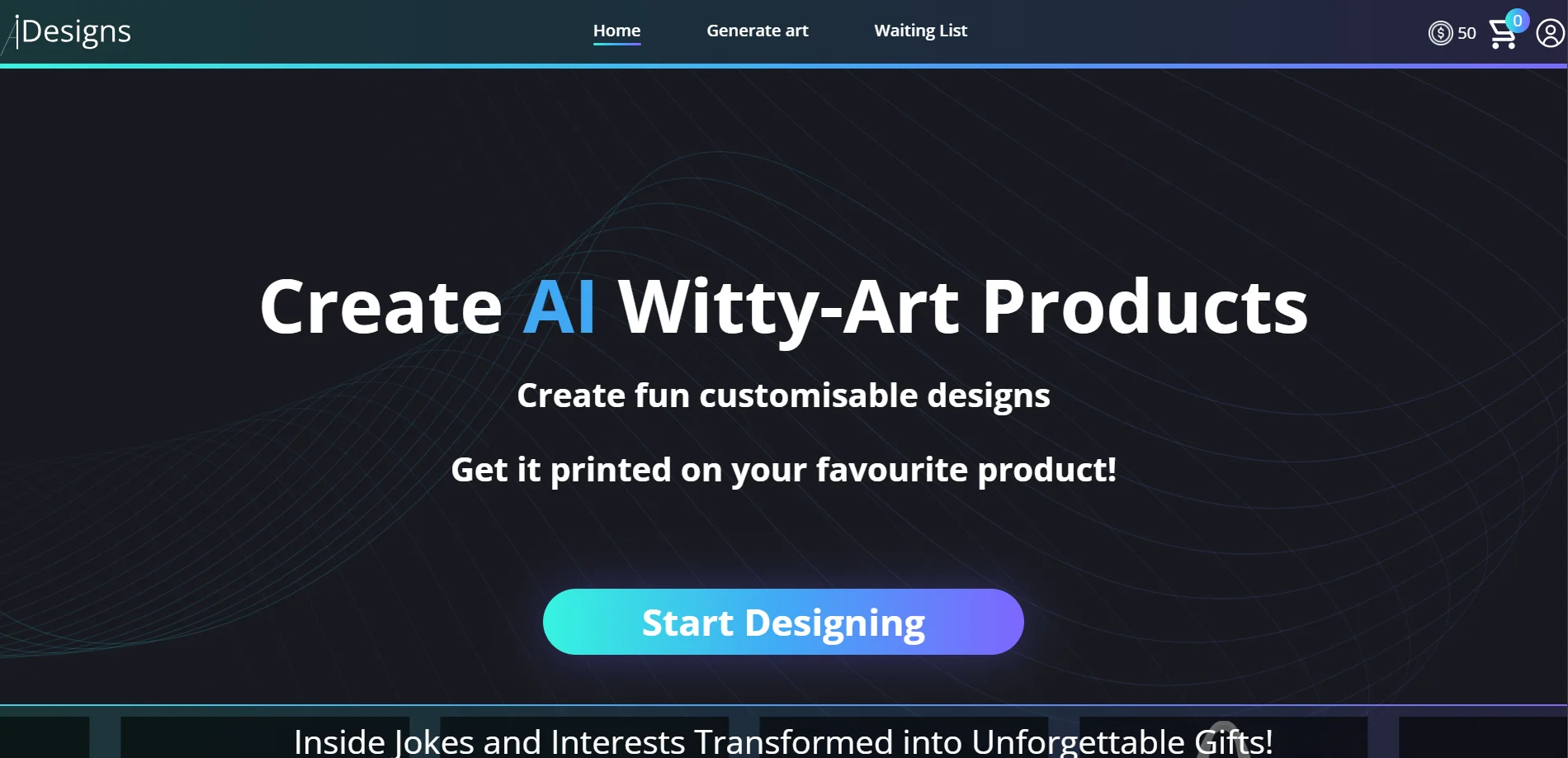
Idesigns is presented as an online destination for creating and customizing AI Witty-Art products.
Pros
- +Efficiency Boost: Drastically reduces the time needed to create high-quality designs.
- +User Empowerment: Makes professional design accessible to users with varying levels of expertise.
- +Cost Savings: Decreases the need for investing in multiple design tools or hiring additional designers.
- +Innovative Features: Continuously updates with the latest AI advancements to offer state-of-the-art design capabilities.
Cons
- −Learning Curve: Some users may need time to get accustomed to the AI features and full range of tools.
- −Internet Dependence: Requires a stable internet connection for optimal performance and access to cloud-based features.
- −Design Limitations: While versatile, it may not yet fully replace the nuanced capabilities of a human designer for certain complex tasks.
How to Use Idesigns
- 1
Create a design
Use Idesigns to create an AI Witty-Art design.
- 2
Customize the design
Adjust the design before using it on a product.
Community reviews
Be the first to share your experience.
Sign in to leave a review for Idesigns.
Idesigns Alternatives
Looking for alternatives to Idesigns? Here are similar tools in the same category:
Learn to Master Idesigns
With Skill Leap courses
Get in-depth training on Idesigns and 50+ other AI tools with our expert-led video courses.
Start 7-Day Free Trial