
Instant Answers
Create AI chatbots easily; no coding, multilingual, customizable, analytics included.
Key Takeaways
- What it is
- Create AI chatbots easily; no coding, multilingual, customizable, analytics included.
- Best for
- Easy Training
- Chatbot Customization
- Effortless Integration
- Rating
- 4.6/5
What is Instant Answers?
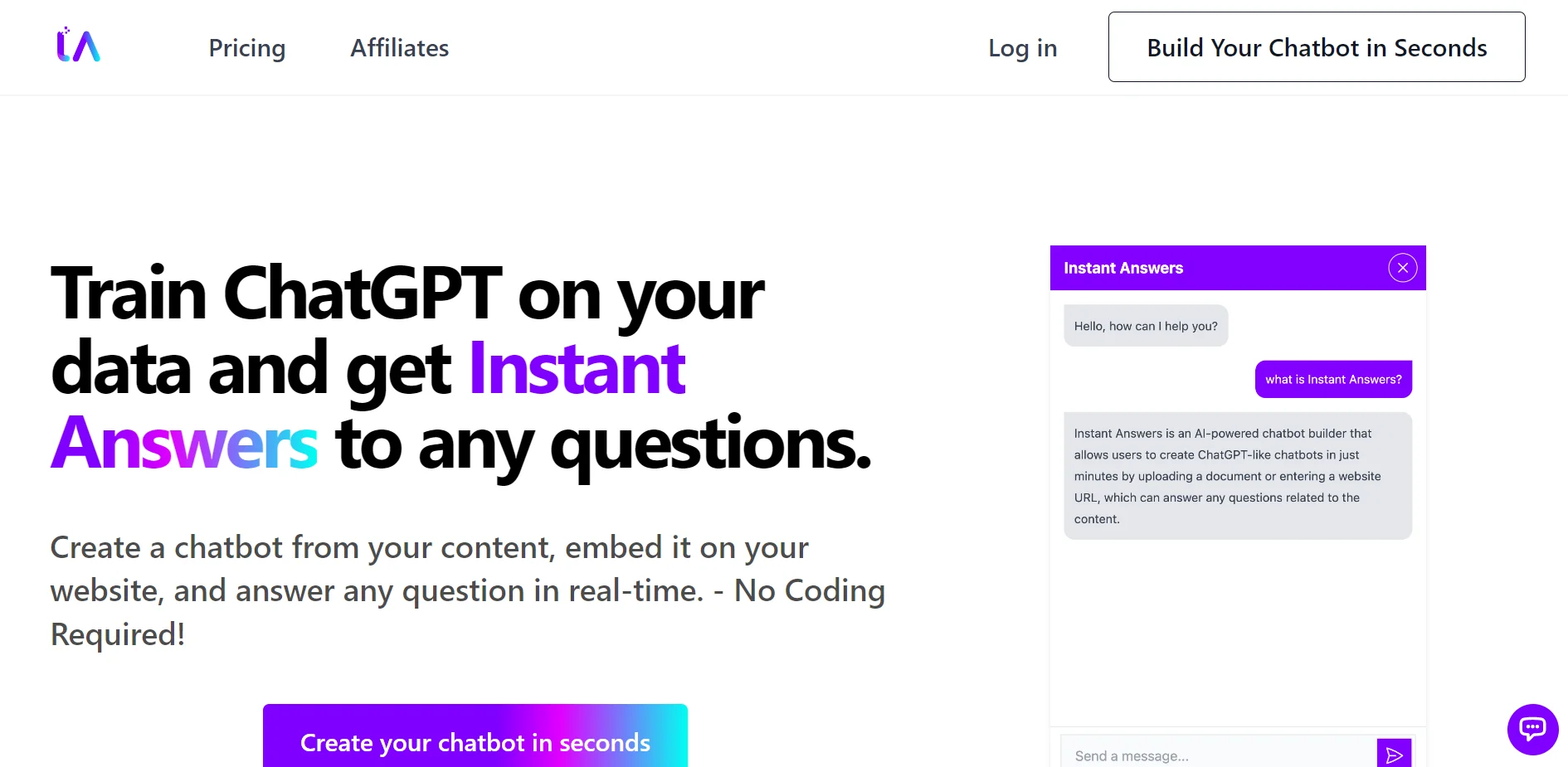
Instant Answers is a cutting-edge AI tool that empowers users to create ChatGPT-like chatbots tailored to their specific needs. It's designed to transform how information is delivered on websites, offering instant responses to any questions visitors may have. This tool is particularly appealing because it requires no coding skills, making it accessible to a wide range of users—from startup owners to large corporations looking to enhance their customer service. With over 1,050 happy customers and more than 1,600 chatbots already created, Instant Answers is revolutionizing the way organizations interact with their audience, providing over 37,600 answers to various inquiries.
Instant Answers stands out with its simplicity and ease of use, combined with powerful customization and integration capabilities. Its no-code chatbot creation process is a game-changer for businesses and individuals seeking to enhance their online presence without investing heavily in technical resources. The ability to train chatbots with content directly from your website or documents, and then deploy them instantly, sets Instant Answers apart in the realm of customer engagement tools.
Instant Answers excels in providing businesses and individuals with a powerful, no-code solution for creating chatbots like ChatGPT. Its ease of use, combined with extensive customization and multilingual support, makes it an essential tool for enhancing online customer engagement. The ability to instantly answer visitor queries with a chatbot trained directly from your content offers an unmatched advantage in today's fast-paced digital world.
Who is Using Instant Answers?
E-commerce Businesses
For providing instant product information and support.
Digital Marketing Agencies
To offer real-time answers to client queries on their websites.
Educational Institutions
As a tool for instant responses to frequently asked questions by students.
Customer Support Teams
For automating responses to common customer inquiries.
Uncommon Use Cases
Real estate agencies using it to answer property-related queries; Non-profits for donor engagement and information dissemination.
Key Features
Rating Breakdown
Pricing Plans
Free Trial
- Test Instant Answers with a limited data capacity
Paid Plans
- Detailed pricing is available on the Instant Answers website
Which Instant Answers plan should you pick?
Start with Free to test one chatbot; upgrade when you need more data, chatbots, credits, API access, or branding controls.
Free
Good for testing one chatbot with up to 500,000 characters, one website and file, and 20 message credits.
Basic
Good for small deployments needing three chatbots, unlimited websites and files, and 3,000 monthly message credits.
Advanced
Good for users needing eight chatbots, larger data limits, additional models, and API access.
Pro
Good for larger deployments needing 20 chatbots, 15,000 credits, API access, branding removal, contact collection, and answer evidence.
Enterprise
Good for the highest documented limits: 30 chatbots, 30,000 credits, and up to 10,000,000 characters.
Instant Answers Use Cases
Create a content-based chatbot
Upload a document or enter a website URL so the chatbot can answer questions about that content.
Outcome: A chatbot trained on the provided content.
Provide website visitor support
Add the chat widget to a website so visitors can receive instant answers.
Outcome: Visitors get answers without manual research.
Workflow Ideas with Instant Answers
Build and publish a website chatbot
- 1Upload a document or enter a website URL
- 2Create the chatbot from the provided content
- 3Add the chat widget to your website
Manage chatbot usage
- 1Monitor account message-credit usage
- 2Upgrade to a higher plan when limits are reached
How Instant Answers fits into your stack
Major Website Builders
Effortlessly integrates with popular platforms, ensuring broad usability.
Multiple Languages
Supports a wide range of languages, enhancing global reach.
Custom Branding
Offers extensive customization options to match your brand style.
Data Import Formats
Accepts various document formats for chatbot training.
Pros
- +No Coding Required: Enables anyone to create a chatbot in seconds, regardless of technical expertise.
- +Data Versatility: Accepts a wide range of document formats for training, including CSV, PDF, TXT, and DOCX.
- +Custom Branding: Allows for extensive customization to ensure the chatbot matches your brand identity.
- +Broad Compatibility: Works seamlessly across major website builders, ensuring easy deployment.
Cons
- −Initial Data Quality Dependency: The accuracy of chatbot responses hinges on the quality and relevance of the training data.
- −Limited Free Trial: Access to some advanced features and data capacity might require a paid plan.
- −Learning Curve for Advanced Customization: While basic usage is straightforward, leveraging more advanced features may require a learning curve.
Limitations & when to consider alternatives
Known limitations
- Message credits are plan-limited. Each plan includes a fixed monthly number of message credits; exceeding the limit stops new questions until renewal or upgrade.
- Data volume is plan-limited. Plans cap the amount of chatbot data from 500,000 to 10,000,000 characters.
- Chatbot quantity is plan-limited. Plans support between 1 and 30 chatbots.
- Some features require higher plans. API access, branding removal, contact collection, and answer evidence are restricted to higher-tier plans.
- No refunds for remaining subscription time. The pricing FAQ states that cancellations do not refund unused time in the subscription period.
Look elsewhere when
- You need a native mobile app.
- You need named third-party integrations.
- You need SSO or enterprise identity management.
How to Use Instant Answers
- 1
Explore the extensive tutorial resources provided on the Instant Answers website, covering everything from basic setup to advanced customization.
Who is Instant Answers For?
Website owners
Instant Answers fits website owners who want to create a chatbot from existing documents or website content and embed it for visitors.
Customer support teams
The platform supports website-based customer assistance by answering visitor questions from uploaded or provided content.
Frequently Asked Questions
How do message credits work?
One response consumes credits according to the selected AI model; model costs vary from 1 to 20 credits.
Is the message credit limit per chatbot or per account?
The message limit applies per account across all chatbots.
What happens if I exceed the message limit in my plan?
The chatbot stops accepting new questions until you upgrade or the next billing cycle begins.
How can I determine the number of characters of my data?
The platform displays the character count when you upload a file or input a website.
Can I upgrade or downgrade my plan anytime?
Yes. Plans can be upgraded or downgraded at any time.
Can I cancel my subscription anytime?
Yes, but remaining subscription time is not refunded.
Community reviews
1 review from people who use Instant Answers.
Sign in to leave a review for Instant Answers.
Thibault BM
Instant Answers Alternatives
Looking for alternatives to Instant Answers? Here are similar tools in the same category:
Learn to Master Instant Answers
With Skill Leap courses
Get in-depth training on Instant Answers and 50+ other AI tools with our expert-led video courses.
Start 7-Day Free Trial