Instories
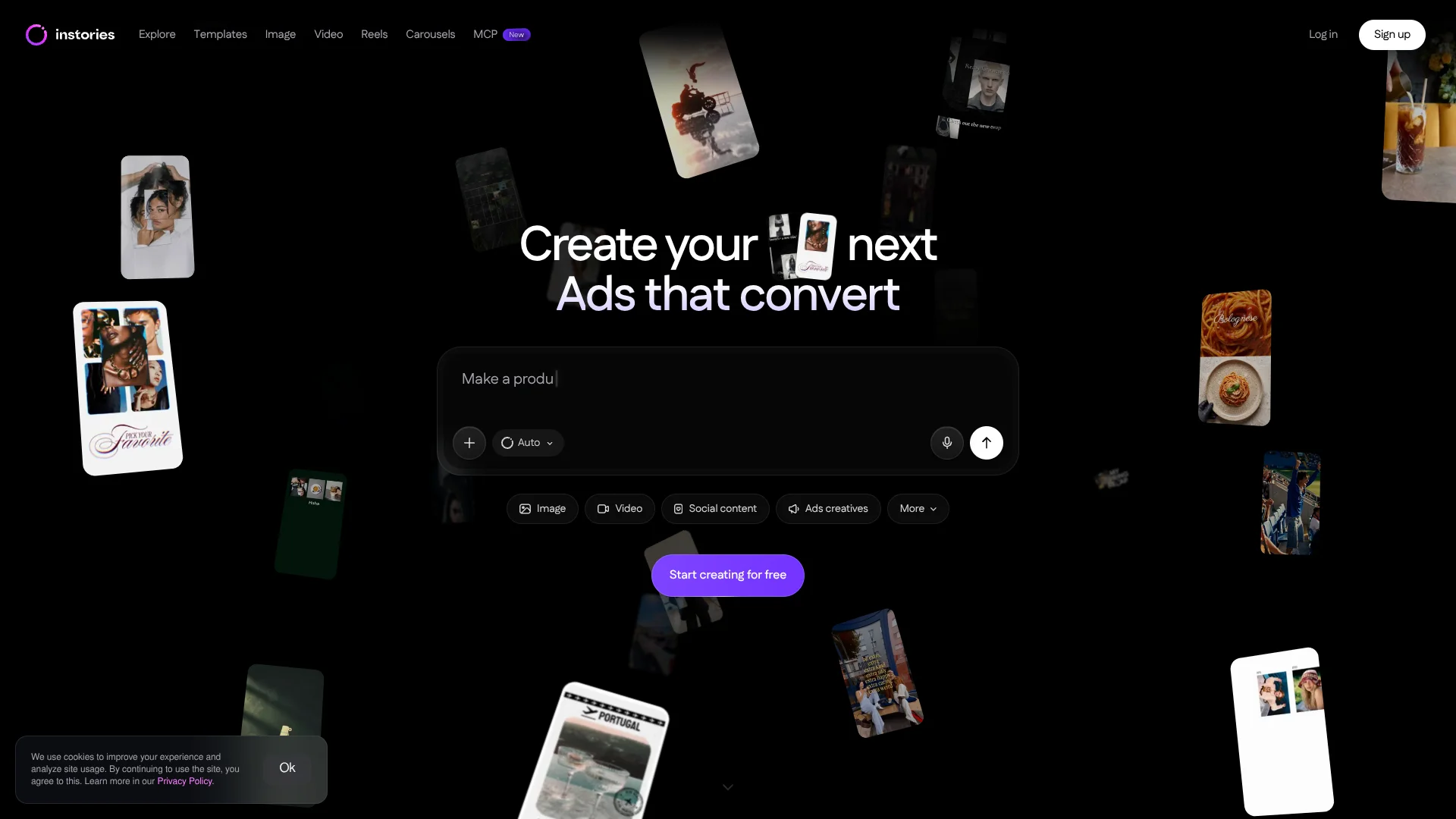
Create branded Reels and Stories from templates made for social creators.
Key Takeaways
- What it is
- Create branded Reels and Stories from templates made for social creators.
- Pricing
- $14.99 per month
- Best for
- AI Shorts
- Virality Score
- Product AI Video
- Rating
- 4.2/5
What is Instories?
Instories helps creators and small businesses make social posts and videos with templates and AI editing. Its tools cover Reels, Stories, carousels, product ads, and short clips cut from longer videos. Auto Captions adds subtitles, while the template library gives people who do not work in design a starting point they can customize for their brand.
One feature that sets its short-video tools apart is Virality Score: Instories rates a clip's potential using comparisons with other viral videos, giving creators a signal to consider before posting.
The strongest fit is for social media creators, marketers, and small businesses making frequent visual content. Instories is less suited to work that needs a documented developer API or precise control over AI output, since its terms say AI features are provided as-is.
Who is Using Instories?
Social media managers
A library of templates and caption tools helps them prepare posts for multiple platforms.
Video producers
AI Shorts helps them find usable moments in longer recordings and format them as clips.
E-commerce marketers
Product AI Video gives them a way to make product ads from photos.
Copywriters
The post text generation and text helper can support writing social copy.
Uncommon Use Cases
A product photo can become an avatar-presented ad; a long tutorial can be split into captioned short clips.
Key Features
Rating Breakdown
Pricing Plans
Instories Pro
$14.99 per month
- Monthly billing is $14.99 per month.
- Annual billing is $119.99 per year, equivalent to about $10 per month.
- The web offer includes a three-day free trial.
Which Instories plan should you pick?
Start with the free services to try the available tools, then choose Instories Pro if you need its premium features beyond the three-day trial.
Instories Pro
For creators and marketers who want premium tools and content; choose monthly billing for a shorter commitment or annual billing for the listed yearly rate.
Instories Use Cases
Repurpose long videos
For podcasts, tutorials, or reviews, AI Shorts selects moments and turns them into shorter social clips.
Outcome: Captioned clips adapted for social formats.
Make product ads
A product photo, avatar, and scene can be assembled into a promotional video.
Outcome: A product video ad without filming.
Prepare social posts
Ready-made layouts and design elements give a post or Story a polished starting point.
Outcome: Customizable social content.
Add subtitles
Automatic captions make spoken videos easier to follow, with options to change their style and language.
Outcome: Captioned video ready to export.
Check clip potential
Virality Score gives creators an estimate of how a short clip may perform.
Outcome: An AI-generated performance estimate.
Workflow Ideas with Instories
Turn a recording into short clips
- 1Upload a speech video such as a podcast, tutorial, or review.
- 2Let AI Shorts select moments and reframe the video.
- 3Choose a caption style and review the clips before exporting.
Create a product ad
- 1Choose Product AI Video.
- 2Provide a product photo and select an avatar and scene.
- 3Set the format and language, then review the generated ad.
Build a branded social post
- 1Choose a template for the type of post you are making.
- 2Replace its media and adjust text, fonts, and design elements.
- 3Export the finished content for your social channel.
How Instories fits into your stack
Social content creation
Instories is built for making Reels, Stories, carousels, and other social visuals from templates or original media.
Video editing
AI Shorts and Auto Captions fit after recording, when a creator needs clips and subtitles for social channels.
Product promotion
Product AI Video creates an ad from a product photo and selected avatar and scene.
Web and mobile
The service is available in a browser and through its iOS and Android apps.
Team workspace
Web workspaces can include invited team members, with administrators managing their access and permissions.
Pros
- +Short-clip editing: AI Shorts finds moments in long videos and prepares them for social formats.
- +Product ads without filming: Product AI Video can turn a product photo into an ad with an avatar.
- +Template variety: The library includes more than 3,000 templates and AI prompts.
- +Mobile and web access: Projects can be made in the browser or in the iOS and Android apps.
Cons
- −Trial-to-paid transition: The Pro trial lasts three days before a subscription is required.
- −AI output uncertainty: Results can vary because AI features are provided as-is.
- −Narrow focus: The feature set centers on visual social content rather than general-purpose AI work.
Limitations & when to consider alternatives
Known limitations
- AI features may have usage limits. Instories says AI features can have plan-based limits, usage allocations, or rate limits.
- AI output is not guaranteed. The terms say AI features are offered as-is and advise users to review generated output.
- Some AI tools use third-party providers. Instories says it cannot control how third-party AI providers use information after it is sent to them.
Look elsewhere when
- You need a tool focused on code generation or model fine-tuning.
- Your work requires guaranteed accuracy from AI-generated edits or text.
How to Use Instories
- 1
Choose where to work
Start in the web app or install the Instories app for iOS or Android.
- 2
Pick the content type
Select a tool such as AI Shorts, Product AI Video, a Reel, or a carousel to get a workflow suited to the task.
- 3
Add your source material
Upload a video for clip editing or a product photo for an AI product ad.
- 4
Set the style and format
Choose a template, caption style, avatar, scene, or output format based on the tool you selected.
- 5
Review the result
Check AI-generated edits and text before exporting, since Instories says AI features are provided as-is.
- 6
Check subscription terms
Review the trial and renewal details before starting Pro; the published web offer lists a three-day trial.
Who is Instories For?
Content creators
Reels, Stories, and Shorts tools help creators produce regular social content.
Businesses and marketers
Templates and product video tools support social promotions and ads.
Designers
Customizable layouts, fonts, and effects help speed up repeat design work.
E-commerce sellers
Product AI Video turns product photos into avatar-led promotional videos.
Photographers and videographers
Photo editing and clip-making tools help adapt existing media for social platforms.
Frequently Asked Questions
Does Instories have a free option?
Instories offers free services with limited capabilities. Its Pro offer also lists a three-day free trial.
How much does Instories Pro cost?
The web offer lists Instories Pro at $14.99 per month or $119.99 per year.
Can Instories make short clips from a long video?
Yes. AI Shorts selects moments from a longer video and turns them into short clips with captions and reframing.
Which devices can run Instories?
Instories is available on the web and has apps for iOS and Android.
Can Instories create subtitles in different languages?
Yes. Its AI Shorts information lists support for multiple languages, and the app supports subtitle translation.
Community reviews
Be the first to share your experience.
Sign in to leave a review for Instories.
Instories Alternatives
Looking for alternatives to Instories? Here are similar tools in the same category: