
IronClaw
Run agents automating systems with your secrets locked.
Key Takeaways
- What it is
- Run agents automating systems with your secrets locked.
- Pricing
- Freemium · $20 per month · $200 per month
- Best for
- Encrypted credential vault
- Trusted Execution Environment (TEE)
- WebAssembly tool sandboxing
- Rating
- 4.3/5
What is IronClaw?
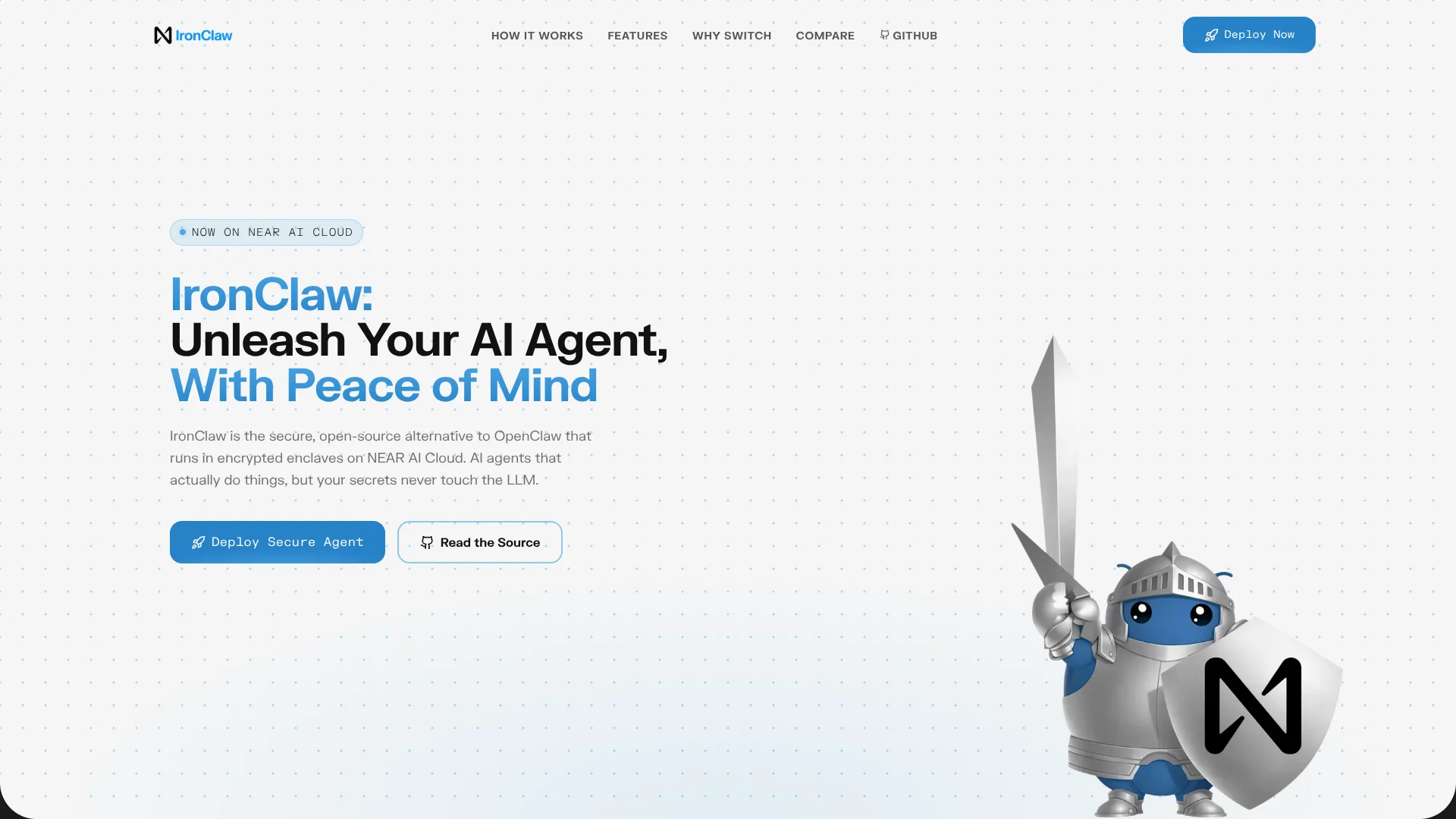
IronClaw focuses on running AI agents that can touch real systems without putting secrets at risk. Built on NEAR AI Cloud and Rust, it wraps OpenClaw-style personal agents in encrypted enclaves, WebAssembly sandboxes, and an encrypted credential vault. The headline idea is simple: agents can browse, code, and automate while API keys, tokens, and passwords never become LLM-visible text.
IronClaw separates “what the agent can do” from “what the agent can see” in a much stricter way than typical agent platforms. Credentials stay locked in a vault inside a TEE, tools are tightly sandboxed in Wasm, and outbound requests are gated by both allowlists and leak detection. That combination of hardware-backed isolation, Rust safety guarantees, and focused secret-handling for LLM agents gives teams a security story that feels closer to traditional production systems than experimental side projects.
IronClaw suits teams who like the idea of autonomous or semi-autonomous agents but are uneasy about handing an LLM the keys to production. By anchoring agents in TEEs, Rust, and Wasm sandboxes, then wrapping them with encrypted vaults, network allowlists, and leak detection, it turns “agents that actually do things” into something closer to an auditable service than a risky experiment. For anyone planning agents that talk to real APIs with real money or real data on the line, IronClaw earns a close look.
Who is Using IronClaw?
Security-conscious AI developers
Building agents that call production APIs, financial systems, or internal services where credential exposure is unacceptable.
Platform and DevOps teams
Providing company-wide AI assistants while keeping strict guardrails around infrastructure and internal tools.
Fintech and healthtech companies
Experimenting with agentic workflows on regulated or sensitive data while still respecting compliance and risk constraints.
Research labs and data teams
Running exploratory agents over proprietary datasets while reducing exposure to model providers and third parties.
Uncommon Use Cases
Used by red-team and security researchers to prototype exfil-resistant agent setups; adopted by solo founders who want “serious” security without standing up their own enclave stack.
Key Features
Rating Breakdown
Pricing Plans
Starter
Free
- Activate 1 agent instance in a secure TEE environment and pay per usage token using NEAR AI Inference
Basic
$20 per month
- Includes everything in Starter, plus credits for up to 2 agent instances and roughly 13 million tokens with usage pooling
Pro+
$200 per month
- Includes everything in Basic, supports up to 5 agent instances, around 130 million tokens, and priority support
Self-hosted
- Open-source code can be deployed on a team’s own infrastructure
- Costs determined by underlying cloud and operations choices
Which IronClaw plan should you pick?
Start with Starter for a single agent and light usage; upgrade to Basic for multiple agents and pooled usage, or Pro+ for up to five agents and higher usage.
Starter
Good for one agent instance, secure deployment, and initial usage with included credits.
Basic
Good for users who need up to two agent instances, shared deployments, usage pooling, and more included credits.
Pro+
Good for heavier users who need up to five agent instances, early access to advanced models, and priority support.
IronClaw Use Cases
Inbox triage
Read, prioritize, summarize, label, and draft replies for important email.
Outcome: A more organized inbox and faster response preparation.
Daily morning briefing
Combine calendar, email, tasks, and other signals into a concise briefing delivered through a connected channel.
Outcome: A single daily summary of important work.
Meeting preparation
Prepare a briefing about the company, attendees, and recent news shortly before a meeting.
Outcome: Better-informed meetings.
Invoice processing
Forward a PDF invoice and extract the amount, date, and vendor into a spreadsheet.
Outcome: Less manual data entry.
Deployment health monitoring
Ping an endpoint on a recurring schedule and alert a connected chat channel when it does not return HTTP 200.
Outcome: Earlier awareness of deployment failures.
Workflow Ideas with IronClaw
Automated inbox triage
- 1Connect Gmail
- 2Read and prioritize inbound messages
- 3Apply labels and draft replies for messages requiring action
Scheduled deployment monitoring
- 1Create a recurring routine
- 2Ping the deployment endpoint
- 3Send an alert through Telegram or another connected channel when the response is not HTTP 200
Document-to-spreadsheet processing
- 1Receive or access the invoice PDF
- 2Extract the vendor, date, and amount
- 3Write the structured data into Google Sheets
How IronClaw fits into your stack
Browser
IronClaw provides a web interface for chatting with the agent and managing projects, jobs, routines, and settings.
Team chat and tickets
Agents can operate through Slack, Telegram, Discord, and Signal for message triage, updates, coordination, and task workflows.
Automation and APIs
Reactive routines support event and webhook triggers, while the Responses API and HTTP webhooks connect external systems to the agent.
Knowledge and files
File handling and Google Drive, Docs, Sheets, and Slides extensions let agents read, write, upload, organize, and transform work content.
Pros
- +High-assurance secret handling: Secrets never appear in prompts or tool outputs, which sharply reduces prompt-injection risk around credentials.
- +Defense-in-depth model: Combines vault, TEE, sandboxing, network allowlists, and leak detection instead of relying on LLM instructions like “please do not leak this.”
- +Developer friendly for serious agents: Lets developers keep familiar workflows such as browsing, research, coding, and automation while tightening security around sensitive APIs.
- +Open source and auditable: Source code availability invites external review, customization, and easier compliance conversations.
- +Scales from experiments to production: From a single agent to multiple high-usage agents with large monthly token allowances, all in the same security model.
Cons
- −Rust and Wasm centric stack: Teams heavily invested in TypeScript or Python may face extra overhead adapting tools to the Rust/Wasm model.
- −Cloud dependence for managed security: The easiest path runs on NEAR AI Cloud, which may not suit organizations locked into other providers.
- −Younger ecosystem: Compared with older agent platforms, there are fewer community skills and integrations, so early adopters may build more pieces themselves.
Limitations & when to consider alternatives
Known limitations
- Responses API request rate limit. The Responses API allows 30 requests per 60 seconds per user.
- Responses API request size. Requests are limited to a 14 MiB gateway body size.
- Non-streaming timeout. Non-streaming Responses API turns have a 30-second timeout; streaming is recommended for long-running work.
- External tool batching. Only one external-tool call surfaces per round trip; additional calls resume on later turns.
- Approvals and authentication gates. Interactive approvals and OAuth gates are not surfaced through the Responses API and must be resolved through the web interface or another channel.
Look elsewhere when
- You need a native mobile app.
- You need a browser extension.
- You need model fine-tuning.
How to Use IronClaw
- 1
Deploy an agent
Use NEAR AI Cloud for a private hosted instance, or install the single IronClaw binary for local deployment.
- 2
Open the web interface
Run ironclaw serve and use the browser interface to chat, manage extensions, configure settings, and inspect runs.
- 3
Configure an inference provider
Choose and configure a supported provider such as NEAR AI, Anthropic, OpenAI, Gemini, Ollama, or another documented provider.
- 4
Install extensions
Install tools or channels from the registry, then authorize services such as Gmail, Google Drive, Google Docs, Google Sheets, Calendar, or GitHub.
- 5
Create automations
Use cron routines, heartbeat checks, reactive routines, or webhook triggers for recurring and event-driven tasks.
- 6
Connect external clients
Use the Responses API with a bearer token, or connect Slack and Telegram as messaging channels.
Frequently Asked Questions
What is IronClaw?
IronClaw is an open-source AI agent framework built in Rust. It can run locally or deploy on NEAR AI Cloud.
How can I access IronClaw?
You can use its browser-based web interface, terminal interface, Slack, Telegram, or HTTP-based integrations.
How does IronClaw protect credentials?
Credentials are stored in an encrypted secret store and injected only at the host boundary for approved endpoints.
Can IronClaw automate recurring tasks?
Yes. Cron routines, heartbeat checks, reactive routines, and webhook triggers support scheduled and event-driven automation.
Can IronClaw connect to third-party services?
Yes. Documented integrations include Google services, GitHub, Slack, Telegram, MCP servers, web search, and local file tools.
Does IronClaw provide an API?
Yes. Its OpenAI-compatible Responses API supports agent tools, memory, conversation state, streaming, and bearer-token authentication.
Community reviews
Be the first to share your experience.
Sign in to leave a review for IronClaw.
IronClaw Alternatives
Looking for alternatives to IronClaw? Here are similar tools in the same category:
Learn to Master IronClaw
With Skill Leap courses
Get in-depth training on IronClaw and 50+ other AI tools with our expert-led video courses.
Start 7-Day Free Trial