Itemery
Camera-powered asset tracking for small businesses managing office equipment.
Key Takeaways
- What it is
- Camera-powered asset tracking for small businesses managing office equipment.
- Pricing
- Freemium · $15 per month · $40 per month · $70 per month
- Best for
- AI Recognition
- Barcode and QR Scanning
- Excel and Google Sheets Import
- Rating
- 3.9/5
What is Itemery?
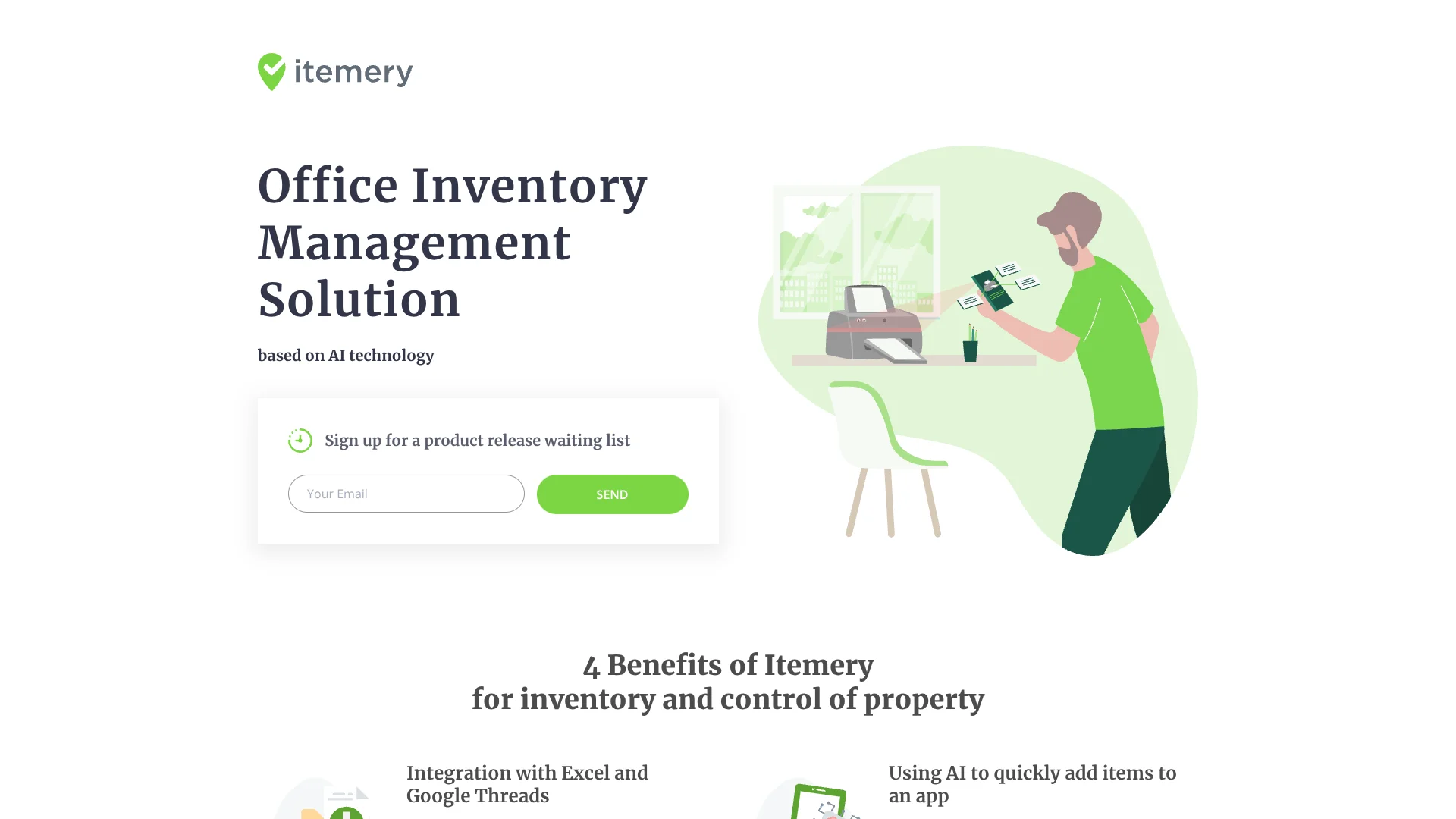
Itemery gives small and medium-sized businesses a shared way to catalog office property, track item status, organize locations, and complete audits. Existing records can come from Excel or Google Sheets, while the mobile app adds items through camera-based AI recognition or barcode and QR scanning.
Its clearest edge is camera-based item recognition inside a business inventory workflow, so staff can point a phone at an object and add it to the asset database instead of entering every detail manually.
Itemery fits office managers, IT teams, accountants, controllers, and administrators who need a focused asset register rather than a full accounting or warehouse system. The main tradeoff is its narrow scope and limited public documentation, so companies needing APIs, advanced reporting, or enterprise identity controls may outgrow it.
Who is Using Itemery?
Office managers
Office managers maintain the asset register, locations, item photos, and routine inventory checks.
IT managers
IT managers track workplace equipment and use scanning to verify physical assets.
Accountants and controllers
Accountants and controllers use asset records and audits to improve property oversight.
System administrators
System administrators can manage company property records and control access through administrator accounts.
CEOs and CFOs
Executives get a dashboard view of total company assets and audit information.
Uncommon Use Cases
Research labs can track equipment by room; coworking operators can organize shared property across locations.
Key Features
Rating Breakdown
Pricing Plans
Free
Free
- 50 items
- 1 location
- 1 administrator
- Data import
- QR and barcode support
- In-app scanner
Basic
$15 per month
- 250 items
- 2 locations
- 2 administrators
- Data import
- QR and barcode support
- In-app scanner
- AI recognition
- Photos of items
Advanced
$40 per month
- 1,000 items
- 5 locations
- 5 administrators
- Data import
- QR and barcode support
- In-app scanner
- AI recognition
- Photos of items
Professional
$70 per month
- Unlimited items
- Unlimited locations
- Unlimited administrators
- Data import
- QR and barcode support
- In-app scanner
- AI recognition
- Photos of items
Which Itemery plan should you pick?
Start with Free for a small test inventory, move to Basic or Advanced as item and location limits grow, and choose Professional when the business needs unlimited capacity.
Free
Good for testing Itemery with up to 50 items, one location, and one administrator.
Basic
Good for smaller offices that need up to 250 items, two locations, two administrators, AI recognition, and item photos.
Advanced
Good for growing teams managing up to 1,000 items across five locations with five administrators.
Professional
Good for organizations that need unlimited items, locations, and administrators.
Itemery Use Cases
Office asset register
A central record replaces scattered spreadsheets for equipment, supplies, and other company property.
Outcome: A searchable inventory with item status and locations.
Physical inventory audits
Barcode and QR scanning lets staff compare real-world items with the database during checks.
Outcome: Faster audits with clearer asset records.
New asset entry
Camera-based AI recognition helps staff add objects without typing every item detail.
Outcome: Less manual data entry.
Spreadsheet migration
Existing Excel or Google Sheets records provide a starting point for the Itemery database.
Outcome: A faster move from spreadsheet tracking.
Location-based property control
Locations organize assets by the areas where they are stored or used.
Outcome: A clearer view of where company property belongs.
Workflow Ideas with Itemery
Move an existing spreadsheet into Itemery
- 1Prepare the current property database in Excel or Google Sheets.
- 2Import the records into Itemery.
- 3Review locations, item statuses, and administrator access.
Run a barcode-based office audit
- 1Open the Itemery mobile app at the target location.
- 2Scan each item's barcode or QR code.
- 3Compare the scanned records with the dashboard and audit results.
Add newly purchased equipment
- 1Point the mobile camera at the new item for AI recognition.
- 2Review the generated item record and add a photo if needed.
- 3Assign a location and generate a barcode or QR code when the item has none.
How Itemery fits into your stack
Spreadsheet migration
Itemery sits after Excel or Google Sheets in the setup process. Existing property records become the starting database for ongoing asset control.
Web inventory workspace
The web version provides the main place to manage items, locations, statuses, administrators, and company asset information.
Mobile scanning
The mobile app handles camera recognition, barcode scanning, QR scanning, and field audits where the physical assets are located.
Asset reporting
The dashboard gives managers a view of total assets and audit information for regular oversight.
Pros
- +Camera-based entry: AI recognition reduces manual typing when adding physical assets.
- +Fast migration: Excel and Google Sheets imports help teams start with existing records.
- +Mobile audits: Barcode and QR scanning supports inventory checks away from a desk.
- +Clear capacity tiers: Plans scale from 50 items and one location to unlimited items, locations, and administrators.
- +Focused workflow: Locations, asset status, dashboards, and audits target office property management directly.
Cons
- −Narrow scope: Itemery focuses on office assets rather than broader accounting or warehouse operations.
- −Limited integrations: The official site names spreadsheet imports but does not document a wider integration marketplace.
- −Early access signal: The homepage asks visitors to join a product release waiting list.
Limitations & when to consider alternatives
Known limitations
- Free plan capacity. The Free plan supports up to 50 items, one location, and one administrator.
- Basic plan capacity. The Basic plan supports up to 250 items, two locations, and two administrators.
- Advanced plan capacity. The Advanced plan supports up to 1,000 items, five locations, and five administrators.
- No documented developer API. The official site describes spreadsheet import and mobile scanning but does not document a public API.
- Waiting-list messaging. The homepage invites visitors to join a product release waiting list, which may indicate that availability or rollout is still developing.
Look elsewhere when
- You need an API for custom software connections.
- You need SSO or enterprise identity management.
- Your inventory requires purchasing, invoicing, or warehouse fulfillment workflows.
- Your team needs documented integrations beyond Excel and Google Sheets.
How to Use Itemery
- 1
Choose a plan
Match the item, location, and administrator limits to the size of your office inventory.
- 2
Import your records
Bring in an existing Excel or Google Sheets property database so the initial catalog does not need to be rebuilt.
- 3
Set up locations
Create the areas where items are stored or used to make later searches and audits more useful.
- 4
Add and identify assets
Add items through the web version, camera-based AI recognition, photos, or barcode and QR scanning.
- 5
Run audits
Scan items with the mobile app and review the dashboard to keep the asset register current.
Who is Itemery For?
Small and medium businesses
The plans are sized for organizations that need structured asset tracking without a large inventory system.
Professional services firms
Accounting, consulting, law, marketing, architecture, and design firms can keep office property records in one place.
Educational and research organizations
Schools, research institutes, and scientific laboratories can track equipment across defined locations.
Property and real estate organizations
Property management and real estate teams can organize assets by location and review audit status.
Frequently Asked Questions
Does Itemery have a free plan?
Yes. The Free plan costs $0 and includes up to 50 items, one location, one administrator, data import, QR and barcode support, and the in-app scanner.
How does Itemery use AI?
The mobile app uses the phone camera to recognize an object and add it to the inventory database.
Can Itemery scan barcodes and QR codes?
Yes. The in-app scanner can scan barcodes and QR codes to identify items during inventory work.
Can I import an existing inventory database?
Yes. Itemery supports importing an existing property database from Excel or Google Sheets.
Does Itemery have a mobile app?
Yes. The official site describes an Itemery mobile app for scanning, AI item recognition, and audits.
What happens when I need more than 1,000 items?
The Professional plan supports unlimited items, unlimited locations, and unlimited administrators.
Community reviews
Be the first to share your experience.
Sign in to leave a review for Itemery.
Itemery Alternatives
Looking for alternatives to Itemery? Here are similar tools in the same category: