
JobWizard
Autofills job applications and tracks recruiter replies.
Key Takeaways
- What it is
- Autofills job applications and tracks recruiter replies.
- Best for
- One-Click Autofill
- Customizable Writing Tools
- Real-Time Job Insights
- Rating
- 4.6/5
What is JobWizard?
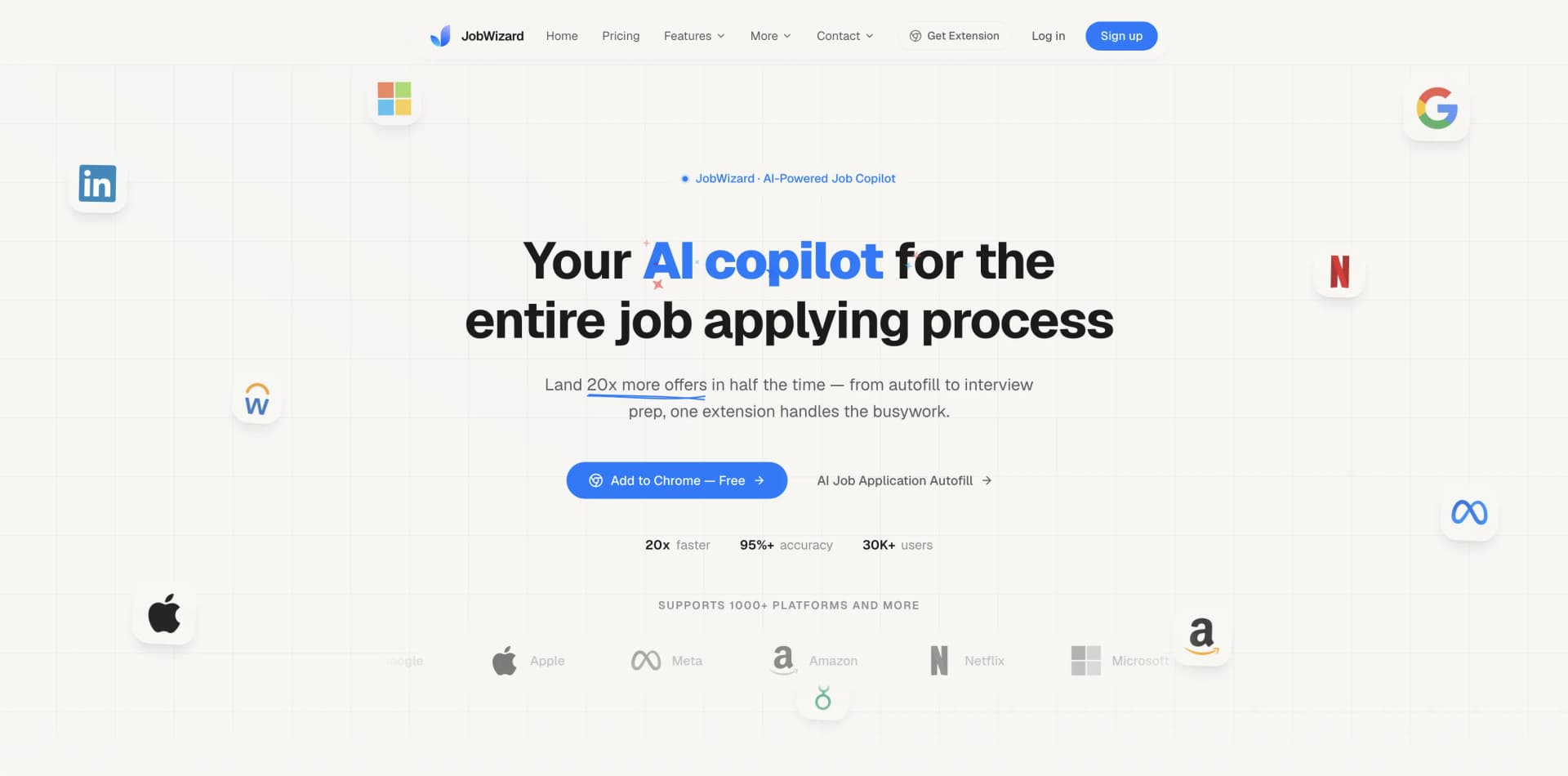
JobWizard revolutionizes the job application process, offering an all-in-one solution that simplifies and optimizes how we apply for jobs. Designed for job seekers across various fields, it streamlines the application process by integrating AI-driven features that enhance efficiency and accuracy. With JobWizard, you're not just filling out applications; you're transforming your approach with a powerful AI copilot.
JobWizard stands out with its AI-powered autofill capabilities, transforming the traditional job application process into a streamlined, efficient journey. Its unique integration with LinkedIn and job platforms provides a comprehensive solution that goes beyond mere application submission—it's about making informed, strategic career moves.
JobWizard offers an innovative approach to job applications, making the process not only faster but smarter. By leveraging AI, it provides users with a comprehensive toolkit that enhances every aspect of applying for jobs. Whether you're a seasoned professional or a new graduate, JobWizard empowers you to make the most of your career opportunities with precision and ease.
Who is Using JobWizard?
Job Seekers
Individuals looking to enhance their job application efficiency across various industries.
Recruitment Agencies
Agencies streamlining their candidate application processes for better client service.
Career Coaches
Professionals aiding clients in crafting standout applications.
HR Departments
Companies using the tool to assist in managing internal applications.
Uncommon Use Cases
Freelancers applying for short-term contracts; educational institutions guiding students in career workshops.
Key Features
Rating Breakdown
Pricing Plans
Free Trial
- A limited-time offer to try the tool before committing to a subscription
Which JobWizard plan should you pick?
Start with Free to test the workflow; choose Plus for regular applications and Pro for unlimited usage and priority beta access.
Free
Good for occasional applicants who need core analysis, tracking, parsing, and limited weekly AI features.
Plus
Good for active applicants who need higher weekly limits, Plus AI, premium model choices, unlimited email tracking, and direct team support.
Pro
Good for sprint-applying candidates who need unlimited autofill, answers, cover letters, chat, keyword suggestions, and resume retouches.
JobWizard Use Cases
Autofill job applications
Upload a resume, open a supported job application, and fill mapped fields from the saved profile.
Outcome: Less repetitive typing and faster application completion.
Tailor a resume to a job
Review job-description highlights, match scoring, missing keywords, and AI resume-retouch suggestions.
Outcome: A more role-specific resume before submission.
Generate cover letters
Use the job description and resume context to create a tailored cover letter for review and editing.
Outcome: A customized cover letter without starting from a blank page.
Track application progress
Use the application kanban and optional email forwarding to organize applications and classify recruiter updates.
Outcome: A centralized view of application stages and follow-ups.
Prepare for interviews
Use Career Chat with access to the relevant resume, job, saved jobs, and application history.
Outcome: Interview preparation grounded in the candidate’s actual search context.
Workflow Ideas with JobWizard
Review and submit a tailored application
- 1Open a supported job posting and review the JD highlights and match score.
- 2Retouch the resume and generate a role-specific cover letter.
- 3Autofill the application, review every field, and submit manually.
Automatically track recruiter updates
- 1Create a forwarding rule for job-related emails in your email provider.
- 2Forward messages to the JobWizard tracking address.
- 3Let JobWizard classify stages and update the application tracker.
Prepare for an interview
- 1Open Career Chat from the relevant tracked job.
- 2Choose Position + Resume, Resume Only, or Anything mode.
- 3Ask for role-specific interview preparation using the loaded job and resume context.
How JobWizard fits into your stack
Browser
JobWizard primarily lives as a Chrome extension alongside job postings and application forms. It analyzes job descriptions, scores fit, autofills ATS forms, and generates application content without leaving the browser.
Docs and writing
The extension helps create tailored cover letters, retouch resume content, extract job keywords, and draft answers to open-ended application questions.
Knowledge and files
Users upload PDF resumes that JobWizard parses into a reusable profile containing experience, education, skills, and other application details.
Pros
- +Time Efficiency: Significantly reduces the time spent on repetitive application tasks, allowing you to focus on more crucial aspects of job hunting.
- +Enhanced Accuracy: Minimizes errors in applications through precise data autofill and tailored content suggestions.
- +Seamless Integration: Easily integrates with platforms like LinkedIn and job sites such as Indeed and Greenhouse.
- +Comprehensive Application Support: Offers a wide array of features beyond basic autofill, including resume retouching and job requirement analysis.
Cons
- −Initial Learning Curve: Users may need some time to familiarize themselves with all the features and customization options.
- −Chrome Extension Limitation: Currently, it functions solely as a Chrome extension, which might limit accessibility for users of other browsers.
Limitations & when to consider alternatives
Known limitations
- Browser-based workflow. The documented product is a Chrome extension used inside the browser rather than a native mobile or desktop application.
- Manual final submission. JobWizard autofills and drafts content but requires the user to review and submit applications.
- Platform compatibility varies. The tool supports many ATS platforms, but unsupported or unusual forms may require feedback or manual completion.
- Weekly free quotas. The Free plan limits many AI features, including autofill, open-ended answers, cover letters, chat rounds, and resume retouches.
- Email tracking requires forwarding or connection. Automatic application tracking depends on forwarding job-related messages or enabling the documented Gmail integration.
Look elsewhere when
- You need a native mobile application.
- You need a documented developer API.
- You need shared workspaces with roles and invitations.
- You need SSO or SAML authentication.
How to Use JobWizard
- 1
Install the Chrome extension
Install JobWizard from the Chrome Web Store so it can appear on supported job pages and application forms.
- 2
Upload and select a resume
Open My Resume List, upload a PDF resume, and choose the default version used for autofill.
- 3
Review job fit
Open a supported posting and inspect JD highlights, match score, qualification analysis, and keyword suggestions.
- 4
Tailor application materials
Use resume retouches and the cover-letter feature to adapt materials to the current job before applying.
- 5
Autofill and review
Run autofill on the application, verify mapped fields and generated answers, then submit through the employer’s form.
- 6
Track outcomes
Use the application tracker and optional email forwarding to monitor application stages, recruiter updates, interviews, and offers.
Who is JobWizard For?
Job seekers
The tool helps candidates analyze roles, autofill applications, tailor resumes, write cover letters, and track applications.
Software engineers
JobWizard supports applications across major ATS platforms and provides job-specific resume matching and application assistance.
Product managers
Product candidates can use job-description analysis, match scoring, resume retouching, and tailored cover letters.
Data professionals
Data candidates can reuse a structured profile across ATS forms and tailor application materials to each role.
Recent graduates
The free Chrome extension and guided application workflow reduce repetitive entry for candidates applying broadly.
Frequently Asked Questions
Is there a free plan?
Yes. The Free plan costs $0 forever and includes core job-description analysis, resume parsing, profile sync, application tracking, and limited weekly AI usage.
Does JobWizard submit applications automatically?
No. JobWizard fills application fields and drafts answers, but users review and submit each application themselves.
Which application platforms are supported?
JobWizard documents support for Workday, Greenhouse, Lever, iCIMS, Ashby, SmartRecruiters, Taleo, and hundreds of additional platforms.
How does email tracking work?
Users can forward job-related emails from Gmail, Outlook, Yahoo, Fastmail, or other providers. JobWizard classifies stages such as interview, offer, rejection, and follow-up.
Can users upload multiple resumes?
Yes. Users can upload and manage multiple PDF resumes and select a default resume for autofill.
Community reviews
1 review from people who use JobWizard.
Sign in to leave a review for JobWizard.
Can Chen
JobWizard Alternatives
Looking for alternatives to JobWizard? Here are similar tools in the same category:
Learn to Master JobWizard
With Skill Leap courses
Get in-depth training on JobWizard and 50+ other AI tools with our expert-led video courses.
Start 7-Day Free Trial