
KaraVideo
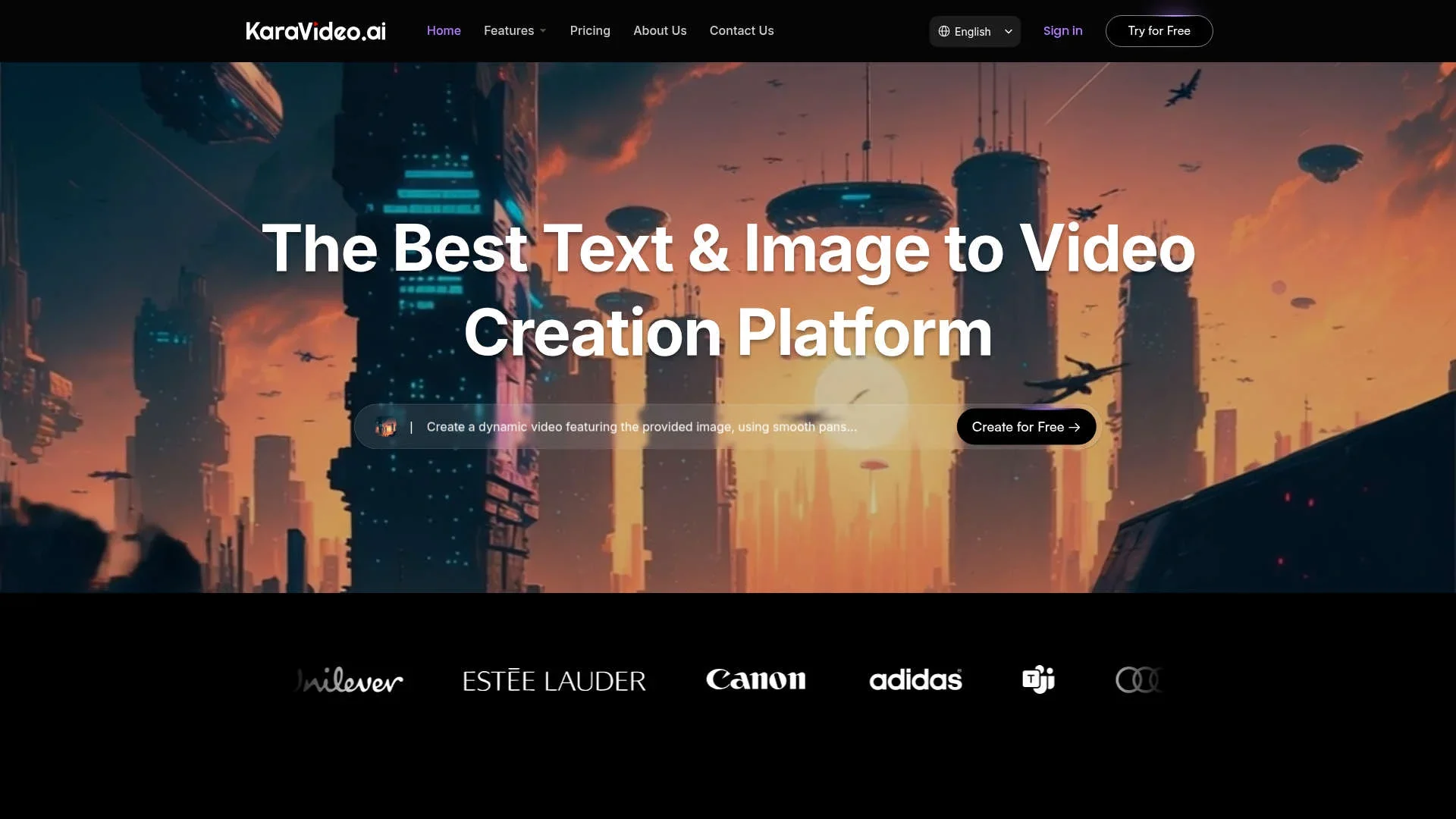
Transform text and images into stunning videos.
Key Takeaways
- What it is
- Transform text and images into stunning videos.
- Pricing
- Freemium · $15 per month · $35 per month
- Best for
- AI-Powered Video Creation
- Multi-Model Access
- Consistent Character Management
- Rating
- 4.6/5
What is KaraVideo?
KaraVideo is a cutting-edge AI tool designed to transform text and images into captivating videos. Aimed at creators of all kinds, it offers a user-friendly platform where imagination meets technology. Whether you're a novice or a seasoned professional, KaraVideo simplifies video creation by seamlessly converting your ideas into visual stories with just a few clicks.
KaraVideo differentiates itself with its seamless integration of multiple AI video engines, offering a one-stop-shop for creators. Its ability to maintain character consistency and its extensive library of customizable effects make it a preferred choice for those looking to bring their creative visions to life.
KaraVideo offers a robust solution for anyone looking to create videos effortlessly with AI. Its blend of advanced features, ease of use, and cost-effective pricing make it an attractive choice for a diverse range of users. Whether you're crafting a marketing campaign or an educational tutorial, KaraVideo empowers you to transform your ideas into stunning visual narratives.
Who is Using KaraVideo?
Content Creators
From YouTubers to podcasters, creators use KaraVideo to enhance their storytelling with visually engaging content.
Marketing Professionals
Agencies and freelancers leverage the tool for crafting compelling marketing videos that captivate audiences.
Educators
Teachers and educational institutions utilize KaraVideo to create engaging instructional videos that enhance learning experiences.
Filmmakers
Indie filmmakers find it useful for creating storyboards and animatics quickly and cost-effectively.
Uncommon Use Cases
Used by comic book artists to animate panels for digital formats; Employed by travel bloggers to create immersive travelogues.
Key Features
Rating Breakdown
Pricing Plans
Free Plan
Free
- Includes 50 credits, up to 2 videos, and 1 parallel task. Offers text-to-video, image-to-video, AI-powered animation, and video enhancement features with watermark outputs—ideal for exploring basic AI video creation
Lite Plan
$15 per month
- Includes 500 credits and up to 50 videos monthly with 3 parallel tasks. Provides faster generation, watermark-free outputs, more camera movement options, private video visibility, and priority support—great for creators producing consistent content
Pro Plan
$35 per month
- Includes 1,250 credits (up to $859 per month for 50,000 credits), supports 5 parallel tasks, and enables up to 2,000 videos monthly. Adds faster rendering, no-watermark exports, private visibility, more movement options, and priority support—designed for professionals scaling AI video production
Which KaraVideo plan should you pick?
Start with Free to test the core workflows; upgrade to Lite for regular monthly usage or PRO for higher concurrency, private visibility, faster generation, and no-watermark outputs.
Free
Good for trying KaraVideo with 50 credits, up to 2 videos, one parallel task, and watermarked outputs.
Lite
Good for creators who need 500 credits per month, up to 50 videos, three parallel tasks, and no-watermark outputs.
PRO
Good for heavier users who need 1,250 credits, five parallel tasks, faster generation, private video visibility, and priority support.
KaraVideo Use Cases
Social media content and ads
Generate short-form videos and promotional clips using text, images, or video inputs.
Outcome: Ready-to-share social and advertising content.
Product explainers and demo scenes
Create visual demonstrations and product-focused scenes from prompts or reference images.
Outcome: Product visuals for marketing and demonstrations.
Visual storytelling and storyboarding
Prototype scenes, characters, camera movement, and cinematic concepts with multiple models.
Outcome: Faster visual development and story exploration.
Consistent character videos
Upload reference images, lock identity, and generate scenes with a consistent character or product.
Outcome: On-model characters and branded visuals across shots.
Video enhancement
Use tools such as upscaling, interpolation, stabilization, and color matching on video content.
Outcome: Cleaner, more polished footage.
Workflow Ideas with KaraVideo
Text-to-video creation
- 1Choose a model such as Sora, Kling, Veo, Runway, Pika, Luma, or Vidu.
- 2Describe the scene and optionally add a negative prompt or style lock.
- 3Set aspect ratio, duration, quality, format, or channel preset.
- 4Generate, then download or share the video.
Photo-to-video animation
- 1Choose an image-to-video model.
- 2Upload a photo and optionally add an end frame.
- 3Add a prompt and configure duration, resolution, and aspect ratio.
- 4Generate, preview, refine, and download the animation.
Consistent character production
- 1Upload 1–3 reference images or several views of the same subject.
- 2Choose Text to Video, Image to Video, or Video to Restyle.
- 3Enable identity or style consistency and set duration, resolution, ratio, and seed.
- 4Generate, refine, and download the MP4 or MOV result.
How KaraVideo fits into your stack
Browser
KaraVideo is used as a web application for text-to-video, image-to-video, video-to-video, animation, effects, and model selection.
Knowledge and files
Creators upload photos, end frames, and reference images to guide video generation and maintain character consistency.
Pros
- +User-Friendly Interface: The platform is designed to be accessible to users of all skill levels, reducing the learning curve and expediting the creative process.
- +Efficient Workflow: With its streamlined process of describe, pick model, and generate, KaraVideo minimizes the time spent on video creation.
- +Cost-Effective: One subscription covers all models, eliminating the need for multiple subscriptions and simplifying billing.
- +High-Quality Output: The tool delivers videos with exceptional quality, thanks to features like upscaling and stabilization.
Cons
- −Initial Learning Curve: Although user-friendly, some users might initially require time to explore all available features fully.
- −Limited Offline Capabilities: The tool requires an internet connection to function, which may be a limitation for some users.
Limitations & when to consider alternatives
Known limitations
- Video models can have causal-reasoning errors. The documented Runway workflow notes that effects may sometimes precede their causes.
- Objects may change or disappear between frames. The Runway model documentation identifies object-permanence problems such as objects unexpectedly appearing or vanishing.
- Free outputs include watermarks. The Free plan includes watermarked outputs; no-watermark outputs are listed for paid plans.
- Free usage is limited. The Free plan provides 50 credits, up to 2 videos, and one parallel task.
Look elsewhere when
- You need a native mobile app.
- You need advanced team administration or SSO.
- You need reliable physical cause-and-effect in generated video.
How to Use KaraVideo
- 1
Create an account
Open KaraVideo in a browser and sign in or start with the free plan so you can access the creation workspace.
- 2
Choose a creation workflow
Select text-to-video, image-to-video, video-to-video, consistent character video, AI effects, animation, or an enhancement tool.
- 3
Select a model
Choose from available engines such as Sora, Kling, Veo, Runway, Pika, Luma, Vidu, or other listed models.
- 4
Add your input
Write a prompt or upload an image, reference images, start and end frames, or a video clip.
- 5
Configure output settings
Set options such as aspect ratio, duration, resolution, quality, style, seed, camera movement, or character consistency.
- 6
Generate and export
Start generation, preview or refine the result, and download or share the finished video.
Who is KaraVideo For?
Short-Form Creators & MCNs
They can produce daily trend content using multiple AI video models and short-form workflows.
Brands & E-Commerce Teams
They can create product reels, consistent brand visuals, and e-commerce hero shots.
Game & Film Studios
They can prototype cut-scenes, storyboards, short films, and cinematic trailers.
Developers & Tool Builders
They can embed AI video through KaraVideo's stated REST and SDK offering.
Frequently Asked Questions
What is KaraVideo?
KaraVideo is an AI video creation platform that brings multiple video models together in one dashboard for text-to-video, image-to-video, and video-to-video creation.
Is there a free plan?
Yes. The Free plan costs $0 and includes 50 credits, up to 2 videos, one parallel task, and watermarked outputs.
What types of inputs can I use?
You can start with text, an image, a start and end frame, or an uploaded video, depending on the selected workflow.
Can I keep characters consistent across scenes?
Yes. Upload reference images and enable character or style lock to preserve identity and appearance across shots.
Do I need to install software?
No. KaraVideo is web-based, so you can upload, configure, generate, preview, and download from a browser.
What can I create videos for?
The site highlights social content and ads, product explainers, visual storytelling, storyboarding, animation, and AI content workflows.
Community reviews
Be the first to share your experience.
Sign in to leave a review for KaraVideo.
KaraVideo Alternatives
Looking for alternatives to KaraVideo? Here are similar tools in the same category:
Learn to Master KaraVideo
With Skill Leap courses
Get in-depth training on KaraVideo and 50+ other AI tools with our expert-led video courses.
Start 7-Day Free Trial