Kater
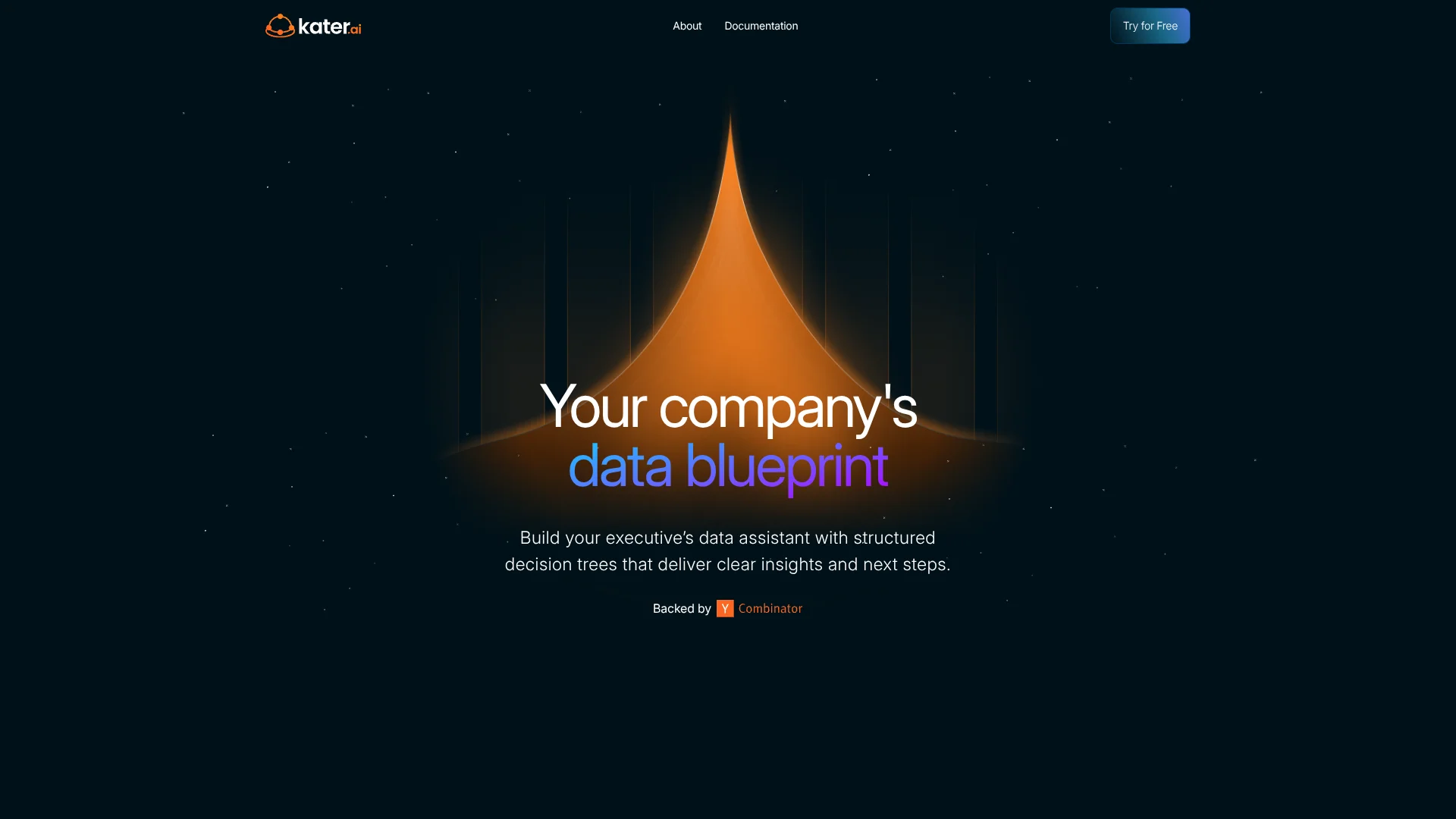
Turns trusted company data into decision paths executives can follow.
Key Takeaways
- What it is
- Turns trusted company data into decision paths executives can follow.
- Best for
- Data Playbooks
- Butler AI
- Shared Semantic Layer
- Rating
- 3.9/5
What is Kater?
Kater turns company data into guided decision paths instead of leaving stakeholders to interpret static dashboards. Data teams define Playbooks, shared metric definitions, and business questions, while executives and other data inquisitors follow structured reports that explain what changed and what to consider next.
Kater's distinctive capability is its Playbook Reports, which preserve the decision logic behind an insight so an executive can follow the reasoning without asking the data team to explain every follow-up question.
Kater fits data teams that want consistent business logic and stakeholders who need actionable answers without learning warehouse queries. It is less suitable for casual personal analysis because setup depends on a company's data models, warehouse, and defined Playbooks. Kater is built for turning trusted business logic into repeatable decisions.
Who is Using Kater?
Data Engineers
Data engineers connect warehouses, maintain models, and help build the SQL behind Playbooks.
Data Analysts
Analysts capture business reasoning in decision trees that answer recurring stakeholder questions.
Executives
Executives review guided reports that connect business changes with possible explanations and next steps.
Operations Leaders
Operations leaders can monitor thresholds and investigate emerging changes through defined business questions.
Uncommon Use Cases
Documenting how senior analysts make recurring decisions; giving Slack users a governed way to ask questions about the data estate.
Key Features
Rating Breakdown
Pricing Plans
Free Trial
- Trial access is offered through Kater's sales or onboarding process.
- The official site does not publish a trial duration.
Custom Pricing
- Annual contracts are determined by the size and complexity of your data and company.
- Contact Kater for a quote.
Which Kater plan should you pick?
Start with the free trial to test a Playbook against your warehouse, then discuss a custom annual contract when your team is ready to deploy it broadly.
Free Trial
Good for data teams that want to test warehouse connections, Playbooks, and stakeholder workflows before signing an annual contract.
Custom Pricing
Good for companies that need a contract based on data size, company complexity, and deployment needs.
Kater Use Cases
Executive Decision Reports
A Playbook turns a broad business question into a report that explains the relevant data and possible actions.
Outcome: Stakeholders see a clear path from insight to decision.
Follow-Up Data Questions
Butler handles common follow-up questions using the logic already defined in a Playbook.
Outcome: Data teams spend less time answering repeated questions.
Metric Governance
Shared data models give teams one set of definitions for important business metrics.
Outcome: Reports use consistent logic instead of competing numbers.
Proactive Monitoring
Thresholds and changing warehouse conditions surface situations that may need attention.
Outcome: Teams can respond to emerging trends instead of reviewing history only.
Slack Data Access
The Butler Slack integration brings governed data questions into a team channel.
Outcome: People can ask about the data estate where collaboration already happens.
Workflow Ideas with Kater
Weekly Performance Review
- 1Connect Kater to the company warehouse and define the relevant business metrics.
- 2Build a Playbook for the weekly performance question.
- 3Review the resulting insights, explanations, and suggested next steps with stakeholders.
Slack-Based Data Questions
- 1Create a Butler Slack app and provide the required Slack tokens in Kater.
- 2Place Butler in a shared data channel.
- 3Ask follow-up questions about metrics and business conditions from Slack.
Decision Logic Development
- 1Choose a recurring business decision that needs consistent analysis.
- 2Map the questions and hypotheses into a Kater Playbook.
- 3Set thresholds and refine the Playbook as the team learns what matters.
How Kater fits into your stack
Data Warehouses
Kater sits on top of Snowflake, BigQuery, Databricks, Redshift, or MS-SQL and uses warehouse data in its Playbooks.
Data Modeling
The shared data model provides consistent metric definitions and can be version controlled with dbt.
Team Communication
Butler brings Kater questions into Slack, giving stakeholders a governed route to data answers.
AI Layer
Kater can use a managed language model or a customer's own OpenAI API key. AI helps data members write SQL while defined data models support nontechnical users.
Governance and Security
Kater supports PII column labeling, unified data governance, encrypted data in transit and at rest, and securely stored credentials.
Pros
- +Decision logic: Turns recurring analyst reasoning into guided Playbooks that stakeholders can follow.
- +Warehouse coverage: Connects with Snowflake, BigQuery, Databricks, Redshift, and MS-SQL.
- +Slack access: Lets teams ask Butler questions directly in a Slack channel.
- +Data privacy: Kater says customer data is not stored in its application database or used to train an LLM.
- +Fast setup: The company says setup can take as little as 15 minutes.
Cons
- −Data-team setup: Technical users need to define the data models and Playbooks before broader teams can benefit.
- −Custom pricing: Public plan prices are not listed, so cost comparison requires a conversation with Kater.
- −Narrow focus: Kater is built for governed business decisions rather than open-ended personal analysis.
Limitations & when to consider alternatives
Known limitations
- Annual Contracts. Kater says contracts are determined by the size and complexity of the company's data and company.
- Human-Defined SQL for Users. Kater does not use AI to write SQL for nontechnical users. Those users rely on the defined YAML data model files.
- Warehouse Dependency. The product is built around connected company data warehouses and Playbooks rather than standalone file analysis.
Look elsewhere when
- You need a personal chatbot for open-ended questions and file analysis.
- Your team wants a traditional dashboarding tool without building decision trees.
- You need a native mobile app or desktop application.
How to Use Kater
- 1
Connect a Warehouse
Link Snowflake, BigQuery, Databricks, Redshift, or MS-SQL so Playbooks can work with company data.
- 2
Define the Data Model
Create shared metric definitions and business logic so reports use trusted terminology.
- 3
Build a Playbook
Map a business objective into questions, hypotheses, and decision steps that reflect how an analyst works.
- 4
Add Thresholds
Set conditions that help the Playbook notice meaningful changes in the underlying data.
- 5
Share Butler
Connect the Slack integration when stakeholders need to ask governed questions in a team channel.
- 6
Review the Report Logic
Follow the Playbook Report to check how Kater reached an insight before acting on it.
Who is Kater For?
Data Teams
Kater helps analysts and data engineers turn business logic into repeatable reports and decision paths.
Data Inquisitors
Business stakeholders get guided answers and next steps without working through complex dashboards.
Executive Teams
Leaders can review what changed, follow the reasoning, and see the questions behind a business insight.
Data-Governed Companies
Organizations with shared metric definitions can use Kater to reduce conflicting interpretations of the same data.
Frequently Asked Questions
Does Kater offer a free plan?
Kater offers free trials, but the official site does not list a permanent free plan.
How much does Kater cost?
Kater says it uses annual contracts based on the size and complexity of the company's data and company. Public US plan prices are not listed.
Which data warehouses does Kater support?
Kater lists Snowflake, BigQuery, Databricks, Redshift, and MS-SQL. The company says it can build a custom connector for another warehouse.
Does Kater integrate with Slack?
Yes. Butler can be connected to Slack so users can ask questions about the data estate from a shared channel.
Does Kater use customer data to train an LLM?
Kater says it does not use customer data to train any LLM and does not store customer data in its application database.
How long does Kater take to set up?
Kater says setup can take as little as 15 minutes and includes white-glove onboarding and concierge services.
Community reviews
Be the first to share your experience.
Sign in to leave a review for Kater.
Kater Alternatives
Looking for alternatives to Kater? Here are similar tools in the same category: