Kea
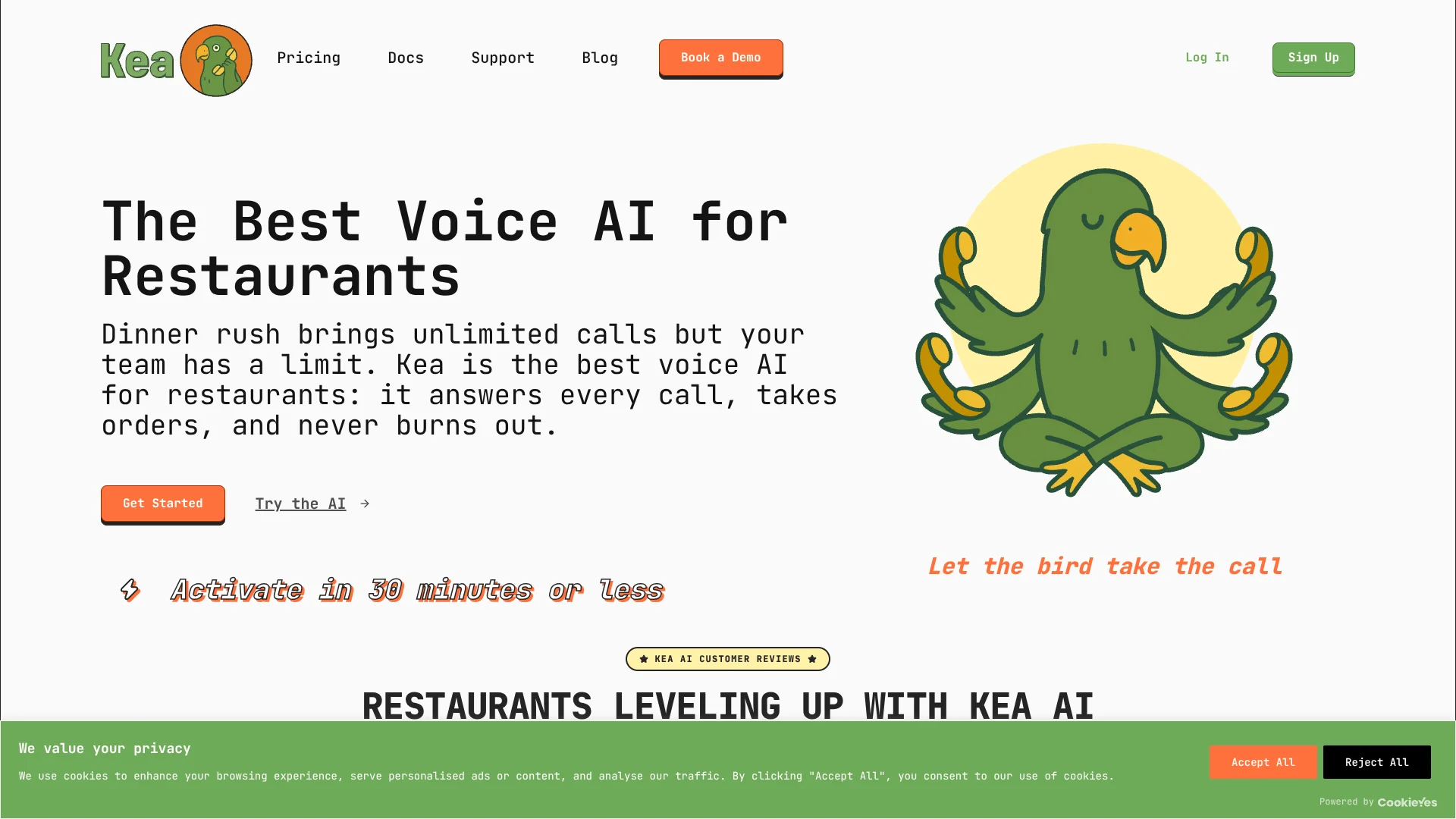
Kea turns restaurant phone calls into orders in the restaurant's POS.
Key Takeaways
- What it is
- Kea turns restaurant phone calls into orders in the restaurant's POS.
- Pricing
- $450 per month
- Best for
- POS-Connected Voice Ordering
- AI Menu Analyzer
- The Food Critic
- Rating
- 4.1/5
What is Kea?
During a dinner rush, Kea answers restaurant phone calls, takes orders, and sends them to the restaurant’s point-of-sale system (POS), the software that manages orders and payments. Restaurant owners and operators use it to capture orders that staff may otherwise miss while serving guests. Its menus and ordering rules connect to the restaurant’s POS, reducing the need to re-enter phone orders by hand.
Kea’s Food Critic updates callers about unavailable items, menu changes, and frequently asked questions, while the AI Judge checks orders against the menu. Kea reports 99.3% order accuracy, and its support guides explain how menu setup affects what the AI can recognize and order.
Kea is best suited to restaurants that receive enough phone orders to keep staff from other work, including brands with multiple locations. It depends on clear menu descriptions and customization options, so restaurants with incomplete or poorly organized POS menus may need to fix those first. The main fit is clear: Kea turns restaurant phone calls into POS-connected orders.
Who is Using Kea?
Restaurant Owner
Recovering missed phone orders lets the owner focus on running the restaurant instead of answering every call.
General Manager
Call reports help managers track call patterns and orders across their location.
Restaurant Operations Manager
Brand and location settings help operations teams maintain menus, hours, and FAQs across restaurants.
Front-of-House Manager
POS-connected orders and call handling reduce phone interruptions during busy service.
Uncommon Use Cases
Answering questions about reservations and waitlists; texting guests links for online ordering or loyalty programs
Key Features
Rating Breakdown
Pricing Plans
One price
$450 per month
- The pricing page lists unlimited concurrent calls and direct POS integrations.
- Includes AI call reporting, delivery and payment features, and FAQ customization.
- The site directs brands with 20 to 50 or more locations to ask about custom pricing.
Which Kea plan should you pick?
Start with Kea’s published monthly Voice AI offering if your restaurant needs phone ordering and POS-connected calls; ask Kea about custom pricing for a brand with 20 or more locations.
One price
A restaurant that needs voice ordering, POS connections, call reporting, and payment options.
Kea Use Cases
Capture Phone Orders
Restaurant callers can place orders through a voice conversation, with supported orders sent to the POS.
Outcome: Phone orders can reach the restaurant’s existing POS without staff re-entering them.
Handle Peak-Time Calls
Multiple callers can reach Kea at once while restaurant staff are occupied with service.
Outcome: Kea says it handles unlimited concurrent calls.
Answer Menu and Store Questions
Location details and curated FAQs help the AI respond to questions about restaurant offerings and hours.
Outcome: Callers can get restaurant information without waiting for staff to answer.
Take Digital Payments
Payment links let pickup and delivery customers pay by card or supported digital wallet.
Outcome: Customers can pay through a link instead of reading card details over the phone.
Review Call Trends
Managers can compare calls, orders, and call duration across locations and date ranges.
Outcome: Teams can see call patterns and which locations receive the most calls.
Workflow Ideas with Kea
Phone Order to Kitchen
- 1Connect a supported POS menu to Kea.
- 2Forward restaurant calls to the dedicated Kea number.
- 3Review test orders before enabling AI ordering.
Keep Menu Responses Current
- 1Update item availability or menu details in the POS.
- 2Review FAQ and location information in the Kea Portal.
- 3Place a test call to check how the AI responds.
Review Call Activity by Location
- 1Open Reporting in the Brand Portal.
- 2Choose a location and date range.
- 3Review calls, orders, and call time.
How Kea fits into your stack
Restaurant Phone Calls
Kea answers customer calls through a dedicated Kea phone number. Restaurants forward their existing calls to that number.
Point-of-Sale Systems
Direct connections include Toast, Square, Clover, and Olo. Orders can flow into the POS instead of being re-entered by staff.
Payments and Delivery
Kea Pay sends payment links for pickup and delivery orders, with credit card, Apple Pay, and Google Pay options.
Brand Portal and Reporting
The web portal holds location settings, menus, FAQs, and call reports for restaurant teams.
Pros
- +Orders reach the POS: Supported connections send AI phone orders directly into the restaurant’s ordering system.
- +Busy-call coverage: Kea says it handles unlimited concurrent calls, helping restaurants avoid putting callers on hold.
- +Restaurant-specific menu handling: The AI is built to work with menu items, modifiers, unavailable items, and restaurant FAQs.
- +Multi-location reporting: Operators can view call data by location or across their brand.
Cons
- −Menu preparation matters: The AI depends on clear item descriptions and supported customizations in the restaurant’s menu.
- −Staff access needs support: Adding coworkers to a Brand Portal requires contacting Kea’s team.
- −Pricing requires a sales conversation for larger groups: The site directs brands with 20 to 50 or more locations to ask about custom pricing.
Limitations & when to consider alternatives
Known limitations
- Menu details affect order handling. Kea’s support guidance says menu items need descriptions and appropriate modifiers; the AI cannot place customizations that the POS menu does not support.
- Non-English menu characters are unsupported. Kea’s menu guidance says not to include non-English characters in the menu.
- Call report data is not continuously refreshed. The support guide says reporting data refreshes twice a day.
- Adding portal users requires assistance. A coworker or staff member cannot be added directly by the account holder; Kea says to contact its team.
Look elsewhere when
- Your menu relies on non-English characters that the AI must read.
- You need a self-service process for adding and managing portal users.
- You need call reports that refresh continuously throughout the day.
How to Use Kea
- 1
Create an Account and Add a Location
Set up the restaurant’s location details in the Kea Portal so callers get the right greeting and information.
- 2
Connect the Restaurant Menu
Choose a supported POS connection, such as Toast, Square, Clover, or Olo, so Kea can use the restaurant’s menu.
- 3
Check Menu Details
Review item descriptions and customization options because the AI relies on menu information to handle orders accurately.
- 4
Test Calls and Orders
Place test calls and orders to check how the AI handles menu requests before turning on AI ordering.
- 5
Forward Calls to Kea
Forward the restaurant’s calls to its dedicated Kea phone number to let Kea answer them.
- 6
Review Call Reporting
Check Reporting in the Brand Portal to review calls, orders, and trends for selected dates and locations.
Who is Kea For?
Restaurant Owners and Operators
Restaurants that receive phone orders can use Kea to answer calls while staff focus on in-person service.
Multi-Location Restaurant Brands
Brand-level settings, location-specific information, and rolled-up call reports support operations across multiple restaurants.
Restaurants With POS Menus
Restaurants using supported POS systems can connect their menus and send phone orders into their existing setup.
Frequently Asked Questions
Does Kea have a free plan?
Kea’s site offers a demo, but its published pricing page lists a paid monthly price rather than a free plan.
How much does Kea cost?
Kea’s pricing page lists one price of $450 per month. It directs brands with 20 to 50 or more locations to ask about custom pricing.
Which POS systems does Kea connect to?
Kea’s support docs give setup instructions for Toast, Square, Clover, and Olo. The company says it has more than 11 direct POS integrations.
Can restaurant staff use the same Brand Portal?
Kea says coworkers and staff can be given access, but the account owner must contact Kea’s team to add them.
Does Kea have a mobile app?
Kea’s site describes mobile access to its portal, but the official materials reviewed do not confirm a native iOS or Android app.
Community reviews
Be the first to share your experience.
Sign in to leave a review for Kea.
Kea Alternatives
Looking for alternatives to Kea? Here are similar tools in the same category: