
Kissflow Digital Workplace
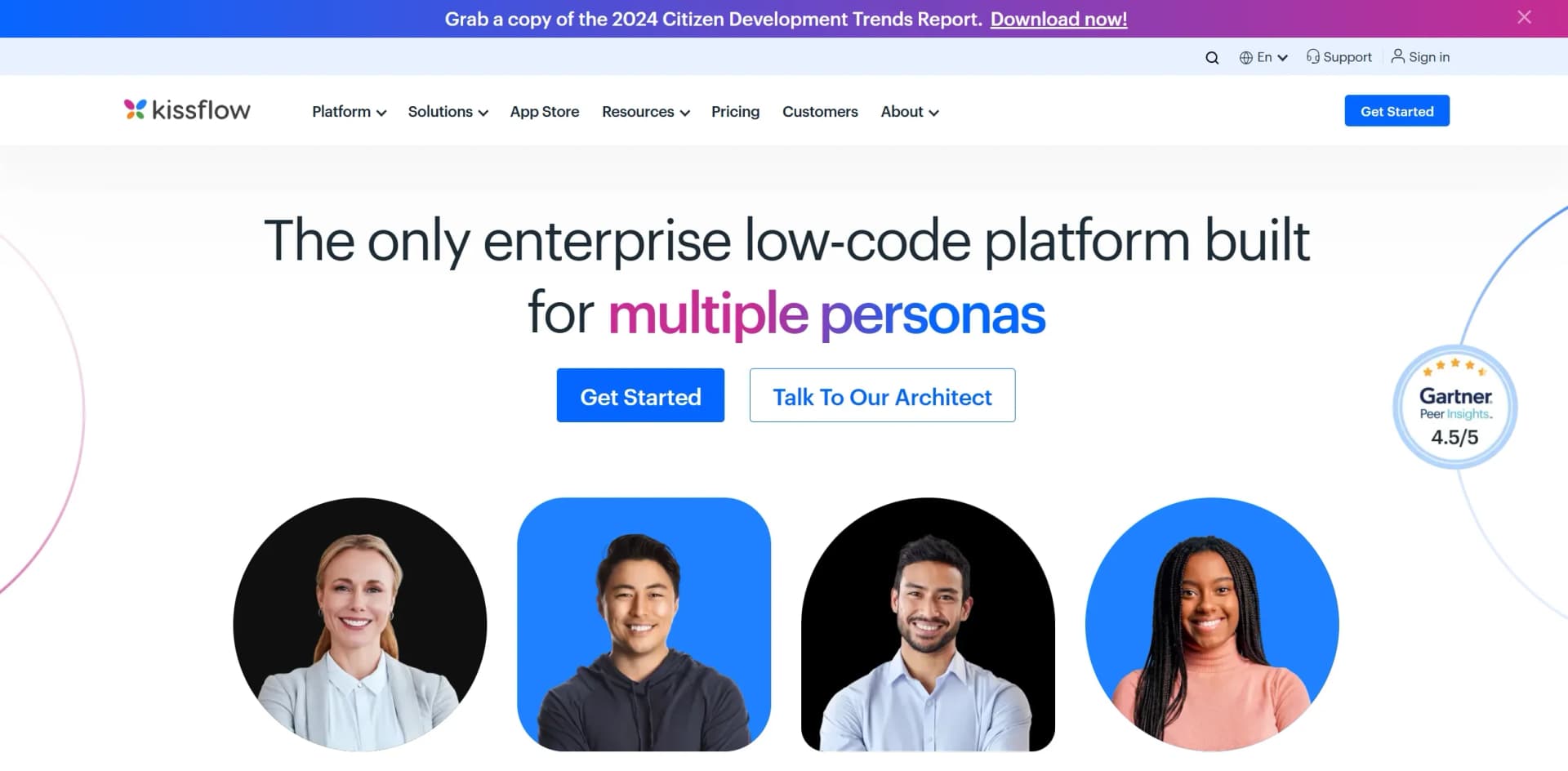
Streamline workflows and app development with AI-driven tools.
Key Takeaways
- What it is
- Streamline workflows and app development with AI-driven tools.
- Pricing
- Freemium · $1500 per month
- Best for
- AI Workflow Orchestration
- Low-Code App Builder
- Integration Capabilities
- Rating
- 4.5/5
What is Kissflow Digital Workplace?
Kissflow Digital Workplace is a dynamic platform that transforms the way businesses approach application development and workflow management. With its AI-powered low-code and no-code capabilities, it offers a seamless solution for organizations looking to enhance their digital transformation efforts. The tool is designed to empower IT leaders, developers, process owners, and business users by simplifying complex tasks and fostering innovation through citizen development.
Kissflow Digital Workplace stands out with its robust low-code and no-code development capabilities, making it a game-changer for businesses seeking rapid digital transformation. Its ability to empower non-technical users, or citizen developers, to create sophisticated applications without extensive coding knowledge sets it apart in the industry.
Kissflow Digital Workplace offers a comprehensive solution for businesses aiming to streamline their processes and accelerate digital transformation. Its blend of low-code and no-code tools, combined with strong AI capabilities, makes it an ideal choice for organizations looking to innovate and adapt quickly. Whether you're an IT leader, developer, or business user, Kissflow provides the tools you need to turn ideas into reality efficiently and effectively.
Who is Using Kissflow Digital Workplace?
IT Leaders
Utilizing the platform for digital transformation and process automation.
Developers
Employing Kissflow to accelerate application development with low-code solutions.
Business Process Owners
Leveraging the tool to manage and optimize workflows efficiently.
Healthcare Providers
Using the platform for patient management and administrative workflows.
Key Features
Rating Breakdown
Pricing Plans
Free Tier
Free
- Experience Kissflow Digital Workplace with a 14-day free trial
Pro Tier
$1500 per month
Which Kissflow Digital Workplace plan should you pick?
Start with Basic for straightforward internal workflows, and upgrade to Enterprise when you need advanced integrations, multilingual features, external users, or enterprise governance.
Basic
Good for teams building straightforward internal forms, workflows, and process automations with limited features.
Enterprise
Good for organizations needing advanced integrations, intelligent document processing, language localization, external portals, and expanded governance.
Kissflow Digital Workplace Use Cases
Employed by educational institutions for digital curriculum development.
Adopted by non-profit organizations for donor management and engagement.
Workflow Ideas with Kissflow Digital Workplace
Employee onboarding
- 1Create an onboarding app and form
- 2Customize fields, conditions, exceptions, and workflow steps
- 3Track progress, notify stakeholders, and publish the process
Purchase approval and ERP update
- 1Capture a purchase request in a Kissflow form
- 2Route the request through conditional approvals
- 3Write the approved result back to the system of record
Document-to-workflow intake
- 1Upload a supported PDF, JPEG, or PNG document
- 2Use Smart Attachment to extract data into form fields
- 3Review, edit, and submit the resulting workflow request
How Kissflow Digital Workplace fits into your stack
Browser
Kissflow Digital Workplace is a browser-based workplace for managing processes, projects, cases, collaboration, dashboards, and reports. https://community.kissflow.com/t/h7h9qzq/product-faqs
Team chat and tickets
Teams use social channels, contextual chat, announcements, polls, case management, and service-request workflows in one workplace. https://kissflow.com/digital-workplace/
Automation and APIs
Workflow automation connects enterprise systems through native connectors, REST APIs, webhooks, task scheduling, and custom connectors. https://kissflow.com/workflow/workflow-integration/
Knowledge and files
Users upload and process documents, spreadsheets, PDFs, images, invoices, and receipts through attachments and intelligent document processing. https://kissflow.com/platform/idp/
Pros
- +User-Friendly Interface: The intuitive design makes it easy for users of all skill levels to navigate and utilize the platform effectively.
- +Rapid Deployment: Kissflow's low-code and no-code tools significantly reduce the time needed to develop and deploy applications.
- +Scalable Solutions: The platform is built to grow with your business, accommodating increasing demands and complexity.
- +Strong Customer Support: With a median chat support response time of five minutes, Kissflow ensures users receive timely assistance.
Cons
- −Initial Learning Curve: While user-friendly, new users may initially find it challenging to master all advanced features.
- −Limited Third-Party Integrations: Some users might find the range of supported third-party platforms to be limited compared to other tools.
Limitations & when to consider alternatives
Known limitations
- No permanent free plan. Kissflow offers paid plans and may arrange a limited-period free trial after a consultation.
- Smart Attachment file restrictions. Smart Attachment supports PDF, JPEG, and PNG files up to 20 MB and documents up to 20 pages.
- Smart Attachment extraction limit. Smart Attachment extracts up to 48,000 characters; processing stops when that limit is reached.
- Browser-dependent desktop access. Kissflow is cloud-based and accessed through supported browsers rather than a dedicated Windows, macOS, or Linux installer.
- AI does not currently learn from outcomes. Kissflow states that its current AI does not yet learn from outcomes or self-correct.
Look elsewhere when
- You need a permanent free plan.
- You need a dedicated desktop installer.
- You need AI that learns from outcomes or self-corrects.
How to Use Kissflow Digital Workplace
- 1
Choose a template or start from scratch
Select a pre-built business application or begin with a blank canvas for a custom workflow.
- 2
Build the form and process
Use the visual builder to add fields, rules, approvals, conditions, and exception paths.
- 3
Configure users and roles
Share the process with users or groups and assign appropriate administrator, member, viewer, or specialized roles.
- 4
Connect external systems
Use native connectors, REST APIs, webhooks, or custom integration flows to exchange data with other tools.
- 5
Add document intake when needed
Use Attachment or Smart Attachment fields to collect files and extract supported document data into forms.
- 6
Deploy and monitor
Publish the application, track workflow activity, review reports, and use audit trails to monitor execution.
Who is Kissflow Digital Workplace For?
CEOs
Kissflow helps leaders empower teams, build a consistent digital culture, and reduce cross-functional friction.
Managers
Managers can centralize work, automate processes, synchronize tools, and manage projects in one platform.
Team Leads
Team leads can centralize data, collaborate across locations, and monitor assignments and notifications.
Operations and HR
Kissflow supports digitizing manual tasks, approvals, employee processes, and operational workflows.
IT Leaders
IT leaders can govern business-built applications with security, permissions, integrations, and audit visibility.
Frequently Asked Questions
Does Kissflow have a free plan?
Kissflow does not offer a permanent free plan. A limited-period free trial may be arranged after consultation with a Solution Consultant.
What platforms can users access Kissflow from?
Kissflow is primarily cloud-based and accessed through supported browsers, with a dedicated Kissflow Digital Workplace mobile app also available for iPhone.
Does Kissflow support integrations?
Yes. Kissflow provides native connectors for enterprise systems and supports REST APIs, webhooks, and custom integration flows.
Does Kissflow support single sign-on?
Yes. Kissflow supports SAML 2.0 and OAuth-based SSO, with integrations for identity providers such as Okta and Azure AD.
Can Kissflow process uploaded documents?
Yes. Attachment fields accept files, while Smart Attachment can extract information from supported PDFs, JPEGs, and PNGs into form fields.
Does Kissflow generate programming code?
Kissflow generally generates governed application blueprints rather than application code, but its AI code assistant can generate JavaScript for Run Script connector logic.
Community reviews
Be the first to share your experience.
Sign in to leave a review for Kissflow Digital Workplace.
Kissflow Digital Workplace Alternatives
Looking for alternatives to Kissflow Digital Workplace? Here are similar tools in the same category:
Learn to Master Kissflow Digital Workplace
With Skill Leap courses
Get in-depth training on Kissflow Digital Workplace and 50+ other AI tools with our expert-led video courses.
Start 7-Day Free Trial