
Knowbo
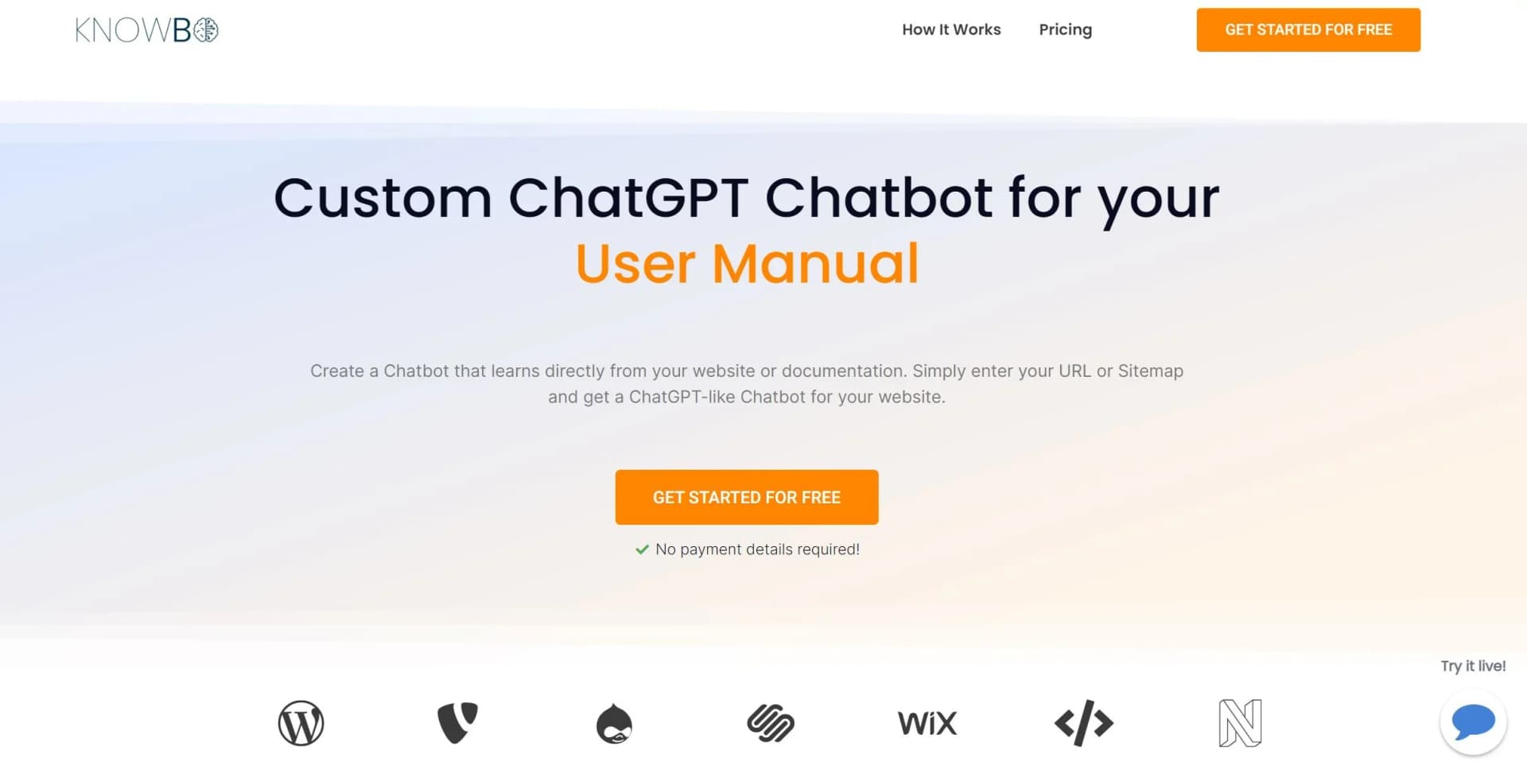
Empower customer service with an AI chatbot that learns from your website, ensuring up-to-date interactions.
Key Takeaways
- What it is
- Empower customer service with an AI chatbot that learns from your website, ensuring up-to-date interactions.
- Pricing
- $19/month · $39/month · $79/month
- Best for
- Always Up-to-Date Knowledge Base
- Hassle-Free Learning
- Chat History Monitoring
- Rating
- 4.5/5
What is Knowbo?
In my exploration of AI tools, Knowbo caught my attention as a promising platform reshaping customer-business interactions. Knowbo introduces an AI-powered chatbot designed to swiftly respond to customer inquiries by leveraging a company's existing website content. With just a URL or sitemap input, Knowbo can deploy a ChatGPT-like bot, easing the burden on support teams and enhancing customer engagement. Tailored for businesses of all sizes, Knowbo aims to make website information accessible through an intuitive chat interface.
Knowbo's standout feature lies in its ability to autonomously learn from existing website content, simplifying implementation and ensuring current information for customers.
Knowbo emerges as a potent tool for businesses seeking streamlined customer interactions and support. Its autonomous learning from website content simplifies implementation and ensures accurate responses. Customization options and multi-language support further bolster its appeal. While limitations exist, such as interaction caps and branding removal costs, Knowbo's overall value proposition makes it a compelling choice for businesses aiming to optimize their customer service experience.
Who is Using Knowbo?
Small to Medium Enterprises (SMEs)
Utilize Knowbo to provide immediate customer support without extensive customer service teams.
E-commerce Platforms
Employ Knowbo to swiftly address product-related queries.
Educational Institutions
Guide students and staff to relevant information and resources.
Healthcare Providers
Assist patients in navigating informational content on their websites.
Uncommon Use Cases
Event organizers disseminate real-time event information; local governments answer community-related questions.
Key Features
Rating Breakdown
Pricing Plans
Starter Plan
$19/month
- Suitable for smaller websites with limited documentation needs
Expert Plan
$39/month
- Larger sites requiring more robust chatbot capabilities
Ultimate Plan
$79/month
- Offering extensive features for multiple websites or large-scale operations
Which Knowbo plan should you pick?
Start with Starter for a small documentation site, upgrade to Expert for more URLs, unlimited messages, history, and automatic updates, or choose Ultimate for multiple sites and no branding.
Starter
Good for small websites needing one chatbot, up to 50 source URLs, and 100 customer messages per day.
Expert
Good for larger websites needing five chatbots, unlimited messages, 500 source URLs, history, automatic updates, and priority support.
Ultimate
Good for multiple documentations and websites needing ten chatbots, 2,000 source URLs, unlimited messages, automatic updates, priority support, and no branding.
Knowbo Use Cases
Website customer support
Visitors ask questions through a chatbot trained on the company website.
Outcome: Customers get answers without browsing the site manually.
Documentation assistance
A chatbot is created from documentation pages or a documentation sitemap.
Outcome: Users can query the knowledge base conversationally.
Automated documentation updates
The chatbot can frequently update its knowledge and add new sitemap pages.
Outcome: Responses can reflect newer website content.
Branded website chatbot
Owners customize colors, images, text, logos, and chat icons.
Outcome: The chatbot can better match the website brand.
Chat-performance review
Expert and Ultimate plans include chat history for revisiting conversations.
Outcome: Teams can review previous user interactions.
Workflow Ideas with Knowbo
Create a documentation chatbot
- 1Provide a sitemap URL or selected documentation URLs
- 2Allow Knowbo to learn and update its knowledge base
- 3Embed the generated chatbot snippet on the website
Launch a branded support assistant
- 1Create a chatbot for the website
- 2Customize colors, text, logo, image, and chat icon
- 3Publish it by inserting the generated code before the closing body tag
Keep website answers current
- 1Connect the chatbot to the website sitemap
- 2Enable frequent knowledge updates
- 3Enable automatic addition of new sitemap pages
How Knowbo fits into your stack
Browser
Knowbo is a web-based chatbot for customer-facing websites. Visitors interact with the chatbot directly on the site after the owner embeds Knowbo's generated code snippet.
Knowledge and files
Knowbo builds its knowledge base from a website sitemap, selected URLs, or documentation pages. It can automatically update knowledge and add new sitemap pages on eligible plans.
Pros
- +Quick Setup: Gets Knowbo up and running on your site in as little as two minutes.
- +Customization Options: Tailors the chatbot to match your brand's aesthetic, including color schemes and logos.
- +Language Support: Handles multiple languages, catering to diverse customer bases.
- +Seamless Integration: Compatible with various website platforms, ensuring versatility.
Cons
- −Limited Free Interactions: Free and starter plans cap daily customer messages, potentially necessitating plan upgrades as your business grows.
- −Potential Complexity: May require additional refinement to handle complex queries effectively, particularly for websites with specialized content.
- −Branding Removal Cost: Removing Knowbo's branding requires opting for the highest-tier plan.
Limitations & when to consider alternatives
Known limitations
- Starter plan has a daily message limit. Starter includes 100 customer messages per day; new users cannot start chats after the limit is reached.
- Source URL limits vary by plan. Starter includes 50 source URLs, Expert 500, and Ultimate 2,000.
- Chatbot counts vary by plan. Starter includes one chatbot, Expert five, and Ultimate ten.
- The knowledge source is website content. The documented setup learns from URLs or sitemaps rather than uploaded files.
- Embedding requires website access. Deployment requires copying the generated snippet into the website body.
How to Use Knowbo
- 1
Choose your website source
Enter documentation URLs individually or provide a sitemap URL so Knowbo can learn the relevant website content.
- 2
Select pages and update settings
Choose all sitemap pages or selected pages, then enable automatic knowledge updates or automatic addition of new pages when needed.
- 3
Customize the chatbot
Adjust colors, chatbot image, texts, logo, and chat icon so the assistant fits the website.
- 4
Embed the chatbot
Open Manage Chatbots, copy the generated code snippet, and insert it above the closing body tag.
- 5
Review conversations
Use chat history on eligible plans to revisit past conversations and assess chatbot performance.
Who is Knowbo For?
Small websites
The Starter plan is positioned for small websites with only a couple of documentation pages.
Companies with larger websites
The Expert plan is intended for companies with larger websites and documentation.
Companies with multiple websites
The Ultimate plan is designed for companies managing multiple documentations and websites.
Customer support teams
Knowbo helps answer customer questions from website content and reduce support-team workload.
Documentation owners
Documentation owners can connect URLs or sitemaps and keep chatbot knowledge synchronized with site changes.
Frequently Asked Questions
How does Knowbo integrate with an existing website?
Knowbo uses a website sitemap or URL sources to learn the content, then provides a generated code snippet that can be inserted above the closing body tag.
Can Knowbo handle multiple languages?
Yes. Knowbo supports multiple languages matching the language of the documentation.
How does Knowbo handle website updates?
It can frequently update its knowledge and automatically add new pages from a sitemap when those options are enabled.
Can the chatbot be customized?
Customization includes colors, chatbot image, texts, logo, and chat icon.
Is there a free trial?
All pricing plans include a seven-day free trial without requiring payment details.
What happens after the message limit is reached?
For Free and Starter limits, new users cannot start chats after the daily maximum is reached, while currently active chats remain active.
Community reviews
2 reviews from people who use Knowbo.
Sign in to leave a review for Knowbo.
Thibault BM
Stephen
Knowbo Alternatives
Looking for alternatives to Knowbo? Here are similar tools in the same category:
Learn to Master Knowbo
With Skill Leap courses
Get in-depth training on Knowbo and 50+ other AI tools with our expert-led video courses.
Start 7-Day Free Trial