
Kognitos
Streamlines business workflows using AI-driven automation and NLP.
Key Takeaways
- What it is
- Streamlines business workflows using AI-driven automation and NLP.
- Pricing
- Freemium
- Best for
- Natural Language Processing (NLP)
- Robust Integration Capabilities
- AI-Driven Decision Making
- Rating
- 4.5/5
What is Kognitos?
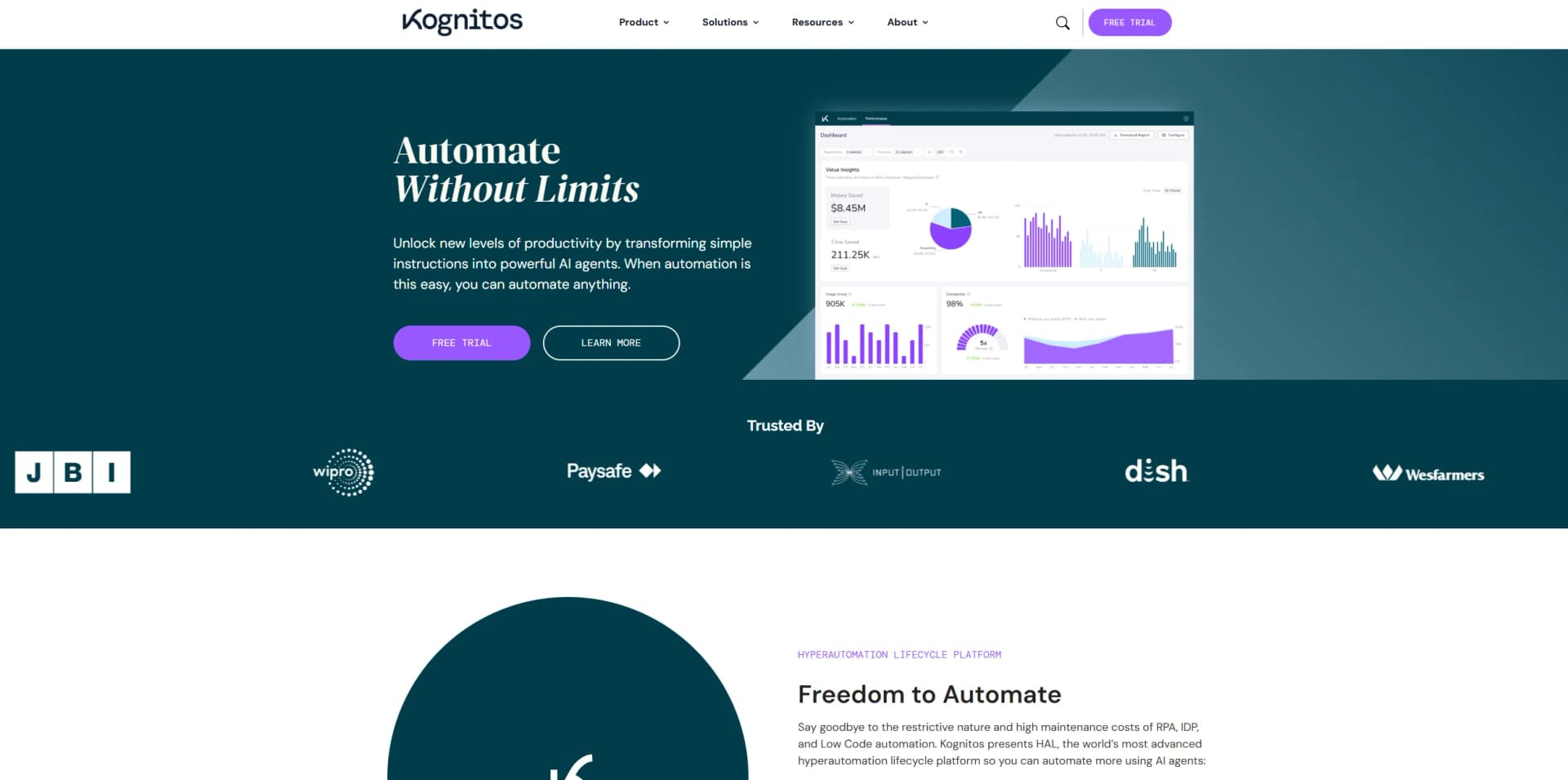
Kognitos revolutionizes business process automation by leveraging advanced artificial intelligence to streamline and optimize workflows. Designed for businesses of all sizes, Kognitos simplifies complex operational tasks, enabling organizations to achieve higher efficiency and cost savings. Whether it's automating repetitive tasks, enhancing data processing, or improving decision-making, Kognitos stands out as a versatile and powerful AI-driven solution.
Kognitos stands out with its ability to interpret and execute tasks based on natural language instructions, a game-changer for business process automation. Its unique feature of AI-driven decision-making sets it apart, enabling businesses to automate complex workflows with high precision and reliability.
Kognitos excels in providing advanced business process automation, making it an essential tool for enterprises and professionals looking to enhance efficiency and reduce operational costs. Its natural language processing capability, in particular, offers an unmatched advantage by making sophisticated automation accessible to non-technical users.
Who is Using Kognitos?
Enterprise Businesses
Leveraging Kognitos for automating large-scale business processes and improving operational efficiency.
Financial Institutions
Utilizing the tool for automating data processing and compliance-related tasks.
Healthcare Providers
Employing Kognitos to streamline administrative tasks and patient data management.
Retail Chains
Using the tool to automate inventory management and customer service processes.
Uncommon Use Cases
Adopted by educational institutions for administrative automation; utilized by legal firms for document management and case tracking.
Key Features
Rating Breakdown
Pricing Plans
Free Tier
Free
- Experience Kognitos with a 14-day free trial
Which Kognitos plan should you pick?
Start with Community Edition for evaluation and small experiments; contact Kognitos when you need enterprise deployment, integrations, governance, or larger workloads.
Community Edition
Good for users who want to explore Kognitos and build initial automations without starting with an enterprise engagement.
Kognitos Use Cases
Invoice processing
Extract invoice details, validate vendors, apply approval rules, and create invoice records.
Outcome: Automated invoice intake and approval.
Employee onboarding
Create accounts in required systems and assign employees to the appropriate department and role.
Outcome: Consistent onboarding across business systems.
Spreadsheet data processing
Check for new spreadsheet rows, validate data, create corresponding records, and mark rows complete.
Outcome: Synchronized spreadsheet and system records.
Order fulfillment
Automate order-related updates and coordinate information across operational systems.
Outcome: More consistent fulfillment workflows.
IT ticket routing
Route support tickets and perform related system actions using connected integrations.
Outcome: Automated ticket handling and escalation.
Workflow Ideas with Kognitos
Automate invoice approval
- 1Receive the invoice by email or file upload
- 2Extract invoice number, amount, and due date
- 3Validate the vendor and apply approval rules
Automate employee onboarding
- 1Detect a new employee in the onboarding list
- 2Create accounts in required systems
- 3Assign the employee to the correct department and role
Process spreadsheet records
- 1Check the spreadsheet for new rows
- 2Validate each row and create a corresponding system record
- 3Mark processed rows as completed
How Kognitos fits into your stack
Browser
Kognitos is accessed through its web application, where users describe, refine, test, publish, and monitor automations.
Automation and APIs
The platform connects workflows to external systems through named integrations, HTTP actions, and a documented REST API with API-key authentication.
Team chat and tickets
Kognitos can send outputs to Slack and Microsoft Teams and supports integrations such as ServiceNow for ticket and IT workflow automation.
Knowledge and files
Users provide SOPs, PDFs, spreadsheets, CSVs, images, and other documents as inputs for document understanding and workflow generation.
Pros
- +Time Efficiency: Drastically reduces the time required to complete repetitive and complex tasks.
- +Cost-Effective: Helps lower operational costs by automating labor-intensive processes.
- +Scalability: Easily scales with the growth of the business, accommodating increasing workloads and complexity.
- +User Accessibility: Makes automation accessible to users without a technical background, thanks to its natural language processing capabilities.
Cons
- −Initial Learning Curve: Users may require some time to fully understand and utilize all advanced features.
- −Customization Limitations: While highly functional, some users might find the customization options limited compared to more specialized tools.
Limitations & when to consider alternatives
Known limitations
- Automatic triggers require published processes. Only published processes support automatic email, API, and scheduled triggers; drafts can be run manually.
- File-size limits vary by format. Most PDFs, images, documents, and data files support up to 1 GB, while some Excel formats have lower limits.
- LLM document limits vary by provider. Document extraction supports up to 50 MB per document with Gemini and 512 MB with OpenAI.
- Large documents may need chunking. The documentation recommends processing large documents in smaller 50–100-page chunks.
- Some integrations require configuration. Integrations such as SAP and Salesforce may require custom actions to be discovered and enabled.
Look elsewhere when
- You need a native mobile application.
- You need a downloadable desktop installer.
- You need model fine-tuning on your own data.
How to Use Kognitos
- 1
Log in to Kognitos
Open the Kognitos application URL and authenticate with email verification or Google.
- 2
Create a draft
Open Drafts and describe the business task in plain English so Kognitos can generate an initial workflow.
- 3
Upload supporting documents
Upload an SOP, process document, PDF, spreadsheet, or image when the workflow needs source material.
- 4
Refine the automation
Answer Kognitos’ clarifying questions and connect the required integrations, such as Salesforce, Excel, Google Drive, or Gmail.
- 5
Test and publish
Run the draft with sample inputs, review results, then publish it for production execution.
- 6
Trigger and monitor runs
Use manual, email, API, or scheduled triggers and review run states, outputs, and exceptions.
Who is Kognitos For?
Business analysts
They can streamline processes such as invoice approvals without writing code.
Operations managers
They can coordinate data across systems and automate operational workflows.
Developers
They can eliminate repetitive tasks, use the REST API, and develop custom Books.
Finance teams
Kognitos documents invoice processing, expense approvals, reconciliation, and accounts-payable workflows.
IT teams
Kognitos documents user provisioning, ticket routing, and system-monitoring automations.
Frequently Asked Questions
What is Kognitos?
Kognitos is an enterprise automation platform that converts plain-English business instructions into deterministic, executable workflows.
Who can use Kognitos?
The documentation names business analysts, operations managers, and developers as users who can automate work.
How does Kognitos create automations?
Users describe a task in plain English, answer clarifying questions, review the generated workflow, and run or publish it.
What types of processes can Kognitos automate?
Examples include invoice processing, employee onboarding, spreadsheet updates, order fulfillment, CRM updates, and IT ticket routing.
How can processes be triggered?
Published processes can run manually, by email, through the REST API, or on a schedule.
Does Kognitos offer a free option?
Kognitos advertises access to a free community edition.
Community reviews
Be the first to share your experience.
Sign in to leave a review for Kognitos.
Kognitos Alternatives
Looking for alternatives to Kognitos? Here are similar tools in the same category:
Learn to Master Kognitos
With Skill Leap courses
Get in-depth training on Kognitos and 50+ other AI tools with our expert-led video courses.
Start 7-Day Free Trial