
KrispCall
Run global calls, texts, analytics from CRM.
Key Takeaways
- What it is
- Run global calls, texts, analytics from CRM.
- Pricing
- $15 per user per month · $40 per user per month
- Best for
- AI Copilot & Call Intelligence
- Unified Callbox & Cloud Telephony
- AI SMS & Bulk Messaging
- Rating
- 4.6/5
What is KrispCall?
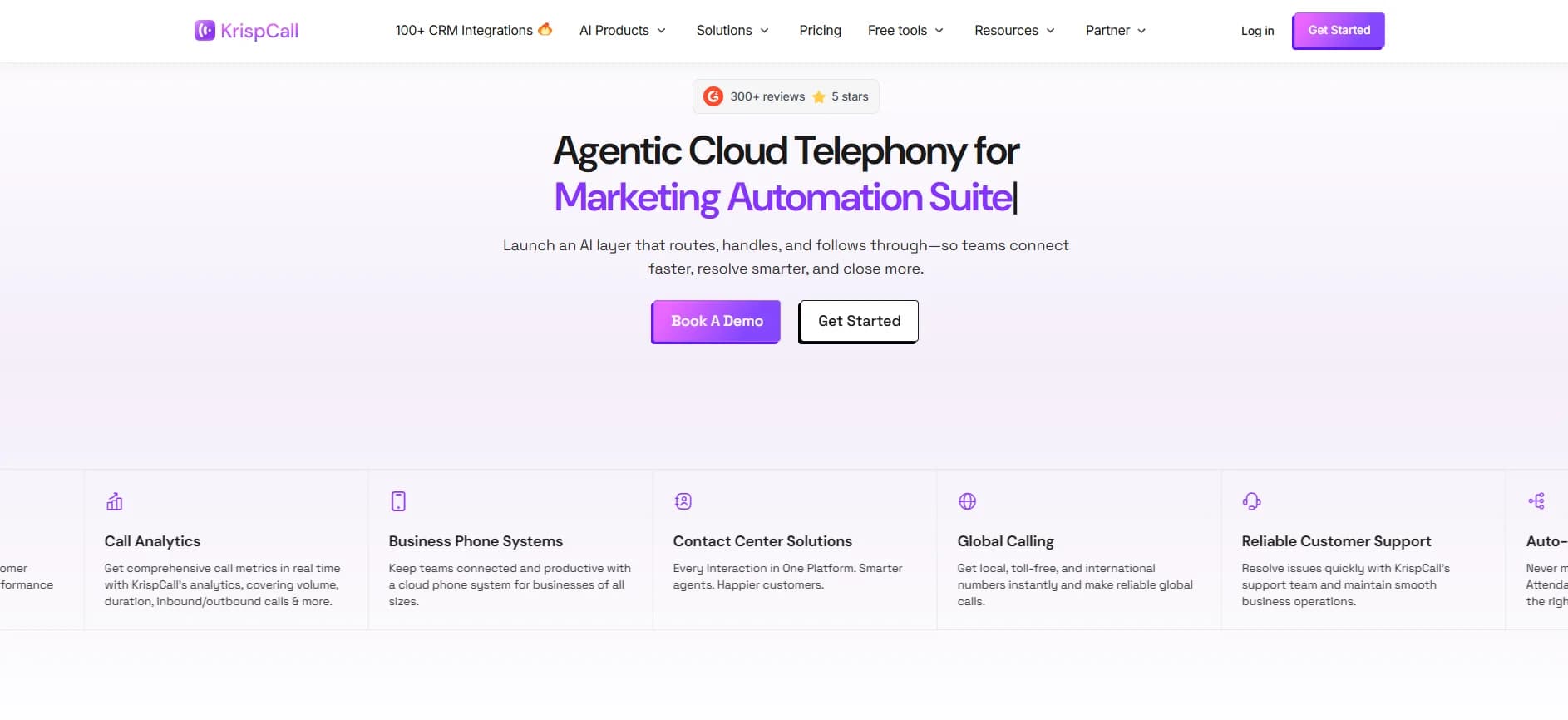
KrispCall is an AI driven cloud telephony service that brings business calling, texting, and analytics directly into CRM and help desk workflows. Positioned as agentic cloud telephony, it adds an AI layer that routes, handles, and follows through on conversations, while providing global virtual numbers, contact center tools, and 100+ integrations for modern sales and support teams.
KrispCall leans hard into being a CRM native phone system, rather than a generic VoIP pipe, and layers practical AI on top of that positioning: AI Copilot for notes and replies, AI SMS for smarter campaigns, and AI Coaching for live calls. Combined with broad international numbering, 24/7 support, and a surprisingly rich catalog of free phone utilities, it gives teams one telephony stack that feels modern instead of bolted on.
KrispCall offers a focused blend of AI assisted calling, SMS, and analytics that feels purpose built for teams already living inside CRMs and collaboration tools. Its pricing is straightforward, the AI features are genuinely useful rather than gimmicky, and the global number plus integration story is strong. For organizations that want smarter telephony without stitching together multiple vendors, it stands out as a practical and future ready option.
Who is Using KrispCall?
Sales and SDR Teams
Using power dialing, call analytics, and CRM integrations to run outbound campaigns, log activity automatically, and prioritize hot leads. (krispcall.com)
Customer Support & Contact Centers
Running global inbound queues, IVR, call monitoring, and AI assisted summaries to keep handle times low while protecting quality.
Remote First Startups and SMBs
Adopting cloud phone systems and SMS to look local in new markets, coordinate distributed staff, and avoid country specific carriers.
Vertical Teams (Real Estate, Healthcare, Legal, Retail)
Managing appointment calls, lead follow ups, and client updates with industry specific workflows and integrations.
Uncommon Use Cases
Used by researchers and software teams who need multiple virtual numbers and OTP friendly lines for experimentation and QA; adopted by nonprofits and public sector projects to spin up multi country hotlines without heavy telecom contracts.
Key Features
Rating Breakdown
Pricing Plans
Essential
$15 per user per month
- Calling & SMS charges apply
- User limit 5
- Pay-per-minute calling and pay-per-segment messaging
- Fees: $4.50 one-time brand registration, $15 one-time campaign vetting, $1.50 per month low volume standard campaign, $2 per month sole prop campaign
Standard
$40 per user per month
- Calling & SMS charges apply
- Unlimited users
- Pay-per-minute calling and pay-per-segment messaging
- Fees: $4.50 one-time brand registration, $15 one-time campaign vetting, $1.50 per month low volume standard campaign, $2 per month sole prop campaign
Enterprise
- Calling & SMS charges apply
- Unlimited users
- Pay-per-minute calling and pay-per-segment messaging
- Fees: $4.50 one-time brand registration, $15 one-time campaign vetting, $1.50 per month low volume standard campaign, $2 per month sole prop campaign
Which KrispCall plan should you pick?
Start with Starter for a small team, upgrade to Advance for sales and CRM features, choose Max for high-volume usage, and contact KrispCall for Enterprise requirements such as SSO and custom administration.
Starter
Good for solo agents, freelancers, and small teams needing core calling, SMS, call management, and basic integrations.
Advance
Good for growing sales teams and call centers needing power dialing, call recording, bulk SMS, CRM integrations, API access, and webhooks.
Max
Good for businesses with high and predictable calling or messaging volume that need shared usage pools and expanded allowances.
Enterprise
Good for large organizations needing SSO, custom SLAs, dedicated management, advanced administration, and customized pricing.
KrispCall Use Cases
Inbound call handling
Route incoming calls through phone trees, queues, shared numbers, and assigned teams.
Outcome: Callers reach the appropriate person or department more efficiently.
Outbound sales calling
Use the power dialer, click-to-call, caller ID, call notes, and call analytics for prospecting.
Outcome: Sales representatives spend more time speaking with prospects.
Customer support
Manage calls, texts, voicemails, recordings, and conversation history from a unified callbox.
Outcome: Support teams retain customer context and coordinate follow-up.
Recruiting communications
Connect KrispCall with recruiting platforms to log candidate calls, voicemails, notes, and activities.
Outcome: Recruiters keep telephony activity aligned with candidate records.
International business calling
Provision local, mobile, national, or toll-free numbers across more than 100 countries.
Outcome: Businesses can establish calling presence in multiple markets.
Workflow Ideas with KrispCall
CRM call logging
- 1Connect KrispCall to HubSpot, Salesforce, or Pipedrive
- 2Make or receive calls from the CRM
- 3Automatically synchronize call records, notes, and customer activity
Automated customer follow-up
- 1Use a call, message, or CRM event as a trigger
- 2Create an automated action such as a note, reminder, or outbound message
- 3Publish the workflow and monitor its execution
Shared support number
- 1Add team members to the workspace
- 2Share a business number with authorized members
- 3Let the team handle synchronized calls, messages, voicemails, and conversation history
How KrispCall fits into your stack
Browser
KrispCall runs as a web app for browser-based calling and texting, with a Chrome extension for click-to-call from CRMs, inboxes, helpdesks, and web pages.
Mobile
Native iOS and Android apps provide business calling, messaging, contact history, shared numbers, call recording, and team collaboration.
Team chat and tickets
KrispCall connects customer calls, SMS, logs, and notifications with Slack, Microsoft Teams, Zendesk, LiveAgent, and other support or collaboration tools.
Automation and APIs
The product exposes a documented REST API and connects to Zapier, Make, and other automation platforms for triggers, actions, data syncing, and follow-up workflows.
Pros
- +Deep CRM integration focus: Designed explicitly to bring advanced telephony into CRM systems, with 100+ prebuilt integrations and connectors like HubSpot, Pipedrive, Zoho, MS Teams, Zapier, and Make.
- +Strong AI feature set out of the box: AI Copilot, AI SMS, and transcription/summary tools reduce manual note taking, help standardize messaging, and support more consistent customer experiences.
- +Global ready from day one: Supports local, mobile, toll free, and vanity numbers in 100+ countries, which suits distributed teams and brands running geo specific campaigns.
- +Support and credibility: 24/7 support, thousands of active business users, and strong third party review scores give buyers confidence for production use.
Cons
- −Per user plus usage pricing: Subscription fees do not include calling and SMS, which are billed per minute or per segment; high volume voice or SMS programs must watch ongoing spend closely.
- −Essential plan user cap: The entry tier caps teams at five users, so growing groups may need to move to the Standard plan sooner than expected.
- −Some AI capabilities still emerging: Newer AI pieces like advanced agent contact matching and lead capture are in early or coming soon phases, so buyers wanting fully mature AI across every workflow may need patience.
Limitations & when to consider alternatives
Known limitations
- No free plan. KrispCall requires a paid subscription and does not currently provide a free tier or free trial.
- Usage is billed separately. Calling and SMS charges are separate from the platform subscription and vary by destination and number type.
- Usage limits apply to Max. Max advertises unlimited calling and messaging subject to fair-use limits and eligible destinations.
- KYC may restrict functionality. Calling and SMS functionality can be limited until required identity or regulatory verification is completed.
- Conversation history is tied to the subscription. The FAQ states that conversation history and remaining credit can be lost after cancellation or subscription expiry.
How to Use KrispCall
- 1
Choose a subscription
Select Starter, Advance, Max, or Enterprise based on team size, calling volume, integrations, and administrative requirements.
- 2
Create the workspace
Register with your contact details, name the workspace, choose billing, and add payment information.
- 3
Provision a number
Select a local, mobile, national, toll-free, or other supported number and complete any required KYC verification.
- 4
Invite team members
Open workspace settings, invite members by email, and assign Admin or Member roles.
- 5
Connect business tools
Open integrations and connect a CRM, helpdesk, automation platform, Slack, Microsoft Teams, or another supported service.
- 6
Handle and review conversations
Use the web app, mobile app, or Chrome extension to call, text, record, transfer, transcribe, summarize, and review customer interactions.
Who is KrispCall For?
Small businesses and startups
Starter provides business calling, SMS, call management, and international numbers for small teams.
Sales teams
Power dialing, call recording, summaries, CRM integrations, and bulk SMS support prospecting and follow-up.
Customer support teams
Shared numbers, call routing, unified conversation history, voicemail, and CRM synchronization keep support interactions coordinated.
Remote and distributed teams
Team members can access shared numbers, calls, messages, and conversation history from web and mobile apps.
Recruiting and human-resources teams
Recruiting integrations connect candidate conversations, call activity, notes, and applicant records in one workflow.
Frequently Asked Questions
Does KrispCall offer a free plan or free trial?
No. KrispCall requires a paid subscription, starting at $15 per user per month monthly or $12 annually. Paid plans include a 14-day money-back guarantee.
Which KrispCall plan is right for my team?
Starter is intended for small teams, Advance adds features such as power dialing and CRM integrations, Max is designed for high-volume calling, and Enterprise adds advanced administration and SSO.
Are calls and SMS included in the subscription?
No. Calling and SMS are billed separately according to destination, number type, and usage.
Can KrispCall integrate with CRM systems?
Yes. KrispCall supports integrations with more than 100 CRM and business tools, including HubSpot, Salesforce, Pipedrive, Zoho CRM, Zapier, Slack, and Microsoft Teams.
Can multiple people use the same KrispCall number?
Yes. Shared numbers let multiple authorized team members make and receive calls, send messages, and view synchronized conversation history.
Can I port an existing phone number?
Yes. KrispCall supports porting existing PSTN or VoIP numbers, subject to authorization and ownership documentation.
Community reviews
Be the first to share your experience.
Sign in to leave a review for KrispCall.
KrispCall Alternatives
Looking for alternatives to KrispCall? Here are similar tools in the same category:
Learn to Master KrispCall
With Skill Leap courses
Get in-depth training on KrispCall and 50+ other AI tools with our expert-led video courses.
Start 7-Day Free Trial