
Kudra
AI extracts and structures data from documents instantly.
Key Takeaways
- What it is
- AI extracts and structures data from documents instantly.
- Pricing
- Freemium · $299 per month · $599 per month
- Best for
- Smart AI Models
- Multi-Format Support
- Structured Data Export
- Rating
- 4.4/5
What is Kudra?
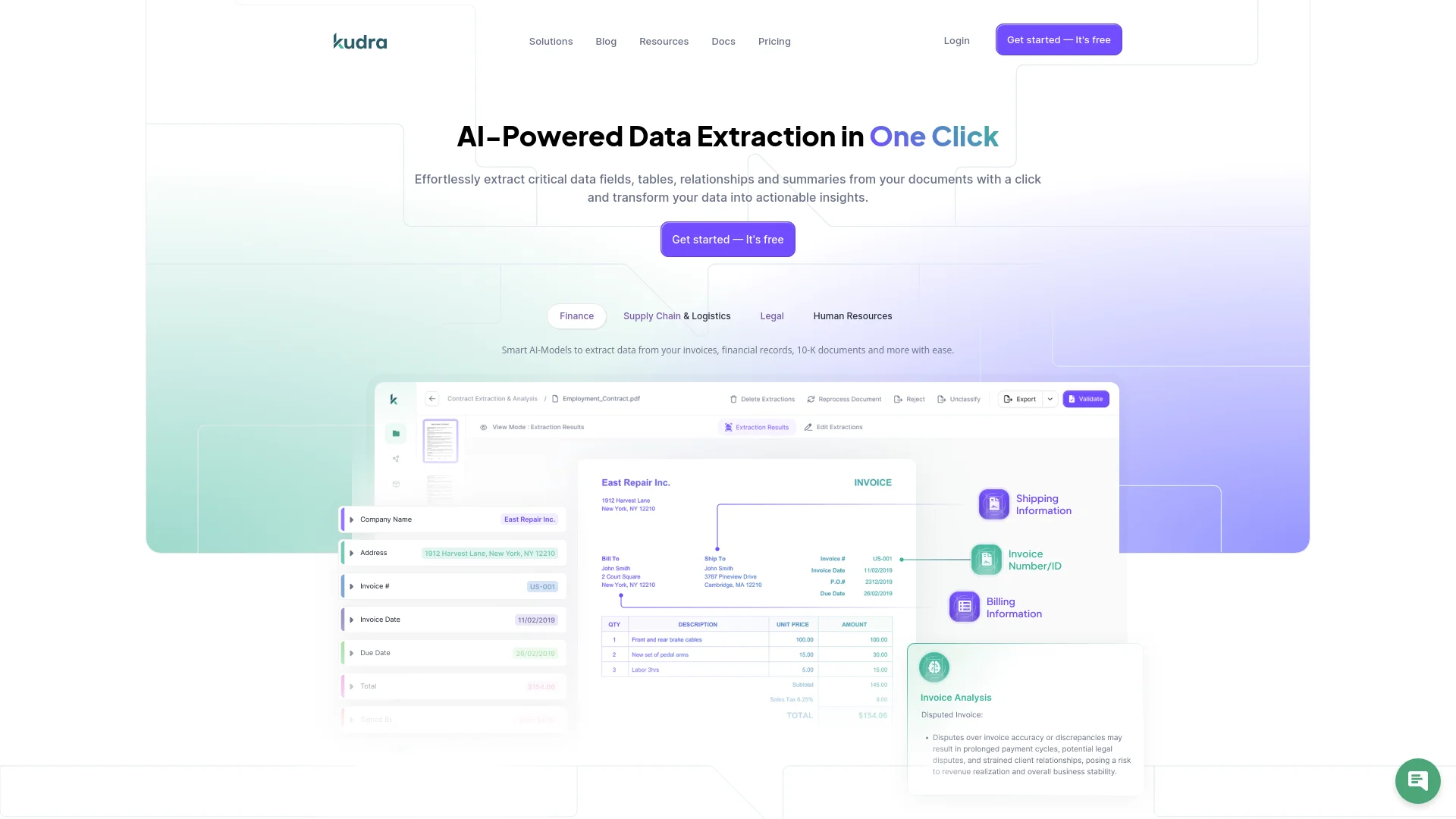
Kudra revolutionizes document processing, offering AI-powered data extraction. Designed for professionals across various sectors, it simplifies extracting critical data fields, tables, relationships, and summaries from documents with a single click.
Kudra stands out with its highly customizable AI models, allowing businesses to tailor the tool to their specific document needs. Its ability to convert various document formats into structured data with just one click sets it apart.
Kudra excels in providing efficient and accurate data extraction from various document types, making it an essential tool for professionals in finance, supply chain, legal, and HR sectors. Its customizable AI models offer unmatched flexibility and precision.
Who is Using Kudra?
Finance Professionals
Automating extraction of financial statements and analyzing risk factors in 10-K reports.
Supply Chain & Logistics
Streamlining transaction processing and analytical insights.
Legal Teams
Efficiently handling legal documents and data extraction.
Human Resources
Automating HR document processing and data management.
Uncommon Use Cases
Used by educational institutions for administrative document processing; Adopted by freelancers for managing client invoices.
Key Features
Rating Breakdown
Pricing Plans
Starter
Free
- 100 pages uploaded per month, 0 custom model training, 1 custom workflow, 1 user, 50+ pre-built extraction templates
Basic
$299 per month
- 1000 pages uploaded per month, 5 custom model training, 5 custom workflows, 1 user, 50+ pre-built extraction templates
Growth
$599 per month
- 5000 pages uploaded per month, 5 custom model training, 5 custom workflows, 10 users, 50+ pre-built extraction templates
Which Kudra plan should you pick?
Start with Free to test document extraction and one workflow; upgrade to Basic or Growth when you need more pages, custom training, workflows, or users.
Free
Good for individuals testing Kudra with up to 100 uploaded pages per month, one workflow, and one user.
Basic
Good for users who need 1,000 uploaded pages per month and up to five custom model-training configurations.
Growth
Good for growing teams that need 5,000 uploaded pages per month, five workflows, and up to 10 users.
Enterprise
Good for organizations needing unlimited uploaded pages, unlimited custom model training, up to 100 users, and enterprise-scale usage.
Kudra Use Cases
Month-end close
Collect missing client documents, recognize documents when they arrive, process them, and alert accountants when judgment is required.
Outcome: Faster, more automated month-end processing.
Sales prospecting
Detect buying signals, research target accounts, identify decision-makers, prepare personalized outreach, and route it for approval.
Outcome: More consistent prospect research and outreach.
Invoice and document processing
Process invoices, statements, contracts, reports, and scanned documents using OCR, extraction, validation, and structured export.
Outcome: Structured information from complex business documents.
Vendor and procurement operations
Coordinate vendor requests, procurement steps, order processing, compliance checks, and related follow-ups.
Outcome: Less manual work between people and business systems.
Marketing campaign analysis
Research markets and competitors, identify content opportunities, execute campaigns, and analyze performance.
Outcome: A connected workflow from marketing research through performance review.
Workflow Ideas with Kudra
Automated invoice reconciliation
- 1Import invoices, purchase orders, and delivery receipts
- 2Extract and compare fields across documents
- 3Flag discrepancies and route exceptions for review
Client document collection
- 1Detect missing documents required for a workflow
- 2Send follow-up communications automatically
- 3Process received documents and escalate uncertain cases
Sales research and outreach
- 1Monitor companies and buying signals
- 2Research accounts and identify decision-makers
- 3Prepare personalized outreach and request approval before sending
How Kudra fits into your stack
Slack Integration
Join the Kudra community for support and updates.
API Access
Send extracted data to your system via API integration.
Third-Party Integration
Supports integration with various third-party tools.
Workflow Builder
Chain multiple AI services together for comprehensive data extraction and analysis.
Pros
- +Time Efficiency: Speeds up document handling by 90%.
- +Error Reduction: Significantly reduces error rates by 90%.
- +Custom Workflows: Easily create and train custom workflows.
- +High ROI: Demonstrates substantial cost savings over time.
Cons
- −Initial Learning Curve: Requires time to familiarize with advanced features.
- −Limited Free Tier: The free plan offers limited uploads and customizations.
Limitations & when to consider alternatives
Known limitations
- Free-plan volume limit. The Free plan includes 100 pages uploaded per month.
- Free-plan workflow limit. The Free plan includes one custom workflow.
- Free-plan user limit. The Free plan supports one user.
- Document upload size limit. The getting-started documentation specifies a maximum file size of 50MB.
- Human approval may be required. Kudra escalates uncertain, unusual, or higher-risk actions for human review instead of completing every action autonomously.
Look elsewhere when
- You need a native mobile application.
- You need programming-code generation.
- You need SSO or SAML authentication.
How to Use Kudra
- 1
Explore the comprehensive tutorial series on YouTube, covering from basic setup to advanced features of Kudra.
Who is Kudra For?
Finance and accounting teams
Kudra helps collect documents, reconcile transactions, investigate discrepancies, prepare reports, and surface exceptions.
Sales teams
Kudra supports prospect research, opportunity identification, personalized outreach, and follow-up workflows.
Marketing teams
Kudra supports market research, competitive analysis, content opportunities, campaign execution, and performance analysis.
Operations teams
Kudra coordinates workflows involving email, spreadsheets, PDFs, portals, vendors, procurement, compliance, and customer operations.
Frequently Asked Questions
What is a Kudra AI agent?
A Kudra AI agent understands a goal, accesses approved information and tools, performs multiple steps, and takes actions inside a business workflow.
What types of work can Kudra automate?
Kudra automates workflows across finance, accounting, operations, sales, marketing, document processing, research, compliance, and other knowledge-work functions.
Do we need to replace our existing software?
No. Kudra works with existing systems through APIs, MCP connections, file-storage integrations, and other connectors.
Can agents take actions automatically?
Yes. Organizations can allow routine actions automatically while requiring human approval for higher-risk decisions.
Can Kudra process documents?
Yes. Kudra processes native and scanned PDFs, images, Word documents, Excel spreadsheets, contracts, financial statements, invoices, reports, and other unstructured information.
How do we get started?
Kudra recommends starting with one high-value workflow, mapping the current process, identifying automation opportunities, and defining systems and approval rules.
Community reviews
Be the first to share your experience.
Sign in to leave a review for Kudra.
Kudra Alternatives
Looking for alternatives to Kudra? Here are similar tools in the same category:
Learn to Master Kudra
With Skill Leap courses
Get in-depth training on Kudra and 50+ other AI tools with our expert-led video courses.
Start 7-Day Free Trial