
Kusho
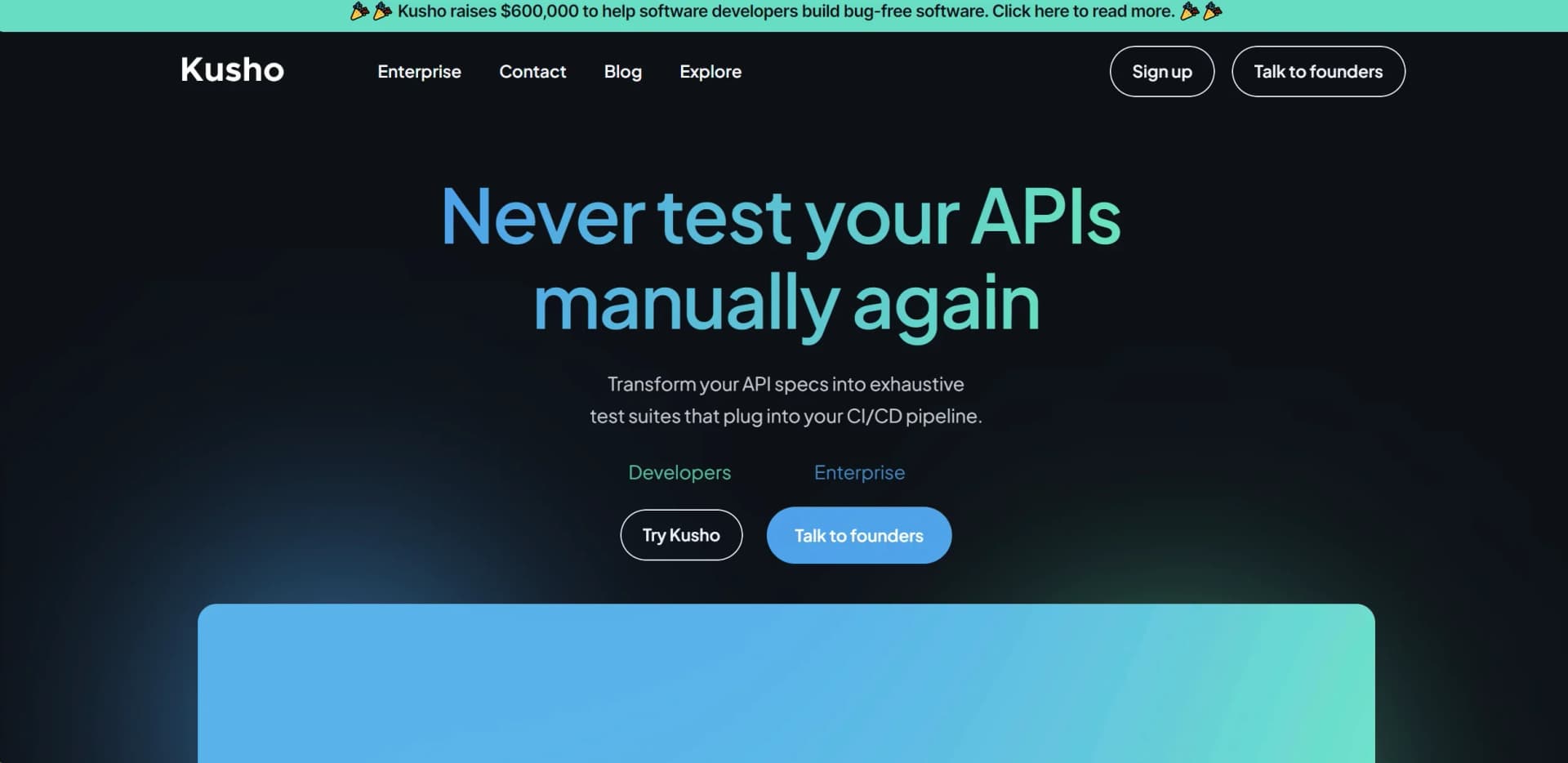
Revolutionizes API testing with AI-generated suites, enhancing developer efficiency and software reliability.
Key Takeaways
- What it is
- Revolutionizes API testing with AI-generated suites, enhancing developer efficiency and software reliability.
- Pricing
- Freemium
- Best for
- Automated Test Suite Generation
- Real-Time AI-Analyzed Test Results
- Adaptability to Development Processes
- Rating
- 4.5/5
What is Kusho?
Kusho is an innovative AI tool designed to transform the way software developers conduct API testing. With a clear focus on enhancing efficiency and ensuring bug-free software releases, Kusho stands out in the tech landscape for its ability to generate exhaustive test suites that integrate seamlessly into continuous integration/continuous deployment (CI/CD) pipelines. As a professional reviewer deeply embedded in the world of AI tools, I was intrigued by Kusho's promise to automate and optimize the testing process, potentially saving developers countless hours of manual effort and significantly reducing the risk of production bugs.
Kusho distinguishes itself through its ability to understand and convert natural language prompts into executable, AI-generated test suites. This capability not only streamlines the test creation process but also significantly enhances the adaptability of testing procedures to specific project requirements, making it a unique asset for development teams of all sizes.
Kusho emerges as a pioneering solution in the realm of AI-driven software testing tools, particularly for API testing. Its innovative approach to generating exhaustive test suites from Postman collections, OpenAPI specs, or cURL commands, complemented by its ability to adapt to real-time development processes, positions it as an essential asset for any software development team. The platform's commitment to ensuring high test coverage and bug-free software releases, alongside its user-friendly interface and customization options, solidifies its value proposition. While there is a slight learning curve and potential limitations in its integration capabilities, the pros far outweigh the cons, making Kusho a highly recommended tool for teams aiming to enhance their testing efficiency and software quality.
Who is Using Kusho?
Software Development Companies
For automating and streamlining API testing processes.
Quality Assurance (QA) Teams
Leveraging AI to identify potential issues and bugs before deployment.
Startups
Needing to rapidly develop and deploy bug-free software with limited resources.
Enterprise IT Departments
Implementing Kusho to maintain high standards of software reliability and performance.
Uncommon Use Cases
Educational institutions incorporating Kusho into their curriculum to teach advanced software testing techniques; Non-profit organizations using the tool to manage volunteer-developed projects with high efficiency.
Key Features
Rating Breakdown
Pricing Plans
Developer Edition
Free
- API endpoints
- API contract testing
- UI testing
- Test generation & execution
- Community support
Enterprise
- Security testing (OWASP)
- Full CI/CD integration
- SOC2 and ISO27001 certified data security
- SSO/SAML, RBAC
- On-premise deployment option
- 99.9% uptime SLA
- Priority support
- Dedicated CSM
- Custom integrations
- Unlimited data retention
Which Kusho plan should you pick?
Start with Developer Edition to validate KushoAI with a team; upgrade to Enterprise for production deployments, governance, larger-scale infrastructure, and advanced enterprise features.
Developer Edition
Good for developers and small teams who need to validate API and UI testing workflows with a free $0 plan.
Enterprise
Good for enterprise teams who need production deployments, SSO/SAML, RBAC, on-premise deployment, custom integrations, security testing, SLAs, and priority support.
Kusho Use Cases
API test generation
Import an API contract or enter endpoint details, then generate tests covering valid inputs, invalid inputs, edge cases, and assertions.
Outcome: Broader API test coverage with less manual test authoring.
UI flow testing
Record interactions with a web application and generate Playwright-based test variations.
Outcome: Executable UI test scripts for user journeys and edge cases.
End-to-end workflow validation
Chain multiple API calls and pass values from one response into later requests.
Outcome: Validation of multi-step integrations and complete user journeys.
CI/CD regression testing
Run KushoAI tests from platforms such as GitHub Actions, GitLab CI/CD, Azure DevOps, AWS CodeBuild, or Jenkins.
Outcome: Automated regression checks during development and deployment.
Data-driven testing
Upload a CSV file and execute the same API test or E2E workflow repeatedly using each row as test data.
Outcome: Validation across multiple users, accounts, payloads, or edge-case inputs.
Workflow Ideas with Kusho
Generate and run an API test suite
- 1Import an OpenAPI specification, Postman collection, or cURL command
- 2Generate tests and assertions with KushoAI
- 3Run individual tests, the full suite, or selected tests
Build an end-to-end API workflow
- 1Select or create multiple API steps
- 2Map response values into subsequent requests
- 3Execute the workflow directly or through a CI/CD profile
Record and generate UI tests
- 1Record a user flow in a web application
- 2Review and edit the generated test scenarios
- 3Generate an executable Playwright test suite
How Kusho fits into your stack
Postman Collections
Directly integrates with Postman, allowing for an easy transition of existing test cases.
OpenAPI Specifications
Supports OpenAPI specs for comprehensive API testing.
CI/CD Pipeline Integration
Designed to fit seamlessly into existing development workflows.
Natural Language Processing
Unique in its ability to understand and generate tests from natural language inputs.
Pros
- +Time Efficiency: Dramatically reduces the time required to create and execute test suites.
- +Developer Productivity: Frees up developer bandwidth by automating the testing process, allowing teams to focus on other critical aspects of development.
- +High Test Coverage: Ensures maximum test coverage, significantly lowering the likelihood of bugs reaching production.
- +Ease of Use: Minimal setup time and effort required, with a user-friendly interface that simplifies the testing process.
Cons
- −Learning Curve: New users may need time to fully grasp the tool's capabilities and best practices for inputting natural language prompts.
- −Integration Limitations: While powerful, its integration capabilities might be initially limited to specific API management tools and specs.
- −Dependency on AI Accuracy: The effectiveness of test suites is contingent on the AI's understanding and interpretation of provided specifications and prompts.
Limitations & when to consider alternatives
Known limitations
- GraphQL and gRPC are not generally available. The API-details documentation says JSON, formdata, and URL-encoded bodies are supported, while gRPC and GraphQL are still in development.
- XML testing has restricted availability. XML request support is limited to select Enterprise users, and the current XML generation mode creates only one valid-input test.
- E2E workflow size limits. E2E workflows support a maximum of 20 APIs, require at least 2 APIs, limit individual responses to 10MB, total workflow data to 50MB, and request payloads to 5MB.
- Browser-based scripting constraints. E2E scripts run in a browser environment without Node.js APIs, external libraries, imports, filesystem access, or additional API calls from scripts.
- CSV execution can be memory-intensive. Running tests with CSV data may slow down or crash the browser when using large files, many parallel rows, or detailed results.
Look elsewhere when
- You need a non-Chromium browser without running a local proxy.
- You need broadly available GraphQL or gRPC testing today.
- You need large, unrestricted E2E workflows.
How to Use Kusho
- 1
The platform offers extensive documentation and tutorials to help users get started and maximize the tool's capabilities. These resources are invaluable for both new and experienced users aiming to leverage Kusho to its full potential.
Who is Kusho For?
Engineering teams
They can automatically generate and run API and UI tests while integrating testing into development workflows.
Quality assurance engineers
KushoAI helps QA teams continuously validate APIs and workflows without maintaining fragile scripted tests.
Developers
Developers can generate tests from API specifications, refine them with natural-language prompts, and run them locally or in CI/CD.
Fast-moving startups
The product is positioned to improve test coverage and catch regressions without scaling QA headcount.
Enterprise teams
Enterprise customers receive features such as SSO/SAML, RBAC, on-premise deployment, security testing, and production deployments.
Frequently Asked Questions
What can KushoAI test?
KushoAI generates production-ready tests for APIs and user interfaces, including edge cases, workflows, and regressions.
How do I create a test suite?
You can manually enter API details or import OpenAPI specifications, Postman collections, or cURL commands. For UI testing, you can record a web-application flow.
Can KushoAI run tests in CI/CD?
Yes. KushoAI documents Docker-based integrations for GitHub Actions, GitLab CI/CD, Azure DevOps, AWS CodeBuild, and Jenkins.
Does KushoAI support end-to-end API workflows?
Yes. E2E workflows chain multiple API calls, pass response data between them, and can run through CI/CD execution profiles.
What is included in the free plan?
The Developer Edition costs $0 per month and is positioned for validating fit before upgrading to Enterprise.
Community reviews
Be the first to share your experience.
Sign in to leave a review for Kusho.
Kusho Alternatives
Looking for alternatives to Kusho? Here are similar tools in the same category:
Learn to Master Kusho
With Skill Leap courses
Get in-depth training on Kusho and 50+ other AI tools with our expert-led video courses.
Start 7-Day Free Trial