
Lakera
AI's ultimate shield: real-time threat detection, privacy, compliance.
Key Takeaways
- What it is
- AI's ultimate shield: real-time threat detection, privacy, compliance.
- Best for
- Real-time Threat Detection
- Comprehensive AI Security Suite
- Advanced Red Teaming Tools
- Rating
- 4.5/5
What is Lakera?
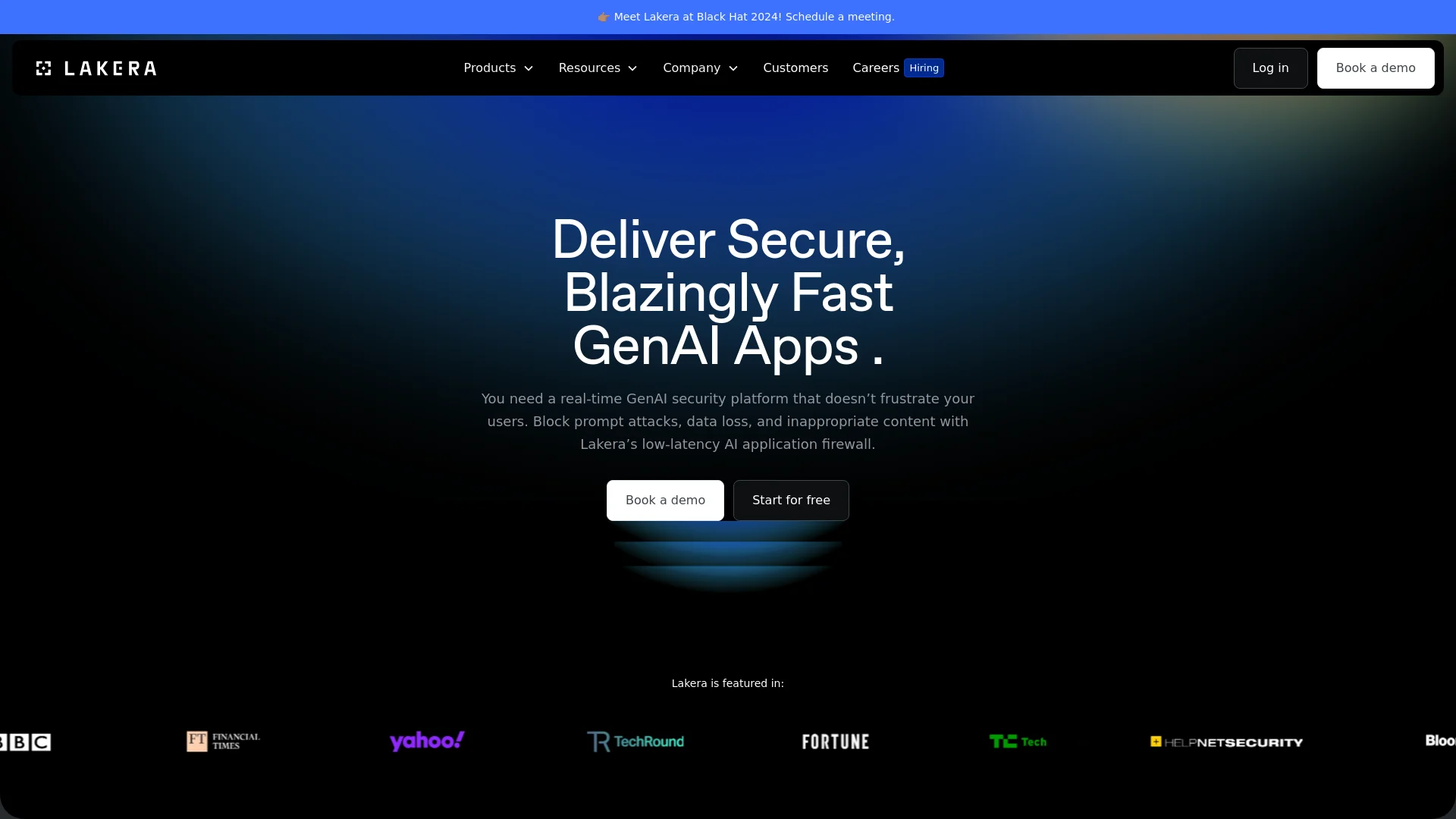
Lakera is positioned as the world's most advanced AI security platform, designed to protect organizations from the diverse threats associated with generative AI applications. The platform offers a suite of products, including Lakera Guard, Lakera Red, and Lakera PII Detection, each tailored to enhance the security of AI systems throughout their lifecycle.
Lakera stands out with its specialized focus on AI security, providing finely tuned tools to address the unique vulnerabilities of generative AI technologies. Its comprehensive threat intelligence database is a notable feature.
Lakera excels in providing robust, cutting-edge security solutions specifically designed for AI applications. Its comprehensive suite of tools makes it essential for organizations aiming to safeguard their AI technologies. With a strong focus on preventive measures and responsive capabilities, Lakera enhances trust in AI implementations across various industries.
Who is Using Lakera?
Security Teams
Enhancing the security posture of AI applications and protecting against AI-specific threats.
Product Teams
Ensuring secure and reliable AI application outputs without compromising performance.
LLM Builders
Providing assurances about the security of AI solutions to clients.
Enterprise Clients
Large organizations integrating Lakera to protect their extensive digital ecosystems.
Uncommon Use Cases
Academic institutions researching AI security; AI startups securing their innovations.
Key Features
Rating Breakdown
Pricing Plans
Free Trial
- A comprehensive free trial is available to explore the features without initial investment
Subscription Plans
- Pricing plans are detailed upon request
- Tailored to organizational size and scope
Which Lakera plan should you pick?
Start with Community to try Lakera Guard and stay within the included request allowance; upgrade to Pro for expanded usage or Enterprise for advanced organization, SIEM, RBAC, retention, and support needs.
Community
Good for teams evaluating AI Guardrails with a free account and up to 10,000 screening requests per month.
Pro
Good for teams that need more capacity than the Community plan for ongoing AI application protection.
Enterprise
Good for organizations needing flexible request volumes, larger context, RBAC, SIEM integration, data-retention controls, and organization administration.
Lakera Use Cases
Runtime LLM protection
Screen user inputs, reference content, model outputs, tool calls, and tool responses.
Outcome: Threats can be blocked, flagged, or logged for investigation.
RAG document screening
Screen knowledge-base documents during upload or ingestion for prompt attacks, poisoning, and sensitive information.
Outcome: Reduce the risk of compromised reference material reaching an LLM.
AI gateway security
Place AI Guardrails at a gateway to monitor and enforce policies across multiple applications and teams.
Outcome: Centralize AI security monitoring and enforcement.
Agent behavior defense
Screen agent tool calls and tool responses and apply dangerous-deviation detection or tool allow/deny lists.
Outcome: Prevent unsafe actions and unauthorized tool use.
Threat analysis and calibration
Analyze historical interactions with the results endpoint and dashboard analytics.
Outcome: Tune detector thresholds and evaluate policy effectiveness.
Workflow Ideas with Lakera
Hybrid document and runtime screening
- 1Screen static documents during upload or ingestion
- 2Screen user queries and model responses at runtime
- 3Use policies and project modes to enforce or observe detections
AI gateway enforcement
- 1Route LLM traffic through a centralized AI gateway
- 2Assign application-specific projects and policies
- 3Block, warn, or log interactions based on Guard API results
Agent interaction protection
- 1Send each agent step to the Guard API
- 2Screen user inputs, model outputs, tool calls, and tool responses
- 3Apply tool allow/deny rules and dangerous-deviation detection
How Lakera fits into your stack
Cloud and Self-Hosted Options
Offers flexibility in deployment methods.
Support for Various LLMs
Compatible with a wide range of large language models.
API Access
Robust API integration supports custom use cases.
Security Compliance
Aligned with major global security standards, including GDPR and SOC2.
Pros
- +Cutting-edge Security Features: Continuously updated to handle emerging AI threats effectively.
- +Ease of Integration: Quick setup and compatibility with multiple programming environments enhance its appeal.
- +Scalability: Suitable for both startups and large enterprises due to its scalable architecture.
- +Comprehensive Support and Resources: Includes extensive documentation, active community forums, and responsive customer support.
Cons
- −Complexity of Features: May have a steep learning curve for teams new to AI security.
- −Cost Considerations: The pricing structure may be challenging for smaller entities or startups.
- −Limited Third-Party Integrations: Integration capabilities with other tools and platforms could be expanded.
Limitations & when to consider alternatives
Known limitations
- Community usage limit. Community customers are restricted to 10,000 screening requests per month.
- Text-focused modality support. AI Guardrails currently screens text; image and audio threat defenses are listed as coming soon.
- Self-hosted dashboard limitation. The dashboard interface is not currently available to self-hosting customers.
- Last-interaction screening model. The API screens the latest interaction; earlier messages provide context but are not re-screened.
- Storage region is fixed after organization creation. The storage region is selected when the organization is created and cannot be changed afterward.
Look elsewhere when
- You need native image or audio understanding.
- You need a native mobile or desktop application.
- You need a model fine-tuning platform.
How to Use Lakera
- 1
A range of tutorials and guides is available on the Lakera website, covering basic setup to advanced security features.
Who is Lakera For?
Security leaders
Use Lakera to understand AI security risks, govern AI usage, and protect applications and agents.
Security practitioners
Configure policies, monitor screening requests, investigate threats, and manage integrations.
Developers
Integrate AI Guardrails through the Guard API and implementation guides.
AI product teams
Add runtime protection to LLM applications, assistants, agents, and AI gateways.
Organizations using AI agents
Discover agent platforms, assess risk, and protect agent interactions, tools, and workflows.
Frequently Asked Questions
How do I know if Lakera Guard is right for my LLM use case?
Lakera Guard is compatible with hosted, open-source, and custom models and can protect customer-support chatbots, internal Q&A systems, content or code-generation tools, and LLM plugins.
Is Lakera Guard free?
Lakera says users can sign up and try Lakera Guard for free. Its listed plans are Community, Pro, and Enterprise.
What does AI Guardrails protect?
It detects prompt attacks, data leakage, content violations, malicious links, off-policy agent behavior, and custom threats.
How is Lakera integrated?
Applications and AI gateways call the Guard API for user interactions or agent steps, then take mitigating action based on the response.
Does Lakera support self-hosting?
AI Guardrails is available as either a SaaS cloud-hosted solution or a self-hosted product.
Community reviews
Be the first to share your experience.
Sign in to leave a review for Lakera.
Lakera Alternatives
Looking for alternatives to Lakera? Here are similar tools in the same category:
Learn to Master Lakera
With Skill Leap courses
Get in-depth training on Lakera and 50+ other AI tools with our expert-led video courses.
Start 7-Day Free Trial