
Lambda
Deploy GPU clusters swiftly; extensive AI model training support.
Key Takeaways
- What it is
- Deploy GPU clusters swiftly; extensive AI model training support.
- Pricing
- $2.49 per GPU
- Best for
- 1-Click Clusters
- Versatile Product Range
- Cutting-edge Technology
- Rating
- 4.6/5
What is Lambda?
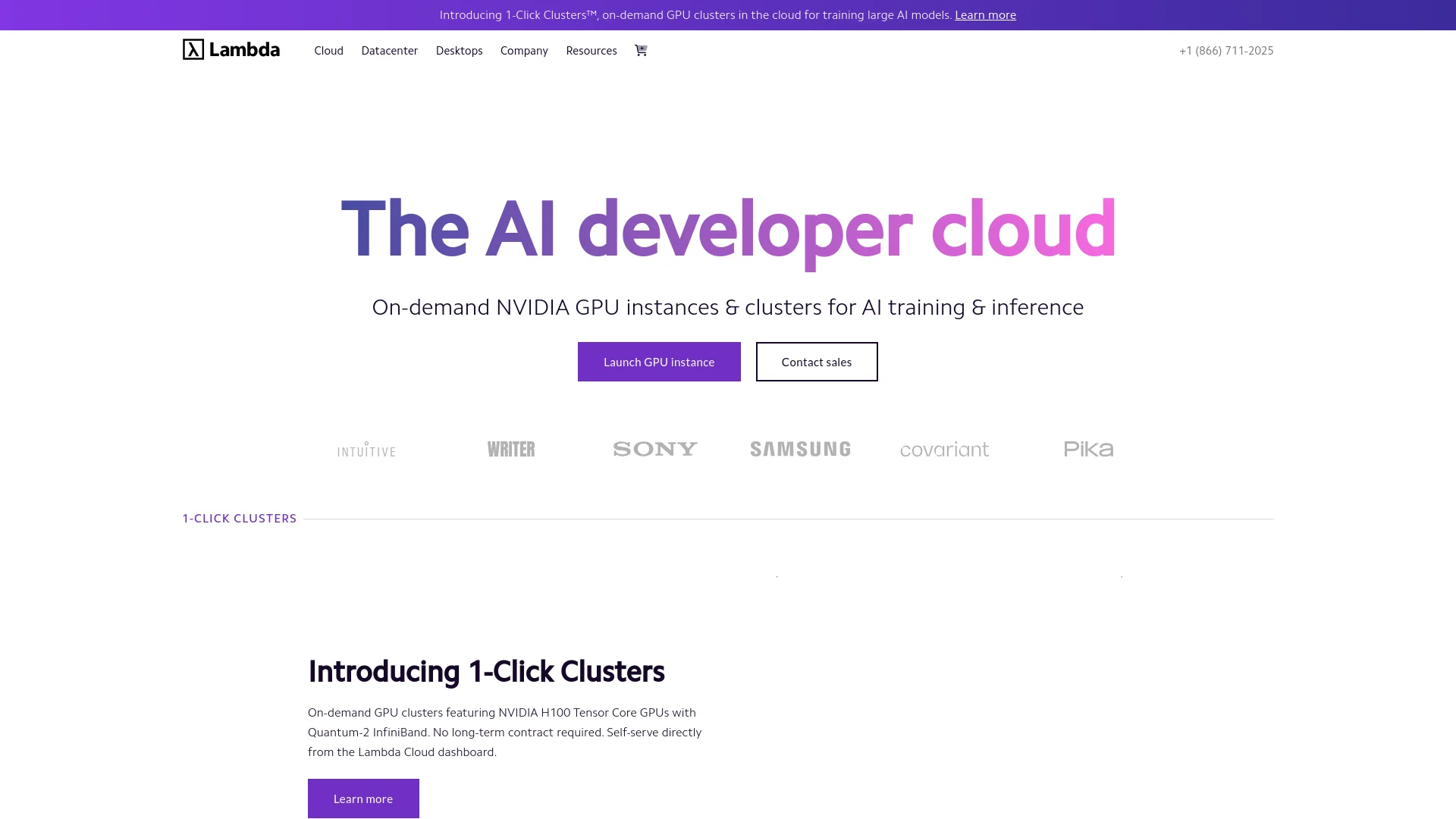
Lambda is a cutting-edge AI tool that specializes in providing robust GPU compute solutions for artificial intelligence. Central to its offerings are on-demand GPU clusters in the cloud, designed to cater to the intensive needs of training large AI models. As an AI enthusiast and reviewer, I've found that Lambda stands out due to its commitment to accessibility and efficiency in AI computing, offering a range of products from cloud solutions to physical GPU workstations.
Lambda's integration of cutting-edge technology like the NVIDIA H100 and Blackwell GPUs into its cloud services distinctly positions it as a leader in the AI compute domain. Its ability to provide scalable, high-performance computing resources on-demand is a significant advantage for users looking to push the boundaries of AI and machine learning.
Lambda excels in delivering high-performance GPU computing for a wide range of AI applications. Its robust infrastructure, combined with cutting-edge technology and a user-friendly interface, makes it an indispensable tool for professionals and organizations aiming to leverage the power of artificial intelligence. The flexibility in pricing and scalability options further enhances its appeal, making it a top choice for anyone in the field of AI.
Who is Using Lambda?
AI Research Institutions
Utilizing the platform for groundbreaking AI research requiring substantial computational resources.
Tech Companies
Developing complex AI algorithms for products and services.
Animation Studios
Leveraging powerful GPUs for rendering detailed 3D animations.
Academic Researchers
Employing cloud GPUs for conducting advanced scientific research.
Uncommon Use Cases
Used by financial analysts for real-time data processing; adopted by healthcare providers for AI-driven diagnostic tools.
Key Features
Rating Breakdown
Pricing Plans
On-Demand Cloud
$2.49 per GPU
- Hour
Reserved Cloud
- Options for reserving GPUs for long-term projects
- Specific pricing available upon request
Which Lambda plan should you pick?
Start with On-Demand Cloud for flexible GPU usage, move to 1-Click Clusters for larger reserved workloads, and choose Private Cloud or Superclusters for dedicated enterprise capacity.
On-Demand Cloud
Good for developers and researchers who need flexible, pay-as-you-go access to one-to-eight GPU instances.
1-Click Clusters
Good for teams that need interconnected multi-GPU clusters for distributed training and fine-tuning.
Private Cloud
Good for organizations requiring single-tenant infrastructure and low-level cluster access.
Superclusters
Good for enterprises running very large, mission-critical AI training and inference workloads.
Lambda Use Cases
Train foundation models
Launch GPU instances or clusters for large-scale model training.
Outcome: Accelerate training workloads with high-performance NVIDIA GPUs.
Fine-tune models
Use Lambda compute and preinstalled ML tooling to fine-tune existing models.
Outcome: Adapt models for specialized datasets and applications.
Serve inference workloads
Deploy model-serving applications and load-balanced inference APIs on Lambda infrastructure.
Outcome: Run production inference with scalable GPU capacity.
Develop in JupyterLab
Launch an instance and work through the preinstalled JupyterLab environment.
Outcome: Start interactive AI development without manually configuring the base environment.
Run distributed AI workloads
Use interconnected GPU clusters with InfiniBand networking for multi-node workloads.
Outcome: Support larger models and high-throughput training jobs.
Workflow Ideas with Lambda
Automated GPU training workflow
- 1Create or select a Lambda GPU instance through the API
- 2Attach persistent storage and run the training job
- 3Monitor usage and terminate the instance when training finishes
Interactive model development
- 1Launch an On-Demand Cloud instance
- 2Connect through SSH or open JupyterLab
- 3Train, fine-tune, or evaluate models on the attached filesystem
Team workspace workflow
- 1Invite teammates to the Lambda account
- 2Create separate workspaces for development, staging, or production
- 3Assign workspace access and manage shared cloud resources
How Lambda fits into your stack
Extensive GPU Support
Compatible with a wide range of NVIDIA GPUs.
Software Compatibility
Supports major AI frameworks and tools through Lambda Stack.
Cloud Flexibility
Easily integrates with existing IT environments, facilitating seamless transitions and operations.
Pros
- +Scalability: Easily scales resources to meet the demands of large-scale AI projects.
- +Cost-Effective: Competitive pricing models, such as $2.49 per GPU hour for NVIDIA H100 instances, make it accessible for various users.
- +Advanced Hardware: Provides some of the latest and most powerful GPUs available, ensuring efficient processing of complex computations.
- +User-Friendly Interface: The Lambda Cloud dashboard is intuitive, making it easy for users to manage their resources.
Cons
- −Geographic Availability: Services might be limited to certain regions, potentially increasing latency or affecting users in locations not fully supported.
- −Complexity for Beginners: The high level of technical specification and options might overwhelm new users or smaller teams without dedicated IT support.
- −Limited Free Resources: Compared to some competitors, there might be fewer free resources or trials, which could deter experimentation by startups or individuals.
Limitations & when to consider alternatives
Known limitations
- Usage-based billing. Instances continue accruing charges while running, even when they are not actively being used.
- New-account instance quotas. New accounts have launch limits that increase automatically as invoices are paid.
- Regional availability varies. Not every GPU instance type is available in every Lambda region.
- Filesystem charges continue after instance deletion. Deleting an instance does not delete its associated filesystem or stop filesystem billing.
- Cryptocurrency mining is prohibited. Lambda prohibits cryptocurrency mining on On-Demand Cloud instances.
Look elsewhere when
- You need a native mobile application.
- You need a browser extension.
- You need an integrated code-generation assistant.
How to Use Lambda
- 1
Lambda provides extensive documentation and tutorials, helping users to maximize their use of the platform, from basic setups to advanced features.
Who is Lambda For?
AI developers
Lambda provides GPU instances, APIs, and preinstalled AI/ML software for building and deploying workloads.
AI research teams
Researchers can access GPU compute for experimentation, model training, and fine-tuning.
Enterprises
Enterprise customers can use isolated infrastructure, managed orchestration, compliance programs, and ML engineering support.
Organizations running large-scale AI workloads
1-Click Clusters and Superclusters support multi-node training and production inference at substantial scale.
Frequently Asked Questions
What is Lambda Cloud?
Lambda Cloud provides on-demand GPU-backed virtual machines and larger GPU clusters for AI training, fine-tuning, and inference.
How is Lambda Cloud billed?
On-demand instances are billed by usage in one-minute increments. Filesystems are billed by storage consumption over time.
Can Lambda Cloud be managed programmatically?
Yes. The Lambda Cloud API provides REST endpoints and API-key authentication for managing cloud resources.
Can teams share Lambda Cloud resources?
Admins can invite users, assign account roles, and control access to workspaces.
Does Lambda Cloud support SSO?
SSO is available for eligible accounts using an organization's identity provider and SAML or OIDC configuration.
How do users connect to instances?
Users can connect through SSH or access preinstalled JupyterLab on supported instances.
Community reviews
Be the first to share your experience.
Sign in to leave a review for Lambda.
Lambda Alternatives
Looking for alternatives to Lambda? Here are similar tools in the same category:
Learn to Master Lambda
With Skill Leap courses
Get in-depth training on Lambda and 50+ other AI tools with our expert-led video courses.
Start 7-Day Free Trial