
Let's Enhance
Transform images to 4K quality, enhance, upscale, and correct with AI.
Key Takeaways
- What it is
- Transform images to 4K quality, enhance, upscale, and correct with AI.
- Pricing
- Freemium
- Best for
- AI Image Generation
- Image Enhancer & Upscaler
- Color and Lighting Correction
- Rating
- 4.6/5
What is Let's Enhance?
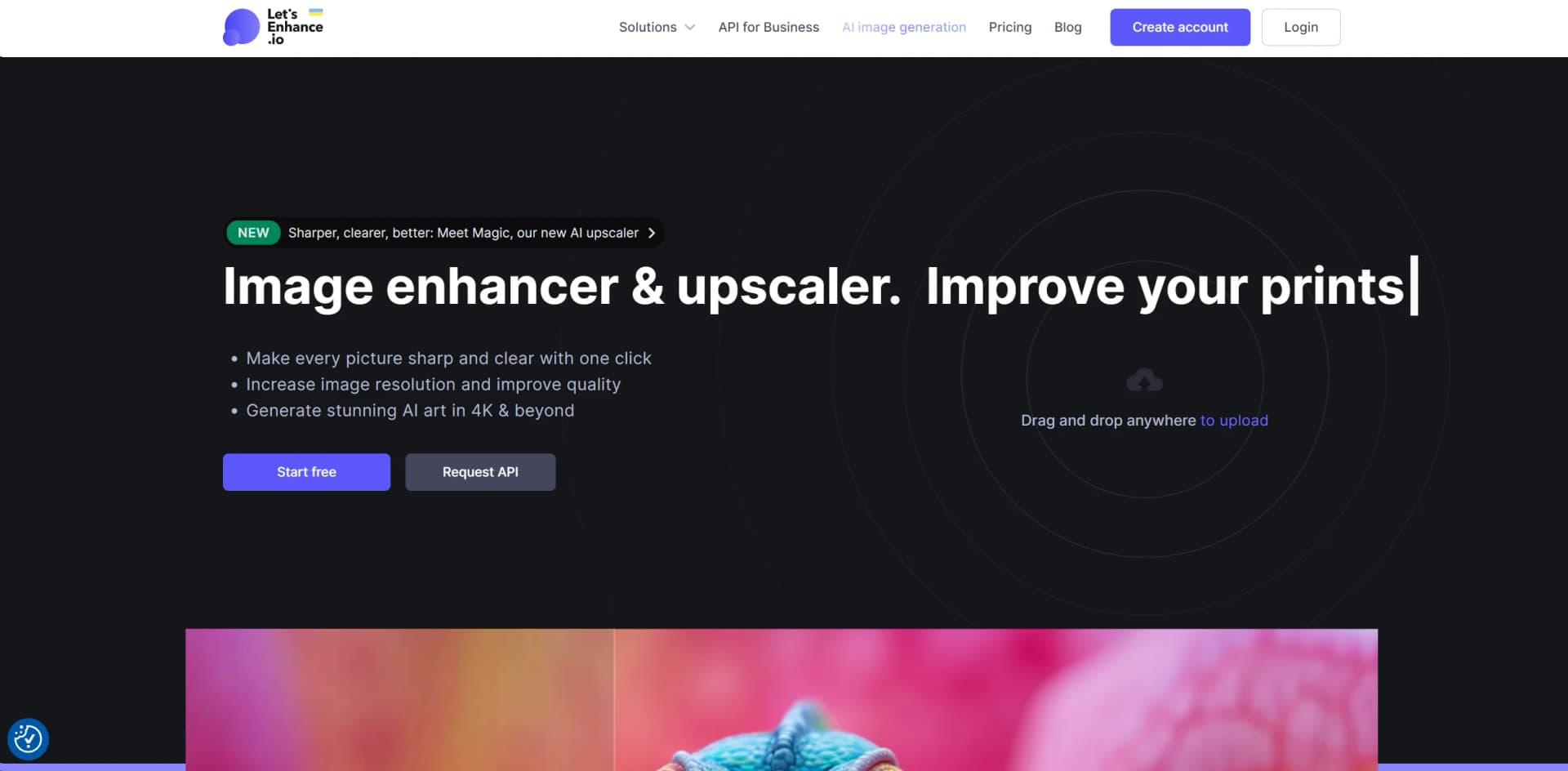
Let's Enhance is an AI-driven platform designed to revolutionize image enhancement and upscaling, offering both individuals and professionals the ability to transform images into high-definition or 4K quality with ease. With features focused on correcting pixelation, blur, colors, and lighting, Let's Enhance simplifies the process of improving photos and generating stunning AI art. From eCommerce editing to API solutions for businesses, this tool caters to a wide range of needs, making it indispensable for creative professionals, printing industries, and anyone requiring high-resolution images.
Let's Enhance stands out with its ability to upscale images without losing quality, supporting up to 16x enlargement. Its AI-driven approach surpasses traditional upscaling methods by adding extra details and pixels that significantly improve image quality. This unique selling point is especially beneficial for creative professionals and businesses looking to utilize high-quality images across various digital platforms.
Let's Enhance excels at transforming images into high-resolution masterpieces, making it an essential tool for creative professionals, eCommerce businesses, and anyone in need of superior image quality. Its unique AI-driven upscaling technology sets it apart, offering unmatched detail enhancement and quality improvement. Whether you're looking to enhance old photos, create high-resolution AI art, or prepare images for professional printing, Let's Enhance provides a reliable, efficient, and easy-to-use solution.
Who is Using Let's Enhance?
Creative Professionals
Streamlining the process of resizing pictures while maintaining crispness and clarity for web and print formats.
Printing Industries
Achieving superior resolution, colors, and clarity in prints with AI-powered upscaling.
eCommerce Businesses
Enhancing product photos to boost conversions with stunning visuals.
Digital Artists
Generating high-resolution AI art and upscaling digital art to desired resolutions.
Uncommon Use Cases
Enhancing user-generated content for high-resolution print-ready content; assisting in photo exhibitions with high-quality campaign images.
Key Features
Rating Breakdown
Pricing Plans
Free Tier
Free
- Each new user receives 10 free credits to test the photo enhancement software
Subscription Plans
- Continued use beyond the free credits
- Users can purchase subscription plans or one-time bundles
Which Let's Enhance plan should you pick?
Start with Free to test the core image tools; upgrade to Starter for regular use, Pro or Max for higher volume and resolution.
Free
Good for trying the product with 10 credits, basic enhancement, and limited output resolution.
Starter
Good for freelancers and light professional use who need 100 monthly credits, background removal, AI art, and higher resolution.
Pro
Good for heavier image workflows that need 300 monthly credits and output up to 350 megapixels.
Max
Good for high-volume users who need 500 monthly credits and output up to 512 megapixels.
Let's Enhance Use Cases
Upscale photos for print
Upload a low-resolution image, choose an enhancement model and target dimensions, then process it for printing.
Outcome: A sharper, higher-resolution print asset.
Improve ecommerce product photos
Batch-process product images, improve quality, remove backgrounds, and prepare consistent catalog visuals.
Outcome: Cleaner and more consistent product imagery.
Restore old photographs
Use the Old Photo model to repair fading, scratches, damage, and color issues before upscaling.
Outcome: A clearer, restored version of an old photograph.
Enhance AI-generated artwork
Upload AI art and use digital-art or stronger enhancement models to recover detail and increase resolution.
Outcome: Higher-resolution artwork suitable for display or printing.
Create image-to-video content
Upload a still image, restore or enhance it, and animate it into a short video clip.
Outcome: A short motion asset for social media, advertising, or ecommerce.
Workflow Ideas with Let's Enhance
Ecommerce product-image workflow
- 1Upload up to 20 product images
- 2Enhance or upscale the images and remove backgrounds
- 3Download the processed images for product pages or marketplaces
Old-photo restoration workflow
- 1Upload a scanned or damaged photograph
- 2Apply the Old Photo restoration model and adjust the output size
- 3Download the restored, upscaled image
Print-preparation workflow
- 1Upload the source image
- 2Choose a print preset or set custom dimensions and DPI
- 3Process and download the full-resolution print file
How Let's Enhance fits into your stack
Batch Editing
Allows for the simultaneous editing of multiple images.
API Access
Offers API solutions for businesses to integrate Let's Enhance into their workflows.
High-Resolution Output
Supports upscaling images up to 500 MP, catering to a wide range of professional needs.
Web-Based Platform
Accessible from any popular web browser, ensuring compatibility across devices.
Pros
- +High-Quality Upscaling: Transform images without losing quality, up to 16x their original resolution.
- +Batch Editing: Upload and edit multiple images simultaneously, saving valuable time.
- +One-Click Presets: Easily make your eCommerce and real estate pictures look professional.
- +Versatile Use Cases: Ideal for a wide range of applications, from enhancing product photos for eCommerce to generating high-resolution art.
Cons
- −Learning Curve: New users might need time to familiarize themselves with all the features.
- −No Native Mobile App: Currently, there's no dedicated iOS or Android app, which might limit accessibility for some users.
- −Limited Free Credits: While the platform offers 10 free credits to new users, extensive use requires a subscription.
Limitations & when to consider alternatives
Known limitations
- Supported input formats are limited. The Help Center documents JPG, JPEG, and PNG support; unsupported formats may require conversion first.
- Input and output resolution depend on the plan. Pricing lists input limits up to 64 megapixels or 50 MB, while output limits vary from the Free plan to paid plans.
- Batch processing is capped. The documented Uploader workflow supports up to 20 images at a time.
- Free processing includes watermarks. The Free plan lists a watermark, which is removed for paid users and applies to re-downloaded prior results.
- Video features require paid access. LetsEnhance's official materials state that AI Video and Video Upscaler are available on paid plans.
Look elsewhere when
- You need a native mobile app rather than a mobile-browser workflow.
- You need an offline desktop application with local processing.
- You need shared team workspaces, roles, or SSO controls.
- You need native third-party integrations beyond image-processing API access.
How to Use Let's Enhance
- 1
Discover a range of tutorials on the Let's Enhance blog, covering everything from basic setup to advanced features. These resources are invaluable for both new and experienced users, providing insights into making the most of this powerful tool.
Who is Let's Enhance For?
Photographers
The tool supports portrait, product, fashion, food, restoration, print, and web photography workflows.
Ecommerce teams
It can improve supplier photos and user-generated content for product pages, marketplaces, and advertising.
Artists and AI-art creators
Digital-art and enhancement models help prepare AI-generated artwork for higher-resolution use and printing.
Print and print-on-demand sellers
Upscaling, DPI controls, and print presets help prepare images for posters, apparel, canvas, and other large-format products.
Marketers
The platform helps turn imperfect visuals into campaign-ready assets, product variations, and motion content.
Frequently Asked Questions
Does Let's Enhance offer a free tier?
Yes. New users receive 10 free credits without needing a credit card.
Which image file types are supported?
The Help Center documents JPG, JPEG, and PNG uploads. Some newer product workflows also mention WebP.
How many images can I process at once?
The Uploader supports batch processing of up to 20 images at a time.
What is the maximum image size?
Pricing documents input images up to 64 megapixels or 50 MB, with output limits depending on the plan.
Does Let's Enhance offer an API?
API access is provided through Claid.ai, the vendor's business product, with documented image-processing pipelines.
Can I remove watermarks from images processed with free credits?
Yes. After purchasing a subscription or pay-as-you-go bundle, previously processed images can be downloaded without watermarks.
Community reviews
1 review from people who use Let's Enhance.
Sign in to leave a review for Let's Enhance.
Uri Sobi
Let's Enhance Alternatives
Looking for alternatives to Let's Enhance? Here are similar tools in the same category:
Learn to Master Let's Enhance
With Skill Leap courses
Get in-depth training on Let's Enhance and 50+ other AI tools with our expert-led video courses.
Start 7-Day Free Trial