Letterpal
Automate newsletter creation with AI-driven content curation.
Key Takeaways
- What it is
- Automate newsletter creation with AI-driven content curation.
- Pricing
- $14 per month · $29 per month, ideal for weekly publications · $89 per month
- Best for
- Automated News Aggregation
- Customizable Newsletter Templates
- AI-Powered Draft Generation
- Rating
- 4.5/5
What is Letterpal?
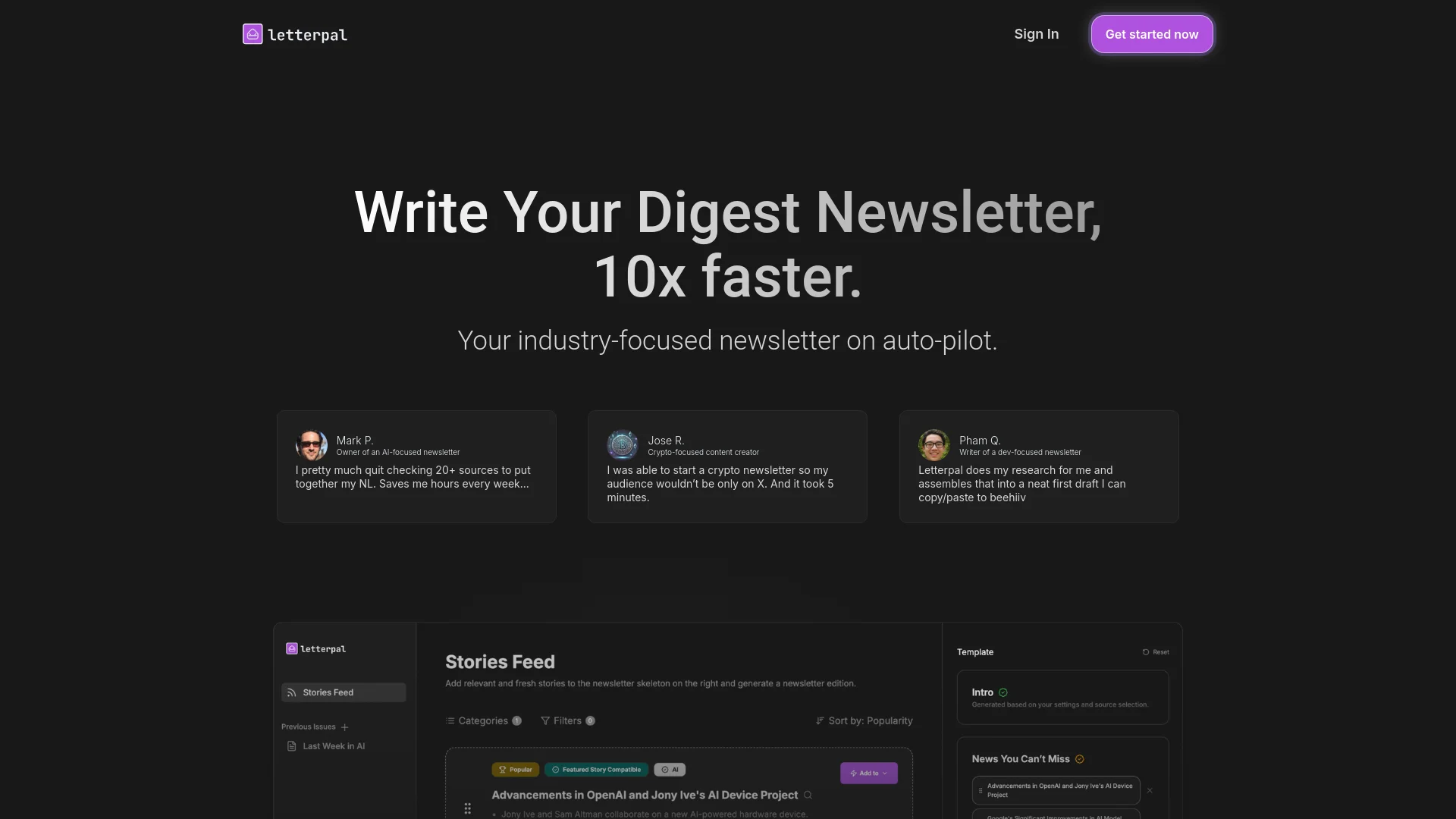
Letterpal is an innovative AI tool designed to revolutionize the way industry-focused newsletters are crafted. By leveraging advanced AI algorithms, Letterpal simplifies the often time-consuming process of newsletter creation, allowing users to write digest newsletters up to ten times faster. Ideal for newsletter writers, content creators, and industry experts, Letterpal automates research and draft assembly, enabling users to focus on content curation without the hassle of manual sourcing and writing.
Letterpal stands out with its ability to automate the entire newsletter creation process, from news gathering to draft generation. Its AI-driven approach ensures that users spend minimal time on manual tasks, allowing them to focus on strategic content curation. This unique blend of automation and customization sets Letterpal apart as a game-changer in the newsletter industry.
Letterpal excels in providing a streamlined, efficient solution for newsletter writers and content creators, making it an essential tool for those looking to enhance productivity and content quality. Its AI-powered features and user-friendly interface offer unmatched convenience, allowing users to produce high-quality newsletters without the usual time investment.
Who is Using Letterpal?
Industry-focused Newsletter Writers
Leverage Letterpal to streamline the newsletter creation process, saving hours on research and drafting.
Expert Content Creators
Utilize the tool to maintain audience engagement across platforms by delivering curated newsletters.
Crypto Enthusiasts
Use Letterpal to provide timely updates and insights to their audience without extensive manual research.
Business Analysts
Employ the tool for quick assembly of business news and trends.
Uncommon Use Cases
Adopted by educational institutions for teaching journalism courses; utilized by freelance writers for managing multiple client newsletters.
Key Features
Rating Breakdown
Pricing Plans
Casual
$14 per month
- Includes 3 credits for newsletter generation
Pro
$29 per month, ideal for weekly publications
- Includes 15 credits
Scale
$89 per month
- Includes unlimited credits for frequent newsletter creators
Which Letterpal plan should you pick?
Start with the free trial to validate the newsletter workflow, then use the single paid plan when you need unlimited content and all listed features.
Free Trial
Good for users who need to test newsletter research, generation, editing, and export before subscribing.
Paid Plan
Good for newsletter creators who need unlimited content generation, all news sources, the Notion-like editor, and AI editing.
Letterpal Use Cases
Industry Newsletters
Find fresh industry topics, select stories, and generate a newsletter edition.
Outcome: A ready-to-edit industry newsletter.
News Roundups
Use AI-curated news and web research to assemble multiple stories.
Outcome: A formatted roundup for subscribers.
Industry Analysis
Choose relevant topics and generate deeper commentary and analysis.
Outcome: A longer-form newsletter issue.
Topic Deep-Dives
Add custom topics and let the AI research and develop them into newsletter content.
Outcome: A detailed, sourced newsletter section.
YouTube-to-Newsletter Repurposing
Paste a YouTube video link and convert the video into an editable newsletter.
Outcome: Written newsletter content from video material.
Workflow Ideas with Letterpal
Create an Industry Newsletter
- 1Sign up for a free trial
- 2Choose topics, news sources, or RSS feeds
- 3Select topics and generate the newsletter
- 4Edit the draft in the Notion-style editor
- 5Copy it to a newsletter platform or export HTML
Repurpose a YouTube Video
- 1Find a relevant YouTube video
- 2Paste its URL into the YouTube-to-Newsletter generator
- 3Generate the newsletter
- 4Edit the resulting draft
- 5Copy it into a newsletter platform
Build a Multilingual Newsletter
- 1Select relevant stories from supported countries
- 2Choose the desired output language
- 3Generate the newsletter
- 4Edit and format the content
- 5Export HTML or copy the finished issue
How Letterpal fits into your stack
Browser
Letterpal operates as a web application for discovering industry news, researching topics, generating newsletters, and exporting finished content.
Docs and writing
Its Notion-like editor lets users structure newsletter sections, adjust formatting and length, add media, and edit AI-generated drafts.
Pros
- +Time Efficiency: Significantly reduces the time needed to compile and write newsletters.
- +Content Relevance: Ensures newsletters are filled with the most current and pertinent news in the user's niche.
- +Ease of Use: The simple drag-and-drop functionality and intuitive design make it accessible for users of all skill levels.
- +Scalability: Offers plans that cater to both casual and power users, accommodating varying newsletter frequencies.
Cons
- −Limited Customization Options: While customization is in development, current template options are somewhat limited.
- −No Direct Email Integration: Lacks built-in integration with email platforms, requiring manual content transfer.
Limitations & when to consider alternatives
Known limitations
- Free access is a trial. The product offers a one-week trial rather than a permanent $0 plan.
- No native newsletter-platform integrations. Users must copy and paste content or export HTML to publish through another provider.
- Newsletter sending is external. Letterpal creates and exports content but does not document native sending-platform connections.
- Generation limits vary by plan documentation. The pricing page advertises unlimited generation, while another Letterpal page lists Casual, Pro, and Scale generation limits.
Look elsewhere when
- You need native integrations with newsletter sending platforms.
- You need a dedicated mobile application.
- You need API-based programmatic access.
How to Use Letterpal
- 1
Start the trial
Create an account and begin the one-week trial without entering a credit card.
- 2
Choose topics and sources
Select industry topics, browse curated news, connect RSS feeds, or add custom topics.
- 3
Assemble the newsletter
Create sections with different lengths and add links, images, and other assets.
- 4
Generate the draft
Use Letterpal's AI to research topics, create angles, cite sources, identify images, and assemble the issue.
- 5
Edit the output
Rearrange sections, adjust length, format text, add media, and customize the layout in the editor.
- 6
Export or publish elsewhere
Copy the finished newsletter into a provider such as beehiiv or Substack, or export it to HTML.
Who is Letterpal For?
Content Creators
They can turn social-media audiences into owned newsletter audiences.
Founders
They can build personal authority by sharing industry topics and news with prospects.
SMBs
They can keep customers and leads informed about relevant industry developments.
Self-Employed Professionals
Freelancers, consultants, lawyers, and doctors can share industry news with clients and leads.
Frequently Asked Questions
What is Letterpal?
Letterpal is an AI newsletter generator that helps users discover relevant topics, generate content, and create newsletters.
Does Letterpal have a free trial?
Yes. The free trial lasts one week and does not require a credit card.
What languages can I use Letterpal in?
Newsletter content can be generated in just about any language, with news coverage from more than 24 countries.
How many newsletters can I generate?
The pricing page says the paid plan provides unlimited content generation; another product page lists plan-based generation limits.
Can Letterpal integrate with newsletter platforms?
There are no native integrations yet. Users can copy and paste content into platforms such as beehiiv and Substack or export HTML.
Can I edit AI-generated content?
Yes. The Notion-style editor supports rearranging sections, formatting text, adding or removing images, adjusting length, and customizing layouts.
Community reviews
Be the first to share your experience.
Sign in to leave a review for Letterpal.
Letterpal Alternatives
Looking for alternatives to Letterpal? Here are similar tools in the same category: