Limbic
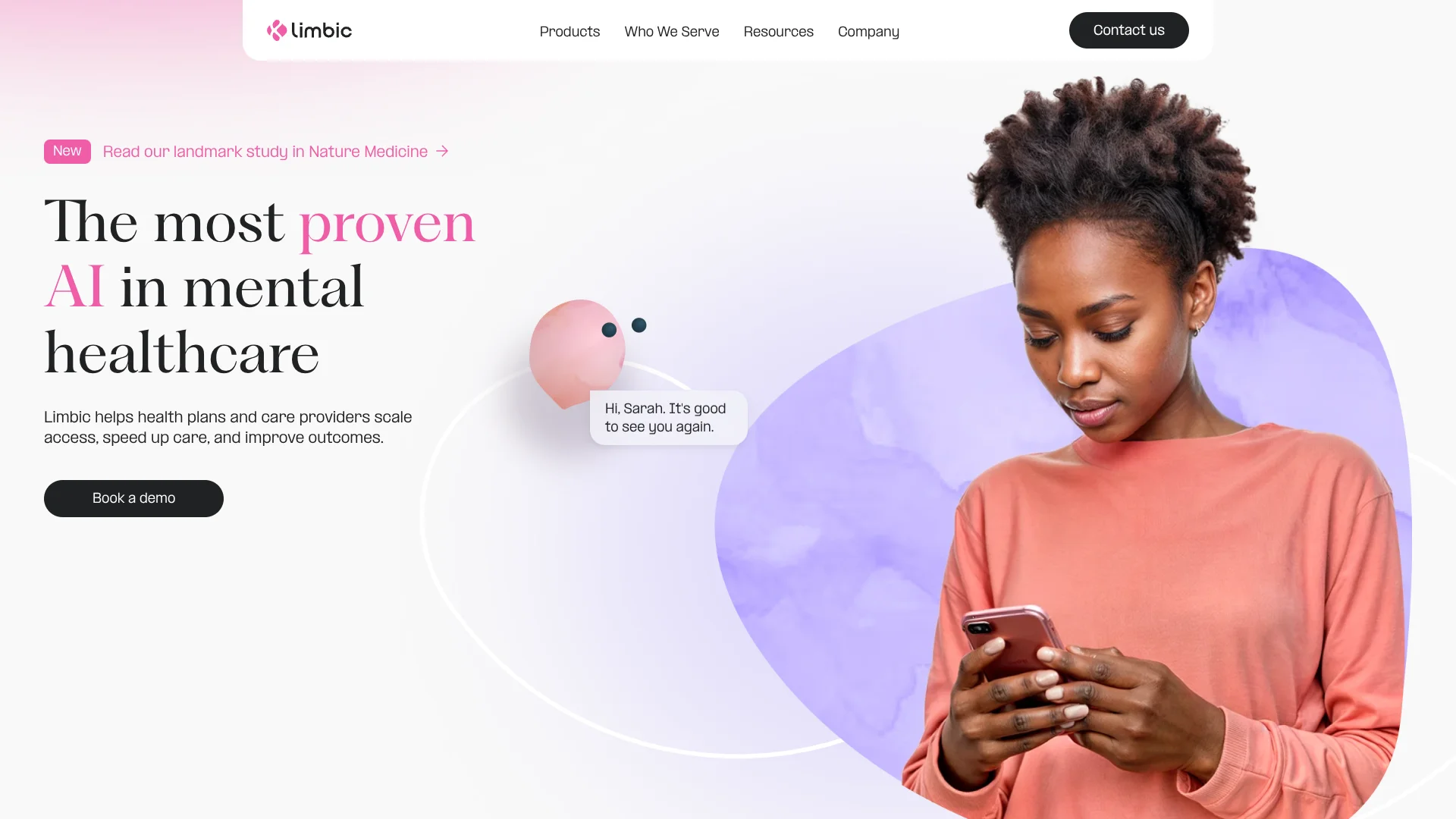
Clinical AI that prepares behavioral health teams for patient assessments.
Key Takeaways
- What it is
- Clinical AI that prepares behavioral health teams for patient assessments.
- Best for
- Intake Agent
- Triage Agent
- Therapy Agent
- Rating
- 4.2/5
What is Limbic?
Limbic equips behavioral health providers with AI for patient intake, assessment, and support between appointments. Limbic Access gathers referral details through web or phone pathways, then prepares clinical information for staff. That can shorten the gap between a patient asking for care and a clinician being ready to assess them.
The Limbic Layer places Limbic’s proprietary clinical AI between patient conversations and large language models, grounding assessments in validated clinical guidance. Access can produce a report with presenting problems, risk levels, notes, and assessment scores, while its AI can alert clinical staff to possible crises. This is a clinical workflow, not an open-ended chatbot.
Health plans, behavioral health providers, and health systems are the intended buyers, with clinicians using the patient information Limbic gathers. Limbic also offers Unpacked, a therapy service for individuals. The tools are not a substitute for professional care. Limbic fits organizations redesigning intake and follow-up, as well as individuals seeking therapy through Unpacked.
Who is Using Limbic?
Intake Coordinators
A continuous digital intake channel can collect referral details and answer common patient questions.
Behavioral Health Clinicians
Clinical reports give clinicians patient context and assessment information before an appointment.
Clinical Operations Leaders
Dashboard data helps teams review referrals, engagement, conversion, and staff time.
Health Plan Care Managers
Triage and between-session support can help members find an appropriate level of behavioral health care.
Uncommon Use Cases
Monitoring for potential crisis situations that need staff review; measuring whether referral pathways reach underserved communities
Key Features
Rating Breakdown
Pricing Plans
Subscription Model
- Operates on a subscription basis
- Pricing tailored to the size and needs of the healthcare provider
Custom Quotes
- Offers customized pricing based on the services and scale of implementation
Limbic Use Cases
Patient Intake
A web or phone referral pathway collects information and handles common questions before staff review.
Outcome: Patients can begin intake when they are ready, while staff receive information to support follow-up.
Clinical Assessment Preparation
Assessment reports summarize presenting problems, risk levels, notes, and scores for the clinician.
Outcome: Clinicians have patient context available before the first session.
Triage to Care
AI-supported assessments help identify needs and direct patients to an appropriate level of care.
Outcome: A clearer route from referral to care.
Between-Session Support
The Therapy Agent offers CBT chat support and can escalate concerns to clinical staff.
Outcome: Patients can receive support between appointments with an escalation path for staff.
Referral Pathway Review
Dashboard activity gives teams a view of engagement, demographics, referrals, and conversion.
Outcome: Teams can review how patients move through intake.
Workflow Ideas with Limbic
Referral to First Assessment
- 1A patient starts intake through a provider’s web or phone referral pathway.
- 2Limbic gathers referral details and prepares an assessment report.
- 3A clinician reviews the information ahead of the first session.
Triage and Crisis Review
- 1The Triage Agent assesses the patient’s needs.
- 2Potential crisis concerns trigger an alert for clinical staff.
- 3Staff review the alert and decide on appropriate follow-up.
Monitor Intake Performance
- 1Review engagement and referral activity in the dashboard.
- 2Compare conversion rates and staff hours saved.
- 3Use those measures to assess how the intake pathway is working.
How Limbic fits into your stack
Patient Referral
Limbic Access can sit on a provider’s website and support web or phone referral pathways.
Clinical Assessment
The AI prepares patient assessment information, including presenting problems, risk levels, notes, and scores.
EHR Workflow
Limbic says Access can interoperate with cloud-based EHR systems so patient information can be accessed from or imported into records.
Clinician Support
Limbic Care and the Therapy Agent provide patient support between sessions, with escalation pathways to clinical staff.
Browser and Mobile Access
The product terms list iOS and Android apps, web-based portals, and Limbic Access and Care browser extensions.
Pros
- +Purpose-built intake: Patient conversations become structured clinical information for the care team.
- +Website access: Limbic Access can be embedded on a provider’s website as an always-on intake channel.
- +Crisis escalation: Possible crisis situations can be flagged for clinical staff review.
- +Care pathway fit: The tools can be mapped to a service’s intake models, eligibility checks, and assessments.
Cons
- −Sales-led buying: Organizations need to speak with sales rather than sign up for a self-serve plan.
- −Clinical setting required: The product is aimed at providers and care organizations, not general-purpose personal AI use.
- −Integration work: Teams may need to map the service to their own EHR and referral workflows.
Limitations & when to consider alternatives
Known limitations
- Not a substitute for professional care. Limbic’s US terms say its outputs are not medical advice or a substitute for professional diagnosis or treatment.
- Provider invitation for the app. The App Store listing for the Limbic patient app says users need an invitation from their healthcare provider to sign up.
- Translation accuracy. Limbic says automated translations can be provided, but it is not responsible for their full accuracy.
Look elsewhere when
- You need a personal therapy chatbot that you can use without a provider or care organization.
- You need a self-serve product with publicly listed plans and prices.
How to Use Limbic
- 1
Talk with the Limbic team
Book a demo to discuss your service’s intake and assessment needs.
- 2
Map your care pathway
Identify the referral, eligibility, assessment, and escalation steps the product should support.
- 3
Add Limbic Access
Embed the intake experience on your website or use the phone pathway for referrals.
- 4
Connect the clinical workflow
Plan how patient information will fit your cloud-based EHR and staff processes.
- 5
Review activity
Check dashboard measures such as engagement, referrals, conversion, and staff hours saved.
Who is Limbic For?
Behavioral Health Providers
Mental health services can use Limbic to gather referral information and support patient assessment.
Health Plans
Plans can offer members AI-supported intake, triage, and care between clinical sessions.
Health Systems
Health systems can connect patient intake and assessment support with existing care workflows.
NHS Talking Therapies
Talking Therapies services can use Limbic Access to manage demand and prepare clinicians for assessments.
Frequently Asked Questions
Who is Limbic for?
Limbic describes its tools as provider-facing products for health plans, behavioral health providers, health systems, and NHS Talking Therapies.
How do patients access Limbic Access?
Limbic Access can be embedded in a provider’s website and is available through web and phone referral pathways.
Can Limbic work with an EHR?
Limbic says Access is interoperable with cloud-based EHR systems, allowing patient information to be accessed from or imported into the patient record.
Does Limbic support languages other than English?
Limbic says it can be translated into other languages and can automatically translate for a patient, but it does not guarantee full accuracy for automated translations.
How much does Limbic cost?
The public site directs organizations to contact sales; ask Limbic for pricing that fits your service.
Community reviews
Be the first to share your experience.
Sign in to leave a review for Limbic.
Limbic Alternatives
Looking for alternatives to Limbic? Here are similar tools in the same category: