
Lindy AI
Automate workflows, integrate systems, no-code AI creation.
Key Takeaways
- What it is
- Automate workflows, integrate systems, no-code AI creation.
- Best for
- Custom AI Assistants
- Extensive Integration
- Real-Time Documentation
- Rating
- 4.5/5
What is Lindy AI?
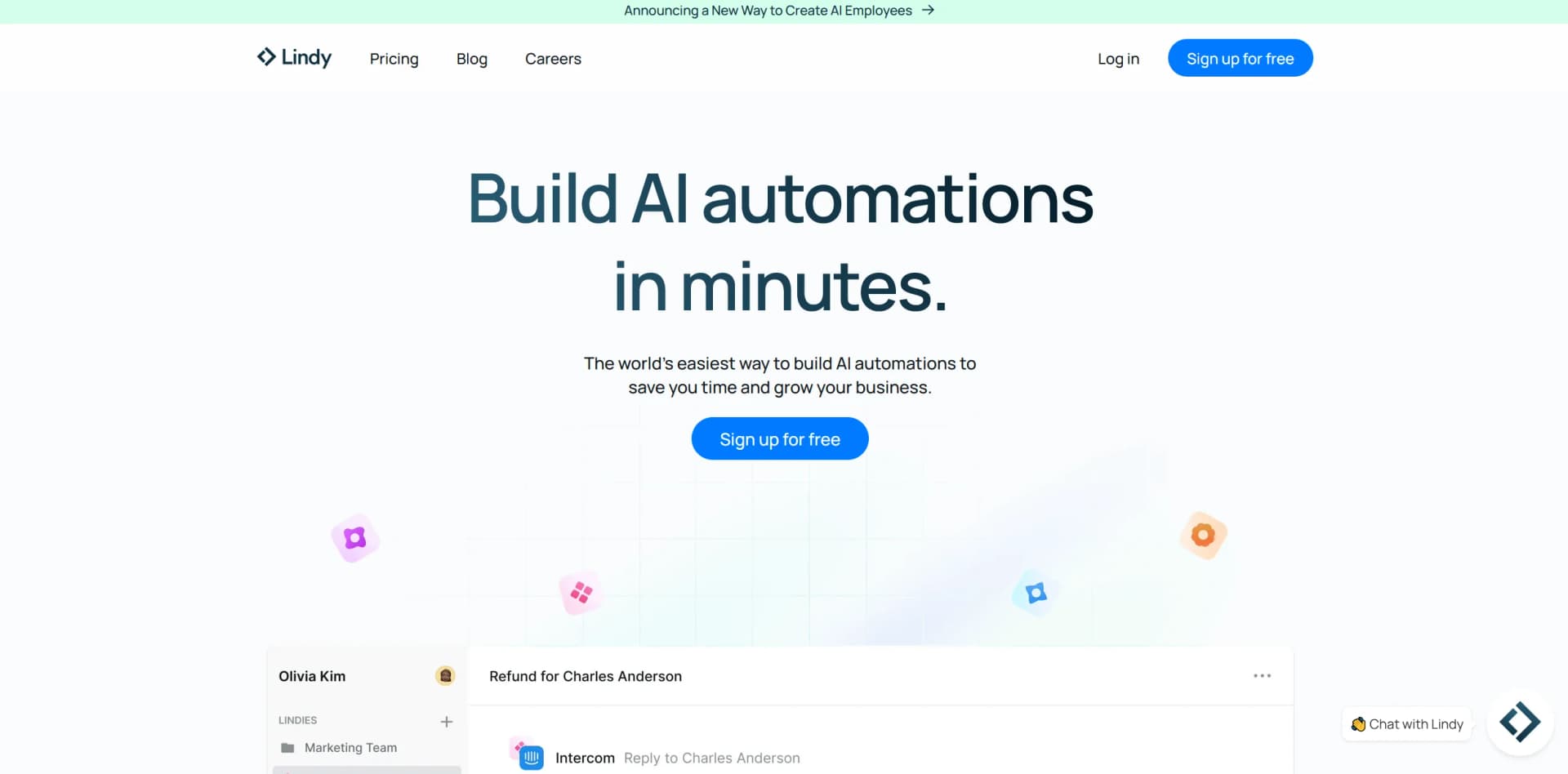
Lindy AI introduces an innovative approach to automating business workflows through the creation of custom AI assistants. Often described as “if ChatGPT and Zapier had a baby,” this tool is designed for diverse applications, from customer support to medical transcription. Lindy AI is particularly notable for its no-code platform, which allows users without technical expertise to build and deploy AI solutions tailored to their business needs.
Lindy AI stands out by combining the simplicity of no-code AI assistant creation with extensive integration capabilities, making it adaptable to a wide range of business processes. Its use of natural language instructions further sets it apart, offering a user-friendly interface without compromising functionality.
Lindy AI excels in automating business workflows with its flexible and powerful AI assistants. Its no-code approach and extensive integration capabilities make it accessible and effective, especially for non-technical users. With robust functionality and 24/7 availability, Lindy AI is a valuable tool for businesses seeking to enhance efficiency and reduce operational costs.
Who is Using Lindy AI?
Healthcare Providers
Utilize AI scribes for automating the creation of medical documentation, improving accuracy and efficiency.
Customer Support Teams
Employ AI to handle and respond to customer inquiries instantly, enhancing response times and satisfaction.
HR Departments
Automate recruitment processes such as resume screening and interview scheduling.
Sales Teams
Enhance CRM activities and sales operations with automated data entry and lead management.
Uncommon Use Cases
Non-profits use Lindy AI for donor management and engagement; educational institutions integrate it for administrative tasks and student support.
Key Features
Rating Breakdown
Pricing Plans
Free Trial
- Explore Lindy AI with a free trial that provides limited features
Subscription Plans
- Specific pricing details are not provided on the website
- Users are encouraged to join the waitlist for more information
Which Lindy AI plan should you pick?
Start with Plus for everyday individual usage; upgrade to Pro or Max for heavier workloads, and choose Enterprise for team administration, SSO, compliance, and centralized controls.
Plus
Good for professionals who need standard usage, inbox management, meeting assistance, integrations, and everyday automation.
Pro
Good for heavier users who need more credits and computer-use capabilities for frequent workflows.
Max
Good for users running high-volume delegation across inboxes, meetings, research, and scheduled workflows.
Enterprise
Good for organizations that need shared workspaces, team settings, SSO, SCIM, audit logs, HIPAA support, dedicated support, and onboarding.
Lindy AI Use Cases
Competitor tracking
Monitor competitor websites and social channels on a recurring schedule, analyze changes, and compile reports.
Outcome: The team receives recurring competitive-intelligence updates.
Meeting notes and follow-up
Join scheduled meetings, record and transcribe conversations, summarize decisions, and send follow-up emails.
Outcome: Meetings produce searchable notes and action items automatically.
Customer-support automation
Answer Slack questions from a knowledge base, route inquiries, send notifications, and escalate exceptions.
Outcome: Routine support work is handled faster with human review for edge cases.
Document processing
Read email attachments, classify invoices, contracts, receipts, and other documents, then route them through conditional workflows.
Outcome: Documents are categorized and structured information is extracted automatically.
AI app building
Describe an application in natural language and have Lindy Build create full-stack apps with databases, integrations, frontend, backend, and QA.
Outcome: Users can produce working websites, dashboards, prototypes, and internal tools.
Workflow Ideas with Lindy AI
Weekly competitor intelligence report
- 1Run a weekly recurring trigger
- 2Retrieve competitor URLs from Google Sheets
- 3Analyze each competitor and compile findings
- 4Post the report to Slack
Automated document classification
- 1Trigger when an email with an attachment arrives
- 2Analyze and classify the attached document
- 3Extract relevant fields such as vendor, date, and amount
- 4Route the result to the appropriate workflow branch
Meeting-to-document workflow
- 1Join and record a scheduled meeting
- 2Summarize decisions and action items
- 3Create or update a Google Doc
- 4Send the document or follow-up message to the team
How Lindy AI fits into your stack
EMR Systems
Integrates with Electronic Medical Records systems, essential for healthcare applications.
CRM Platforms
Compatible with various CRM systems, enhancing sales and customer relationship management.
Internal Communication Tools
Integrates with platforms like Microsoft Teams and Slack for smooth internal communications.
Custom API Access
Provides API access for tailored integrations, catering to specific business needs.
Pros
- +Cost Efficiency: Reduces operational costs by automating tasks that would otherwise require human intervention.
- +Time-Saving: Completes tasks significantly faster than traditional methods, claiming to be 10x cheaper and 10x faster.
- +Accessibility: Designed for users with no technical background, facilitating adoption across various departments.
- +Always Available: Operates continuously, providing consistent support without downtime.
Cons
- −Complexity in Setup: Although marketed as no-code, setting up complex workflows might involve a learning curve for some users.
- −Dependence on Integrations: Performance is dependent on the seamless functioning of its extensive integrations.
- −Limited Flexibility: Operates within predefined rules and instructions, which may limit flexibility in dynamic or unpredictable scenarios.
Limitations & when to consider alternatives
Known limitations
- Credits expire each billing cycle. Unused credits do not roll over, and plans reset monthly from the signup date.
- Tasks pause at usage limits. When usage is exhausted, Lindy pauses tasks; paused tasks do not restart automatically after the plan resets.
- Overages cost more. Optional overage usage is charged at twice the regular credit rate.
- Knowledge-base files have size and scale limits. Knowledge-base files have a documented 20 MB per-file maximum, and searches may be limited by a 1,500-file threshold.
- Some features require Enterprise. Inviting team members, SSO, SCIM, audit logs, and HIPAA support are Enterprise capabilities.
Look elsewhere when
- You need a native iOS or Android application.
- You need a downloadable Windows, Mac, or Linux desktop application.
- You need a documented Lindy developer API with API keys and endpoints.
- You need model fine-tuning or training jobs on your own data.
How to Use Lindy AI
- 1
Visit the Lindy AI website and YouTube channel for tutorials covering basic setup to advanced features, ensuring users can fully leverage the tool’s capabilities.
Who is Lindy AI For?
Marketing teams
Lindy names competitor tracking, advertising reports, content drafts, performance dashboards, and campaign workflows for marketing teams.
Salespeople
Lindy provides sales automation, meeting preparation, follow-ups, prospect research, and CRM-connected workflows.
Founders
Founders can delegate inbox, scheduling, research, administrative work, and business automation to AI teammates.
Assistants
Assistants can automate scheduling, meeting notes, inbox triage, follow-ups, and recurring administrative routines.
Operators
Operators can connect business tools and build end-to-end workflows for support, operations, reporting, and internal processes.
Frequently Asked Questions
Is there a free plan?
Lindy lists paid Plus, Pro, Max, and Enterprise plans. New accounts receive a 7-day free trial, and the site says direct signups are billed afterward.
How does Lindy automate work?
You create agents from workflows made of triggers, actions, conditions, integrations, and optional autonomous agent steps.
What integrations does Lindy support?
Lindy supports more than 1,000 integrations, including Gmail, Slack, Google Calendar, Google Drive, Notion, Salesforce, HubSpot, and Microsoft Teams.
Can teams collaborate in Lindy?
Enterprise workspaces support invited members, shared environments, shared access, centralized billing, and organization-wide agent management.
How is Lindy secured?
Lindy states that data is encrypted in transit and at rest. Enterprise adds SSO, SCIM, audit logs, and HIPAA compliance with a signed BAA.
What happens when credits run out?
Credit-using tasks pause until the next billing cycle unless administrators upgrade or enable overages. Paused tasks must be manually restarted.
Community reviews
Be the first to share your experience.
Sign in to leave a review for Lindy AI.
Lindy AI Alternatives
Looking for alternatives to Lindy AI? Here are similar tools in the same category:
Learn to Master Lindy AI
With Skill Leap courses
Get in-depth training on Lindy AI and 50+ other AI tools with our expert-led video courses.
Start 7-Day Free Trial