
Llama
Generates text, translates languages, and assists coding.
Key Takeaways
- What it is
- Generates text, translates languages, and assists coding.
- Best for
- Natural Language Understanding
- Automated Text Generation
- Sentiment Analysis
- Rating
- 4.5/5
What is Llama?
Llama is an innovative AI tool designed to revolutionize text-based applications by providing advanced natural language processing capabilities. It specializes in transforming how businesses and individuals interact with text data, offering features that streamline communication, enhance content creation, and automate routine tasks. Llama is particularly beneficial for industries such as customer support, content marketing, and data analysis, simplifying complex text-based tasks for professionals and organizations alike.
Llama stands out with its exceptional natural language understanding capabilities, a game-changer for industries reliant on text data. Its ability to seamlessly generate and analyze text in multiple languages sets it apart, providing unmatched flexibility and functionality.
Llama delivers substantial value through its advanced AI-driven text processing capabilities, making it an essential tool for professionals and businesses looking to enhance efficiency and productivity in text-based tasks. Its unique features and robust performance set a high standard in the realm of natural language processing tools. Whether you're automating customer support or generating insightful data analysis, Llama offers a comprehensive solution tailored to meet diverse needs.
Who is Using Llama?
Customer Support Teams
Utilizing Llama for automating responses and improving communication efficiency.
Content Marketers
Employing the tool to generate engaging content and optimize marketing strategies.
Data Analysts
Leveraging Llama for processing and interpreting large datasets with ease.
Educators
Using the tool to enhance learning experiences through automated content creation.
Uncommon Use Cases
Adopted by legal professionals for drafting documents; Used by healthcare providers to streamline patient communication.
Key Features
Rating Breakdown
Pricing Plans
Open Access
- Llama offers many of its models and resources freely to the public
- Supporting open-source collaboration and innovation
Which Llama plan should you pick?
Start with the free Llama model downloads for local or partner deployment; use the limited free Llama API preview when you need hosted inference, and upgrade or move to a paid hosting partner when scaling requires production capacity.
Llama Models
Good for developers and researchers who need downloadable model weights for local, cloud, edge, or partner deployment.
Llama API
Good for developers who need hosted inference, API keys, playground access, SDKs, and selected model customization.
Llama Use Cases
Build conversational assistants
Use Llama models or Llama API to create chat and question-answering applications.
Outcome: Conversational AI experiences
Generate and review code
Use Llama-based coding capabilities and Code Llama resources for programming tasks.
Outcome: AI-assisted software development
Process images and text
Use Llama 4 multimodal models to interpret visual and textual information.
Outcome: Multimodal analysis
Create custom models
Generate training data, fine-tune selected Llama models, and evaluate the resulting versions.
Outcome: Domain-adapted models
Build agentic applications
Use Llama Stack interfaces and safety tools to develop agents and production AI systems.
Outcome: Agentic workflows and applications
Workflow Ideas with Llama
Prototype a Llama API application
- 1Create a Llama API key
- 2Experiment with models in the interactive playground
- 3Integrate the selected model using the Python or TypeScript SDK
Create a custom model
- 1Generate or prepare training data
- 2Fine-tune a supported Llama model
- 3Evaluate the custom model before deployment
Deploy a multimodal assistant
- 1Select a Llama 4 multimodal model
- 2Connect it to an application or deployment platform
- 3Add safety tools such as Llama Guard or LlamaFirewall
How Llama fits into your stack
Automation and APIs
Llama sits in developer stacks through Meta’s Llama API, API keys, SDKs, and OpenAI-compatible client integration.
Knowledge and files
Developers obtain Llama model weights directly or through Hugging Face, Kaggle, edge, and cloud partners for deployment in their own systems.
Desktop / IDE
Code-specialized Llama variants support code generation, completion, and debugging workflows when embedded into developer tools.
Pros
- +Time Efficiency: Llama significantly reduces time spent on text-related tasks, allowing users to focus on strategic initiatives.
- +Enhanced Productivity: By automating routine writing tasks, it boosts productivity across various business functions.
- +Scalability: Its robust architecture can handle large volumes of text data, making it suitable for businesses of all sizes.
- +User-Friendly Interface: The intuitive design ensures that even non-technical users can leverage its full capabilities with ease.
Cons
- −Initial Learning Curve: Users may need time to fully grasp all of Llama's advanced features.
- −Limited Integration: There might be constraints in integrating with specific third-party platforms.
Limitations & when to consider alternatives
Known limitations
- Model access may require registration. Meta’s download page requires users to submit personal, organizational, and model-selection details before requesting access.
- Llama API access is limited. Meta introduced Llama API as a limited preview with selected-customer access and a broader rollout planned later.
- Deployment can require substantial compute. Meta notes that very large models such as Llama 3.1 405B require significant compute resources and expertise.
- The model license has usage conditions. Llama models are distributed under Meta’s community license agreements and acceptable-use policies.
- Safety is a developer responsibility. Meta provides responsible-use guidance and safety tools, but developers remain responsible for safe deployment.
Look elsewhere when
- You need a dedicated mobile app.
- You need a browser extension or desktop installer.
- Your use case requires a mature, generally available API.
- You need built-in enterprise identity controls.
How to Use Llama
- 1
Choose a model
Review the available Llama model cards and select a text, multimodal, safety, or coding-oriented model.
- 2
Request or download access
Use Meta’s model-access page or an approved partner such as Hugging Face, Kaggle, an edge provider, or a cloud provider.
- 3
Set up inference
Deploy the model locally, in the cloud, at the edge, or through Llama API depending on your infrastructure needs.
- 4
Build an application
Use the official SDKs, Llama Stack, Code Llama resources, LangChain, or LlamaIndex to integrate Llama.
- 5
Customize and evaluate
For supported models, prepare data, fine-tune a custom version, and evaluate its behavior and quality.
- 6
Add safety controls
Use Meta’s responsible-use guidance, Llama Guard, Prompt Guard, and LlamaFirewall before production deployment.
Who is Llama For?
Developers
Developers can download models, use APIs and SDKs, fine-tune models, and build applications with Llama.
Startups
Startups can use openly available models and deployment partners to create and scale AI products.
Enterprises
Enterprises can integrate Llama into production systems, workflows, and turnkey AI deployments.
Researchers
Researchers can access model weights, model cards, research resources, and open safety tools.
AI builders and hobbyists
Builders can experiment with downloadable models, local inference, integrations, and community recipes.
Frequently Asked Questions
What is Llama?
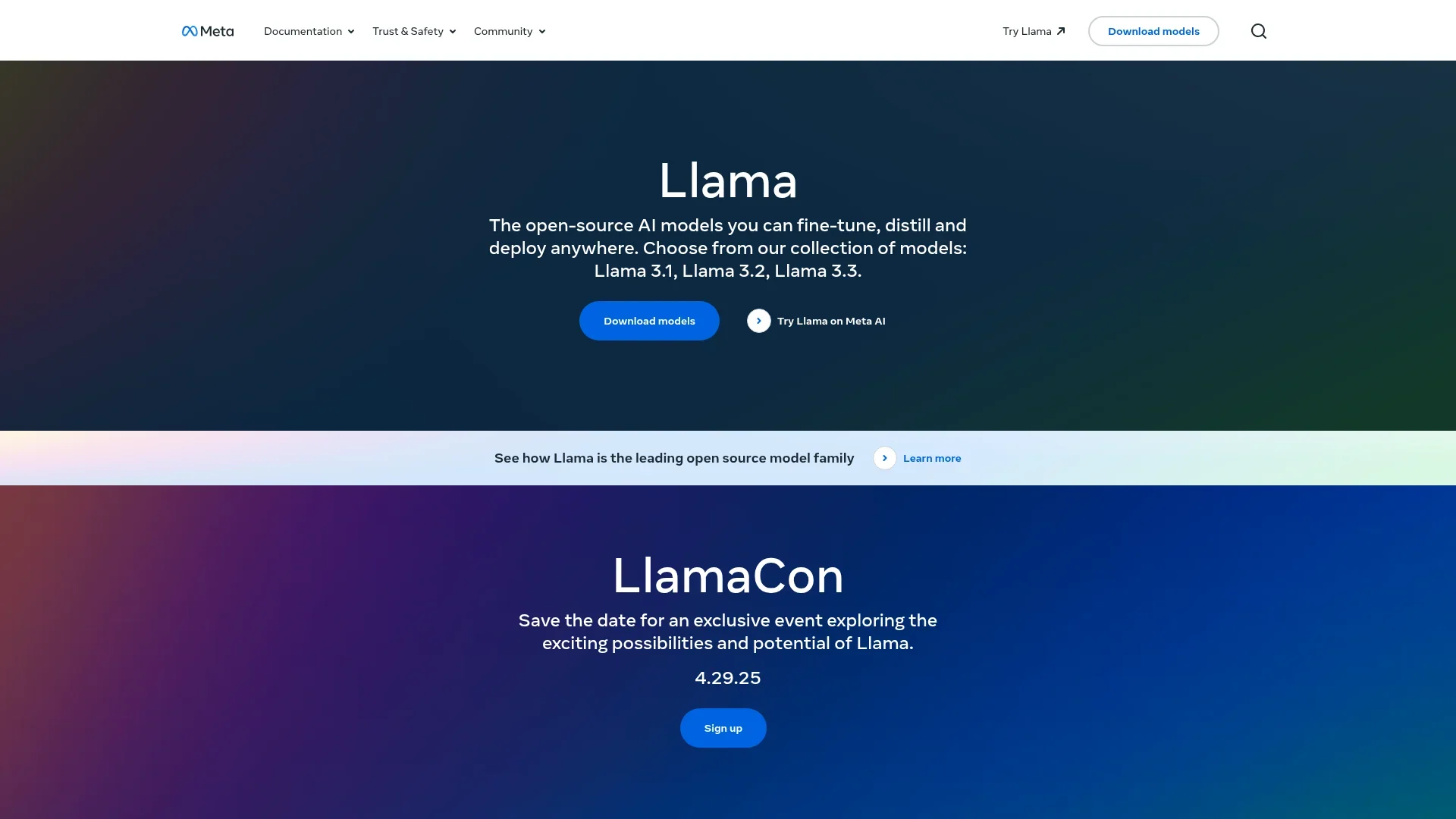
Llama is Meta’s family of openly available large language models for developers and organizations to download, customize, and deploy.
How can I access Llama models?
Models can be obtained directly from Meta or through partners such as Hugging Face, Kaggle, edge providers, and cloud providers.
Does Llama offer an API?
Meta offers Llama API, including API keys, interactive playgrounds, Python and TypeScript SDKs, and OpenAI SDK compatibility.
Can Llama models be fine-tuned?
Meta provides fine-tuning resources and Llama API support for creating custom versions of selected models.
Can Llama understand images?
Llama 4 Scout and Maverick are multimodal models designed to process visual and textual inputs.
Where can Llama be deployed?
Meta supports direct deployment and access through partner platforms, cloud providers, edge devices, and developer toolchains.
Community reviews
Be the first to share your experience.
Sign in to leave a review for Llama.
Llama Alternatives
Looking for alternatives to Llama? Here are similar tools in the same category:
Learn to Master Llama
With Skill Leap courses
Get in-depth training on Llama and 50+ other AI tools with our expert-led video courses.
Start 7-Day Free Trial