
Logmind
Transforms log data into actionable insights with real-time AI.
Key Takeaways
- What it is
- Transforms log data into actionable insights with real-time AI.
- Best for
- Real-Time Analytics
- AI-Driven Insights
- Comprehensive Dashboard
- Rating
- 4.5/5
What is Logmind?
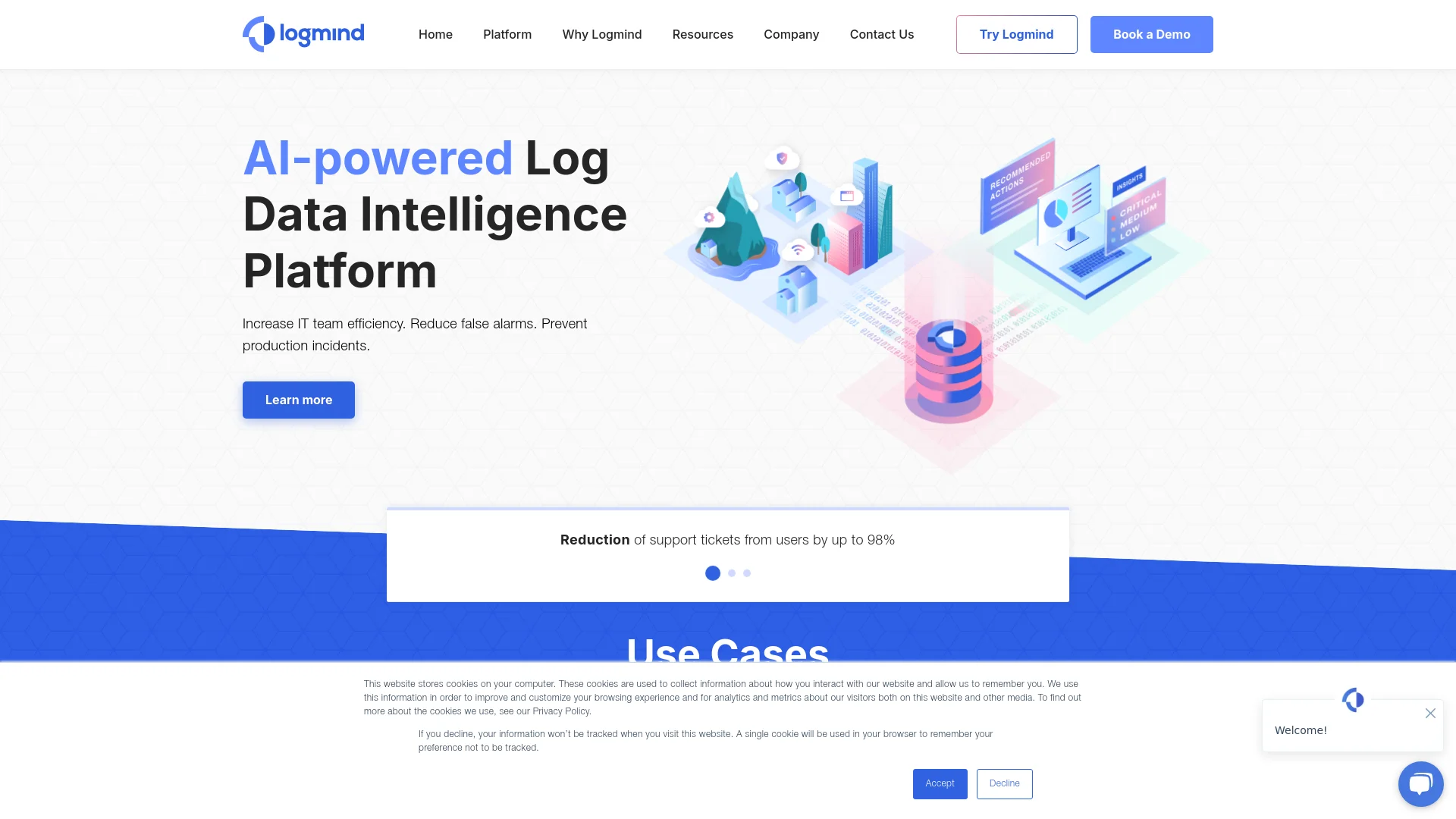
Logmind is a sophisticated AI-powered Log Data Intelligence Platform designed to optimize IT operations and bolster system reliability. It specializes in converting raw log data into actionable insights, helping IT teams preemptively address issues, reduce false alarms, and avert production incidents. With its advanced analytics and intuitive interface, Logmind is tailored to meet the needs of various IT professionals, from network administrators to security experts, ensuring that critical systems operate smoothly and efficiently.
Logmind distinguishes itself with its AI-driven approach to log data analysis, automating the process and ensuring precise, actionable insights. Its seamless integration with diverse IT environments and its intuitive design make it a preferred choice for IT professionals looking to enhance operational efficiency and system reliability.
Logmind excels in delivering actionable insights from log data, making it an indispensable tool for IT departments across various industries. Its advanced AI capabilities and user-friendly interface simplify the complex task of data analysis, providing a significant advantage in maintaining system integrity and efficiency. Whether for small businesses or large enterprises, Logmind offers a scalable solution to meet diverse data intelligence needs.
Who is Using Logmind?
Network Administrators
Use Logmind to detect early signs of network issues and resolve them swiftly.
IT Security Teams
Employ Logmind for a real-time overview of security and rapid response to potential threats.
System Engineers
Utilize the platform to maintain system efficiency and prevent downtime.
Data Analysts
Extract and analyze behavioral data from logs for improved decision-making.
Uncommon Use Cases
Educational institutions use Logmind in IT courses for teaching data analysis; small businesses manage limited IT resources effectively with it.
Key Features
Rating Breakdown
Pricing Plans
Free Trial
- Offers a comprehensive free trial to explore all features at no cost
Subscription Plans
- Various tailored subscription plans are available. For detailed pricing information
- Refer to the Logmind website
Which Logmind plan should you pick?
Start with the 30-day free trial to validate your log sources and use cases, then contact Logmind to select a paid tier based on maximum logs processed per second.
Logmind Use Cases
Infrastructure monitoring
Send on-premises or cloud infrastructure logs to identify complex errors, correlate issues, diagnose root causes, and receive remediation recommendations.
Outcome: Prevent infrastructure issues from escalating.
Network operations
Analyze network data to surface hidden issues, reduce irrelevant alerts, and display operational metrics in real-time dashboards.
Outcome: Detect and address network incidents earlier.
Application monitoring
Correlate application logs and alerts to find bugs and errors, investigate incidents, and receive solution suggestions.
Outcome: Keep applications running with fewer escalated errors.
Security observability
Ingest events, alerts, and threats from SIEM and other security applications for real-time insights and deeper investigation.
Outcome: Improve awareness of changing security conditions.
Incident investigation
Use natural-language or SQL queries, unified search, pattern grouping, and root-cause diagnostics across IT system data.
Outcome: Accelerate troubleshooting without reviewing individual logs.
Workflow Ideas with Logmind
Proactive infrastructure incident response
- 1Select infrastructure log sources and establish a secured connection
- 2Stream logs into Logmind for automatic anomaly detection and correlation
- 3Review root-cause diagnostics and recommended remediation actions
Application error investigation
- 1Send application logs and alerts to Logmind
- 2Search unified data using natural language or SQL
- 3Track investigation status and coordinate resolution with team members
Security alert triage
- 1Ingest SIEM events, alerts, and threats
- 2Receive prioritized alerts and automatic explanations
- 3Deep-dive into generated insights and act on recommended solutions
How Logmind fits into your stack
Multi-Platform Support
Compatible with various operating systems and IT environments.
API Access
Provides API integration for custom solutions and enhancements.
Third-Party Tools
Supports numerous third-party tools to extend functionality.
Cloud and On-Premises
Operates efficiently in both cloud-based and on-premises setups.
Pros
- +Increased IT Efficiency: Automates log data monitoring and analysis, reducing the workload on IT teams.
- +Reduced False Alarms: Differentiates between normal variations and genuine anomalies, minimizing unnecessary alerts.
- +Proactive Problem Resolution: Helps identify and address issues before they affect the production environment.
- +Versatile Log Compatibility: Supports various types of log data, making it adaptable to diverse IT infrastructures.
Cons
- −Complex Feature Set: May require time for new users to fully understand and utilize all features.
- −Initial Setup Requirements: Setup and configuration can be intensive, depending on existing IT infrastructure.
- −Dependency on Log Quality: The effectiveness of insights relies on the quality and completeness of the log data.
Limitations & when to consider alternatives
Known limitations
- Pricing is based on processed log volume. The pricing model uses the maximum number of logs processed per second as its unique tiering criterion.
- Initial integration requires Logmind onboarding. Customers select data sources and establish a secured connection while the Logmind team handles data preparation and integration.
- Input data must be human-readable. Logmind accepts text or JSON data, structured or unstructured, as long as a human can read it.
- The free offer is time-limited. The official site offers a 30-day free trial rather than documenting a permanent free plan.
Look elsewhere when
- You need a native mobile application.
- You need a documented developer API.
- You need uploaded documents or image analysis.
- You need customer-specific model fine-tuning.
How to Use Logmind
- 1
Explore a variety of tutorials on the Logmind website, offering guidance from basic setup to advanced features.
Who is Logmind For?
DevOps professionals
Logmind helps detect, correlate, investigate, and resolve issues across infrastructure, applications, networks, and security systems.
IT Operations professionals
The platform supports proactive monitoring, automated troubleshooting, incident investigation, and resolution tracking.
IT security teams
Security teams can gather insights from events, alerts, and threats detected by SIEM and other security applications.
Healthcare organizations
Logmind names healthcare organizations among its customer industries and positions the platform for reducing operational incidents.
Medium and large enterprises
The product is designed for medium to large enterprises seeking unified observability and proactive IT operations.
Frequently Asked Questions
Who are Logmind's typical customers?
Medium to large enterprises, especially DevOps and IT Operations professionals managing applications, servers, platforms, and containers.
How does Logmind use artificial intelligence?
Machine learning detects anomalies, correlates logs and alerts, maps dependencies, and filters noise. Generative AI adds contextual incident understanding, root-cause inference, remediation suggestions, and natural-language queries.
What is Logmind's pricing model?
Pricing tiers are based on the maximum number of logs processed per second. There are no extra fees for additional users or new data-source integrations, and support is included.
What data formats does Logmind support?
Logmind accepts events, logs, and other data in text or JSON format, structured or unstructured, provided the content is human-readable.
Which integrations and alert channels are supported?
Logmind supports ServiceNow integration and can communicate alerts through email, Slack, PagerDuty, and ServiceNow.
How quickly can Logmind provide insights?
Logmind can identify problems and provide meaningful insights from the moment connected log sources begin sending data.
Community reviews
Be the first to share your experience.
Sign in to leave a review for Logmind.
Logmind Alternatives
Looking for alternatives to Logmind? Here are similar tools in the same category:
Learn to Master Logmind
With Skill Leap courses
Get in-depth training on Logmind and 50+ other AI tools with our expert-led video courses.
Start 7-Day Free Trial