
Logopony
AI-driven, intuitive logo creation with full brand kit options.
Key Takeaways
- What it is
- AI-driven, intuitive logo creation with full brand kit options.
- Best for
- AI-Powered Design
- Easy Customization
- High-Resolution Outputs
- Rating
- 4.4/5
What is Logopony?
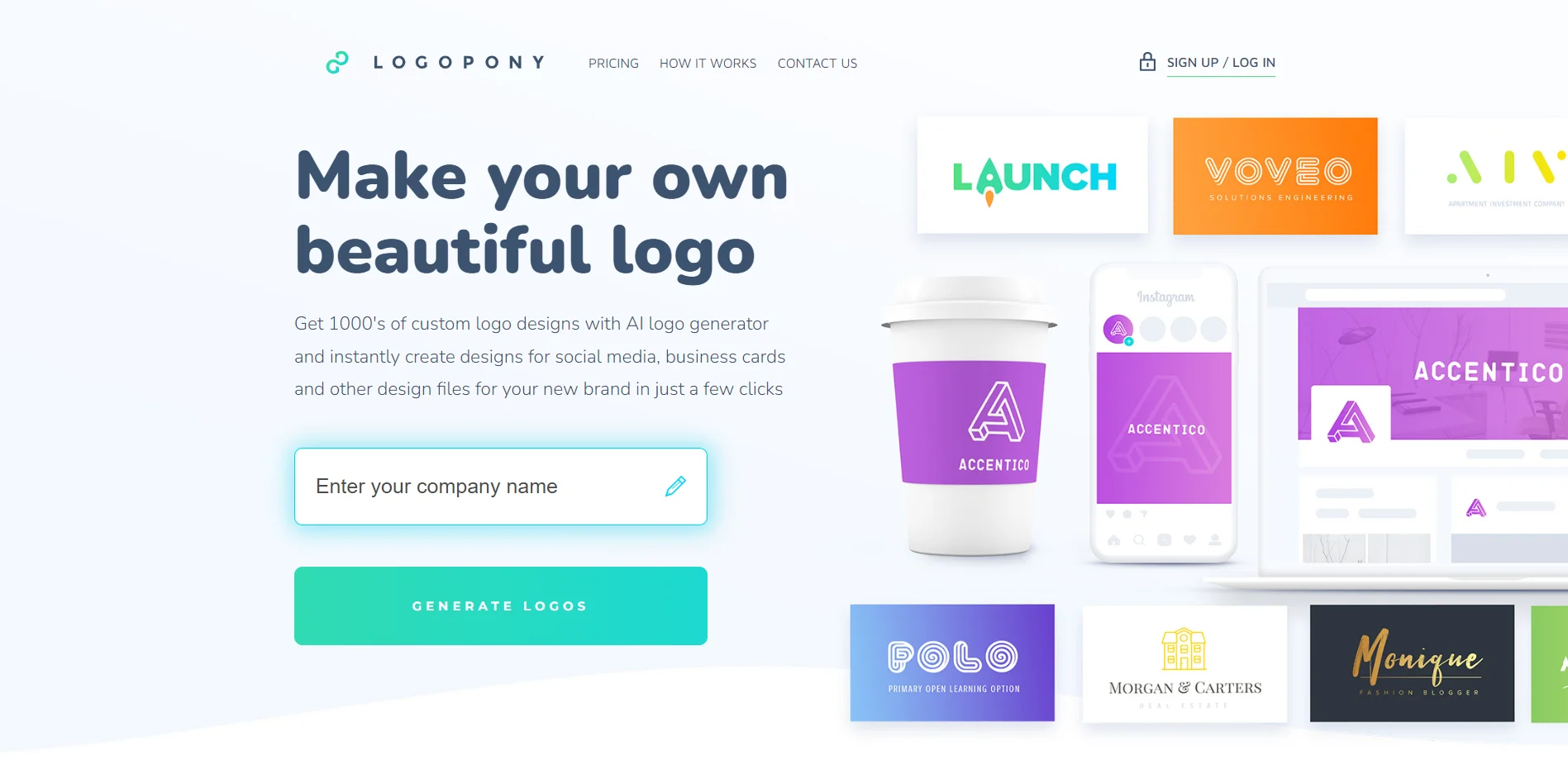
When it comes to crafting the perfect logo for your brand, the process can be daunting. This is where Logopony enters the scene, a tool that embodies innovation in logo creation. It is an online logo maker that harnesses artificial intelligence to provide users with a seamless and intuitive design experience. Designed for entrepreneurs, small business owners, and startups, Logopony simplifies the task of logo design, making it accessible to anyone regardless of design skills.
Logopony stands out with its AI-driven design engine, which is a game-changer for those who require a quick and efficient logo creation process. Its ability to provide a complete brand kit makes it unique, offering a one-stop solution for branding needs.
Logopony excels in providing an accessible and efficient logo design experience, making it an essential tool for individuals and businesses seeking a quick branding solution. Its AI-powered design engine, coupled with the ability to produce a full brand kit, offers an unmatched advantage for those looking to establish a visual identity without the need for professional design skills or a significant investment.
Who is Using Logopony?
Entrepreneurs
Streamlining the process of creating a logo for their new ventures.
Small Businesses
Looking for a quick and affordable branding solution.
Freelancers
Providing logo design services to clients without extensive design experience.
Non-Profits
Creating logos for campaigns and events on a tight budget.
Uncommon Use Cases
Used by bloggers to design logos for their personal websites; Implemented by hobbyist game developers for indie game branding.
Key Features
Rating Breakdown
Pricing Plans
Single Logo Purchase
- Users can buy a single logo design with high-resolution files
Subscription Model
- Access to multiple designs and full brand kits with a monthly subscription
Which Logopony plan should you pick?
Start with Basic for one inexpensive logo; upgrade to Premium for high-resolution vectors and complete branding assets, or choose Business for ten logos.
Basic
Good for users who need one simple low-resolution logo with lifetime access.
Premium
Good for users who need high-resolution logo files, vectors, social-media assets, business cards, favicons, and unlimited edits.
Business
Good for businesses that need to create and download ten logos with separate dashboards and edit/download links.
Logopony Use Cases
Create a company logo
Enter a company name and optional slogan, generate logo ideas, choose a design, and customize it.
Outcome: A customized logo with downloadable branding files.
Prepare social-media branding
Use the generated logo package to create appropriately sized social-media assets.
Outcome: Logo files prepared for social platforms.
Create business cards
Use the branding package's business-card designs and printable logo assets.
Outcome: Ready-to-print business-card designs.
Prepare print-ready brand assets
Download EPS, PDF, and SVG files for printing and later editing.
Outcome: Scalable files suitable for print and further design work.
Offer branded logo generation
Businesses can use the white-label solution to offer logo generation under their own brand.
Outcome: A branded logo-generation experience for customers.
Workflow Ideas with Logopony
Generate and refine a logo
- 1Enter the company name and optional slogan
- 2Generate logo ideas
- 3Choose a favorite and customize details in the editor
Create a complete branding package
- 1Select and purchase a logo
- 2Download logo variations and brand assets
- 3Use the files for websites, social media, business cards, and print
Deliver white-label logo creation
- 1Contact Logopony about the white-label solution
- 2Offer the generator under your own brand
- 3Provide customers with editable EPS and SVG files
How Logopony fits into your stack
Web-Based Platform
Logopony is accessible from any web browser, ensuring compatibility across different operating systems.
Cloud Storage
Designs are saved in the cloud, allowing for easy access and management.
File Format Support
The tool offers logos in various file formats, including SVG and PNG, for different use cases.
Multilingual Support
Logopony caters to a global audience with support for multiple languages.
Pros
- +User-Friendly: The platform is extremely intuitive, making logo design an easy task for non-designers.
- +Time-Saving: With quick generation and customization, users can create a logo in minutes.
- +Affordability: Logopony is a cost-effective solution compared to hiring a professional designer.
- +Versatility: The tool provides a wide range of design options to fit various branding styles.
Cons
- −Creativity Limitations: AI-generated designs may not be as unique or creative as those from a human designer.
- −Feature Depth: While user-friendly, the tool may lack advanced features that professional designers seek.
- −Internet Dependency: Being an online tool, it requires a stable internet connection to function.
Limitations & when to consider alternatives
Known limitations
- Free designs cannot be used outside the site. Unpaid designs and concepts may be viewed during the design process but cannot be used or copied until the final design is purchased.
- Paid designs have revision conditions. Paid logos receive a 24-hour grace period for regeneration, followed by three free revisions that must be activated through customer support.
- Logopony may not retain revision copies. The terms state that Logopony does not keep copies of revisions and that the logo can only be downloaded as it appears on the site.
- Third-party design resources require due diligence. Users are responsible for checking rights and licensing conditions for symbols, fonts, and other third-party design resources.
- The API is closed beta. The logo generator API is currently described as being in a closed beta and requires contacting Logopony for information.
Look elsewhere when
- You need a native mobile application.
- You need a downloadable desktop application.
- You need an integration-rich automation platform.
- You need file analysis, image understanding, or code generation.
How to Use Logopony
- 1
Logopony provides a straightforward platform, and for additional guidance, users can find tutorials on the website that cover the basics of logo creation and customization.
Who is Logopony For?
Small business owners
The site positions Logopony as a faster and less expensive way to create branding and logos.
Freelancers
Freelancers are named as a target audience for quick, affordable logo and branding creation.
Individuals
Individuals can generate and customize branding assets without requiring design expertise.
Business clients
The white-label offering is designed for businesses that want to provide logo generation under their own brand.
Frequently Asked Questions
Do you have any monthly plans or additional fees?
No. Logopony says purchases are one-time payments that include lifetime access for unlimited edits and re-downloads.
What package do I get after the purchase?
Customers receive standard logo files for web, apps, email signatures, letterheads, printing, commercial licensing, colors, and font names.
Do you use templates?
Logopony says it does not use logo templates. It uses machine learning with fonts, colors, layouts, and design elements, plus an editor for detailed adjustments.
Do I own my logo copyrights?
Logopony states that customers receive all copyrights for their logo after purchase.
Community reviews
1 review from people who use Logopony.
Sign in to leave a review for Logopony.
Thibault BM
Logopony Alternatives
Looking for alternatives to Logopony? Here are similar tools in the same category:
Learn to Master Logopony
With Skill Leap courses
Get in-depth training on Logopony and 50+ other AI tools with our expert-led video courses.
Start 7-Day Free Trial