
Loom
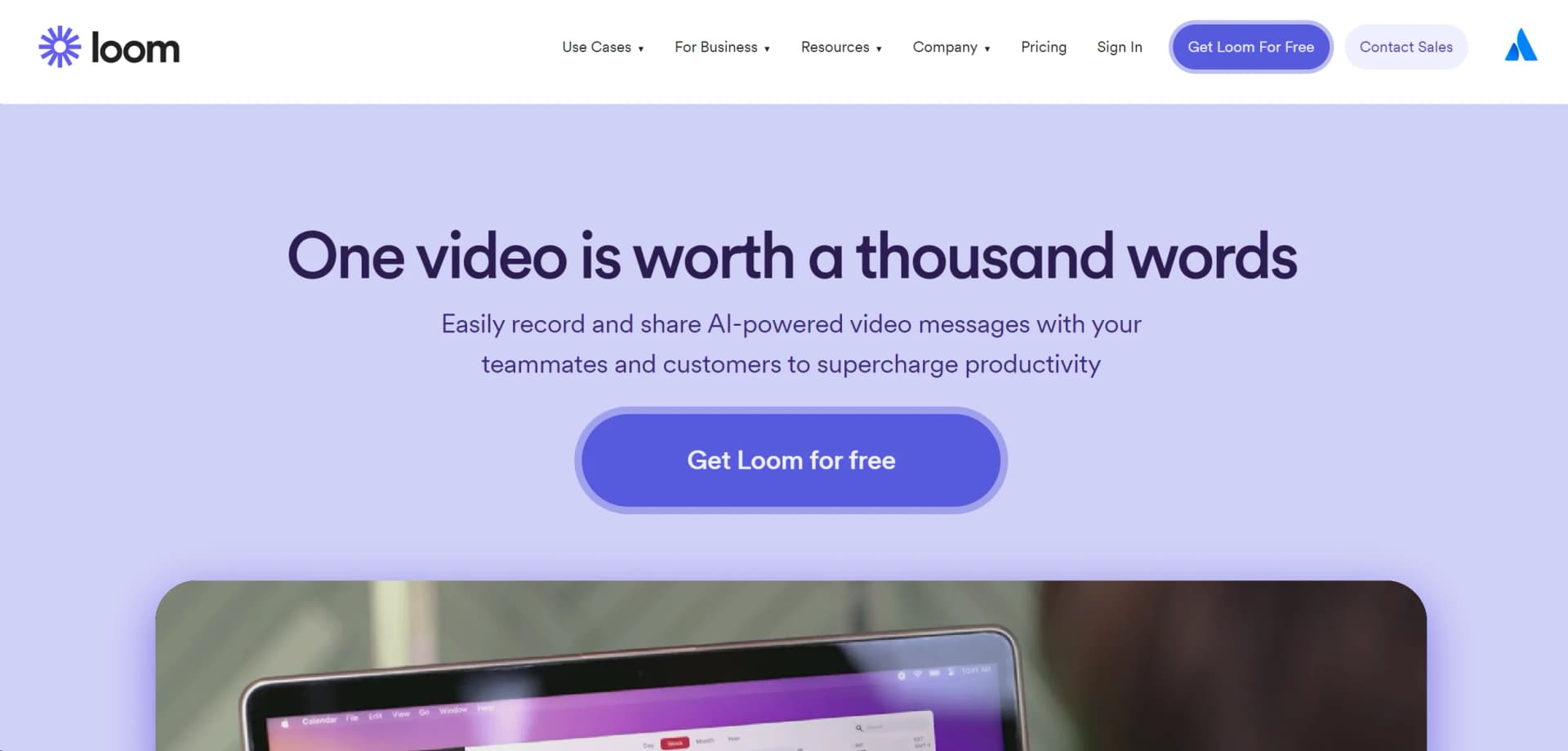
Enhance communication with video messaging, editing, and AI integration.
Watch Loom in Action
Key Takeaways
- What it is
- Enhance communication with video messaging, editing, and AI integration.
- Pricing
- Freemium · $12.50 per month
- Best for
- Screen and Camera Recording
- AI-Powered Workflows
- Advanced Editing Tools
- Rating
- 4.7/5
What is Loom?
In today's fast-paced world, communication and efficiency are paramount, especially in professional settings. Enter Loom, a dynamic tool that revolutionizes the way we share information and collaborate. Loom is primarily a video messaging service that allows users to easily record and share videos, enhancing productivity across various sectors. Its intuitive design and powerful features cater to a wide range of users, from corporate teams to individual professionals, making it an indispensable tool for modern communication.
Loom stands out with its blend of video communication and AI-driven features, making it more than just a screen recorder. Its ability to instantly transcribe and convert video content into text is particularly revolutionary, setting it apart in the market.
Loom excels in providing a streamlined, efficient communication platform, making it an essential tool for a wide array of users. Its unique feature of integrating video with AI-powered text transformation offers an unmatched advantage in enhancing productivity and collaboration. Whether you're a part of a large enterprise or a solo professional, Loom adapts to your needs, making it a top recommendation for anyone looking to improve their communication strategies.
Who is Using Loom?
Sales Professionals
Utilize video pitches to personalize outreach and close deals more effectively.
Engineers
Share visual context for code and project updates, accelerating development cycles.
Customer Support Teams
Resolve issues swiftly by demonstrating solutions through video.
Designers
Exchange ideas and feedback visually to enhance creative processes.
Uncommon Use Cases
Teachers use Loom to provide personalized feedback on student assignments; health professionals use it for patient education and updates.
Loom is incredibly versatile, attracting a diverse user base
Key Features
Rating Breakdown
Pricing Plans
Free Tier
Free
- Start with Loom for free
- Ideal for individuals or small teams
Pro Tier
$12.50 per month
- Offering advanced features for professional use
Which Loom plan should you pick?
Start with Starter for free recording and basic collaboration; upgrade to Business for unlimited recording and uploads, or Enterprise for SSO, SCIM, and advanced administration.
Starter
Good for individuals and small teams who need free screen recording, sharing, screenshots, comments, and basic workspace collaboration.
Business
Good for teams who need unlimited videos, longer recordings, editing, uploads, analytics, branding, and expanded integrations.
Enterprise
Good for organizations that need SSO, SCIM, advanced privacy controls, enterprise administration, and Salesforce integration.
Loom Use Cases
Bug reporting
Record a software problem and use Loom AI to capture technical details and create a Jira work item.
Outcome: A structured bug report with reproduction steps and a linked video.
Onboarding
Create async video explanations, introductions, and process walkthroughs for new team members.
Outcome: New hires receive repeatable visual guidance without scheduling meetings.
Sales outreach
Send personalized video messages and product walkthroughs to prospects or customers.
Outcome: More contextual communication and measurable viewer engagement.
Meeting documentation
Record meetings and convert recordings into notes or structured documentation.
Outcome: Shareable meeting knowledge and reduced manual note-taking.
Design and product reviews
Explain designs, product changes, feedback, and project updates with screen-and-camera recordings.
Outcome: Faster async review and clearer visual context.
Workflow Ideas with Loom
Turn a walkthrough into an SOP
- 1Record the process with Loom
- 2Choose the SOP or step-by-step AI workflow template
- 3Edit and share the generated document with the team
Convert a bug recording into a Jira ticket
- 1Record the bug and reproduction steps
- 2Open Loom AI workflows and generate a work-item report
- 3Review the fields and create the Jira work item
Create an agent action plan
- 1Record a video prompt in the Loom Chrome extension
- 2Describe the intended actions while navigating the interface
- 3Review the generated action plan and create Jira work items or copy it to an agent
How Loom fits into your stack
Google Workspace
Seamlessly integrates with Google applications.
Slack
Embed and share videos directly within Slack channels.
Microsoft Teams
Enhance team collaboration by sharing videos in Teams.
API Access
Allows for custom integrations, catering to specific business needs.
Pros
- +Enhanced Productivity: Simplifies communication, reducing the need for lengthy emails or meetings.
- +Ease of Use: User-friendly interface allows for recording and sharing with just a few clicks.
- +Versatility: Suitable for a variety of professional contexts, from sales pitches to technical support.
- +Accessibility: Provides features like transcriptions and closed captions in multiple languages, ensuring inclusivity.
Cons
- −Dependency on Internet Connection: Requires a stable internet connection for uploading and streaming videos.
- −Limited Offline Functionality: Most features are not accessible without internet access.
Limitations & when to consider alternatives
Known limitations
- Starter recording limits. The Starter plan limits each member to 25 videos and five minutes per recording.
- Desktop platform support. The Loom desktop app is available for Mac and Windows, but not Linux or ChromeOS.
- Chrome extension browser support. The Loom Chrome extension is not compatible with Firefox or Safari.
- Mobile AI workflow limitation. Loom AI workflows are not currently supported in Loom’s mobile apps.
- Video upload limits. Uploads are limited to 4GB or 12 hours, whichever is less, with up to 10 uploads at a time.
Look elsewhere when
- You need an open developer API.
- You need a native Linux desktop application.
- You need Firefox or Safari recording through Loom’s browser extension.
- You need AI workflows directly in a mobile app.
How to Use Loom
- 1
Loom offers a comprehensive range of tutorials on its website and YouTube, covering everything from basic setup to advanced features.
Who is Loom For?
Teams
Shared workspaces, libraries, comments, reactions, permissions, and integrations support team communication.
Individuals
The free Starter plan provides personal recording, sharing, screenshots, and a personal library.
Product and engineering teams
Screen recordings, bug reports, technical metadata, Jira workflows, and code-documentation templates support product work.
Sales and customer-facing teams
Personalized video outreach, product walkthroughs, presentations, and engagement insights support customer communication.
Education users
Loom offers a dedicated Education plan and recording tools for presentations, instruction, and feedback.
Frequently Asked Questions
What is Loom?
Loom is a video messaging tool for recording and sharing camera, microphone, and desktop-screen videos.
Does Loom have an open API?
No. Loom does not offer an open API, although it provides Loom SDK for embedding core recording workflows.
Which recording platforms does Loom support?
Loom supports a Chrome extension, Mac and Windows desktop apps, and iOS and Android mobile apps.
Can Loom upload existing videos?
Business, Business + AI, and Enterprise users can upload videos recorded elsewhere or previously downloaded from Loom.
Can Loom create Jira work items from videos?
Loom AI can generate a report with a description, reproduction steps, and video link for Jira work items.
Does Loom support SSO?
Enterprise supports SSO through SAML, along with SCIM provisioning and advanced administration.
Community reviews
Be the first to share your experience.
Sign in to leave a review for Loom.
Loom Alternatives
Looking for alternatives to Loom? Here are similar tools in the same category:
Learn to Master Loom
With Skill Leap courses
Get in-depth training on Loom and 50+ other AI tools with our expert-led video courses.
Start 7-Day Free Trial