Lumiere 3D
Turn scanned products into cinematic 3D marketing videos for online stores.
Key Takeaways
- What it is
- Turn scanned products into cinematic 3D marketing videos for online stores.
- Pricing
- Freemium · $29 one-time
- Best for
- Smart 3D Scanner
- AI Camera Operator
- 3D Environment Studio
- Rating
- 3.7/5
What is Lumiere 3D?
Lumiere 3D helps e-commerce brands turn physical products into cinematic 3D marketing videos. Its Smart Scanner creates a 3D model from a product scan, then a browser-based editor places that model in a scene with camera movement and visual effects. The workflow targets short-form content for Reels, Shorts, TikTok, product pages, and campaigns.
The clearest differentiator is its scan-to-video workflow: a photographed physical product becomes a 3D model that can be placed into a staged scene and animated with an AI camera operator.
Lumiere 3D fits marketers, product brands, and creators who need polished product visuals without traditional 3D production software. It is less suitable for teams seeking a documented API, deep integrations, or a full 3D modeling suite, so its strongest role is fast product presentation rather than broad production work.
Who is Using Lumiere 3D?
Brand marketing managers
Product-focused campaigns gain animated visuals for launches, ads, and social posts.
E-commerce managers
3D product clips give shoppers more visual detail than a single product photo.
Social media creators
Short-form content gets camera movement, staged scenes, and product-centered animation.
Advertising creatives
Campaign concepts can feature cosmetics, shoes, accessories, electronics, and other products.
Uncommon Use Cases
Show product details for online catalog pages; create visual concepts for new products before a full commercial shoot.
Key Features
Rating Breakdown
Pricing Plans
Demo
Free
- Free tier for trying the Lumiere 3D workflow
- Limited access compared with Early Access
Early Access
$29 one-time
- Available until the release version
- Provides expanded access to the product during early access
Which Lumiere 3D plan should you pick?
Start with Demo to test the workflow, then choose Early Access if you need the expanded product experience before the release version.
Demo
Good for people who want to preview Lumiere 3D before paying.
Early Access
Good for marketers and creators who want expanded access through the one-time early-access offer.
Lumiere 3D Use Cases
Social product clips
Short-form campaigns feature a product with animated camera moves and staged visual effects.
Outcome: Cinematic clips for Reels, Shorts, and TikTok.
E-commerce product presentation
A 3D version of the item gives shoppers more angles and visual detail than static photos.
Outcome: More engaging product marketing content.
Cosmetics and accessories
Detailed products can be placed in scenes that emphasize shape, materials, and finish.
Outcome: Product-focused promotional videos.
Footwear showcases
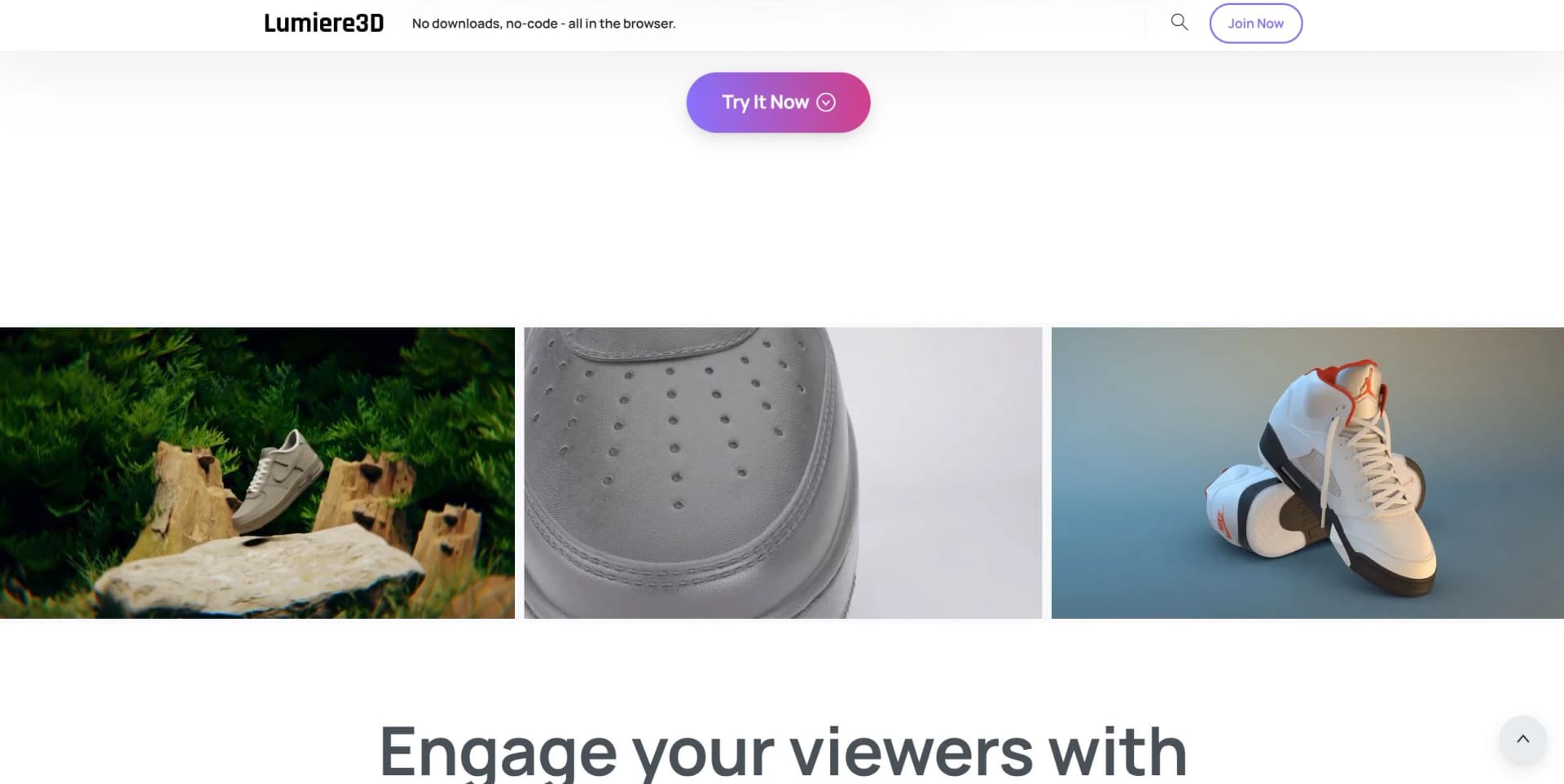
Shoes can be presented through rotating views and cinematic motion instead of a flat product image.
Outcome: Short promotional videos for product campaigns.
Electronics marketing
A staged 3D scene can highlight the design and physical form of consumer electronics.
Outcome: More visually detailed product promotion.
Workflow Ideas with Lumiere 3D
Product scan to social video
- 1Scan the physical product with the Smart Scanner.
- 2Generate the product's 3D model.
- 3Choose a scene and AI camera sequence, then export the video for social media.
E-commerce launch asset
- 1Create a 3D model from product images or a scan.
- 2Place the model in a suitable 3D environment.
- 3Render a product clip for a store page or launch campaign.
How Lumiere 3D fits into your stack
Product photography
Lumiere 3D can extend product scans or still images into animated marketing assets when a standard photo set is not enough.
Social content
The browser editor fits after product preparation and before publishing short-form clips to channels such as Reels, Shorts, and TikTok.
E-commerce marketing
Rendered product videos can support store pages, launch campaigns, and promotional creative.
Creative production
The tool sits between product capture and final video distribution, with scenes and camera movement handled inside its editor.
Pros
- +Scan-to-video workflow: Moves from a physical product to an animated 3D presentation.
- +No-code creation: Makes 3D product videos accessible to marketers without 3D software experience.
- +Browser-based editing: Keeps the main creation workflow online instead of requiring a desktop installation.
- +Low entry cost: Early Access is listed as a one-time $29 purchase.
Cons
- −Narrow focus: The product is centered on cinematic product videos rather than general 3D design.
- −Limited ecosystem: No confirmed API, integrations, native desktop app, or team workspace were found.
- −Early-access model: The $29 offer is described as available until the release version.
Limitations & when to consider alternatives
Known limitations
- No confirmed developer API. No official API documentation or developer endpoints were confirmed.
- No confirmed team workspace. Shared workspaces, role controls, and user invites were not confirmed.
- Early Access pricing. The $29 Early Access offer is described as applying until the release version.
Look elsewhere when
- You need an API or automation connection to another system.
- Your team needs shared projects, permissions, or single sign-on.
- You need full 3D modeling and asset-production controls beyond product video creation.
How to Use Lumiere 3D
- 1
Prepare the product
Scan the item or provide suitable product imagery so Lumiere 3D can build its model.
- 2
Generate the 3D model
Let the Smart Scanner turn the physical item into a digital object for the video.
- 3
Pick a scene
Choose a 3D environment that matches the product's visual style and campaign goal.
- 4
Select camera motion
Choose an AI operator sequence to add movement and product-focused angles.
- 5
Edit and render
Adjust the presentation in the browser editor, then create the finished video.
- 6
Export for promotion
Download the result for social media, e-commerce, or other marketing placements.
Who is Lumiere 3D For?
E-commerce brands
Product teams can show an item from multiple angles without arranging a traditional video shoot.
Marketing teams
Campaign creators can produce cinematic product clips for social channels and online stores.
Small businesses
Owners can create 3D promotional visuals without hiring a dedicated 3D artist.
Creative agencies
Agencies can add animated product presentations to brand and advertising work.
Frequently Asked Questions
Does Lumiere 3D have a free option?
Yes. The Demo tier is listed as free and provides limited access to the 3D video workflow.
How much does Lumiere 3D cost?
Early Access is listed at $29 as a one-time purchase until the release version.
Does Lumiere 3D require coding?
No. Its main workflow is browser-based and intended for no-code video creation.
What can Lumiere 3D create videos for?
The tool is positioned for product categories including cosmetics, accessories, shoes, electronics, and other physical goods.
Can Lumiere 3D create a 3D model from a product?
Yes. Its Smart Scanner is intended to turn product scans or images into 3D models for animated scenes.
Community reviews
1 review from people who use Lumiere 3D.
Sign in to leave a review for Lumiere 3D.
Thibault BM
Lumiere 3D Alternatives
Looking for alternatives to Lumiere 3D? Here are similar tools in the same category: