
Lutra AI
Automate complex workflows seamlessly with AI-driven efficiency.
Key Takeaways
- What it is
- Automate complex workflows seamlessly with AI-driven efficiency.
- Pricing
- Freemium
- Best for
- Effortless Automation with Natural Language
- AI-Driven Data Extraction and Enrichment
- Pre-Integrated for Quick Deployment
- Rating
- 4.7/5
What is Lutra AI?
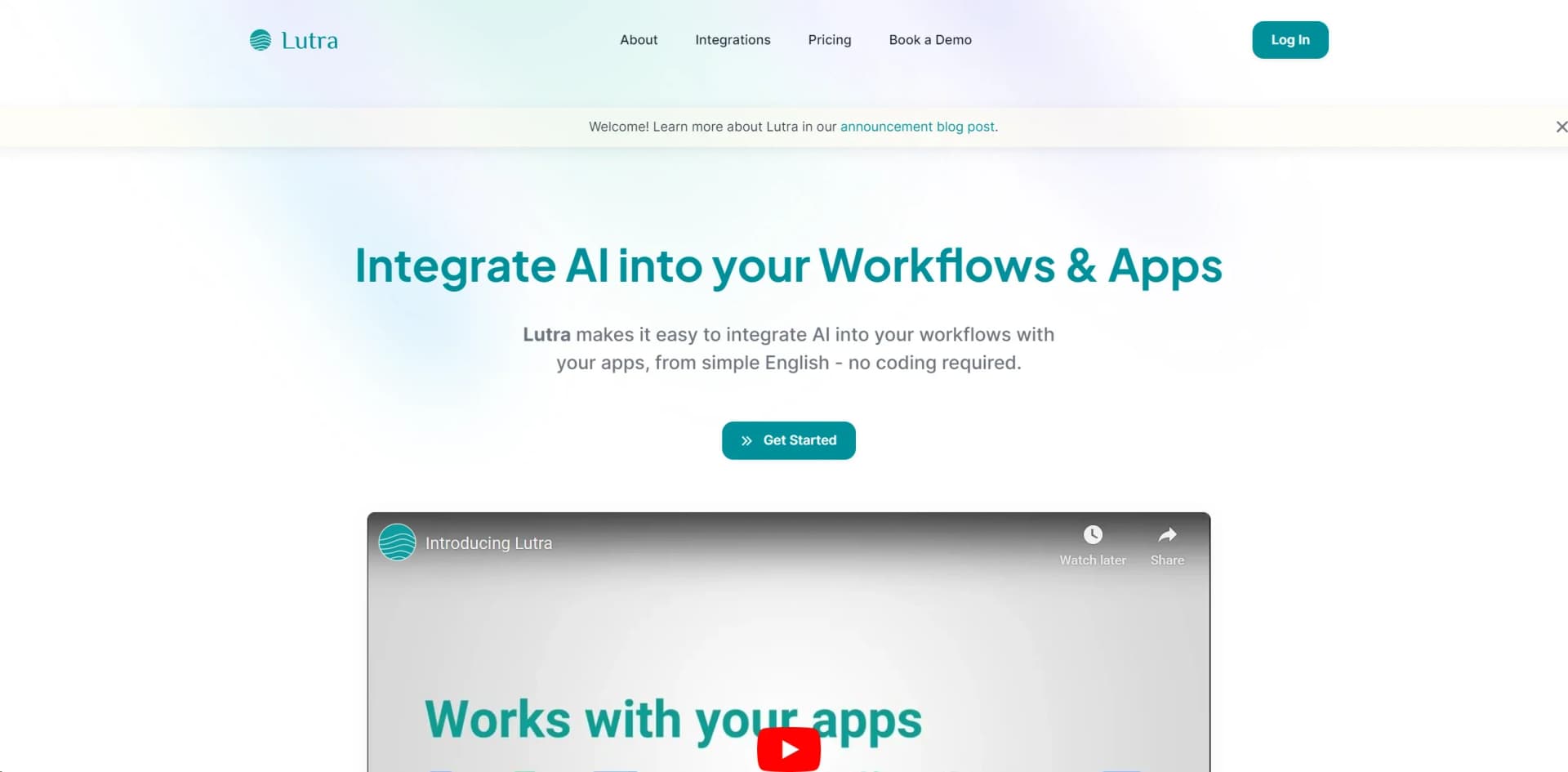
Lutra AI is a cutting-edge AI tool designed to revolutionize knowledge work through the use of intelligent agents. Lutra AI’s core purpose is to automate complex workflows, manage data, and perform research with utmost efficiency. This tool is engineered for professionals and businesses aiming to streamline their operations, save time, and reduce costs by leveraging AI-driven capabilities.
Lutra AI stands out with its natural language automation feature, a game-changer for users seeking to automate workflows without coding skills. Its ability to seamlessly integrate with popular tools and provide AI-driven data extraction sets it apart from other automation tools in the market.
Lutra AI excels in providing efficient and scalable automation solutions, making it an essential tool for professionals and businesses seeking to enhance productivity. Its natural language interface and robust integration capabilities offer unmatched ease of use and versatility.
Who is Using Lutra AI?
E-commerce Businesses
Utilizing Lutra AI for automated product data management and enrichment.
Digital Marketing Agencies
Employing the tool for campaign content creation and data-driven marketing strategies.
Research Institutions
Leveraging Lutra AI for academic research, data extraction, and synthesis.
Financial Analysts
Using the tool to automate financial data analysis and reporting.
Uncommon Use Cases
Educational institutions adopting Lutra AI for teaching data management courses; freelance writers using the tool for automating content research.
Key Features
Rating Breakdown
Pricing Plans
Free Tier
Free
- Experience Lutra AI with a 14-day free trial
Which Lutra AI plan should you pick?
Start with Free to test core automation, move to Essentials for regular individual use, choose Professional for higher usage and priority support, and contact Lutra for Enterprise requirements.
Free
Good for individuals who need standard agent access and 100 credits per month.
Essentials
Good for individuals who need higher usage limits with 2,000 credits per month.
Professional
Good for individuals who need unlimited agent access, 6,000 credits per month, and priority support.
Enterprise
Good for organizations that need customized workflows, advanced security, dedicated support, and custom credit allocations.
Lutra AI Use Cases
Contact enrichment
Pull contact and company information into connected CRM or spreadsheet workflows.
Outcome: Keep customer and prospect data current.
PDF extraction
Extract structured information from PDF files and place it into spreadsheets or other destinations.
Outcome: Turn unstructured documents into usable data.
Email automation
Search, summarize, categorize, draft, and respond to messages across connected email accounts.
Outcome: Reduce repetitive email-management work.
Web research
Run large-scale research queries, synthesize results, and save findings to databases or spreadsheets.
Outcome: Create research-backed lead and market databases.
Reporting
Collect information from connected systems, analyze it, and create reports or visualizations.
Outcome: Convert operational data into insights.
Workflow Ideas with Lutra AI
Weekly email summary
- 1Connect Gmail or Outlook
- 2Ask Lutra to categorize and summarize important emails
- 3Create a Playbook scheduled to run every week
HubSpot contact enrichment
- 1Connect HubSpot and Google Sheets
- 2Retrieve selected contacts and research company information
- 3Write the enriched results to a spreadsheet and update CRM records
PDF-to-spreadsheet extraction
- 1Upload PDFs or connect a Google Drive folder
- 2Ask Lutra to extract specified fields
- 3Save the structured results to Google Sheets or Airtable
How Lutra AI fits into your stack
Browser
Lutra is used through its web chat interface, where users describe tasks and refine results conversationally.
Automation and APIs
Playbooks save, schedule, and repeat workflows. External systems can trigger Playbooks through webhooks, while custom integrations support MCP, REST, OpenAPI, and Python functions.
Docs and writing
Lutra works with Google Docs and Sheets, drafts documents, extracts structured information, and writes results into spreadsheets or other connected tools.
Knowledge and files
Users can upload or connect PDFs, CSVs, Excel files, Airtable files, and Google Drive documents for extraction, analysis, enrichment, and transformation.
Team chat and tickets
Lutra connects with Slack for sending messages, retrieving conversation history, uploading files, and automating team workflows.
Pros
- +Ease of Use: Creating and modifying workflows is intuitive and straightforward, thanks to the natural language interface.
- +Time Efficiency: Automates tasks that would otherwise take hours, significantly reducing the time required for data management and research.
- +Versatile Integration: Pre-integrated with numerous popular tools, making it highly versatile and adaptable to various workflows.
- +Scalability: Suitable for both small teams and large enterprises, offering scalable solutions that grow with your needs.
Cons
- −Initial Learning Curve: Some users may find it challenging to understand the full potential of the tool initially.
- −Limited Custom Integrations: While Lutra AI supports many popular tools, custom integrations may require additional development.
Limitations & when to consider alternatives
Known limitations
- Usage is credit-based. AI processing, web searches, document analysis, and data extraction consume credits; costs can vary with task complexity and document size.
- File support is specified for selected formats. The help center specifically documents Airtable files, Google Drive files, Google Docs and Sheets, CSV, Excel, and PDF uploads.
- Custom integrations require setup. Custom integrations are Python files, and Lutra may generate the integration code, but users must configure the integration and its authentication.
- Enterprise pricing is custom. Enterprise customers are directed to contact Lutra for customized workflows, security, support, and credit allocations.
- Public API access is not self-service. The capabilities page directs developers to contact Lutra for API access rather than publishing a standard developer API portal.
Look elsewhere when
- You need a native mobile app.
- You need a documented developer API.
- You need fine-tuning or custom model training.
- You need image understanding.
How to Use Lutra AI
- 1
Create an account
Start on the Free plan to access Lutra's standard agent and test automation tasks.
- 2
Connect your tools
Link services such as Gmail, Google Workspace, Slack, HubSpot, Airtable, or other supported integrations so Lutra can act on your data.
- 3
Describe the task
Give Lutra a natural-language instruction and provide the required context, files, or connected data.
- 4
Review and refine
Check the result, give feedback when needed, and ask Lutra to adjust the approach or output.
- 5
Save the workflow as a Playbook
Turn a successful multi-step task into a reusable Playbook for recurring execution.
- 6
Schedule or trigger the Playbook
Run the Playbook on a schedule or expose its webhook so an external application can trigger it automatically.
Who is Lutra AI For?
Sales
Use Lutra for contact enrichment, CRM updates, account research, and personalized outreach.
Finance
Use Lutra to automate reporting, data extraction, and accounting-related workflows.
Marketing
Use Lutra for research, email campaigns, content workflows, and customer-data enrichment.
Operations
Use Lutra to automate repetitive cross-application processes and recurring operational tasks.
Frequently Asked Questions
What is Lutra AI and what can it do?
Lutra is an AI assistant for data enrichment, research, email management, and workflow automation across multiple platforms.
How does Lutra differ from other AI assistants?
Lutra executes code to complete tasks and connects directly with external tools through integrations.
How does Lutra's credit system work?
AI-intensive and data-driven actions consume monthly credits. Plans include different credit allowances, and additional credits or upgrades are available.
Which tools and platforms does Lutra integrate with?
Lutra supports Google Workspace, Microsoft Outlook and OneDrive, Slack, GitHub, HubSpot, Airtable, LinkedIn, and custom integrations.
What are Playbooks?
Playbooks are reusable workflows that can be saved, scheduled, and shared for recurring tasks.
How does Lutra handle data and privacy?
Lutra says data is accessed when needed for requested tasks and connections use secure authentication protocols.
Community reviews
1 review from people who use Lutra AI.
Sign in to leave a review for Lutra AI.
John Tan
Lutra AI Alternatives
Looking for alternatives to Lutra AI? Here are similar tools in the same category:
Learn to Master Lutra AI
With Skill Leap courses
Get in-depth training on Lutra AI and 50+ other AI tools with our expert-led video courses.
Start 7-Day Free Trial