
Luzia
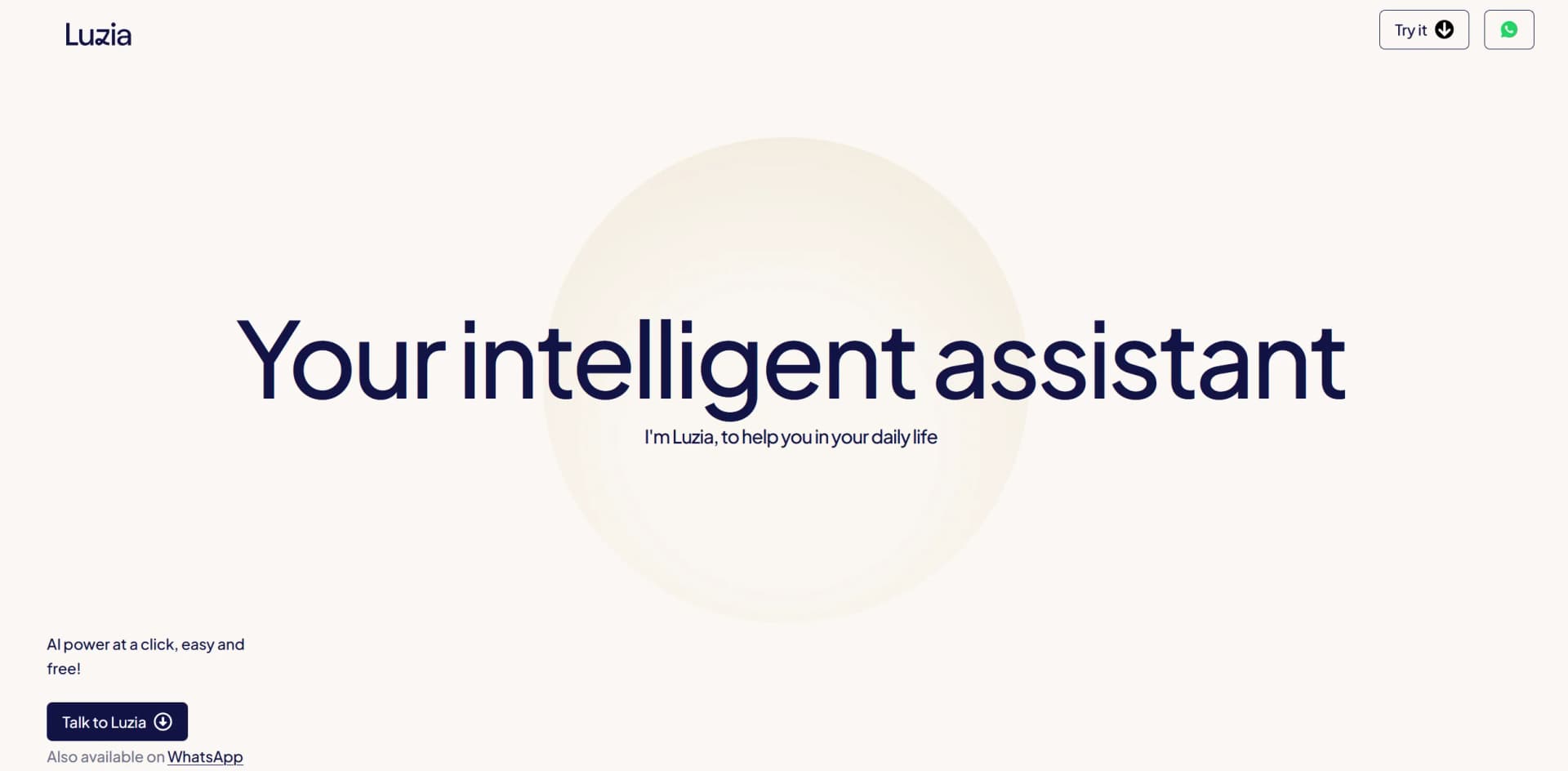
Unlock daily tasks, creative ideas, and instant answers with Luzia.
Key Takeaways
- What it is
- Unlock daily tasks, creative ideas, and instant answers with Luzia.
- Best for
- Versatile Communication
- Creative Content Generation
- Practical Solutions Provider
- Rating
- 4.6/5
What is Luzia?
Luzia is an incredibly versatile artificial intelligence tool designed to act as your personal assistant, facilitating a broad array of daily tasks and queries with ease and efficiency. Whether it's engaging in casual conversation, solving trivia, transcribing audio, or generating creative ideas, Luzia offers a user-friendly platform that's accessible with just a click. Available for free and also through WhatsApp, Luzia is tailored to enhance your everyday life by providing instant assistance and creative solutions on demand.
Luzia stands out for its exceptional versatility and user-friendly design, making advanced AI assistance accessible and practical for everyday use. Its ability to seamlessly integrate into daily life through platforms like WhatsApp enhances its usability, setting it apart from more conventional AI tools.
Luzia excels in providing versatile, accessible AI-powered assistance, making it an indispensable tool for a wide range of users. Its standout feature of being available directly through WhatsApp offers unparalleled convenience, ensuring that help is just a message away. Whether for daily queries, educational support, or creative brainstorming, Luzia enhances everyday life with its intelligent, user-friendly interface.
Who is Using Luzia?
Students
Utilizing Luzia for educational support and learning enhancements.
Busy Professionals
Employing Luzia to manage daily tasks and schedule planning.
Travel Enthusiasts
Leveraging Luzia for travel planning and on-the-go translation services.
Creative Minds
Using Luzia for brainstorming and creative content generation.
Uncommon Use Cases
Home decorators seeking creative advice; Parents looking for fun and educational activities for children.
Key Features
Rating Breakdown
Pricing Plans
Free Access
- Luzia is completely free
- Offering full access to all its features without any cost
Which Luzia plan should you pick?
Start with Free for general chat and core tools; upgrade to Luzia+ when you need higher limits, no ads, advanced reasoning, premium imaging, and longer chats.
Free
Good for users who need core chat, writing, translation, image generation, document summaries, and everyday assistance.
Luzia+
Good for users who need double chat and tool limits, no ads, advanced reasoning, premium image features, and longer conversations.
Luzia Use Cases
Study and problem solving
Users ask questions, solve mathematics, summarize documents, and receive step-by-step explanations.
Outcome: Faster understanding of academic material.
Writing assistance
Users draft and improve emails, documents, essays, complaints, and other written content.
Outcome: Clearer and more polished writing.
Translation and language learning
Users translate text and practice or learn languages through conversation.
Outcome: Support for multilingual communication and learning.
Image creation and editing
Users describe images, transform existing images, and refine visual content.
Outcome: Original visual assets without specialized software.
Personal organization
Users create reminders, organize plans, handle difficult messages, and manage daily tasks.
Outcome: More organized everyday routines.
Workflow Ideas with Luzia
Turn an audio message into a response
- 1Forward an audio message to Luzia
- 2Ask Luzia to transcribe or translate it
- 3Ask Luzia to draft a reply
Solve a problem from a photo
- 1Upload or take a photo of the problem
- 2Ask Luzia to interpret the image
- 3Review the step-by-step explanation
Create and refine an image
- 1Describe the desired image
- 2Generate the image with Imagina
- 3Ask Luzia to edit or refine the result
How Luzia fits into your stack
WhatsApp Integration
Directly use Luzia from WhatsApp for enhanced accessibility.
Multi-Platform Support
Accessible via web and mobile for convenience.
Multilingual Capabilities
Offers services in multiple languages, broadening its user base.
No Additional Downloads Required
Operates without the need for downloading extra software or plugins.
Pros
- +Accessibility: Available for free and through popular platforms like WhatsApp, making it highly accessible.
- +Ease of Use: The interface is straightforward, allowing users of all ages and tech-savviness to interact without difficulty.
- +Diverse Utility: Capable of handling a wide range of tasks, from simple daily interactions to more complex problem-solving.
- +Instant Assistance: Provides quick responses, effectively saving time in getting the information or help needed.
Cons
- −Dependency on Internet Connectivity: Requires a stable internet connection to function effectively.
- −Limited Depth in Complex Tasks: While versatile, it may not handle highly specialized professional tasks comprehensively.
- −Privacy Concerns: As with any AI tool that processes personal data, there is a potential risk regarding data privacy and security.
Limitations & when to consider alternatives
Known limitations
- WhatsApp message limits. The help center says WhatsApp users may reach a daily message limit and may need to use the app instead.
- Knowledge limitations. The help center states that Luzia's model knowledge was trained through April 2023, although current product pages also advertise web search and current information features.
- Platform-dependent functionality. The terms state that functionality may vary between iOS and Google Play.
- Regional availability. Some LuziClaw agent features are available only in selected countries.
- Luzia+ trial renewal. The three-day Luzia+ trial automatically converts to a paid subscription unless canceled before the trial ends.
Look elsewhere when
- You need a documented developer API.
- You need a desktop installer.
- You need shared workspaces with multiple named users.
- You need SAML or enterprise single sign-on.
How to Use Luzia
- 1
Explore the "How to Use Luzia" section on the Luzia website, providing a straightforward guide to maximize the tool's potential.
Who is Luzia For?
Students
Luzia helps with explanations, mathematics, document summaries, languages, and study-related tasks.
Professionals
The tool supports writing, document work, coding, research, and organizing everyday tasks.
Creators
Luzia provides image generation, image editing, brainstorming, and creative project support.
Developers
Luzia can generate, explain, and debug programming code.
Everyday users
The assistant supports reminders, weather, news, translation, conversations, and personal organization.
Frequently Asked Questions
What can Luzia do?
Luzia supports chat, image generation, audio transcription, weather information, news, writing, translation, studying, and coding.
Is Luzia free?
Luzia has a free version, while Luzia+ provides enhanced features and higher limits.
How can I create images?
Describe the image you want using the Imagina feature, either by text or voice.
Can Luzia transcribe audio?
Yes. Users can forward audio messages to Luzia for transcription, translation, summarization, or reply drafting.
How does Luzia protect data?
Luzia says messages are processed anonymously and protected with end-to-end encryption.
How can I use different personalities?
Users can select expert personalities or create custom AI characters through the app.
Community reviews
Be the first to share your experience.
Sign in to leave a review for Luzia.
Luzia Alternatives
Looking for alternatives to Luzia? Here are similar tools in the same category:
Learn to Master Luzia
With Skill Leap courses
Get in-depth training on Luzia and 50+ other AI tools with our expert-led video courses.
Start 7-Day Free Trial