
MagicForm AI
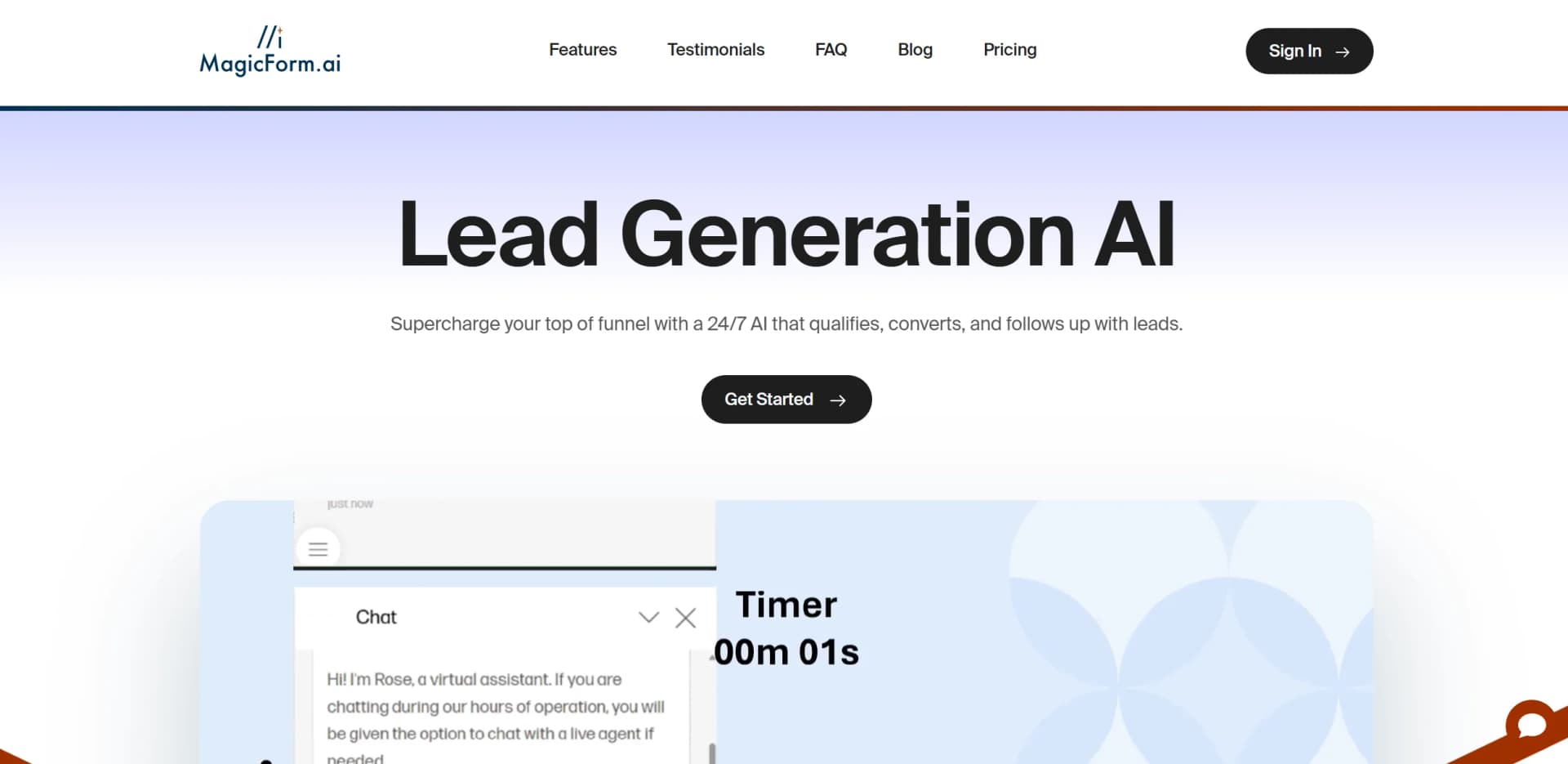
AI-driven tool for 24/7 lead qualification and conversion.
Watch MagicForm AI in Action
Key Takeaways
- What it is
- AI-driven tool for 24/7 lead qualification and conversion.
- Pricing
- $49 per month for solopreneurs · $99 per month for small businesses · $399 per month
- Best for
- Advanced Learning Capabilities
- Automated Follow-Ups
- Continuous Improvement
- Rating
- 4.6/5
What is MagicForm AI?
MagicForm AI is an innovative AI-powered tool tailored for lead generation, designed to streamline and enhance the top-of-funnel process by qualifying, converting, and following up with leads 24/7. Targeted at businesses looking to optimize their sales processes, Magic Form simplifies the lead management journey by learning about your business, engaging with potential customers, and providing personalized follow-ups, ensuring a seamless and efficient conversion process.
Magic Form stands out with its ability to learn and adapt quickly to each business's unique needs, providing a highly personalized lead engagement experience. Its continuous learning feature, which allows it to improve with every interaction, is a game-changer in the world of AI-driven lead generation.
MagicForm AI offers businesses a robust solution to enhance their lead management and conversion processes. Its ability to operate 24/7, learn continuously, and provide personalized customer interactions makes it an invaluable asset for companies looking to improve their sales funnel efficiency. While the initial setup may require some time investment, the tool's long-term benefits of increased conversions and operational efficiency make it a worthwhile consideration for businesses of all sizes.
Who is Using MagicForm AI?
E-commerce Businesses
Leveraging the tool to engage with potential buyers and enhance online sales.
Digital Marketing Agencies
Using Magic Form to automate client lead interactions and follow-ups.
Real Estate Firms
Employing the AI to manage inquiries and schedule viewings efficiently.
Tech Startups
Adopting it for streamlined customer acquisition and support processes.
Utilized by non-profit organizations to manage volunteer inquiries.
Employed by educational tech companies for student enrollment processes.
Key Features
Rating Breakdown
Pricing Plans
Starter Plan
$49 per month for solopreneurs
- Includes 500 messages per month with 1 AI Agent
Professional Plan
$99 per month for small businesses
- Includes 1,000 messages per month, 3 AI Agents, and 3 team seats
Premium Plan
$399 per month
- Large companies
- Provides unlimited messages
- 10 AI Agents
- Unlimited team seats
Which MagicForm AI plan should you pick?
Start with Starter for a single website agent, upgrade to Pro for team management and integrations, or choose Premium for agencies and high-volume deployments.
STARTER
Good for solopreneurs who need one agent, 500 monthly messages, website embedding, and email notifications.
PRO
Good for small businesses that need three agents, three team seats, webhooks, and Zapier integrations.
PREMIUM
Good for companies and agencies needing unlimited messages, unlimited agents, unlimited team seats, and white-label domains.
MagicForm AI Use Cases
Website customer support
Deploy an AI agent on a website to answer FAQs and support questions using company knowledge.
Outcome: Faster answers and fewer repetitive support requests.
Lead qualification
Ask qualifying questions conversationally, collect contact details, and route promising prospects.
Outcome: More organized lead capture and follow-up.
E-commerce product guidance
Recommend products, explain policies, answer product questions, and support upselling.
Outcome: More personalized shopping assistance and potential conversions.
University admissions and advising
Use specialized agents for admissions, course planning, graduate support, and campus employment questions.
Outcome: Reduced advising bottlenecks and more consistent answers.
Agency white-label deployments
Manage multiple branded agents and deploy them across client websites.
Outcome: A scalable AI service offering for agencies.
Workflow Ideas with MagicForm AI
Capture and route qualified leads
- 1Configure conversational qualifying questions
- 2Collect contact information and conversation context
- 3Send the lead to CRM, email, Slack, or another system through Zapier or webhooks
Launch a website support agent
- 1Scan the website or upload business documents
- 2Customize questions, branding, tone, and disclaimers
- 3Copy the generated embed snippet into the website
Share knowledge across specialized agents
- 1Create a primary agent with core business knowledge
- 2Share that knowledge with secondary agents
- 3Customize each agent for a different audience or department
How MagicForm AI fits into your stack
Browser
MagicForm.AI operates as a website-embedded conversational agent. Businesses copy an embed snippet into sites such as Shopify, WordPress, Wix, Squarespace, Webflow, or HubSpot.
Knowledge and files
Teams provide website URLs and uploaded documents, white papers, sales materials, and marketing documents so the agent can answer questions from that knowledge.
Automation and APIs
MagicForm.AI sends lead and conversation data through webhooks and Zapier, with custom APIs and workflow automation available for bespoke plans.
Team chat and tickets
Webhook workflows can route conversations, alerts, and support requests to systems such as Microsoft Teams, CRM platforms, project boards, and helpdesk tools.
Pros
- +24/7 Availability: Operates round-the-clock, ensuring no lead is missed.
- +Scalable Solution: Suitable for businesses of all sizes, from solopreneurs to large enterprises.
- +User-Friendly Setup: Simple deployment with copy-paste code for website integration and intuitive customization options.
- +Enhanced Conversion Rates: Proven to increase conversions by engaging and guiding leads effectively.
Cons
- −Initial Setup Time: Although user-friendly, the initial setup and customization can require a bit of time and effort.
- −Pricing for Larger Plans: Higher cost for premium features may be prohibitive for smaller businesses.
- −Integration Limitations: While it supports several platforms, more integrations could be beneficial.
Limitations & when to consider alternatives
Known limitations
- CSV knowledge should use question-and-answer pairs. MagicForm notes that AI is not great at interpreting spreadsheet data, so CSV uploads should be limited to Q&A pairs.
- Human handoff may require an upgraded plan. Human handoff is described as available for upgraded plans and may involve additional cost.
- External API calls are beta. External API calls are described as beta functionality based on approved requests.
- Facebook Messenger availability is paused. The product update says Facebook Messenger was paused pending approval for permissions and onboarding.
- Premium agent overage charges apply. Premium includes unlimited agents with an additional $10 charge per agent beyond 20.
Look elsewhere when
- You need a native mobile app rather than a mobile web view.
- You need image analysis rather than images displayed in chatbot answers.
- You need fine-tuning or model-weight training rather than knowledge-base ingestion.
How to Use MagicForm AI
- 1
Sign up or log in
Create an account and hire or manage an AI agent.
- 2
Start onboarding
Use the onboarding checklist to establish the agent’s foundation.
- 3
Add business knowledge
Scan a website or upload documents so the agent can answer from company information.
- 4
Customize the agent
Set its name, questions, order, personality, branding colors, and disclaimers.
- 5
Configure automations
Enable email notifications, Zapier, webhooks, or other available routing options.
- 6
Deploy the agent
Copy the Launch-tab snippet into a supported website platform and test the widget.
Who is MagicForm AI For?
Solopreneurs
The Starter plan provides one AI agent, website embedding, email notifications, and 500 monthly messages.
Small businesses
The Pro plan provides three AI agents, three team seats, webhooks, and Zapier integrations.
Companies and agencies
The Premium plan provides unlimited messages, unlimited agents, unlimited team seats, and white-label domains.
Marketing and sales teams
MagicForm helps qualify leads, answer questions, upsell products, and automate follow-up.
Universities
Multiple agents can support prospective students, undergraduates, graduate students, faculty, staff, and visitors.
Frequently Asked Questions
How does hallucination control work?
MagicForm builds question-answer pairs, searches for similar questions, and declines answers below its similarity threshold.
Can MagicForm integrate with Zapier?
Yes. Connect Zapier and retrieve the API key from the Launch page.
Can MagicForm send lead notifications by email?
Yes. Automations can send lead notifications to specified email addresses.
How does MagicForm learn business details?
It scans websites or uploaded documents, extracts knowledge, and adds it to the knowledge base.
Can questions be customized and reordered?
Yes. You control the information collected and the order of questions.
How many agents are available on Enterprise?
Enterprise provides unlimited agents and messages.
Community reviews
8 reviews from people who use MagicForm AI.
Sign in to leave a review for MagicForm AI.
Bình Đào Thiên
Manish Patel
Milan Dholakiya
Thibault BM
Mohit Punia
Eli Goldman
Alex K
Nitin
MagicForm AI Alternatives
Looking for alternatives to MagicForm AI? Here are similar tools in the same category:
Learn to Master MagicForm AI
With Skill Leap courses
Get in-depth training on MagicForm AI and 50+ other AI tools with our expert-led video courses.
Start 7-Day Free Trial