MailMaestro
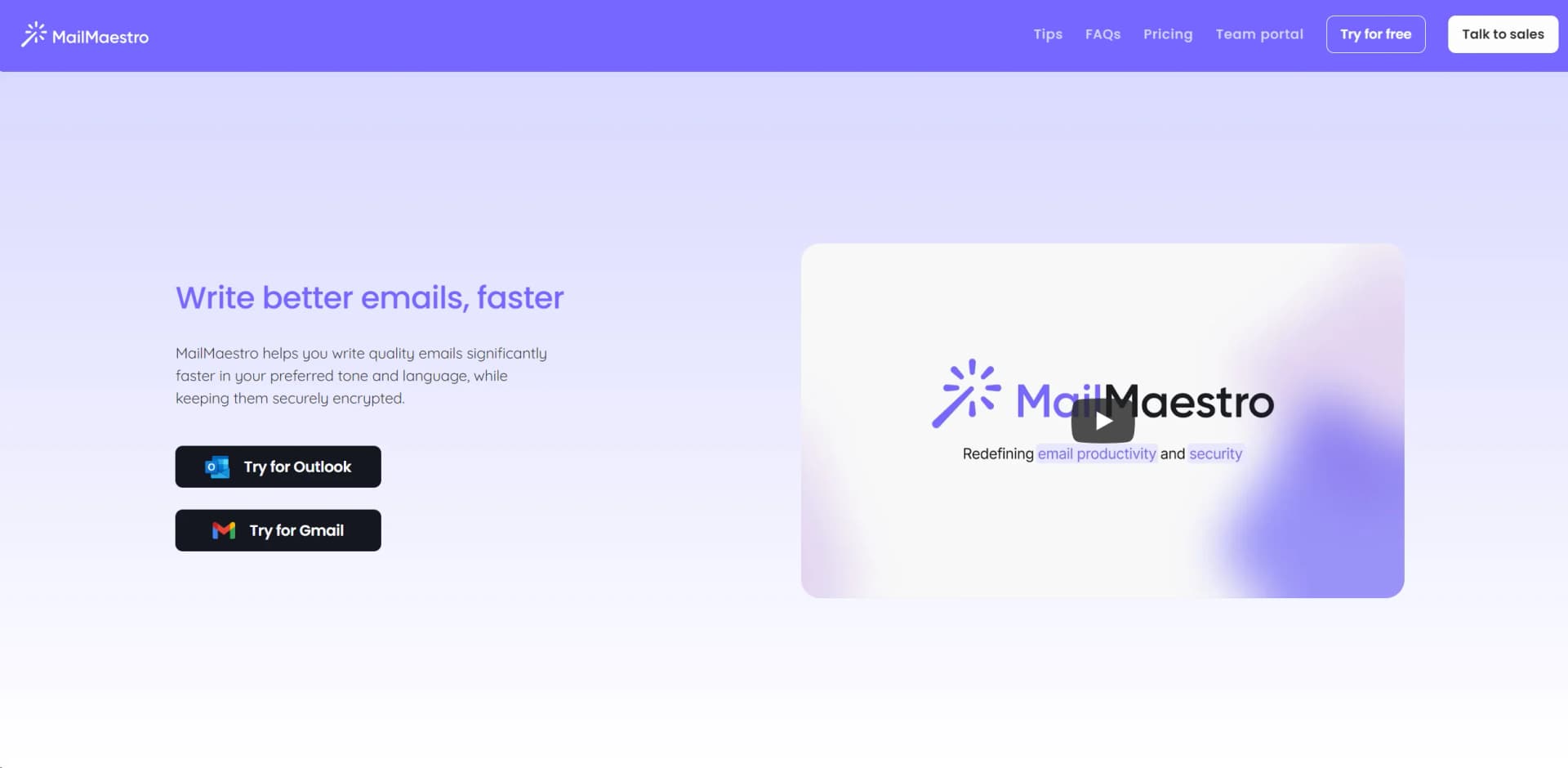
Boost email drafting speed and security with AI-driven personalization.
Key Takeaways
- What it is
- Boost email drafting speed and security with AI-driven personalization.
- Best for
- AI-Driven Drafting
- Personalization Options
- Enterprise-Grade Security
- Rating
- 4.6/5
What is MailMaestro?
In the fast-paced world of digital communication, MailMaestro emerges as a beacon of efficiency and security. This innovative AI tool is designed to revolutionize the way we approach email communication by leveraging advanced AI to help users write better emails faster. Not only does it allow for quick drafting in your preferred tone and language, but it also prioritizes the security of your communications with enterprise-grade encryption. Whether you're responding to meeting requests, refining your message for clarity, or crafting high-quality emails from scratch, MailMaestro offers a comprehensive solution to enhance productivity and safeguard your data.
MailMaestro stands out for its combination of AI-driven efficiency and uncompromised security in email communication. The tool's ability to learn your writing style and preferences, coupled with its enterprise-grade security measures, sets it apart in the realm of email management tools.
MailMaestro excels in providing a seamless, secure, and efficient email management solution. Its unique blend of AI-driven personalization, robust security, and user-friendly features make it an indispensable tool for anyone looking to optimize their email communication. Whether you're a business professional, a freelancer, or part of a larger organization, MailMaestro offers the tools you need to write better emails faster, without compromising on privacy or security.
Who is Using MailMaestro?
Business Professionals
For crafting and managing email communication efficiently.
Marketing Teams
Leveraging the tool to personalize campaign emails.
Administrative Assistants
Utilizing the scheduling and email management features.
Freelancers
Enhancing their email communication with clients for better clarity and professionalism.
Uncommon Use Cases
Non-profits using it to secure donor communication; Educators for managing correspondence with students and parents.
Key Features
Rating Breakdown
Pricing Plans
Free Trial
- Get started with MailMaestro without any upfront cost
Subscription Plans
- Detailed pricing is available on the MailMaestro website
Which MailMaestro plan should you pick?
Start with Free to test core email drafting, then upgrade to Professional/Team for daily use or Enterprise for SSO, custom integrations, shared knowledge, and enterprise controls.
Free
Good for individuals exploring MailMaestro who need occasional composing, replying, and draft improvement.
Professional/ Team
Good for professionals and small teams who need daily email assistance, attachment summaries, scheduling, shared templates, and centralized billing.
Enterprise
Good for medium and large companies who need SSO, custom integrations, custom retention, shared company knowledge, and enterprise security.
Maestro Duo
Good for professionals who want MailMaestro together with TeamsMaestro in one subscription.
MailMaestro Use Cases
Draft professional emails
Generate emails from prompts with selected tone, language, and length.
Outcome: Faster, more polished email writing.
Reply to email threads
Use thread context to generate contextual reply options.
Outcome: Less manual reading and drafting.
Summarize conversations and attachments
Summarize long email threads and attached documents such as PDFs.
Outcome: Quickly understand key points and action items.
Manage inbox tasks
Find, move, archive, categorize, and mark emails using Ask AI actions.
Outcome: Reduced repetitive inbox maintenance.
Schedule meetings from email
Scan calendar availability and draft meeting responses or create meetings from prompts.
Outcome: Faster scheduling with fewer context switches.
Workflow Ideas with MailMaestro
Turn an email into a scheduled meeting
- 1Open MailMaestro in Outlook
- 2Ask AI to create a meeting using the email context and requested time
- 3Review the confirmation and calendar event
Process an unanswered email
- 1Set a follow-up waiting period
- 2Let MailMaestro prepare a contextual follow-up draft
- 3Review and send the draft from the email thread
Create reusable personalized emails
- 1Open Magic Templates and paste a recurring email
- 2Define variables such as recipient and account details
- 3Save the template as static or magic for future use
How MailMaestro fits into your stack
Outlook and Gmail Support
Seamlessly integrates with major email platforms for a unified experience.
Calendar Integration
Detects meeting requests and suggests slots based on your schedule.
Language Translation
Offers quick translation features to stay informed in your preferred language.
Security Compliance
Adheres to strict security protocols, ensuring data protection.
Pros
- +Increased Productivity: Significantly reduces the time required to draft quality emails.
- +Enhanced Personalization: Crafts emails that sound like you, improving recipient engagement.
- +Robust Security: Keeps your communications secure with state-of-the-art encryption.
- +User-Friendly Interface: Simplifies the email writing process with intuitive design and features.
Cons
- −Learning Curve: Some users may need time to familiarize themselves with all features.
- −Language Limitations: The effectiveness of language translation and customization may vary.
- −Subscription Model: Ongoing costs could be a consideration for some users or organizations.
Limitations & when to consider alternatives
Known limitations
- Free-plan usage limits. The free plan limits composing, replying, and improving to three requests per week.
- Mobile new-email limitation. The mobile experience does not currently support the new-email mode; users must reply to an existing email.
- Gmail browser requirement. The Gmail version works through the Chrome browser extension.
- Recurring meetings require Outlook. MailMaestro can draft the initial recurring-meeting request, but the repeating schedule must be set directly in Outlook.
Look elsewhere when
- You need a dedicated native iOS or Android app.
- You need a downloadable Windows, Mac, or Linux desktop application.
- You need a public developer API with API keys and endpoint documentation.
How to Use MailMaestro
- 1
Explore a range of tutorials on the MailMaestro website, covering everything from basic setup to leveraging advanced features for effective email management.
Who is MailMaestro For?
Professionals
MailMaestro is designed for professionals who want to reduce time spent writing and managing email.
Small teams
The Professional/Team plan supports shared templates and centralized billing.
Medium and large companies
The Enterprise plan targets organizations needing enterprise security, SSO, custom integrations, and custom retention.
Students
The student program positions MailMaestro for students who need faster email and attachment summaries.
Frequently Asked Questions
Is there a free version of MailMaestro?
Yes. After the trial, users can continue on the free plan with limited composing, replying, and improving requests.
Which email platforms does MailMaestro support?
MailMaestro works with Microsoft Outlook and Gmail through the Gmail Chrome extension.
Does MailMaestro support multiple languages?
Yes. It supports multiple languages for composing, summarizing, and improving emails.
Can MailMaestro summarize attachments?
Yes. MailMaestro can summarize email attachments, including PDFs.
Does MailMaestro support mobile use?
MailMaestro can be accessed through the Outlook mobile app; the mobile experience is described as beta, and new-email mode is unavailable there.
How does MailMaestro protect data?
Maestro Labs states that data is encrypted at rest and in transit, with SOC 2 Type II, GDPR, and HIPAA compliance.
Community reviews
3 reviews from people who use MailMaestro.
Sign in to leave a review for MailMaestro.
Alexander Agleham
Kamil Jakubczyk
Ismé
MailMaestro Alternatives
Looking for alternatives to MailMaestro? Here are similar tools in the same category: