
Make
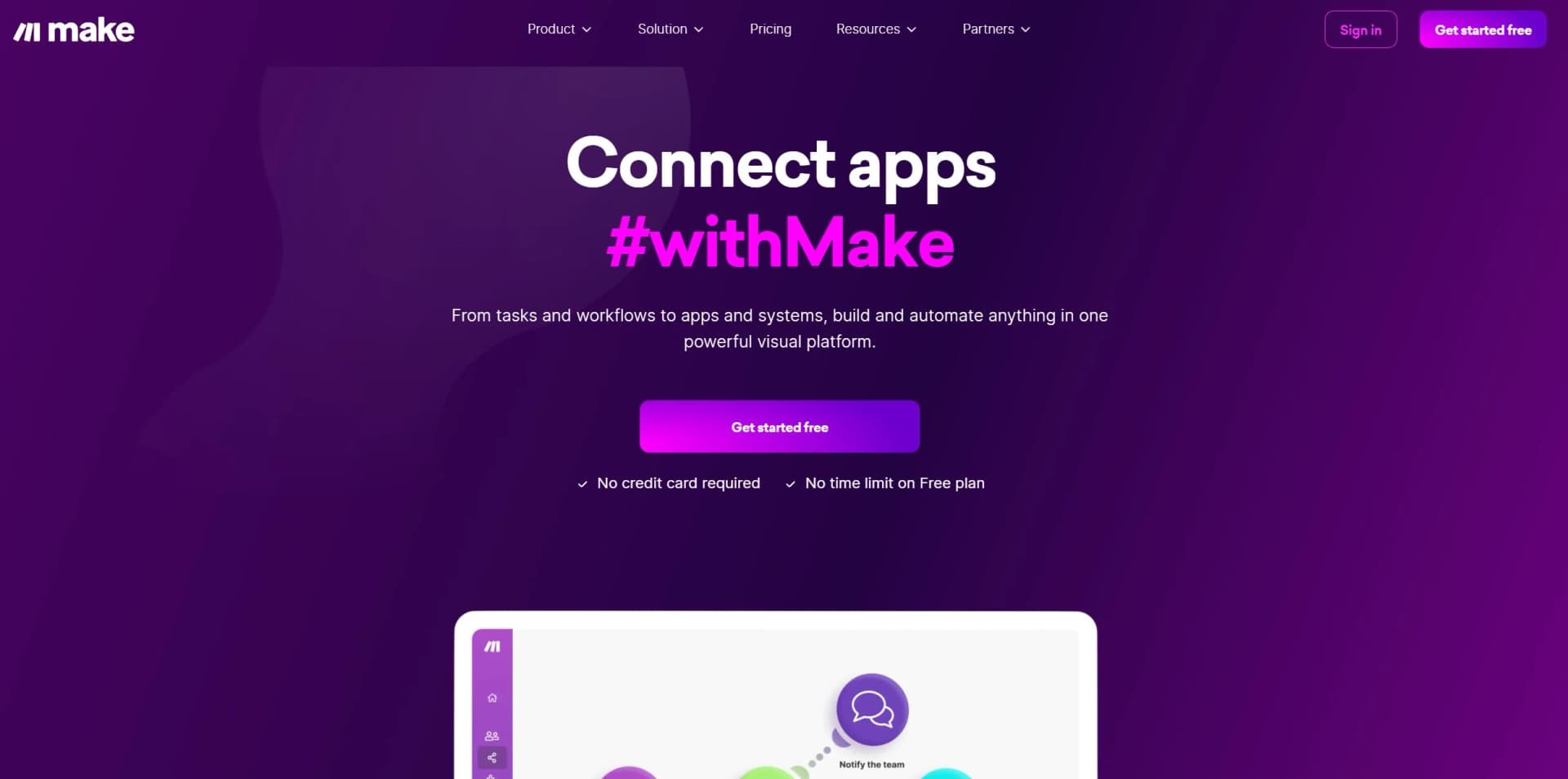
Streamline workflows with intuitive visual automation across numerous apps and processes.
Key Takeaways
- What it is
- Streamline workflows with intuitive visual automation across numerous apps and processes.
- Pricing
- Freemium
- Best for
- Visual Builder
- 3,000+ Verified Apps
- AI Toolkit
What is Make?
As someone who's constantly on the lookout for tools that can shave hours off my workweek, I was intrigued by Make's promise to connect apps and streamline complex processes with ease. Make, formerly known as Integromat, is not your run-of-the-mill automation tool. It's a robust platform that allows users to visually create, build, and manage workflows with a few clicks. Let's dive into the features that make Make a game-changer in the world of automation.
- Marketing Teams: Automating social media posts and lead tracking to maximize their digital presence.
- IT Departments: Using Make to connect disparate systems and automate routine maintenance tasks.
- Sales Professionals: Keeping CRMs updated automatically to spend more time closing deals.
- Project Managers: Streamlining project updates and communication across multiple platforms.
- Uncommon Use Cases: Artists and creators using Make to automate their digital asset management and distribution.
What sets Make apart is its commitment to a visual, intuitive experience without sacrificing the depth of its automation capabilities. It's a tool that grows with you, offering both simplicity for beginners and complexity for power users.
Make doesn't leave you to figure things out on your own. With a comprehensive knowledge base, webinars, and community forums, you're well-equipped to become an automation wizard.
In my journey with Make, I've been impressed by its ability to transform tedious tasks into automated sequences that work like clockwork. It's a platform that doesn't just automate—it innovates the way we approach our workflows.
Who is Using Make?
Solopreneurs
Use no-code workflow automation to connect tools and automate repetitive business processes without a large technical team.
Startups
Build and iterate on integrations quickly while scaling processes across business applications.
IT and operations teams
Use visual orchestration, controls, observability, and automation maps to manage workflows across the business.
Business teams
Marketing, sales, support, and other teams can automate multi-step processes across their existing applications.
Enterprise organizations
Use role-based access, SSO, audit logs, advanced security, and enterprise integrations for organization-wide automation.
Key Features
Pricing Plans
Free Tier
Free
- Start automating with Make for free and explore its powerful capabilities without a time limit
Pro Tier
- As your needs grow
- Make's Pro Tier starts at a competitive monthly rate
Which Make plan should you pick?
Start with Free for light experimentation, upgrade to Core or Pro for higher-volume automation, use Teams for collaboration, and choose Enterprise for advanced security and governance.
Free
Good for trying Make and building initial scenarios with up to 1,000 credits per month.
Core
Good for users who need unlimited active scenarios, minute-level scheduling, and Make API access.
Pro
Good for advanced automation with priority execution, custom variables, and full-text execution-log search.
Teams
Good for teams that need team roles and shared scenario templates.
Enterprise
Good for organizations needing custom functions, enterprise integrations, advanced security, governance, and 24/7 support.
Make Use Cases
Lead processing
Capture and enrich leads, score them with AI, and route qualified contacts into follow-up sequences.
Outcome: Faster, more consistent lead handling.
Content generation and distribution
Research topics, draft content in multiple formats, and publish approved material across specified channels.
Outcome: A more automated content lifecycle.
Project management synchronization
Sync project statuses, assign tasks, notify stakeholders, generate invoices, and create scheduled progress reports.
Outcome: More current project information with less manual coordination.
AI request classification and routing
Read incoming requests, classify them into predefined categories, and send them to the appropriate team or queue.
Outcome: Organized intake and faster response routing.
Automated document translation
Translate documents from cloud storage and save localized versions to a designated destination.
Outcome: Less manual copying and translation work.
Workflow Ideas with Make
Visual Workflow Creation at Its Finest
- 1Intuitive Visual Editor: Create workflows with a beautifully designed visual editor that makes automation accessible to everyone, regardless of technical expertise.
- 2Multi-Step Automations: Craft complex workflows that go beyond simple task automation, allowing for intricate processes to be automated with precision.
- 3App Integration Galore: Connect to an impressive library of apps, ensuring that your favorite tools can work together seamlessly.
- 4Custom Logic and Filters: Tailor your automations with conditional logic and filters to meet specific needs, making each workflow as smart as it is efficient.
How Make fits into your stack
CMS Mastery
Seamlessly integrate with popular CMS platforms, keeping your content and digital assets in sync.
E-commerce Synergy
Connect your online store with accounting software and customer databases for a holistic e-commerce solution.
Popular App Harmony
Direct integrations with tools like Slack, Trello, and Google Sheets make collaboration and data management a breeze.
Custom API Adventures
For those with coding chops, Make's open API means the sky's the limit for tailor-made automations.
Pros
- +Boost in Productivity: Automate repetitive tasks and focus on what really matters—innovation and strategy.
- +Scalability: As your business grows, Make scales with you, handling increased workflows with the same efficiency.
- +Error Handling: Sophisticated error handling mechanisms ensure that any issues in your automation sequence are identified and can be addressed promptly.
- +Extensive App Integrations: With hundreds of apps to connect, the possibilities for automation are virtually limitless.
Cons
- −Complexity for Beginners: Newcomers to automation might find the plethora of options daunting at first.
- −Pricing for Heavy Usage: While Make offers a generous free tier, high-volume users may find the pricing steep as their automation needs grow.
Limitations & when to consider alternatives
Known limitations
- Free usage is limited. The Free plan includes up to 1,000 credits per month and a 15-minute minimum interval between runs.
- File size depends on the plan. Maximum file size ranges from 5 MB on Free to 1,000 MB on Enterprise.
- AI agent input formats are restricted. AI agent input files support JPG, PNG, GIF, and PDF, while output files support PDF, DOCX, TXT, and CSV.
- AI agent execution has a timeout. The maximum AI agent step timeout is 600 seconds, or 10 minutes.
- Custom functions have execution limits. Custom functions are limited to 300 milliseconds, 5,000 characters, synchronous execution, and no HTTP requests.
Look elsewhere when
- You need a desktop-native application.
- You need model fine-tuning or weight training.
How to Use Make
- 1
Create a Make account
Register for Make and begin with the Free plan to explore the visual automation builder.
- 2
Choose a trigger
Select an app event, webhook, schedule, form, email, or chat message that starts the scenario.
- 3
Add modules
Add actions and searches for the apps involved in the process, then connect them on the visual canvas.
- 4
Map data between modules
Map fields from earlier module outputs into later actions so information flows through the scenario.
- 5
Add filters, routers, or AI
Use routers and filters for branching logic, or add Make AI Agents, AI Toolkit, translation, or file-processing modules.
- 6
Test and activate the scenario
Run the scenario manually to inspect outputs, correct mappings, set a schedule, and activate automated execution.
Who is Make For?
Marketing teams
Make connects marketing tools and automates lead processing, social publishing, lifecycle campaigns, and content workflows.
Operations teams
Operations teams can synchronize records, monitor KPIs, manage inventory, and automate escalations across systems.
IT teams
IT teams can automate ticket handling, account provisioning, documentation synchronization, monitoring, and infrastructure workflows.
HR and recruiting teams
Make's AI automation use cases include candidate scoring, recruiting workflows, and HR process automation.
Productivity and workspace teams
Teams can synchronize tasks, route messages, extract meeting action items, and automate recurring workplace processes.
Frequently Asked Questions
What is a scenario?
A scenario is a workflow made from modules that automate apps and services and transfer or transform data.
What is a module?
Modules are the building blocks of Make automations, representing actions performed with connected apps.
What is mapping?
Mapping links data retrieved by one module to another module so the next action can use it.
How does Make charge for usage?
Each module action generally counts as one credit, while some AI features and Make Code use different credit rules.
Can Make process files?
Yes. Make can download, upload, transform, and process binary files such as photos, videos, PDFs, and documents.
Can teams collaborate in Make?
Yes. Organizations can invite users to teams, assign roles, and share team-owned scenarios, templates, and resources.
Community reviews
Be the first to share your experience.
Sign in to leave a review for Make.
Make Alternatives
Looking for alternatives to Make? Here are similar tools in the same category:
Learn to Master Make
With Skill Leap courses
Get in-depth training on Make and 50+ other AI tools with our expert-led video courses.
Start 7-Day Free Trial