
mapEDU
AI-enhanced platform transforms education with interactive mapping.
Watch mapEDU in Action
Key Takeaways
- What it is
- AI-enhanced platform transforms education with interactive mapping.
- Best for
- Interactive Maps
- Data Integration
- Collaborative Tools
- Rating
- 4.6/5
What is mapEDU?
mapEDU revolutionizes educational content delivery by offering an AI-powered platform that enhances learning experiences through interactive mapping and data visualization. Designed for educators, students, and institutions, it simplifies complex educational content by transforming it into engaging, interactive maps. This tool aims to make learning more accessible and understandable, especially in fields requiring geographical or data-driven insights.
mapEDU stands out with its AI-driven mapping capabilities, a game-changer for educational content delivery. Its ability to integrate data from various sources and provide interactive, visually engaging maps sets it apart in the educational technology space.
mapEDU offers a transformative approach to education by seamlessly integrating AI and interactive mapping. It provides educators and students with a powerful tool to visualize and engage with data, enhancing the learning experience. Its unique combination of features and user-centric design makes it a valuable asset for modern educational environments, effectively bridging the gap between complex data and accessible learning.
Who is Using mapEDU?
Educational Institutions
Leveraging mapEDU for enhancing curriculum delivery with interactive content.
Teachers and Educators
Using the platform to create engaging lesson plans and educational materials.
Students
Employing mapEDU to better understand complex geographical and data-driven concepts.
Research Analysts
Utilizing the tool for data visualization in research projects.
Key Features
Rating Breakdown
Pricing Plans
Enterprise Plan
- Custom solutions for larger institutions
- Pricing available upon request
mapEDU Use Cases
Adopted by non-profit organizations for educational outreach programs.
Used by local governments for community educational initiatives.
Workflow Ideas with mapEDU
Curriculum coverage analysis
- 1Upload institutional objectives and relevant national outcomes
- 2Upload lectures, handouts, presentations, audio, video, or other supported content
- 3Review automated mappings, heatmaps, gaps, redundancies, and coverage reports
Accreditation preparation
- 1Connect an LMS or upload curriculum materials
- 2Map delivered content and assessments to accreditation outcomes
- 3Use accreditation-assist and benchmarking reports to support self-study
Assessment alignment
- 1Upload exam-question exports in the supported RTF format
- 2Apply automated exam tagging and assessment mapping
- 3Review alignment between assessment methods, course content, and objectives
How mapEDU fits into your stack
Browser
mapEDU is delivered as a cloud-based web platform for curriculum mapping, exam tagging, analytics, and accreditation support.
Knowledge and files
Teams upload objectives, documents, presentations, exams, audio, and video so mapEDU can extract content and map it to outcomes.
Automation and APIs
LMS and content-library integrations can provide course content through APIs, while direct uploads remain available.
Pros
- +Enhanced Engagement: Interactive maps increase student engagement and understanding, making learning more dynamic.
- +Versatile Application: Can be used across various subjects, from geography to history and environmental science.
- +User-Friendly Interface: Intuitive design that caters to both tech-savvy and non-tech-savvy users.
- +Scalable Solutions: Suitable for individual educators as well as large educational institutions.
Cons
- −Initial Learning Curve: Some users may require time to fully understand and utilize the advanced features.
- −Limited Offline Access: Primarily an online tool, which might be a limitation in areas with poor internet connectivity.
Limitations & when to consider alternatives
Known limitations
- Free-service access may be limited. Free services are provided as-is, without guaranteed support, maintenance, or continued availability.
- Pricing is not publicly disclosed. The terms reference paid tiers and a subscription pricing page, but the public site does not expose plan names or prices.
- Supported formats are defined. The documented curriculum-mapping formats include Office files, MP4, MP3, PDF, TXT, Apple iWork, and RTF for exam tagging.
- Content may be deleted after termination. After service termination, mapEDU may delete account content according to its automated deletion schedule and backup policy.
Look elsewhere when
- You need a native mobile app.
- You need a published developer API.
How to Use mapEDU
- 1
Create an account
Use the mapEDU signup page with an .edu email address to start using the service.
- 2
Upload objectives
Add program, course, session, or institutional objectives using mapEDU templates.
- 3
Add curriculum content
Upload supported documents, presentations, audio, video, assessments, or connect an existing LMS.
- 4
Select outcomes
Choose relevant preloaded national standards or add internal school objectives.
- 5
Run the mapping
Let mapEDU automatically extract text, align content to objectives, and identify MeSH terms.
- 6
Review reports
Use heatmaps, gaps-and-redundancies reports, assessment mapping, accreditation reports, and benchmarking insights.
Who is mapEDU For?
Allopathic medical schools
mapEDU provides mapping against outcomes such as USMLE and PCRS and supports curriculum analysis, assessment mapping, and accreditation reporting.
Osteopathic medical schools
The platform supports AACOM Core Competencies, COMLEX Blueprint Dimensions, and AACOM EPAs.
Nursing schools
mapEDU supports nursing outcomes including AACN CORE Essentials, QSEN, and NCLEX-related mapping.
Pharmacy schools
The platform supports pharmacy standards and outcomes including AACP EPAs, ACPE Appendix 1, CAPE, and NAPLEX.
Dental schools
mapEDU supports dentistry-related outcomes including ADEA and CODA.
Frequently Asked Questions
What is mapEDU?
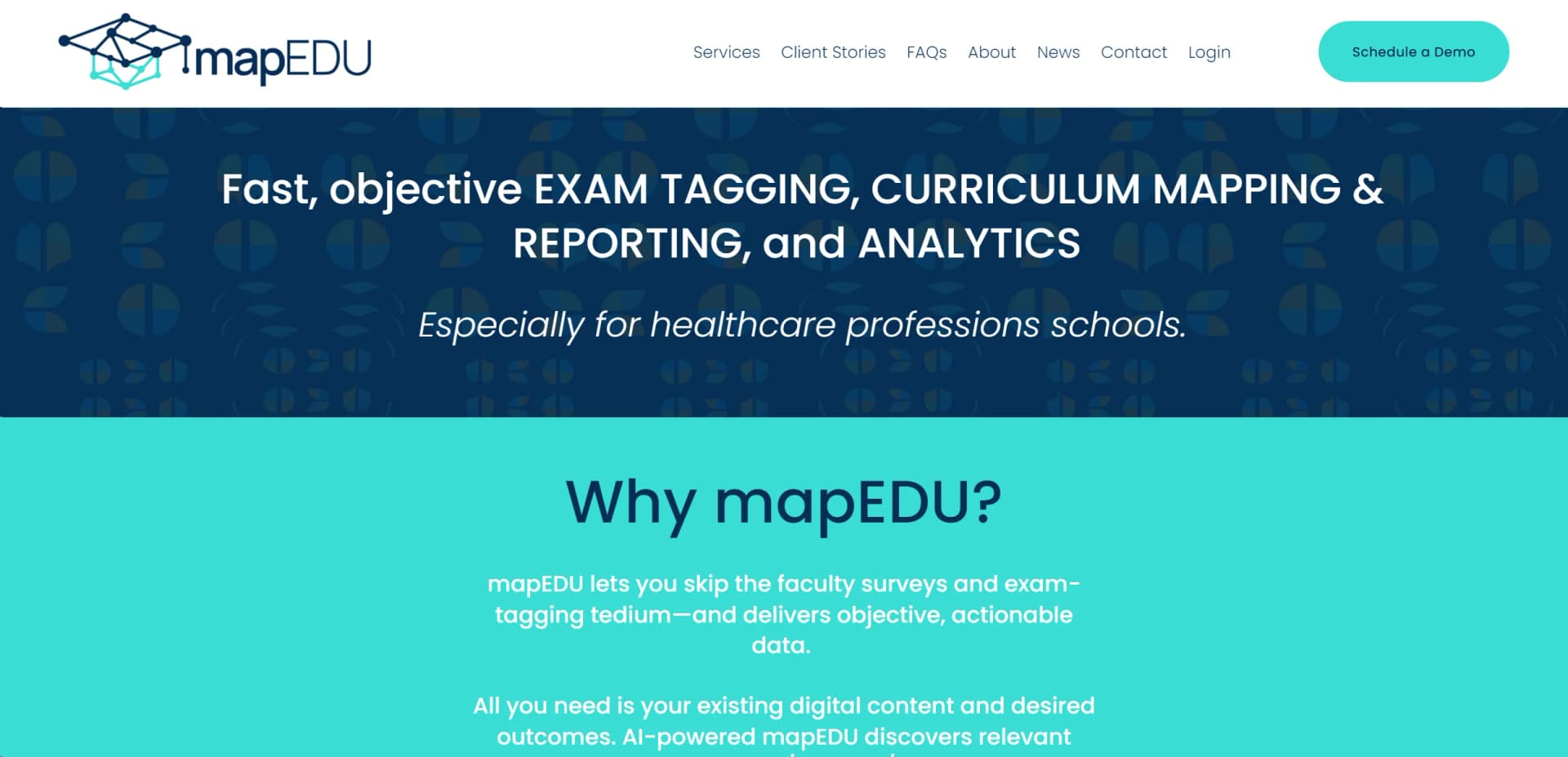
mapEDU is a cloud-based curriculum mapping and analytics platform for higher education, especially health-professions programs. It maps delivered curricular content to learning outcomes and surfaces relevant MeSH terms.
How does mapEDU work?
Users upload objectives and curricular content or connect an LMS. mapEDU extracts text, maps content to objectives and standards, and generates interactive reports.
What types of content can mapEDU process?
Documented formats include Microsoft Office files, MP4, MP3, PDF, TXT, Apple iWork files, and RTF for exam tagging. The platform also supports recorded lectures, handouts, presentations, and assessments.
What outcomes does mapEDU support?
mapEDU provides pre-set outcomes for allopathic, osteopathic, nursing, pharmacy, dental, veterinary, physical therapy, occupational therapy, and physician-assistant education. Local administrators can add internal objectives.
Is mapEDU secure?
mapEDU states that curricular data is protected with end-to-end encryption during upload, processing, and storage. Its privacy policy also describes SSL, encryption, firewalls, two-factor authentication, and physical-access controls.
Can I try mapEDU?
mapEDU offers a free version of its services and provides signup and demo options through its website.
Community reviews
Be the first to share your experience.
Sign in to leave a review for mapEDU.
mapEDU Alternatives
Looking for alternatives to mapEDU? Here are similar tools in the same category:
Learn to Master mapEDU
With Skill Leap courses
Get in-depth training on mapEDU and 50+ other AI tools with our expert-led video courses.
Start 7-Day Free Trial