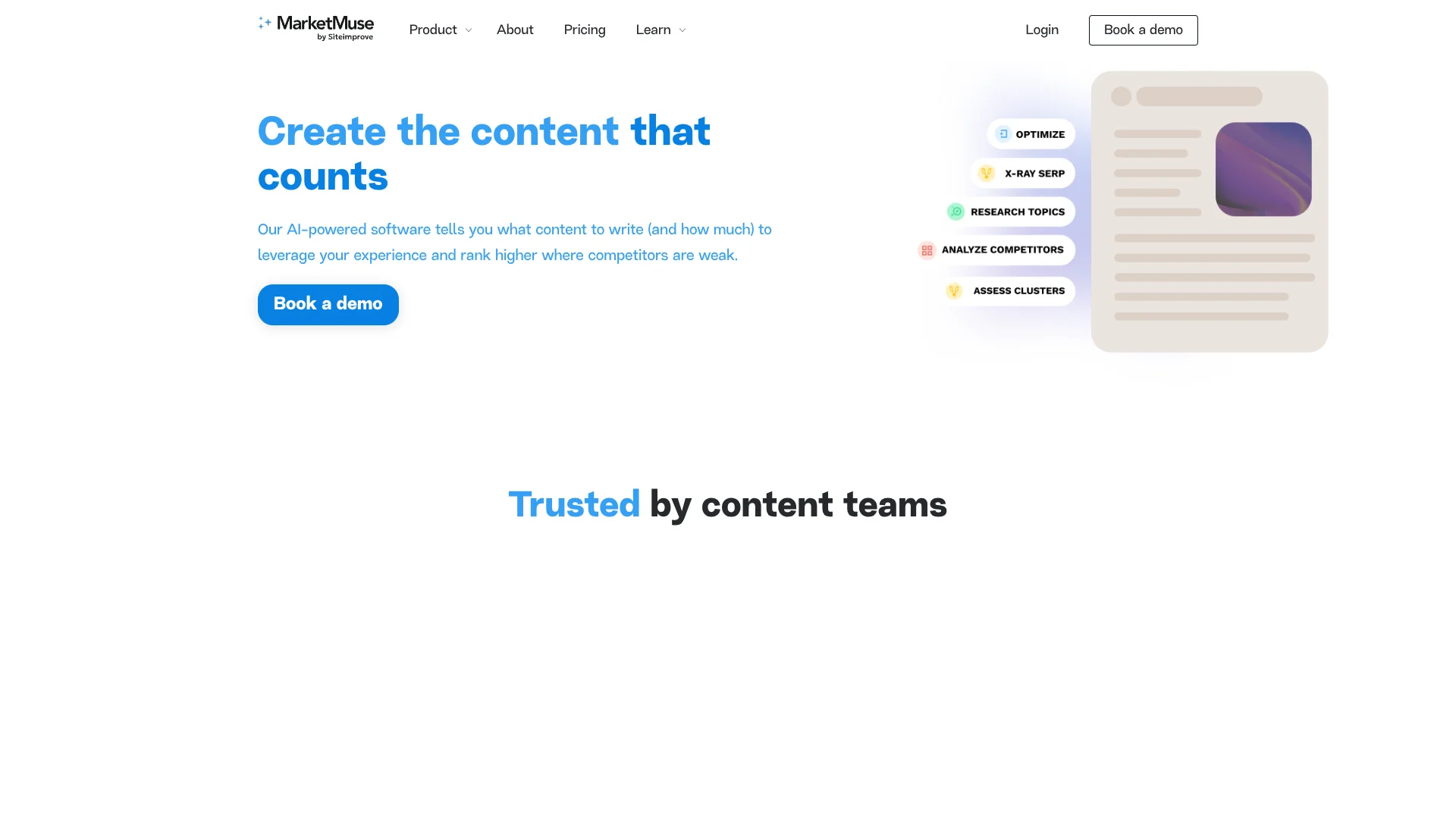
MarketMuse
Personalized SEO topic planning that shows teams where to focus.
Watch MarketMuse in Action
Key Takeaways
- What it is
- Personalized SEO topic planning that shows teams where to focus.
- Pricing
- Freemium · $149/month
- Best for
- Personalized Difficulty
- Topic Authority
- Content Strategy Documents
- Rating
- 4.0/5
What is MarketMuse?
MarketMuse analyzes your site, competitors, and search results to show what content to create, update, or connect. Its AI scores topics using measures such as Topic Authority, Personalized Difficulty, Content Score, search volume, and intent, helping SEO and content teams decide where effort is most likely to pay off.
MarketMuse calculates ranking difficulty for your specific domain rather than relying only on a general keyword score. Its Personalized Difficulty combines a topic's broader difficulty with your site's existing coverage and authority, so the same topic can receive a different recommendation for different websites.
The tool fits brands, publishers, agencies, SEOs, content strategists, editors, writers, and digital content managers who plan content at the topic or site level. It is less suited to teams looking for a full content management system or a standalone writing app, since its core value is deciding what content deserves attention and how it should cover a topic.
Who is Using MarketMuse?
SEO Managers
Ranking priorities come from site authority, personalized difficulty, current rankings, and potential traffic.
Content Strategists
Topic clusters and Content Strategy Documents provide a defensible roadmap for new and updated content.
Managing Editors
Briefs and shared documents give writers consistent direction before production begins.
Content Writers
Optimize and Content Briefs show which concepts, questions, and structural elements belong in an article.
Digital Content Managers
Inventory views help identify weak pages, quick wins, content quality issues, and pages at risk.
Uncommon Use Cases
Guest-post planning with network linking suggestions; finding pages whose ranking topics do not match their current intent.
Key Features
Rating Breakdown
Pricing Plans
Free Tier
Free
- MarketMuse offers a limited free version for basic content analysis
Standard Plan
$149/month
- Offering additional features and capabilities
Which MarketMuse plan should you pick?
Start with Free to test the research workflow, move to Optimize for regular individual publishing, choose Research for a small content team, and consider Strategy when you need higher limits, broader brief types, or larger team workflows.
Free
Good for individuals with low content volume who want to explore MarketMuse's research and topic analysis.
Optimize
Good for individuals publishing regularly who need site insights, Article Briefs, and page optimization.
Research
Good for mid-sized teams that need more tracked topics, unlimited queries, Content Briefs, and shared research.
Strategy
Good for agencies and larger SEO or content teams managing more topics, users, documents, and brief types.
MarketMuse Use Cases
Find Quick-Win Topics
Low Personalized Difficulty and strong Topic Authority identify topics where existing content may move with focused work.
Outcome: A shorter list of realistic opportunities to prioritize.
Build a Topic Cluster
Research, competitor analysis, and inventory data reveal the pages needed to cover a subject across related topics.
Outcome: A structured cluster plan based on coverage gaps and competitive evidence.
Improve an Existing Article
Optimize compares a page with a topic model and shows missing concepts, content scores, and word count guidance.
Outcome: A clearer revision path for stronger topical coverage.
Create Writer Briefs
Content Briefs collect search intent, questions, related topics, structure, and linking recommendations before drafting begins.
Outcome: A more complete brief that reduces research work for the writer.
Strengthen Internal Linking
Connect recommends relevant anchor text and destination pages for internal and external links.
Outcome: A more connected content cluster with documented link opportunities.
Workflow Ideas with MarketMuse
From Site Inventory to Quick Wins
- 1Review pages, topics, rankings, Topic Authority, and Personalized Difficulty in Inventory.
- 2Filter for topics with realistic difficulty and strong existing authority.
- 3Open the best page-topic pairs in Optimize or add them to a content plan.
From Topic Research to Brief
- 1Enter a target topic in Research to view related topics, questions, search data, and SERP information.
- 2Compare top results and identify content gaps or intent patterns.
- 3Turn the findings into a Content Brief for the writer.
From Draft to Publication Review
- 1Analyze the draft in Optimize against its focus topic.
- 2Review Content Score, topic coverage, word count, and quality recommendations.
- 3Export the revised text, metrics, or related data for the publishing workflow.
How MarketMuse fits into your stack
SEO research
MarketMuse sits before production, turning topic research, SERP analysis, and site data into prioritized content decisions.
Content planning
Content Strategy Documents and plans define what to create or update, how topics group together, and how much work may be needed.
Writing and editing
Content Briefs guide the writer, while Optimize checks topical coverage, Content Score, word count, and related recommendations.
Content inventory
Inventory keeps published pages and tracked topics together with ranking, authority, difficulty, traffic, and quality metrics.
Link strategy
Connect adds internal, external, network, and competitor link suggestions to the content workflow.
Reporting and handoff
Exports for briefs, plans, research, optimization data, and linking recommendations make it easier to hand work to writers, editors, or stakeholders.
Pros
- +Domain-specific difficulty: Recommendations reflect your site's existing authority instead of treating every domain the same.
- +Site-level planning: Inventory analysis reveals content gaps, quick wins, and pages that need updates.
- +Writer-ready briefs: Content Briefs translate research into structure, topics, questions, and linking guidance.
- +Competitive analysis: SERP and competitor workflows show how competing pages cover a subject.
- +Team workflow: Strategy supports multiple users, assignments, due dates, notes, and stored writing.
Cons
- −Narrow focus: The product is strongest for SEO-led content decisions rather than general writing.
- −Plan limits: Tracked topics, queries, users, briefs, and strategy documents vary by plan.
- −No built-in CMS: MarketMuse analyzes and exports content but does not manage publication as a content management system.
Limitations & when to consider alternatives
Known limitations
- Free plan limits. The Free plan includes one user and 10 queries per month, with no site inventory, tracked topics, Content Briefs, or Content Strategy Documents.
- Plan-based capacity. The paid tiers differ in users, tracked topics, monthly queries, Content Briefs, strategy documents, and available brief types.
- Language support. Research and Optimize support English and Spanish for SERP data, while the platform interface remains in English.
- Workflow dependence. Recommendations depend on the quality and coverage of the site's content inventory, rankings, and topic data.
- Connect availability. Connect is available in the Strategy plan and above.
Look elsewhere when
- You need a full CMS that publishes and manages website content.
- You want a general writing tool rather than SEO research and content planning.
- Your team needs a documented public API for custom software workflows.
How to Use MarketMuse
- 1
Start with your site
Connect your content inventory so MarketMuse can evaluate published pages, topics, rankings, and domain-level authority.
- 2
Choose a workflow
Research a topic, analyze competitors, inspect a SERP, assess a cluster, optimize a page, or discover links based on the decision you need to make.
- 3
Check personalized metrics
Compare Difficulty, Personalized Difficulty, Topic Authority, Content Score, search volume, and intent before committing resources.
- 4
Create a plan or brief
Turn a promising topic into a Content Strategy Document, content plan, or Content Brief with recommendations for creation and updates.
- 5
Review the draft
Use Optimize to find missing topics, compare coverage, and adjust the article before it goes live.
- 6
Export or share the work
Export briefs, plans, strategy documents, research data, optimization data, and linking suggestions for writers, editors, or reporting.
Who is MarketMuse For?
SEO Teams
Domain-level authority and personalized difficulty help prioritize search opportunities with a clearer view of ranking effort.
Content Strategists
Content Strategy Documents map topic groups, competitive gaps, and pages to create or improve.
Publishers
Large editorial programs can organize topic inventories and find coverage gaps across many pages.
Agencies
Agencies can plan content for clients, compare competitors, and share briefs with writers and editors.
Marketing Teams
Teams that publish regularly can connect research, briefs, optimization, and internal linking in one workflow.
Frequently Asked Questions
Does MarketMuse have a free plan?
Yes. The Free plan includes one user, 10 queries per month, and limited applications.
What are MarketMuse's paid plans called?
The official pricing page lists Optimize, Research, and Strategy as paid tiers, alongside Free.
Does MarketMuse write content?
MarketMuse includes AI writing functions in Optimize, including outlines, concept expansion, shortening, expansion, and other editing actions. Its main workflow remains research, planning, briefing, and optimization.
Can MarketMuse analyze my existing site?
Yes. Its inventory automatically tracks published pages and topics, then applies metrics such as Topic Authority, Personalized Difficulty, Content Score, and Page Authority.
Does MarketMuse support multiple users?
Yes. The pricing page lists one user for Optimize, three users for Research, and five users for Strategy, with team workflows such as assignments, due dates, notes, and shared writing described for the Strategy tier.
Does MarketMuse integrate with ChatGPT?
MarketMuse previously offered a ChatGPT integration, but its official documentation says that integration was deprecated in favor of the AI assistant in Optimize.
Community reviews
Be the first to share your experience.
Sign in to leave a review for MarketMuse.
MarketMuse Alternatives
Looking for alternatives to MarketMuse? Here are similar tools in the same category: